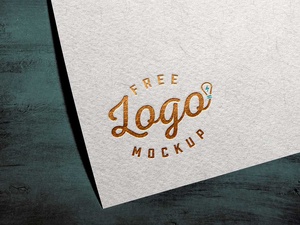
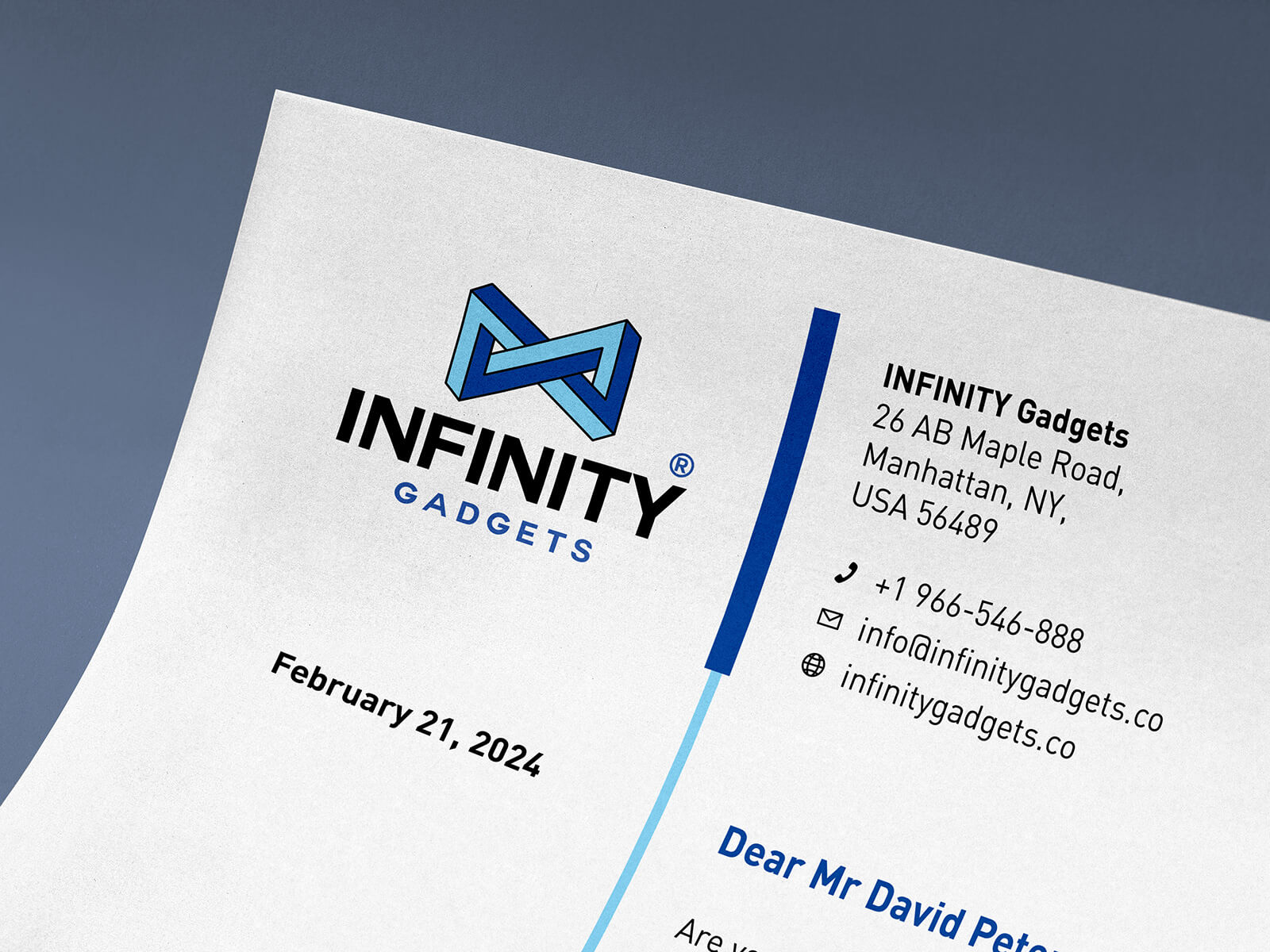
Nahaufnahme Briefpapier-Logo Mockup

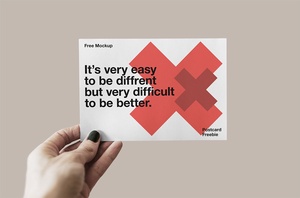
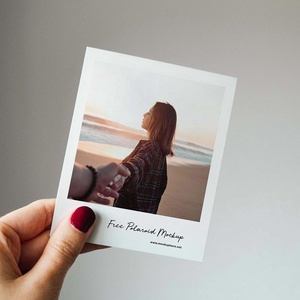
Perspective shots are highly favored for product presentations due to their ability to convey depth and spatial relationships, allowing viewers to perceive the product within a realistic context. To effectively communicate the product's size, it's crucial to include a reference point. This can be achieved by having a hand hold the product or strategically placing a familiar object, such as a mobile phone or a related item, nearby. This allows the audience to intuitively gauge the product's dimensions.
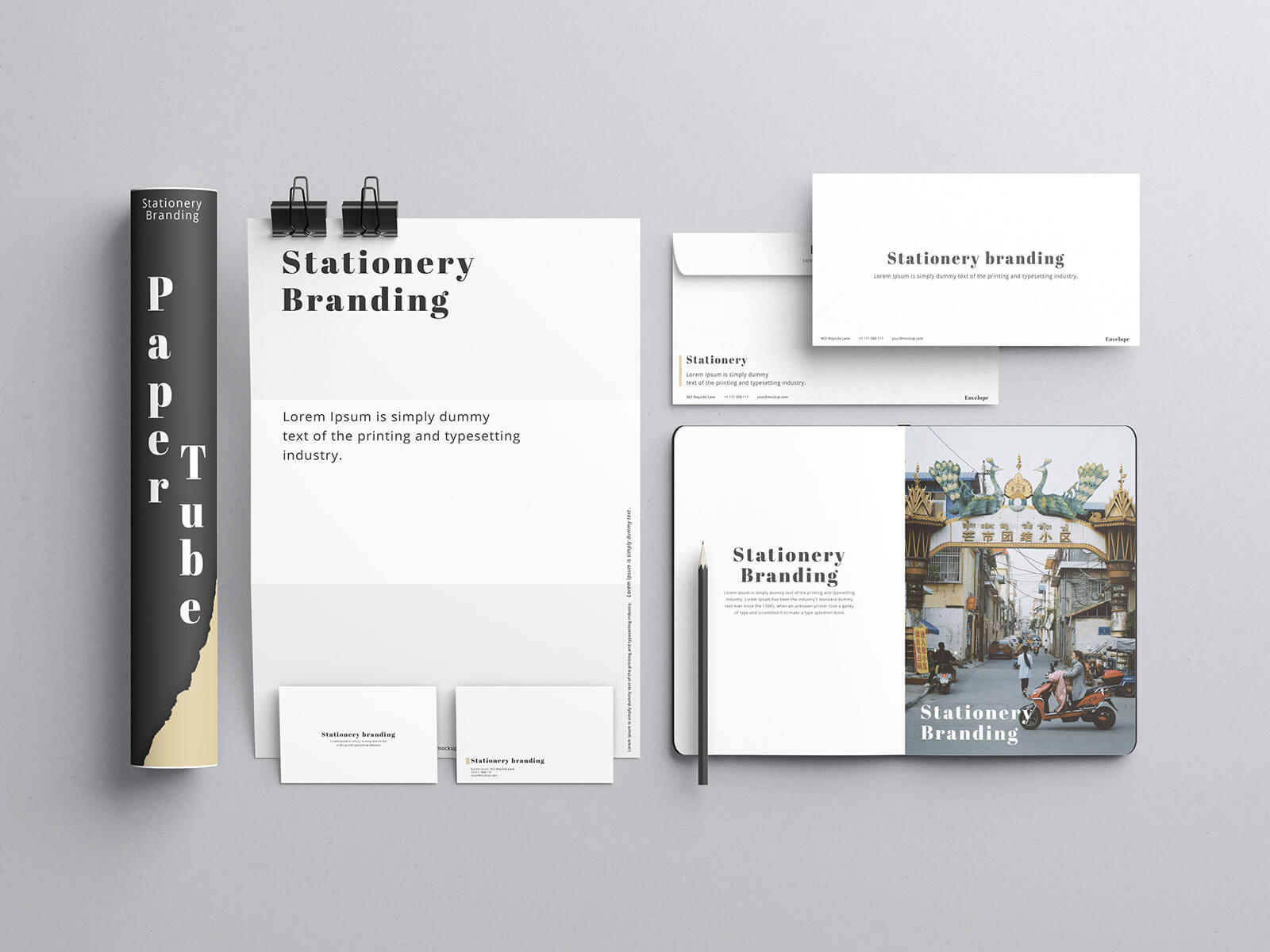
Beyond perspective shots, comprehensive product presentations often incorporate a variety of angles to provide a holistic view. Side and top angles offer valuable insights into the product's form and features from different perspectives. Furthermore, a straight-on, 0-degree angle is essential for marketing materials like advertising campaigns and poster designs, where a clear and direct representation is paramount.
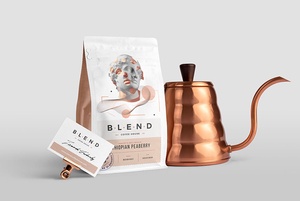
While often overlooked, close-up macro shots are incredibly valuable for showcasing intricate details, such as the texture or precision of printing and branding designs. These shots highlight the quality and craftsmanship that might be missed in wider views.
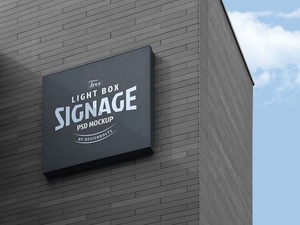
For projects that heavily rely on logo visibility, a dedicated logo mockup is an indispensable tool. By placing your logo design within a smart object in a mockup, you can achieve a realistic representation of how it will appear on the final product.
This specific logo mockup, provided by Designbolts, offers a convenient and high-quality solution.
Description:
- Available Format:& ;Layered PSD with easy smart object insertion
- License:& ;Free for both personal and commercial use
- Zip File Includes:& ;Photoshop PSD File
- Mockup Resolution:& ;4500 x 3000 px
Instructions:
- Easily integrate your design by placing it within the designated smart layer.
- This mockup requires Adobe Photoshop CS5 or later.
Download:& ;Download Logo Mockup