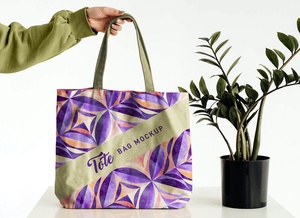
Jute Bag / Textured Paper For Branding Logo Mockup

Creating effective branding design presentations involves incorporating a variety of elements to ensure a comprehensive and impactful experience. When working with a packaging company, the primary focus should be on delivering a design solution that is both simple and flexible. This design must be scalable, easily adaptable to packaging boxes of any size, from small to large. The key is to create a design that is straightforward enough for anyone to understand, avoiding complexity that could confuse non-designers.
The brand identity should be clear and straightforward, avoiding any ambiguity that might complicate the design process or lead to issues in production, such as problems with process printing. A convoluted brand identity can also result in wasted time as designers struggle to adhere to unclear guidelines. Instead, the design process should be guided by simple, easy-to-follow steps. A practical approach might include placing a logo prominently at the center or top of the packaging. This logo should be in high resolution, allowing it to be seamlessly integrated into various products. Additionally, while maintaining consistency, each packaging should feature a unique element that reinforces the brand's identity across all products.
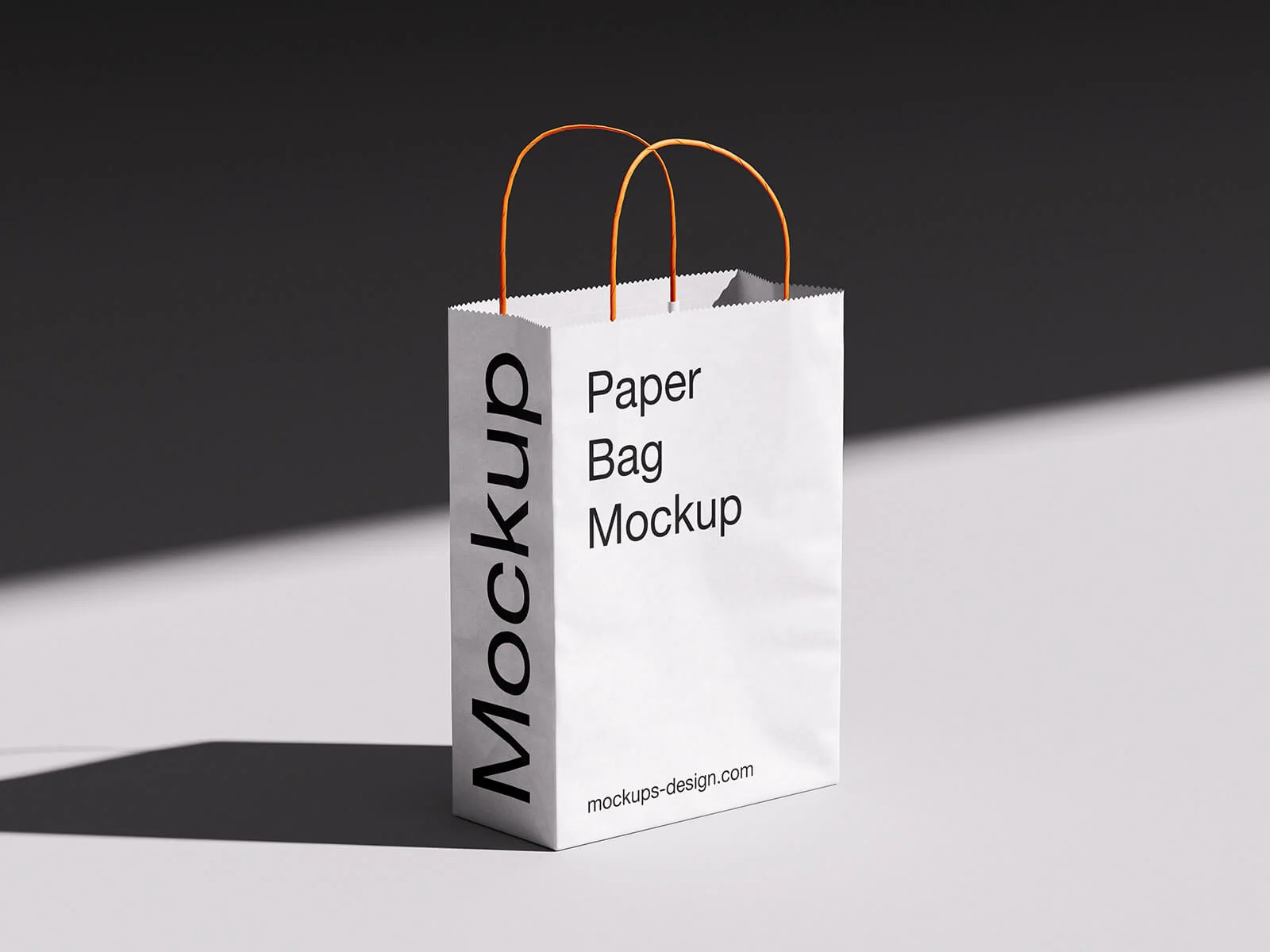
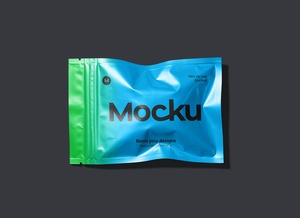
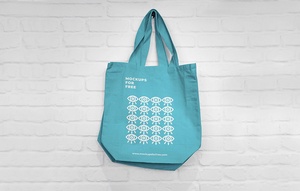
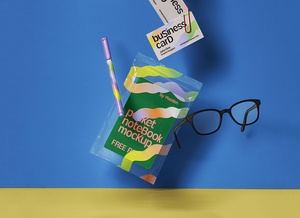
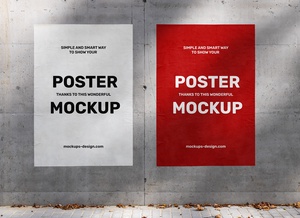
In today's post, we are excited to offer two valuable resources for your branding projects: a free jute bag logo mockup and a textured paper logo mockup. These tools are designed to help you present realistic examples of your logo designs. Here are the details of what you will find in the download:
- Available Format: Layered PSD files that support easy smart object insertion, making it simple to customize your designs.
- License: These mockups are free for both personal and commercial use, providing flexibility for various project needs.
- Zip File Includes: You will receive two Photoshop PSD files, each containing a different mockup.
- Mockup Resolution: Each mockup boasts a high resolution of 5000 x 4480 pixels, ensuring that your designs look crisp and professional.
- Instructions: To use these mockups, simply place your design using the smart layer feature. Note that you will need Adobe Photoshop CS5 or a later version to utilize these files effectively.
By downloading these two logo mockups, you can enhance your branding design presentations, providing clients with a clear and tangible vision of how their logo will appear on actual products. This not only aids in client communication but also streamlines the design process, ensuring that your branding solutions are both effective and efficient.