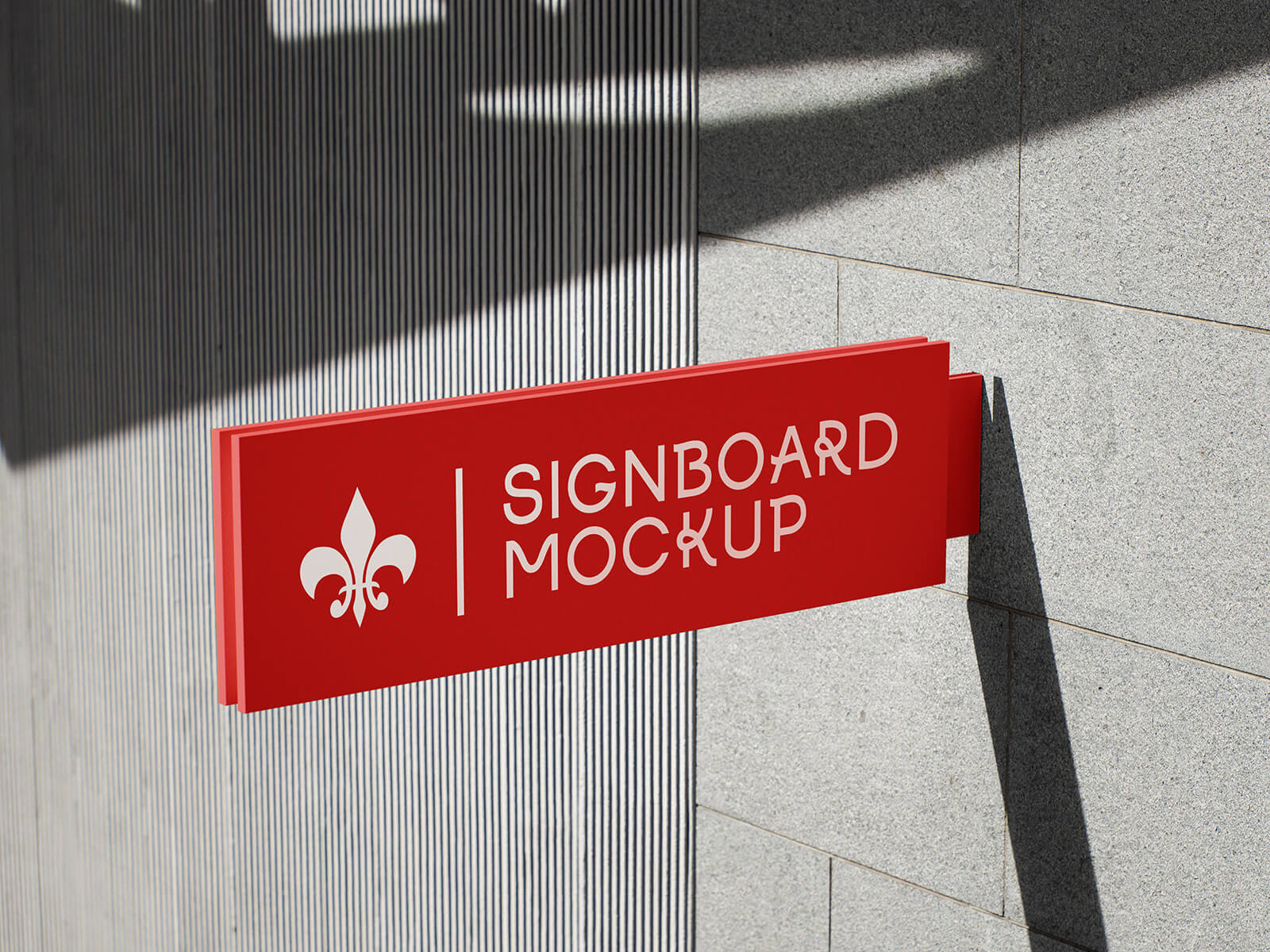
Rectangle Projecting Sign Mockup
Projecting signs are a valuable tool for businesses looking to increase visibility and attract customers. Understanding the specific sizing regulations for these signs is crucial to avoid costly fines or removal orders. This guide provides an overview of common projecting sign shapes, size limitations, and where to obtain accurate information.
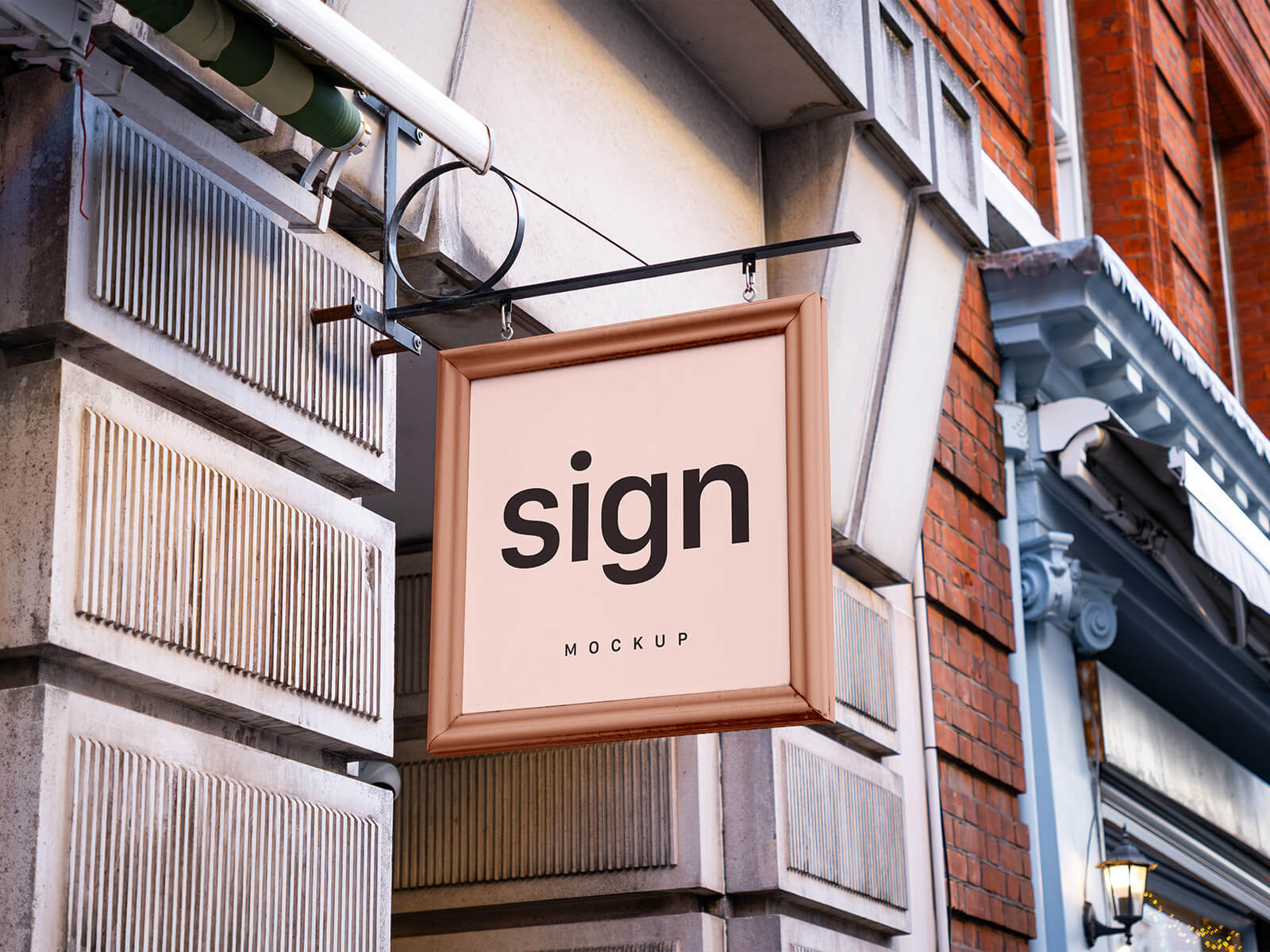
Generally, projecting signs are available in three primary shapes: square, circle, and rectangle. While these are the standard options, custom shapes may be permitted depending on local ordinances. However, the most critical consideration is the size allowance for street-projecting signs.
The definitive source for size regulations is always the municipality department of the city where the sign will be located. Contacting the local planning companies or building departments is also a wise step to ensure compliance. These entities can provide precise measurements and requirements specific to your location and sign type.
As a general guideline, projecting signs mounted perpendicular to a building's facade typically should not extend more than 3 feet outward. While this is a common regulation, particularly for commercial signs in market buildings, it's essential to confirm with local authorities. Height restrictions also exist; though a typical limit is 6 feet, it's not uncommon to see taller signs approved depending on the specific circumstances and location. Always prioritize official information over general observations.
Wall and fascia signs, those mounted directly on the building's face, often have depth limitations. Generally, these signs should not exceed 18 inches in depth.
Canopy and marquee signs are subject to a completely different set of rules. Given the potential for obstruction and public safety concerns, these sign types require stringent adherence to regulations. Always consult the development authorities and obtain necessary permits before making any decisions regarding canopy or marquee sign design or installation. Ignorance of these regulations can lead to significant delays and expenses.
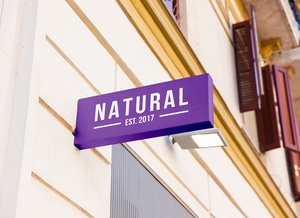
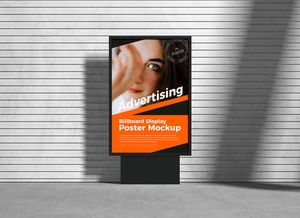
To aid in visualizing your signage, we are offering a free rectangle projecting sign mockup set in PSD format. This resource allows you to easily place your artwork onto a smart object layer within the Photoshop file, providing a realistic preview of the final product. This is a fantastic tool for presenting your design ideas to clients or stakeholders.
Here's a summary of the mockup details:
- Available Format: Layered PSD files with easy smart object insertion.
- License: Free for both personal and commercial use.
- Zip File Includes: 2 Photoshop PSD Files.
- Mockup Resolution: 4000 x 3000 pixels.
Instructions for Use:
- Open the PSD file in Adobe Photoshop CS5 or later.
- Locate the smart object layer.
- Place your artwork onto the smart object layer.
- Save the smart object.
- The mockup will automatically update with your design.
Remember to always prioritize obtaining accurate sizing information and permits from your local authorities before manufacturing or installing any projecting sign. This will ensure compliance with regulations and prevent potential issues down the line. This mockup is intended for visualization and presentation purposes only.