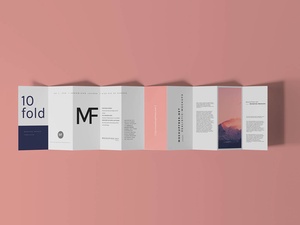
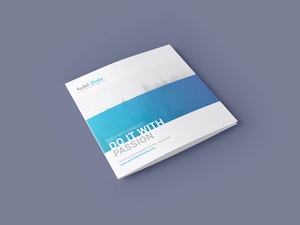
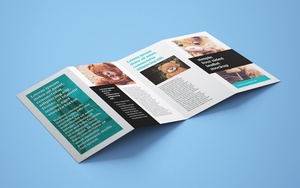
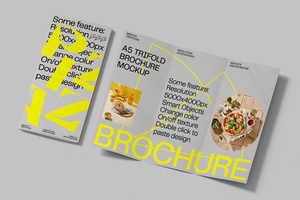
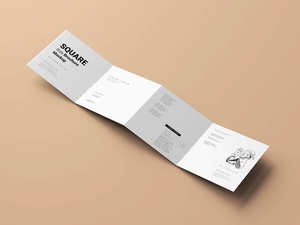
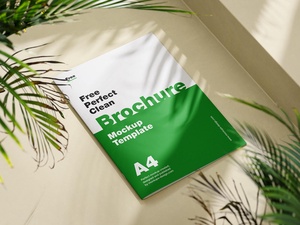
A5 Single / Half-Fold Brochure Mockup

While we have previously touched upon the nuances of marketing collateral, it is essential to revisit the distinct characteristics that separate a flyer from a brochure, as these terms are often used interchangeably despite their functional differences.
A flyer is defined by its simplicity and flat construction. Devoid of any folds, flyers are designed for high-volume distribution and immediate impact. They are the go-to choice for street handouts or for being pinned to community bulletin boards. Typically produced in standard dimensions such as A4, A5, or the slim DL size, their primary objective is to convey a singular, concise message—whether that is promoting a specific product, announcing a significant discount, or raising public awareness for a cause.
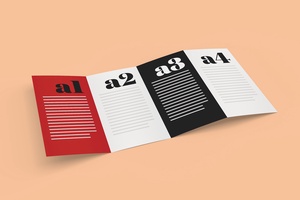
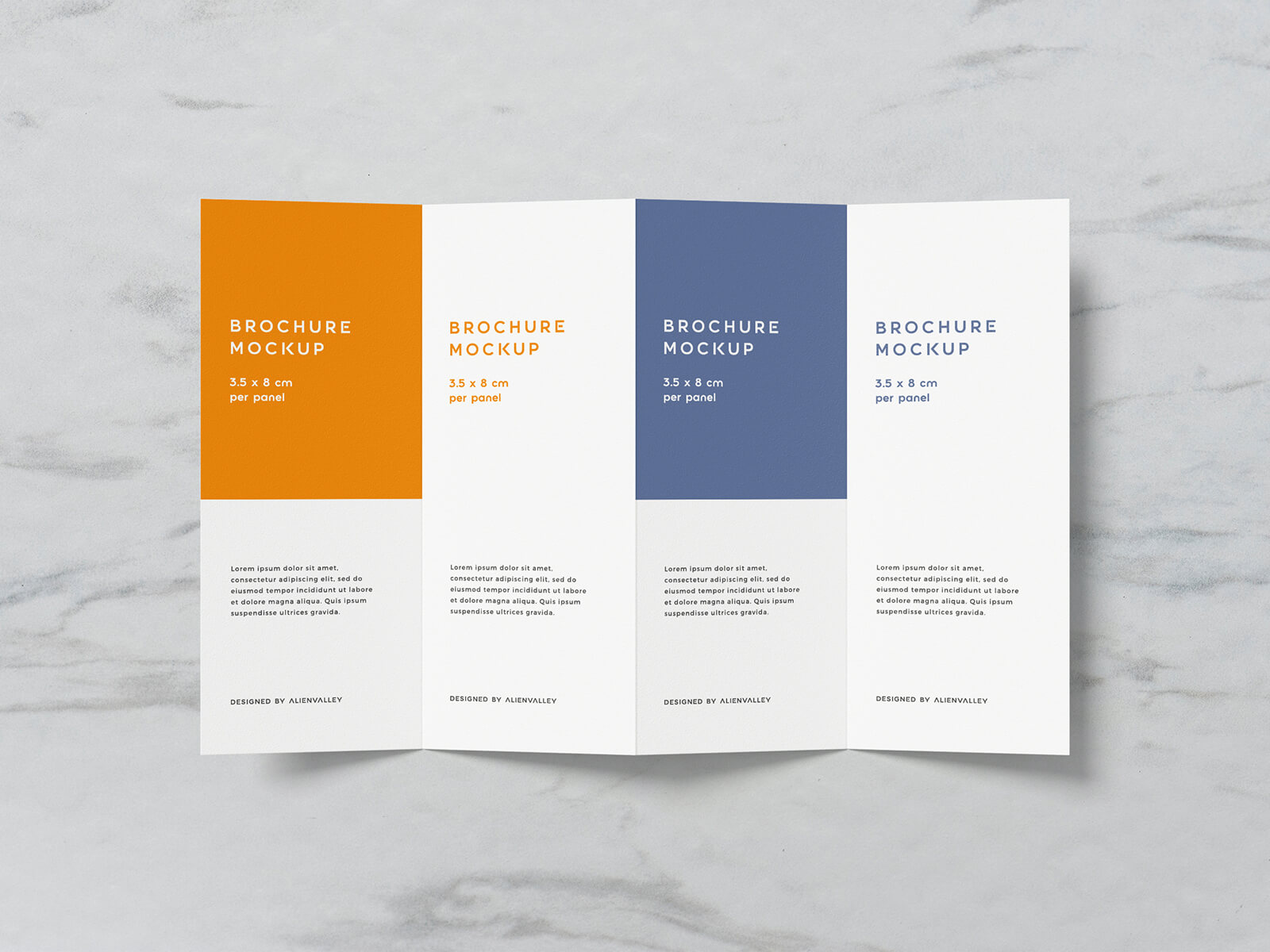
Conversely, a brochure is a more sophisticated, multi-panel document. The hallmark of a brochure is its folding technique; a single sheet of paper or cardstock is transformed into multiple divisions through various folding styles, such as bi-fold, tri-fold, accordion fold, or even complex 10-fold designs. While the term "pamphlet" is frequently used as a synonym, it is important to distinguish brochures from booklets or magazines. If a document consists of multiple pages bound together by staples or glue, it is technically a booklet, not a brochure. Maintaining this distinction is crucial when developing professional brand profiles or high-end promotional materials.
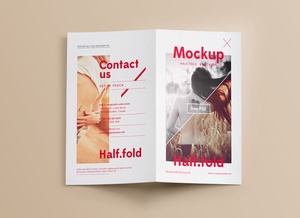
To assist you in bringing your creative visions to life, we are pleased to share a premium A5 single/half-fold brochure mockup set. These Photoshop-based mockups allow you to visualize your artwork in a tangible environment, providing a realistic preview of how your design will look once printed. By utilizing the smart object layers, you can effortlessly integrate your designs and achieve a high-fidelity result for your portfolio or client presentations.
Mockup Description & Technical Details:
Enhance your presentation with this high-resolution mockup set, designed to showcase your layouts with professional precision.
- Available Format: Layered PSD with smart object insertion for seamless editing.
- License: Completely free for both personal and commercial projects.
- Package Contents: A comprehensive Zip file containing 3 high-quality Photoshop PSD files.
- Resolution: Ultra-clear 4000 x 3000 px for crisp detailing.
Usage Instructions:
- Open the PSD file and locate the smart object layers designated for your design.
- Double-click the smart layer, paste your artwork, and save to see it automatically wrap onto the brochure.
- Software Requirement: Compatible with Adobe Photoshop CS5 or any higher version.