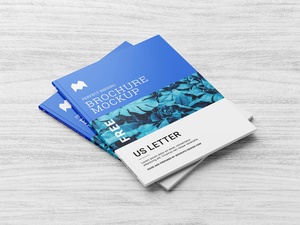
US Letter Size Multipage Brochure / Book / Magazine Mockup
The shift from paper-based media to digital formats is undeniable and accelerating. Digital books, magazines, brochures, and even newspapers are rapidly replacing their printed counterparts. The convenience of accessing news and information online, through dedicated websites and personalized subscriptions, is a major driver of this change. Many individuals now receive daily updates on topics of interest, enjoying the ease and environmental benefits of a paperless existence. News websites, in particular, offer immediate access to current events, eliminating the need for physical newspapers. Furthermore, online magazine subscriptions allow for targeted content delivery and instant access to new articles.
However, despite this digital surge, printed materials retain a significant presence. Brochures, books, magazines, flyers, and pamphlets continue to serve vital functions, particularly in providing tangible information and guidance to consumers. The tactile experience and the ability to readily convey complex information without the need for electronic devices still make them valuable marketing and informational tools. There's no perfect digital substitute for the immediate impact of a well-designed brochure, for example, especially when dealing with less tech-savvy audiences.
Looking towards the future, foldable screens hold the potential to replace paper entirely. The vision is for these flexible displays to become as affordable and accessible as paper is today, fundamentally altering how we consume information and interact with media.
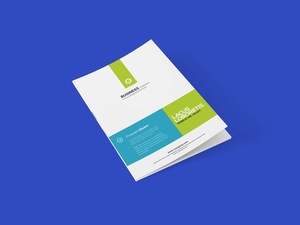
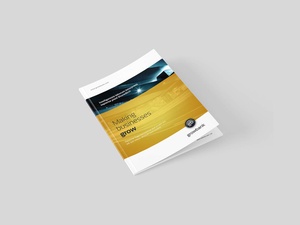
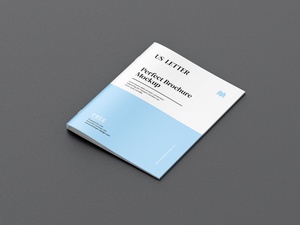
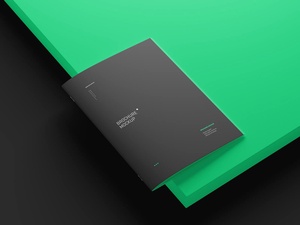
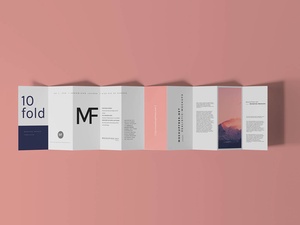
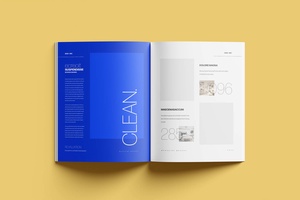
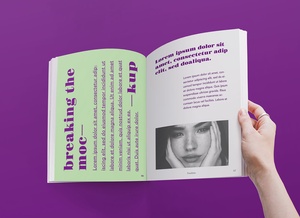
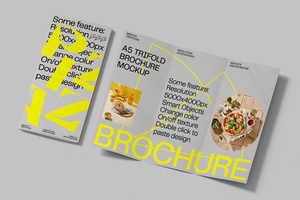
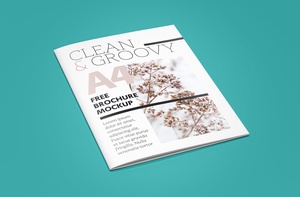
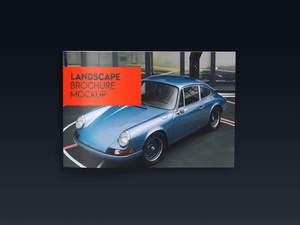
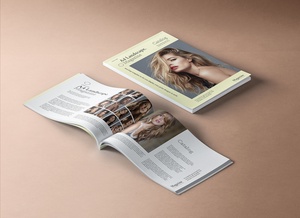
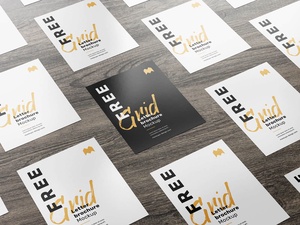
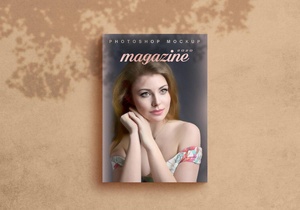
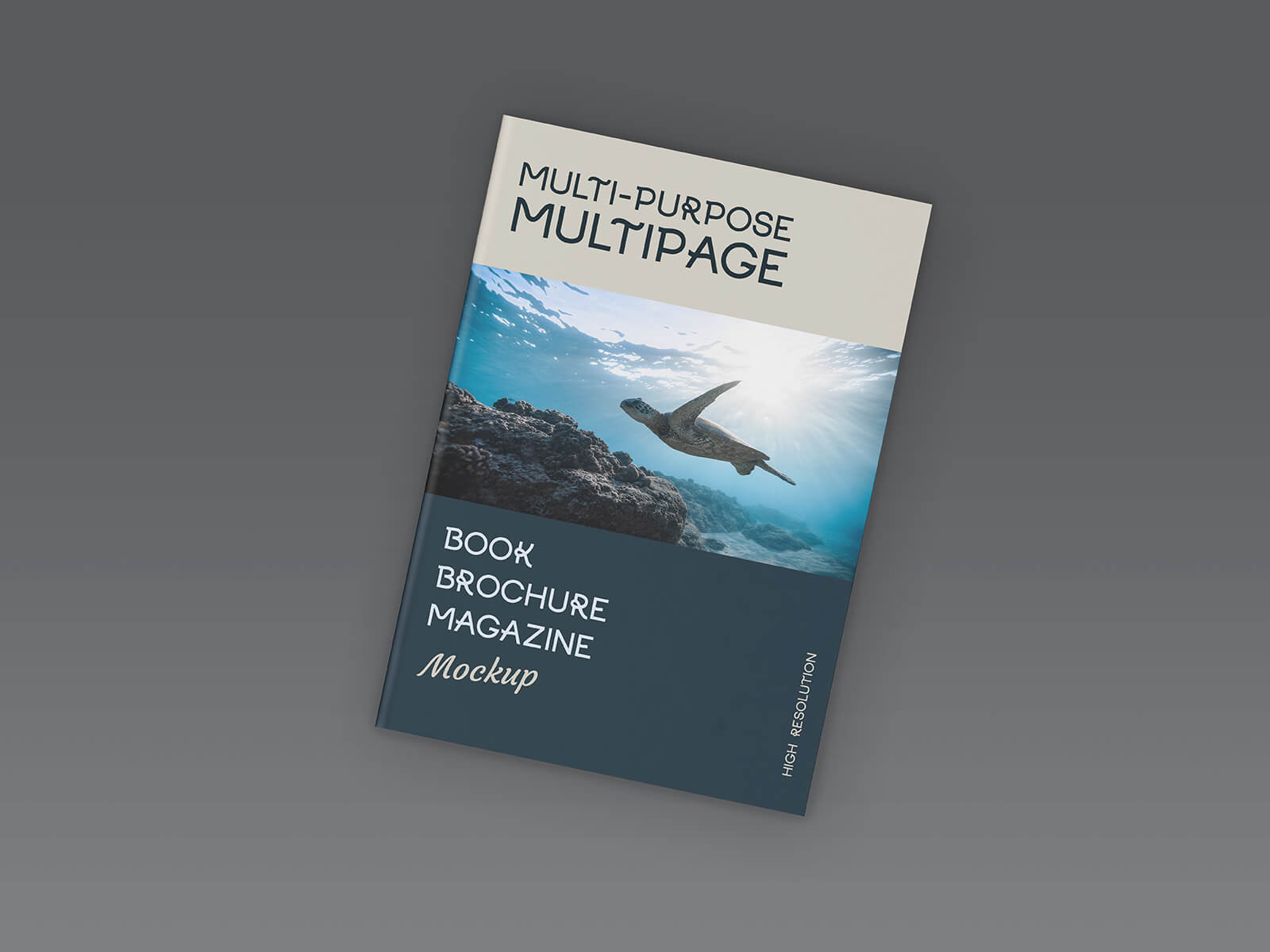
This free, high-resolution (5000 x 5000 px) multi-page brochure mockup set, provided in layered PSD format for easy customization via smart objects, offers designers a valuable tool for showcasing their work. Compatible with Adobe Photoshop CS5 and above, this resource allows for effortless insertion of designs and modification of the background color. The set includes three Photoshop PSD files and is available for commercial use. Simply place your design onto the smart objects within Photoshop to create a realistic and professional presentation of your brochures, books, or booklets. Download the multi-page brochure mockup set now and elevate your design presentations.