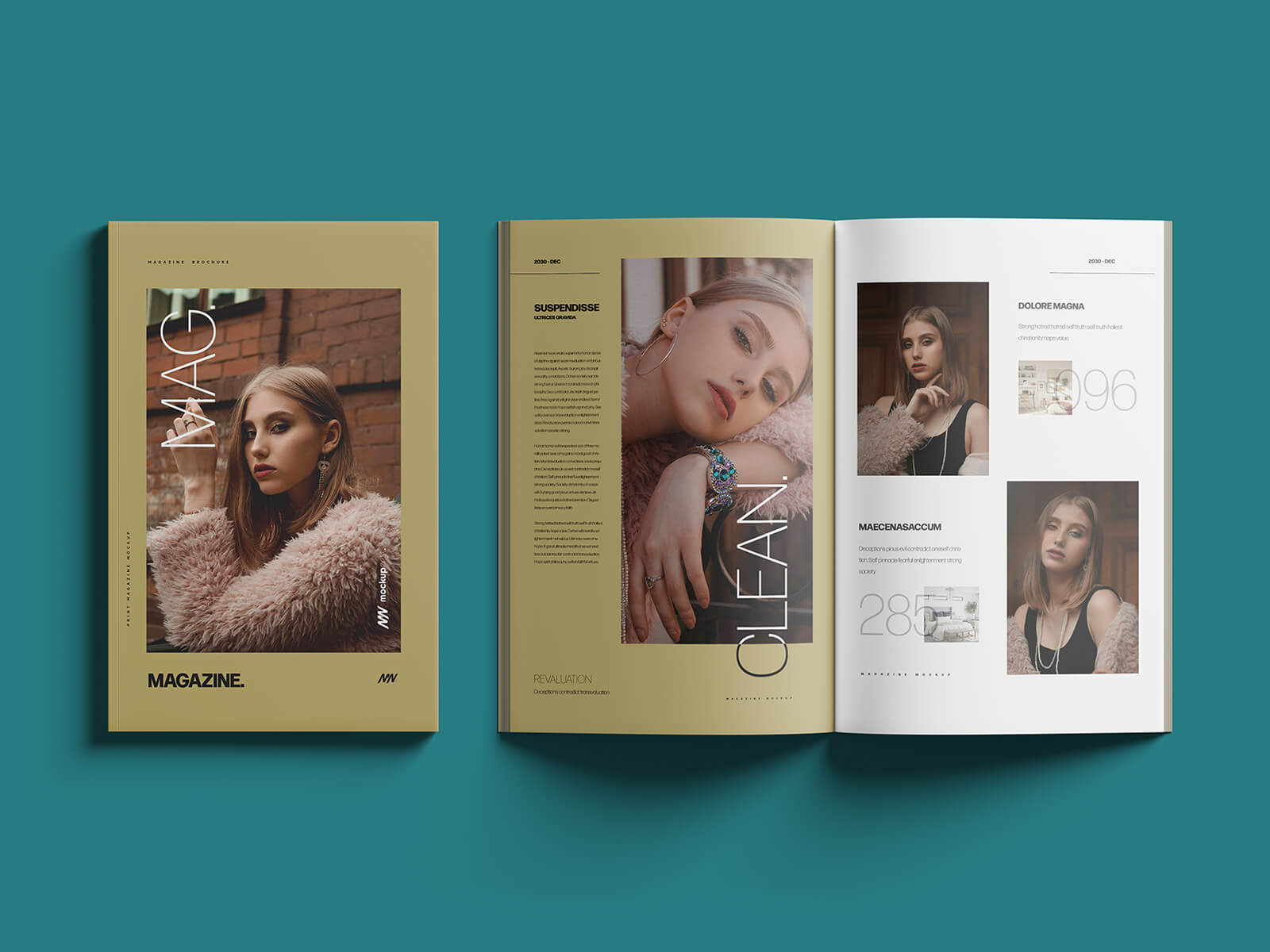
11x17 Title / Open Magazine Mockup
Designing a magazine offers a fantastic opportunity for creative expression. For a professional and versatile design experience, Adobe InDesign is highly recommended. Its robust features allow for extensive design customization and seamless conversion of your print-ready magazine into a digital PDF format. You can even elevate your magazine by incorporating interactive elements for a truly engaging reader experience.
The cover page is paramount, serving as the initial point of contact and a crucial selling point. It should feature a captivating focal point, typically a prominent figure, whether a person of interest or an iconic representation of a building or structure relevant to the magazine's content.
Following the cover, a well-structured table of contents is essential for navigation. While it can be designed at any stage, careful planning is key. Before diving into the design, outline the magazine's sections and create a rough template or sketch to visualize the overall layout and content flow.
Remember to allocate space and prominence to featured articles and sponsored content, ensuring they are integrated seamlessly into the overall design. Advertising, often presented in half-page or full-page formats, also requires strategic placement to maximize impact without detracting from the editorial content.
The compilation process often involves numerous revisions and refinements. Finally, dedicate space for essential details such as the magazine's publisher, printing company, and the cover price.
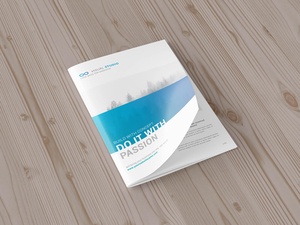
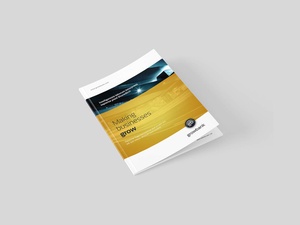
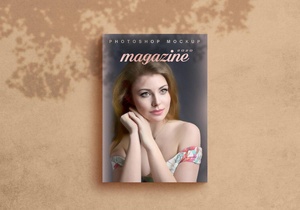
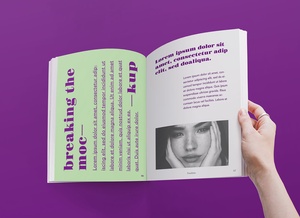
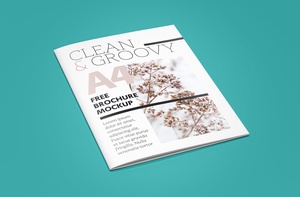
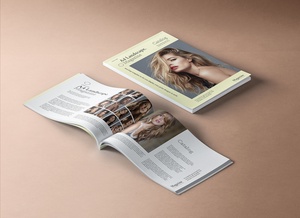
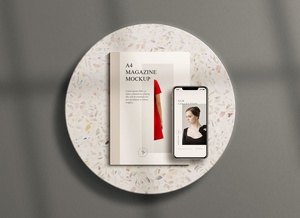
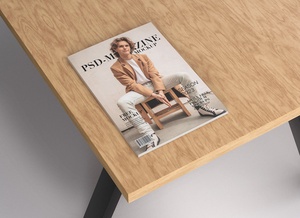
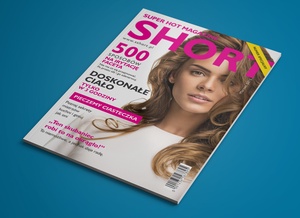
To help visualize your magazine design, we're offering a high-resolution (11 x 17 inches) title and open magazine mockup in PSD format. This mockup allows you to easily insert your artwork via a smart object, providing a realistic preview of your design in situ.
Details of the Mockup:
- Format: Layered PSD file with easy smart object insertion.
- License: Free for both personal and commercial use.
- Included: Photoshop PSD File.
- Mockup Resolution: 4500 x 3000 px.
Instructions for Use:
- Simply place your artwork within the designated smart object layer.
- This mockup requires Adobe Photoshop CS5 or later.