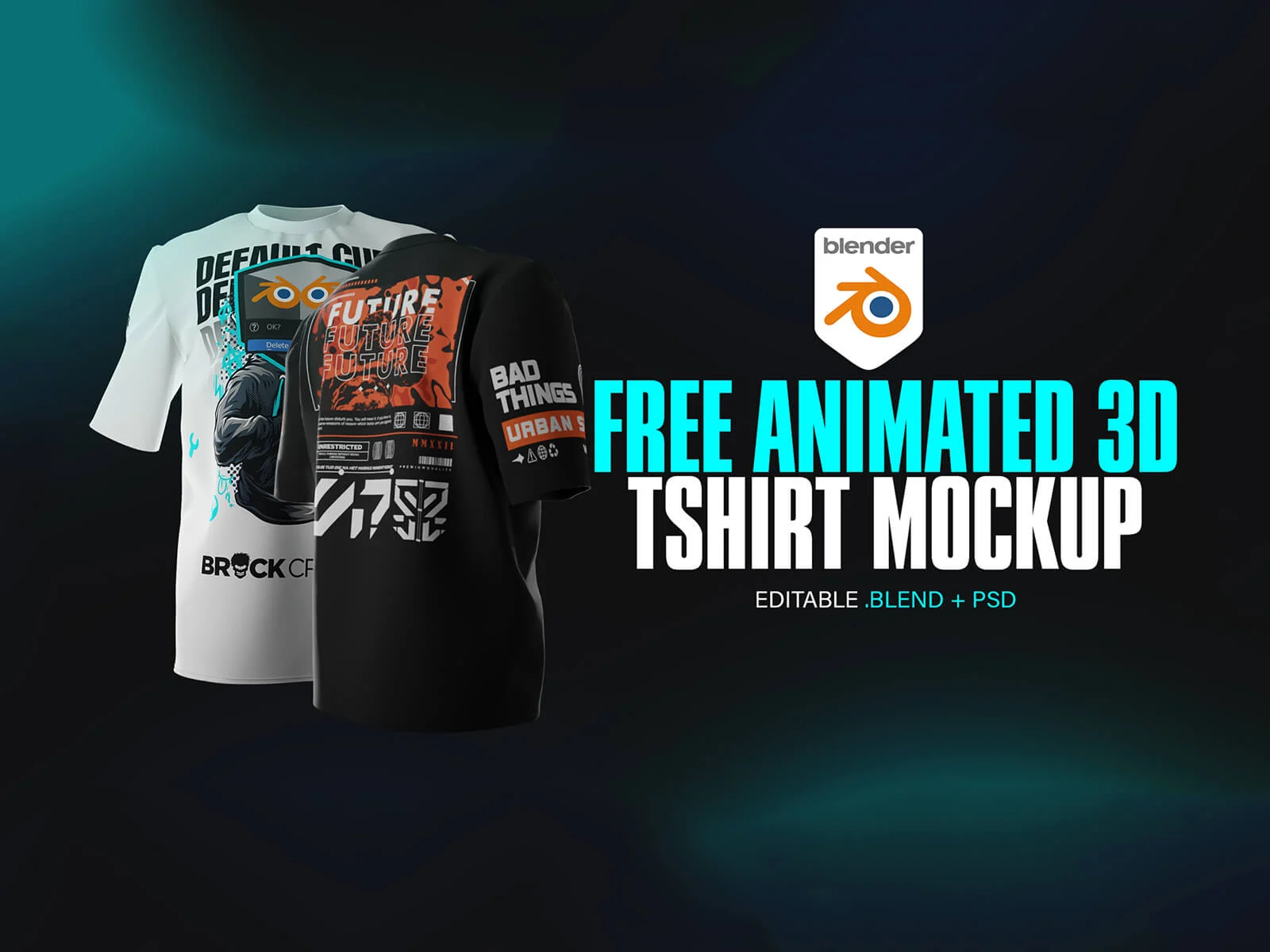
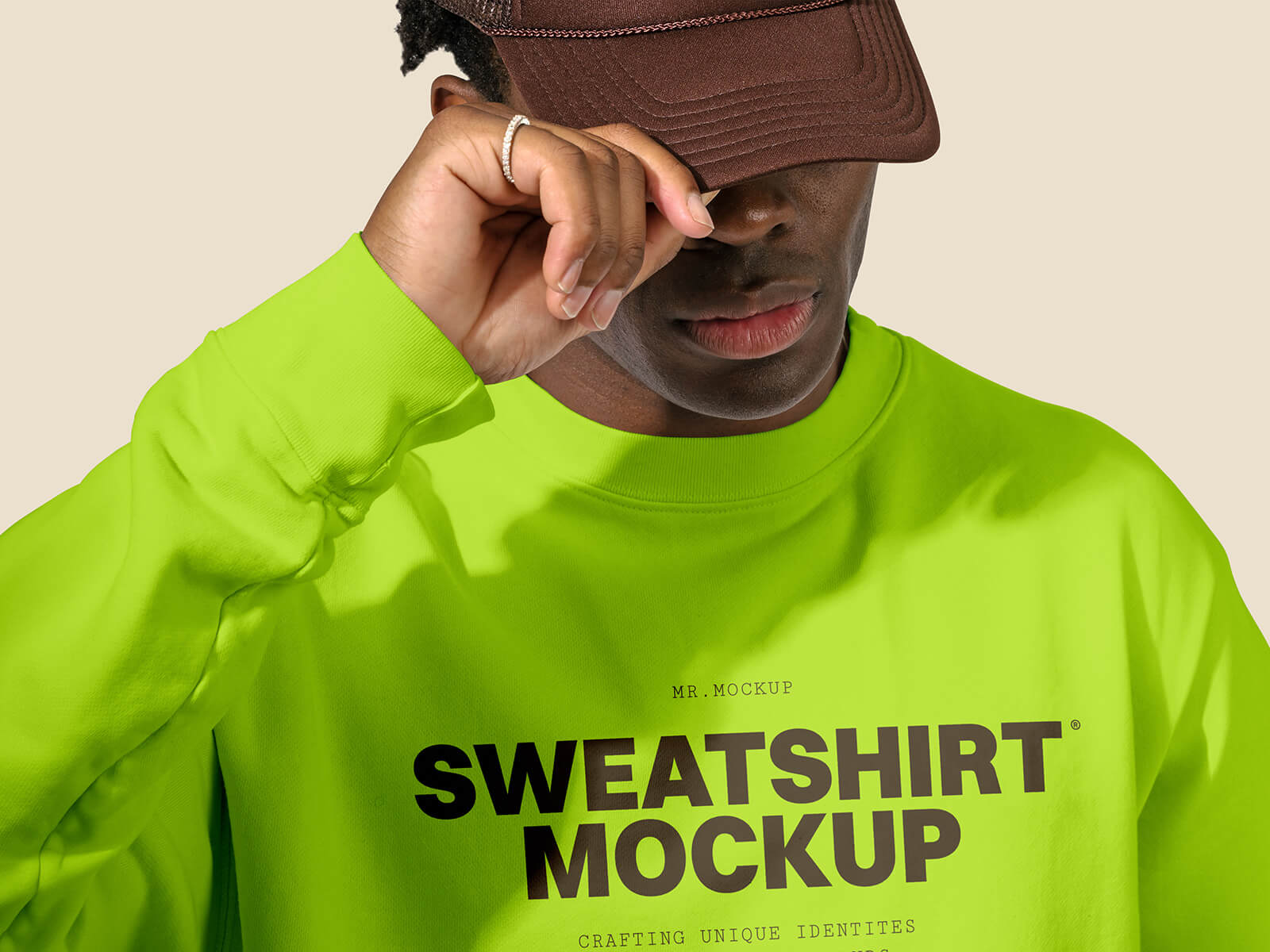
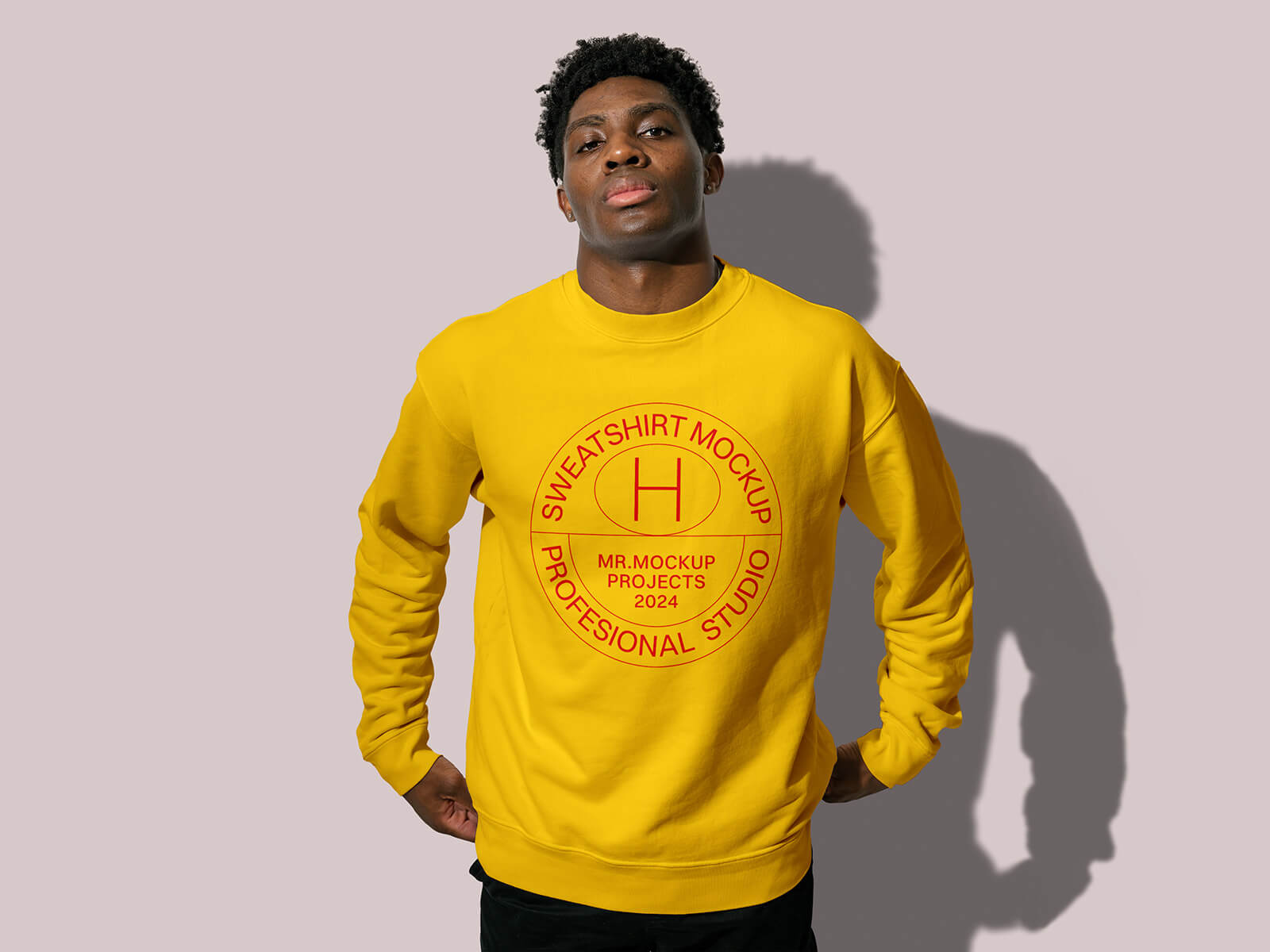
3D Animated Blender Walking Sweatshirt Mockup
Periodically, we take the opportunity to showcase the immense power of animated mockups created within Blender. While many digital artists and graphic designers remain focused on traditional 2D tools, a significant portion is unaware that Blender offers a robust, professional-grade suite of 3D tools completely free of charge. Unlike many industry-standard software packages that demand hefty monthly subscriptions, Blender is open-source, granting you a lifetime of creative freedom without any financial burden. This represents a massive strategic advantage for designers, as it eliminates overhead costs while providing access to an ever-growing library of community-driven resources.
Incorporating motion into your workflow is no longer just an option—it is a competitive necessity. Statistics indicate that animated mockups increase the likelihood of client design approval by up to 40%. This is because dynamic presentations offer a more accurate, tactile, and interactive representation of the final product. As 3D technology becomes a genuine game-changer in the industry, every 2D designer should consider expanding their toolkit to include Blender for high-end renders and sophisticated animations.
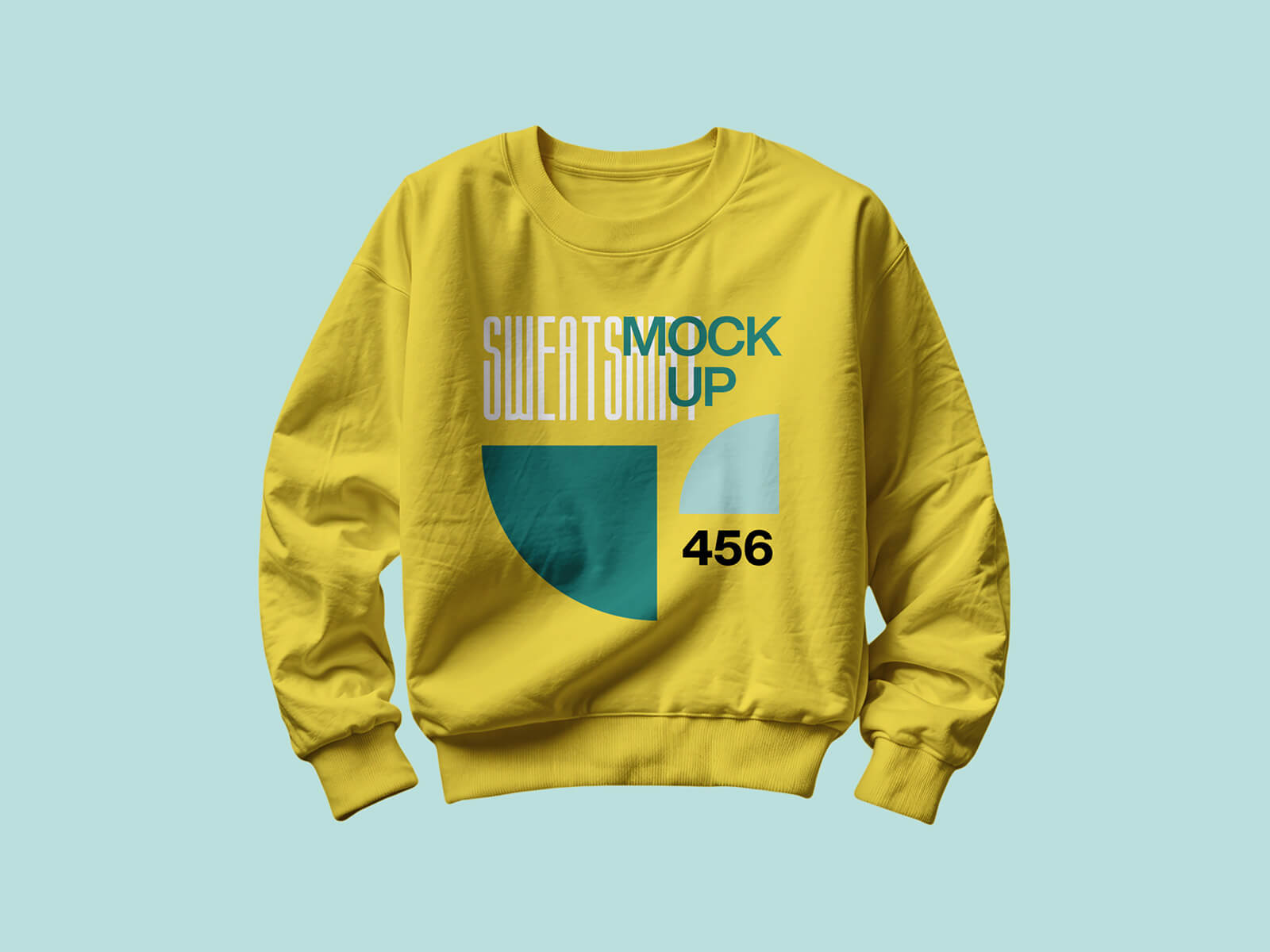
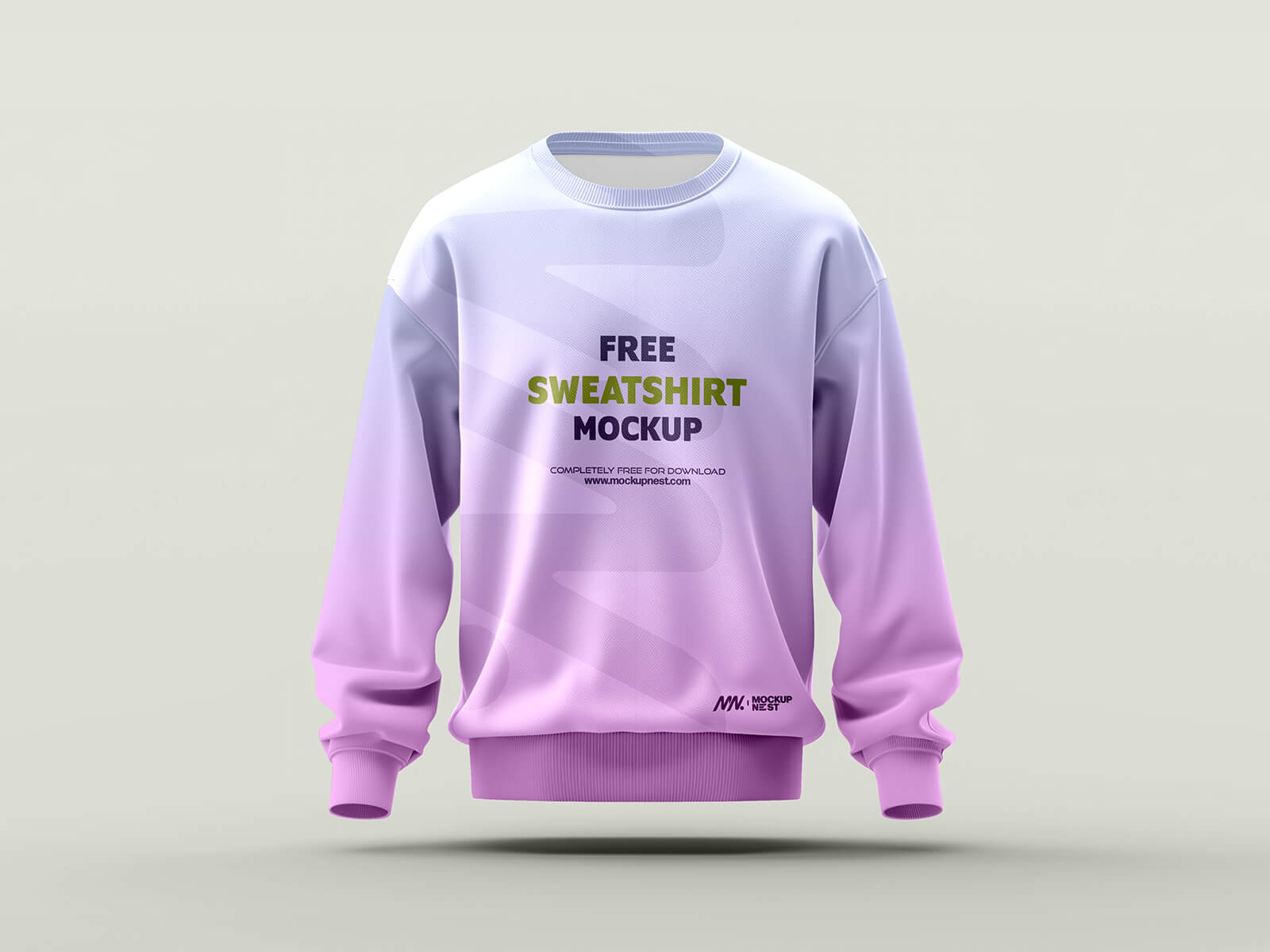
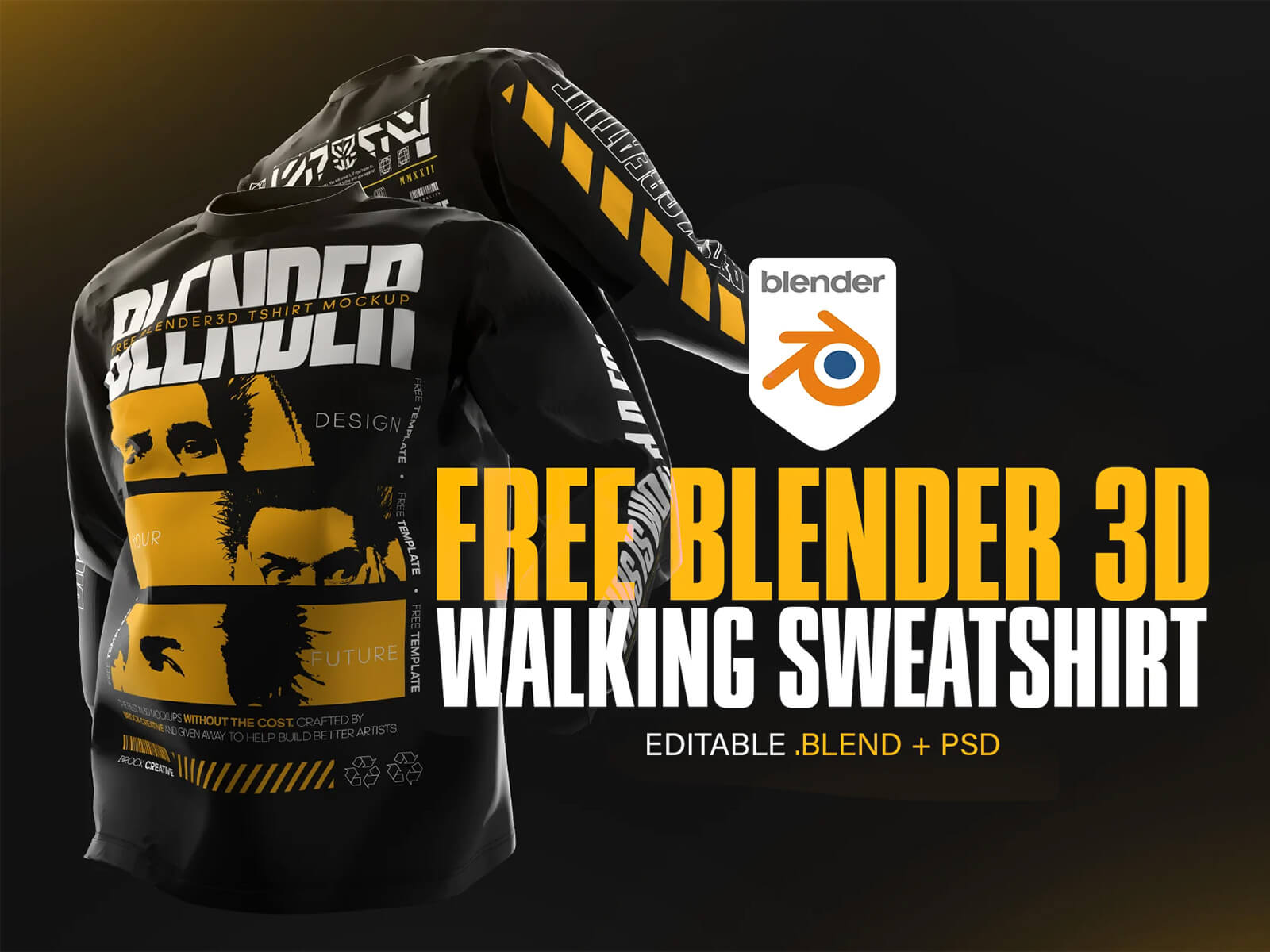
Today, we are excited to share a professional-grade 3D animated walking sweatshirt mockup for Blender. This asset allows you to present apparel designs in a realistic, moving environment that captures attention instantly.
Resource Details: * Available Format: .blend (Blender Source) * License: Free for both personal and commercial projects. * Package Includes: Original .blend file and customizable PSD templates.
Step-by-Step Instructions: 1. Download and Prepare: Download the provided zip file and extract the contents to your workspace. 2. Apply Your Design: Open the included Photoshop template to place your artwork. You can easily modify the base color of the sweatshirt by adjusting the background layers within the PSD. 3. Alternative Tools: If you do not have access to Adobe Photoshop, you can use Photopea—a powerful, free web-based alternative that functions identically for these templates. 4. The Magic of 3D: Once your design is ready, open the Blender file. Simply update the base material with your new texture, select your desired animation path, and let the software handle the rest. 5. Final Export: Execute the render to produce a high-quality, animated showcase of your design.
Software Requirements: Blender + Photoshop CC (or Photopea).