Beige Surroundings MacBook Mockups
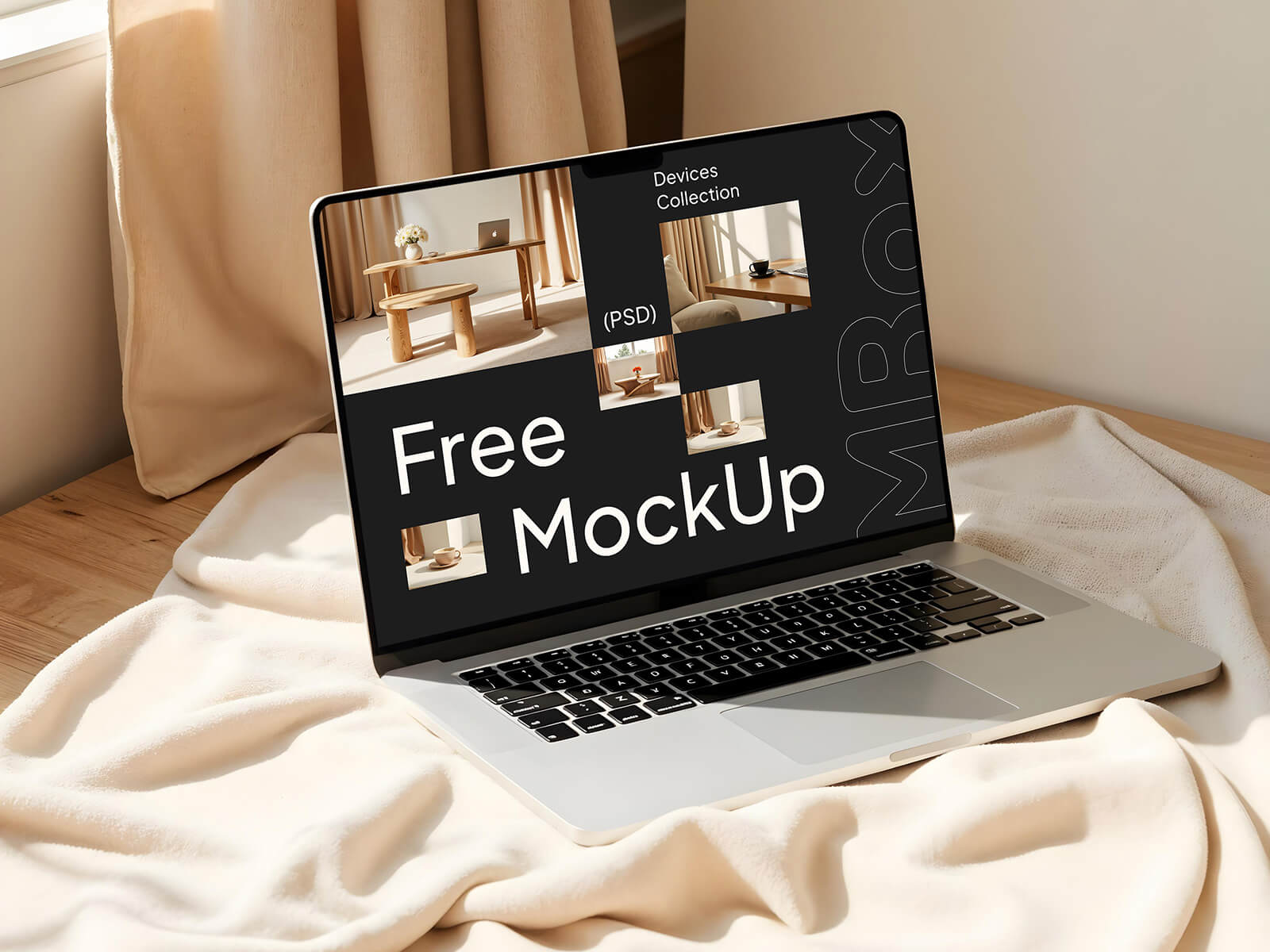
In my experience as a designer, the strategic use of grey has been invaluable. Its inherent neutrality serves a crucial purpose: to allow the viewer's eye to naturally settle and remain focused on the primary object or product being highlighted. Both grey and white excel at creating essential negative space. Mastering the balance of this negative space is fundamental to crafting designs that effectively guide attention and establish clear focal points.
Often, supporting elements like subtly 'flying' or decoratively arranged objects are incorporated around a product. While adding visual richness and enhancing the overall composition, their true genius lies in their ability to subtly direct and anchor the viewer's gaze, reinforcing the main subject – the hallmark of exceptional design.
When aiming for a distinctly neutral yet inherently relaxing aesthetic, beige emerges as the ideal choice. This color effortlessly imbues a design with simplicity and an understated sophistication. Beige is the epitome of minimalistic luxury, conveying a sense of calm elegance.
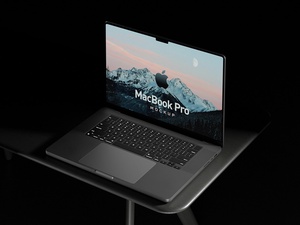
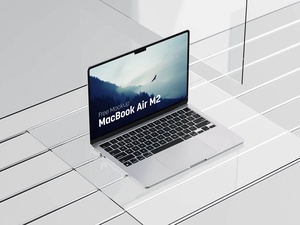
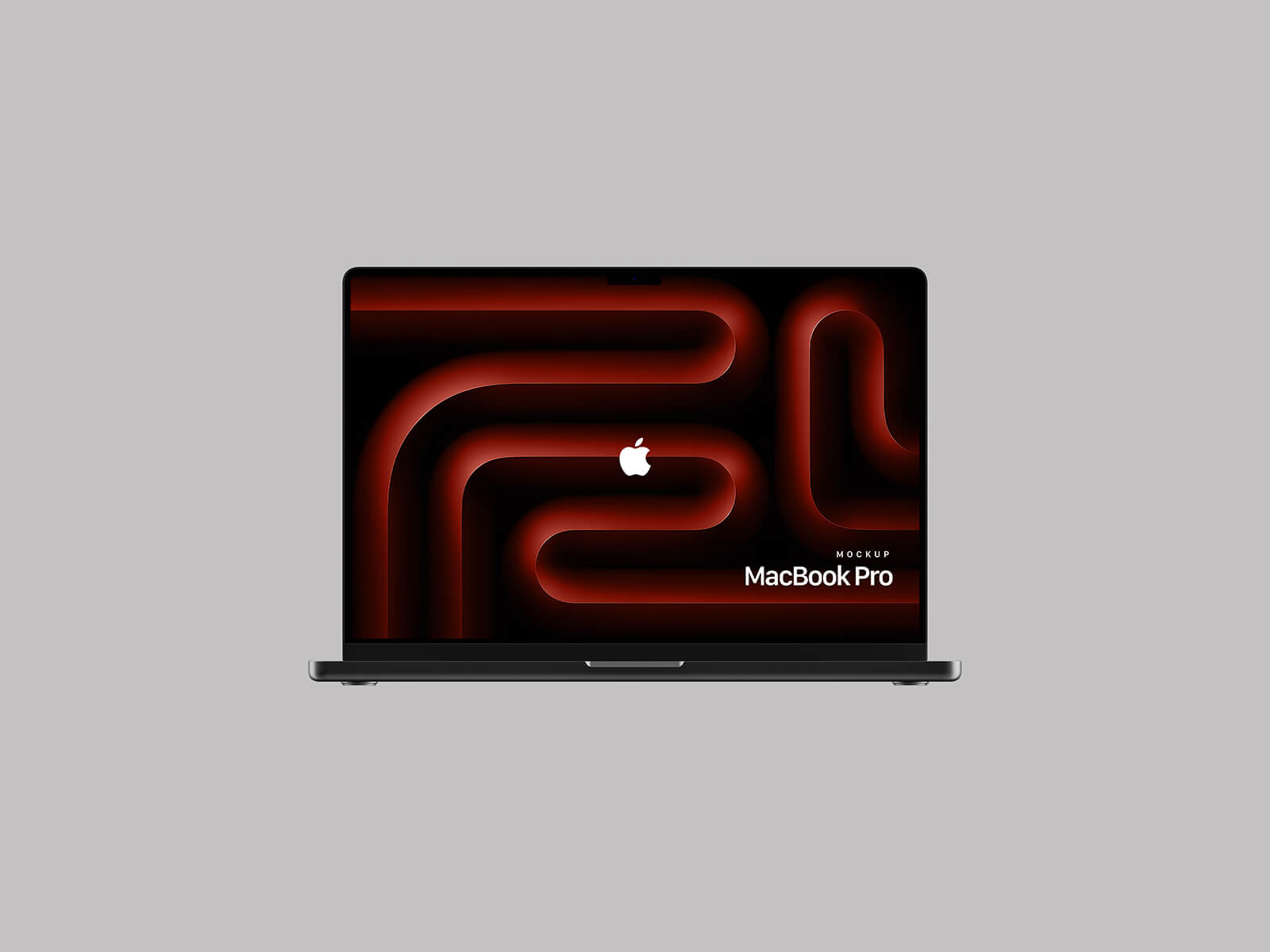
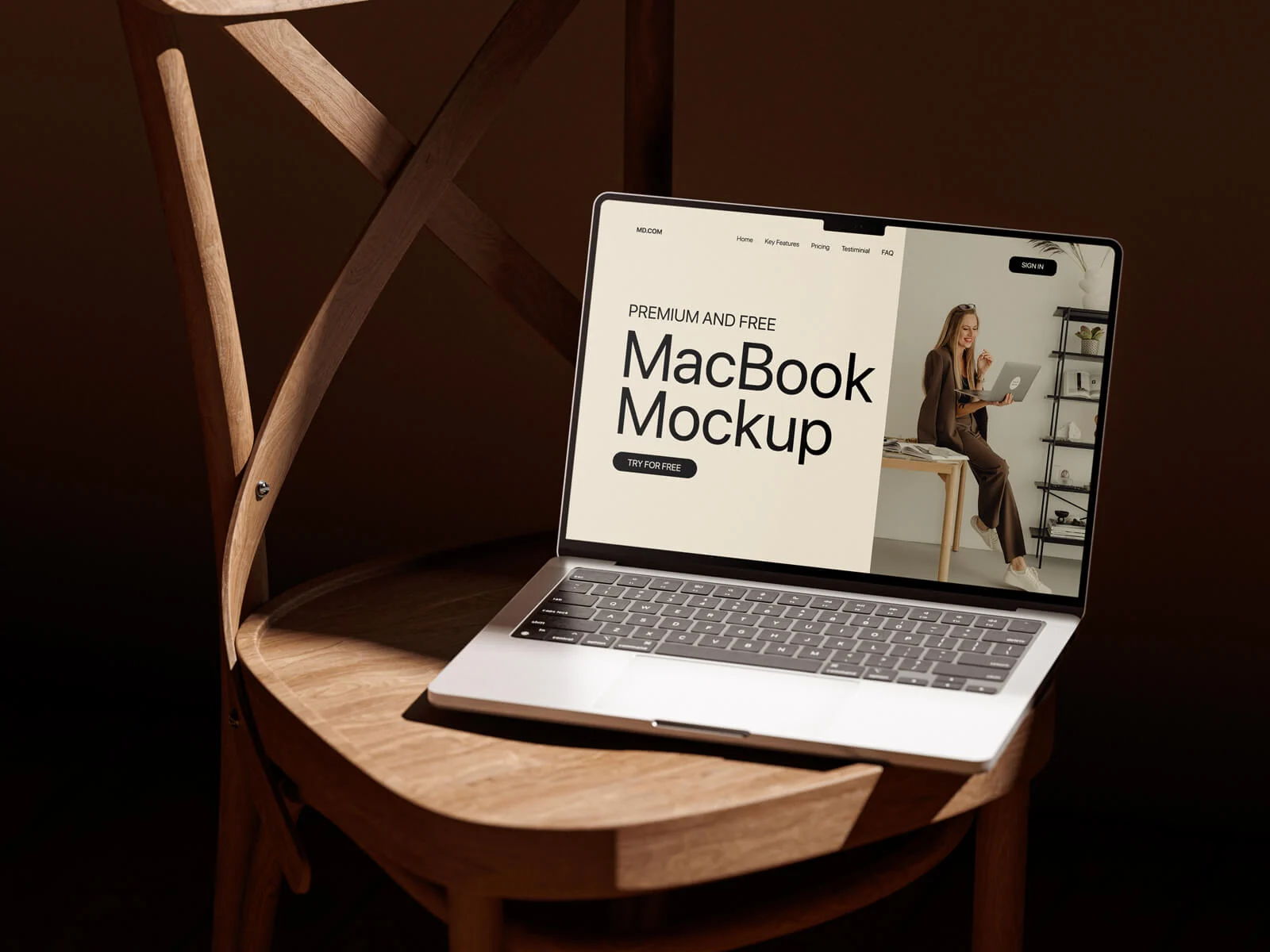
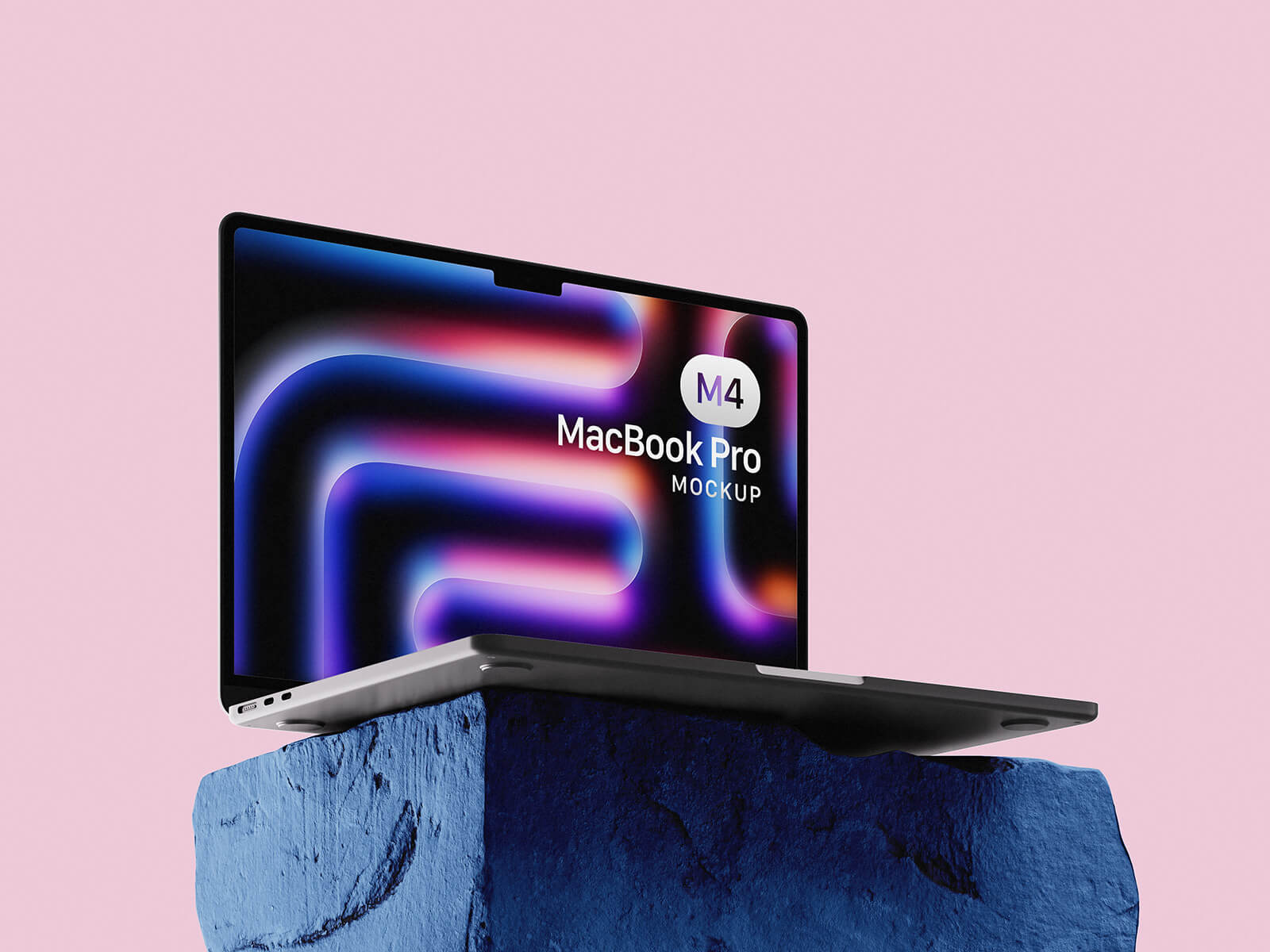
It is with this philosophy in mind that we are delighted to present a premium MacBook mockup, featuring a chic beige surroundings. Delivered in PSD format, this resource allows you to effortlessly showcase your artwork. Simply place your design onto the designated smart object, and watch your vision come to life in moments.
Key Features & Usage:
- Format: Layered PSD files, easily customizable via smart object insertion.
- License: Completely free for both personal and commercial projects.
- Included: This package contains 2 distinct Photoshop PSD Files.
- Resolution: High-quality output at 4096 x 2800 px, ensuring crisp details.
- Instructions:
- Open the desired PSD file in Adobe Photoshop (CS5 or a newer version).
- Locate and double-click the smart object layer.
- Place your design within the smart object window and save. Your polished MacBook presentation is now complete!