Building Storefront Outdoor Poster Mockup
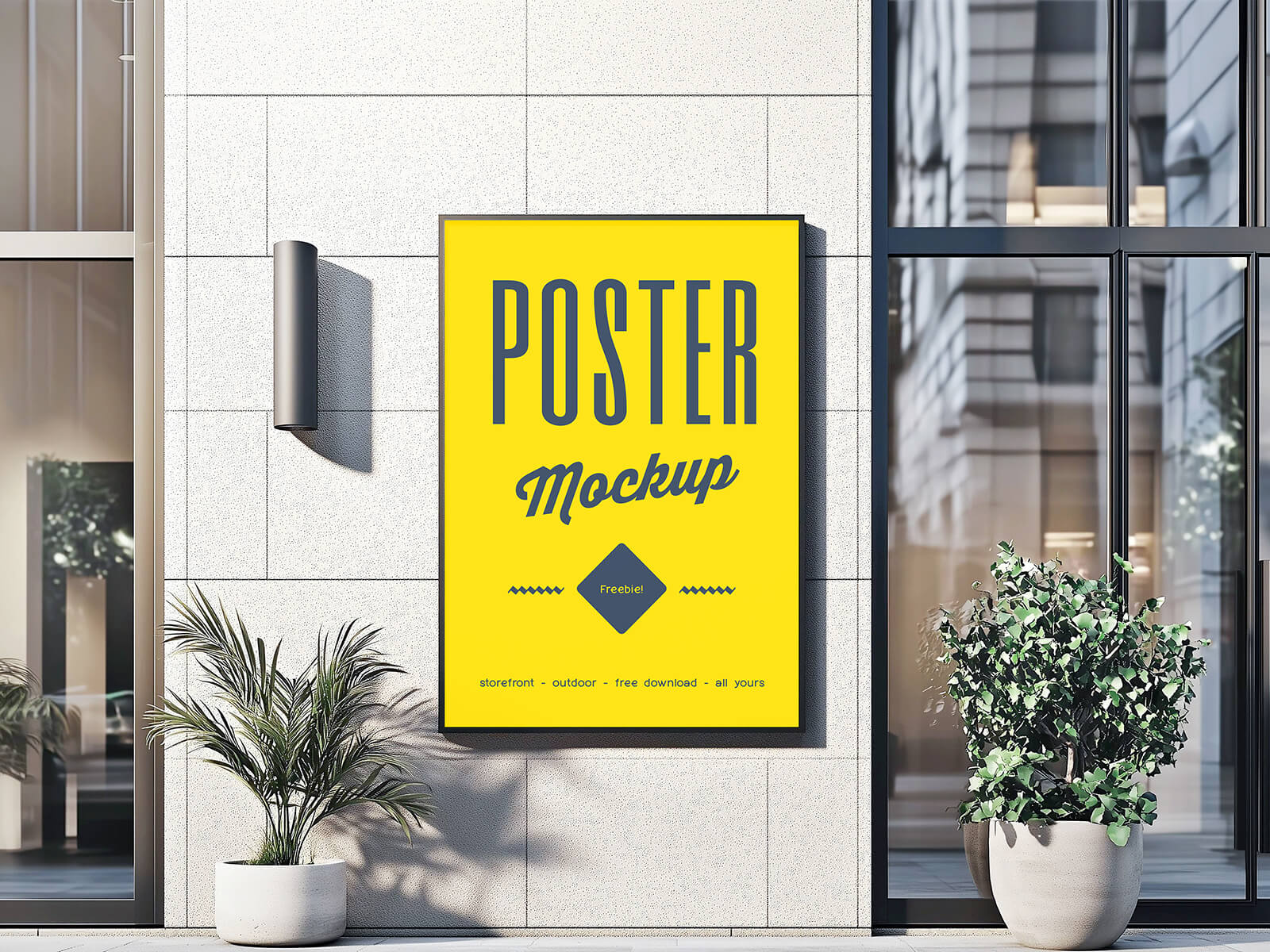
Having a storefront that faces a main road is a significant advantage for any retail business. It transforms the physical store into a powerful branding asset, offering unparalleled opportunities to connect with potential customers. Unlike other businesses, shops with prominent storefronts have a dedicated space to directly influence brand perception and attract foot traffic.
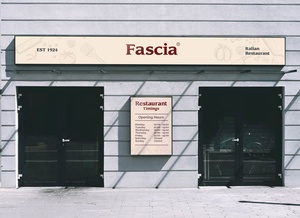
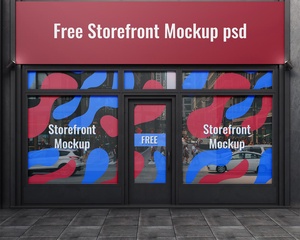
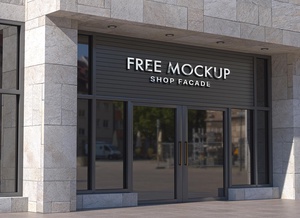
To maximize this potential, the storefront should be strategically designed to showcase unique branding elements. The ample space allows for impactful displays, including eye-catching posters, professionally designed signage, and distinctive fascia. The key is to ensure that the storefront branding seamlessly integrates with the building's architecture and color scheme, becoming a natural extension of the structure itself.
Investing in a specialized team with expertise in storefront design and branding is highly recommended. Clearly communicate your brand identity, target audience, and desired message to ensure a cohesive and effective design. Don't hesitate to conduct market research and observe the storefront designs of other retailers in the area. This will provide valuable insights into what works and what doesn't, allowing you to develop a unique and differentiated approach that sets your shop apart. Consider incorporating innovative lighting solutions or customized architectural features to further enhance the visual appeal and create a memorable experience for passersby.
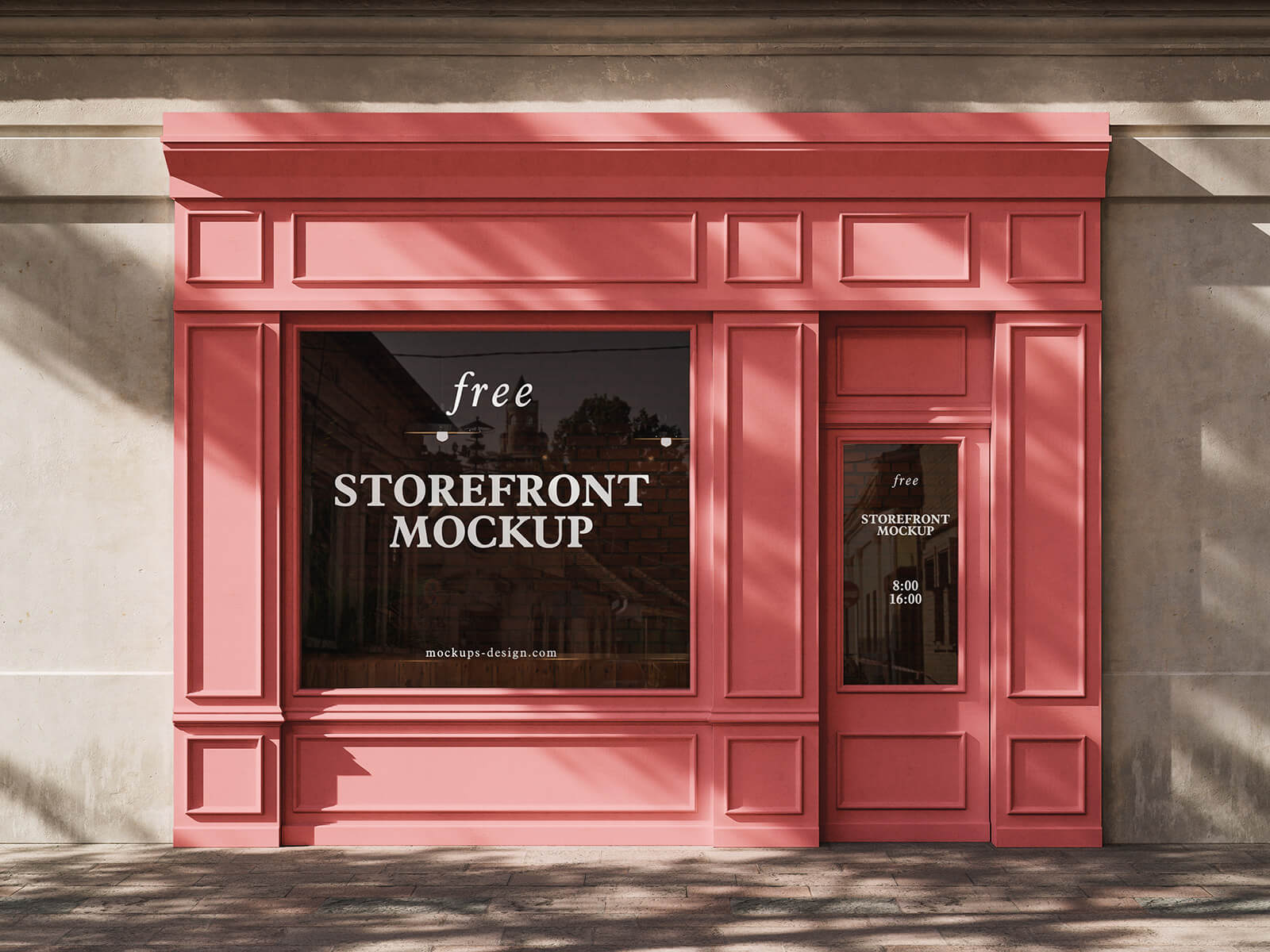
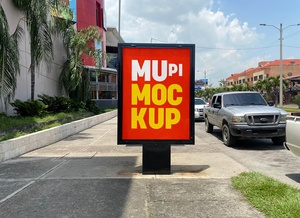
To help visualize your storefront branding concepts, we are offering a high-resolution, layered PSD mockup of an outdoor poster display. This mockup allows you to easily insert your artwork using a smart object, providing a realistic preview of how your design will look in a real-world setting.
Details of the Outdoor Poster Mockup:
- Available Format: Layered PSD file with easy smart object insertion
- License: Free for both personal and commercial use
- Zip File Includes: Photoshop PSD file
- Mockup Resolution: 5376 x 3584 pixels
Instructions for Use:
- Open the PSD file in Adobe Photoshop CS5 or later.
- Locate the smart object layer and double-click to open it.
- Place your design onto the smart object.
- Save the smart object, and your design will automatically update in the mockup.