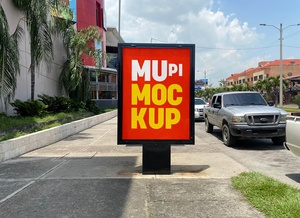
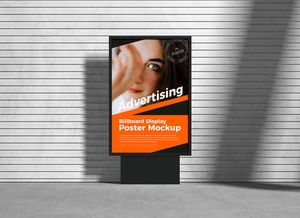
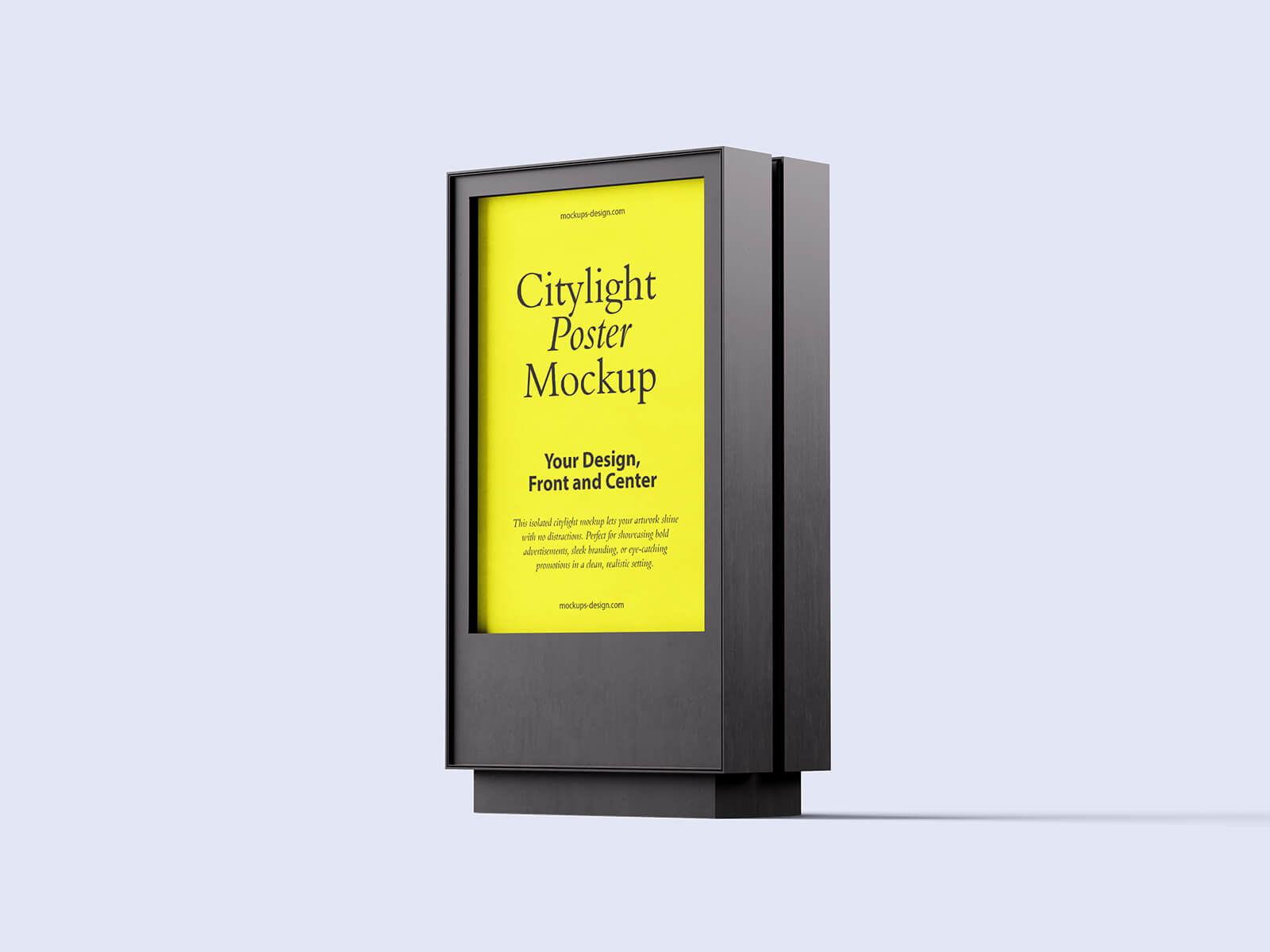
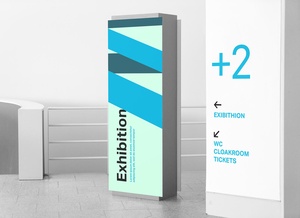
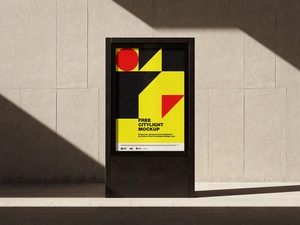
Corporate Hallway Mupi Poster Mockup

The term "hallway," often used interchangeably with "hall," designates a significant interior space within a building. While it can sometimes refer to a simple passage, in a corporate or industrial context, it's more accurately understood as a large, often deliberately vacant, area intended for storage, the movement of oversized equipment, or facilitating passage between different parts of the facility. Many organizations, particularly those involved in manufacturing, logistics, or defense, utilize hallways as vital arteries for the smooth flow of goods and personnel. These expansive corridors are crucial for transporting large products or materials efficiently.
Beyond simple passage, hallways serve a variety of purposes. They can act as assembly points for gatherings, with companies occasionally hosting parties or even annual meetings within these spacious areas. The expansive walls of hallways also provide ideal surfaces for displaying large-format posters, mounted murals, or other visual communication materials, enhancing internal branding or disseminating important information. Furthermore, hallways often function as central hubs for vertical transportation, housing elevators and serving as the initial point of contact for employees entering and exiting the building. Employee guidance boards, directories, and other informational displays are commonly placed in hallways to aid navigation and communication.
To assist in visualizing how marketing materials or internal communications might appear in such a space, we're offering a corporate hallway mupi poster mockup in PSD format. This mockup allows you to seamlessly insert your artwork onto a smart object, providing a realistic preview of the final product.
Mockup Details:
- Format: Layered PSD file with easy smart object insertion
- License: Free for both personal and commercial use
- Zip File Contents: Photoshop PSD File
- Mockup Resolution: 3000 x 2300 pixels
- Artwork Resolution: 630 x 1302 pixels
Instructions for Use:
- Simply place your design within the designated smart layer and save the file.
- This mockup requires Adobe Photoshop CS5 or later.