Cover, Back & Open A4 Magazine Mockup
In the contemporary digital landscape, the word "magazine" often evokes the sleek glow of a screen rather than the texture of paper. Over the past decade, the publishing industry has undergone a seismic shift; the high-volume print runs of the past have largely given way to dynamic, digital editions. For modern designers, this evolution often involves crafting animated mockups in software like After Effects, where content is meticulously arranged slide by slide or tailored to specific creative templates.
However, despite the digital revolution, the printed magazine has not vanished; rather, it has transformed into a cherished medium for those who value a tactile reading experience. There is an undeniable, visceral connection that occurs when we hold a physical book or magazine. Feeling the weight of the paper and the scent of the ink creates a natural, grounded experience that digital formats struggle to replicate. Furthermore, print offers a sanctuary from the relentless distractions of the online world. Unlike digital reading—which is often interrupted by intrusive pop-ups, notifications, and the temptation to click away—a physical magazine demands undivided attention, allowing readers to fully immerse themselves in long-form stories from start to finish.
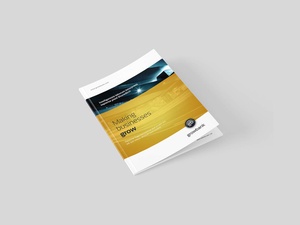
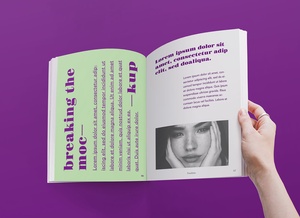
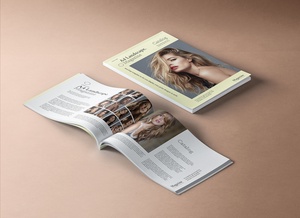
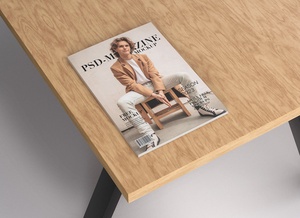
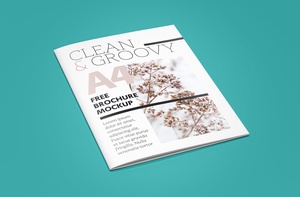
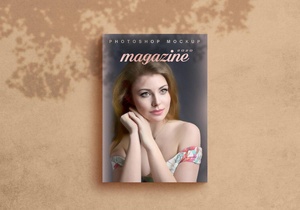
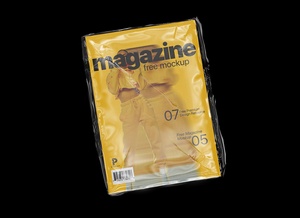
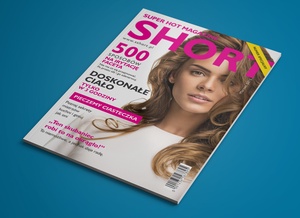
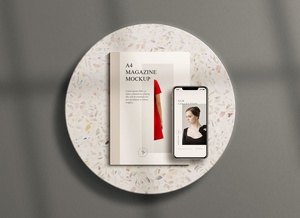
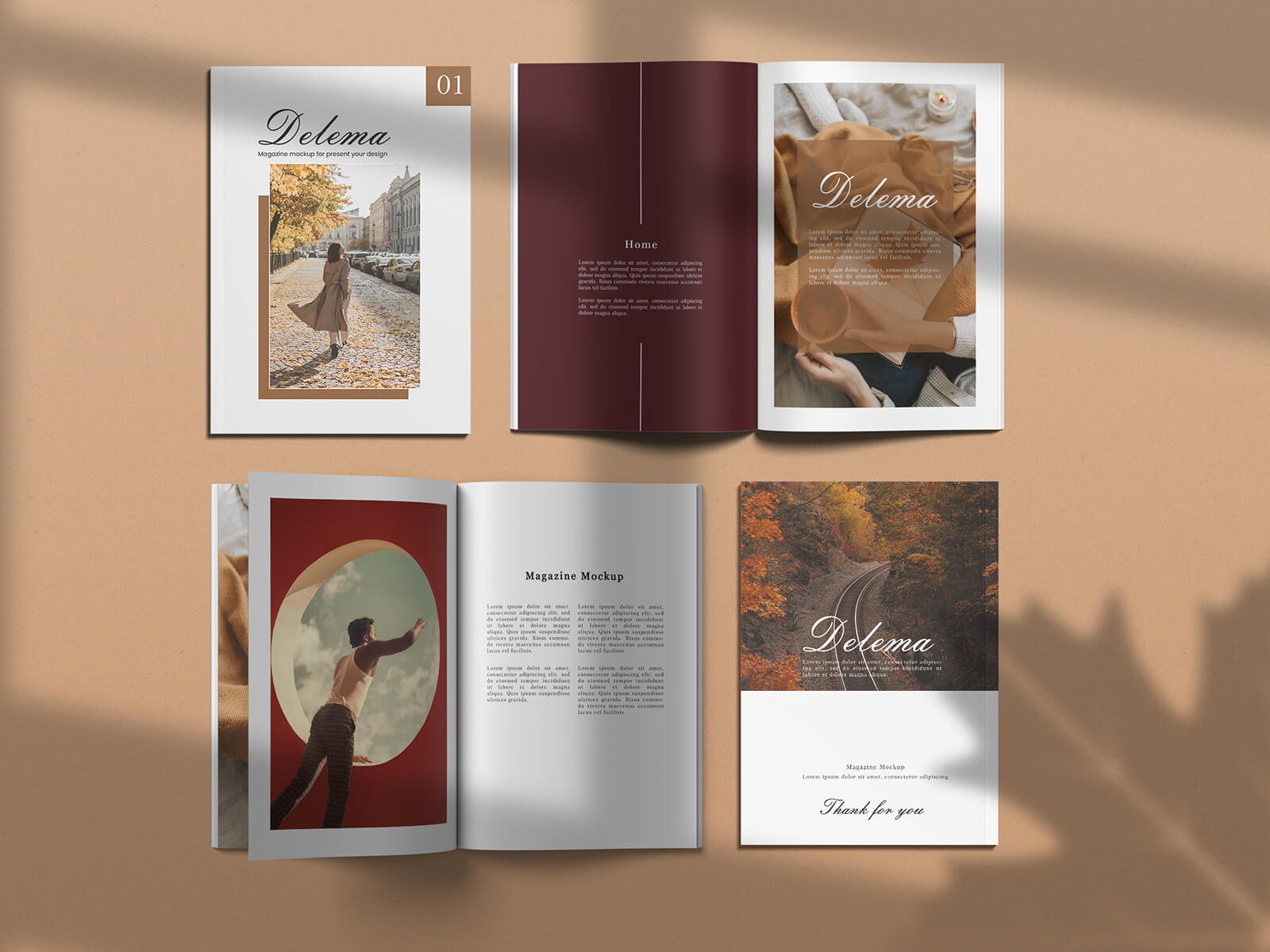
To help you capture this timeless aesthetic in your design work, we are pleased to share a comprehensive magazine mockup in PSD format. This versatile resource includes the cover, back page, and various internal spreads, allowing you to showcase your layout in a realistic A4 format. Whether you are designing for a niche boutique publication or a high-end editorial, this fully customizable mockup will bring your vision to life.
Technical Specifications:
- Available Format: High-quality, layered PSD files featuring smart object insertion for effortless editing.
- License: Completely free for both personal and commercial projects.
- Package Includes: A detailed PSD mockup file.
- Mockup Resolution: High-definition 3000 x 2000 px for crisp, professional results.
Instructions for Use:
- Customize: Simply open the file and place your unique artwork onto the designated smart object layers.
- Software Requirement: Compatible with Adobe Photoshop CS5 or any later versions.