Cube Pole Sign Mockup
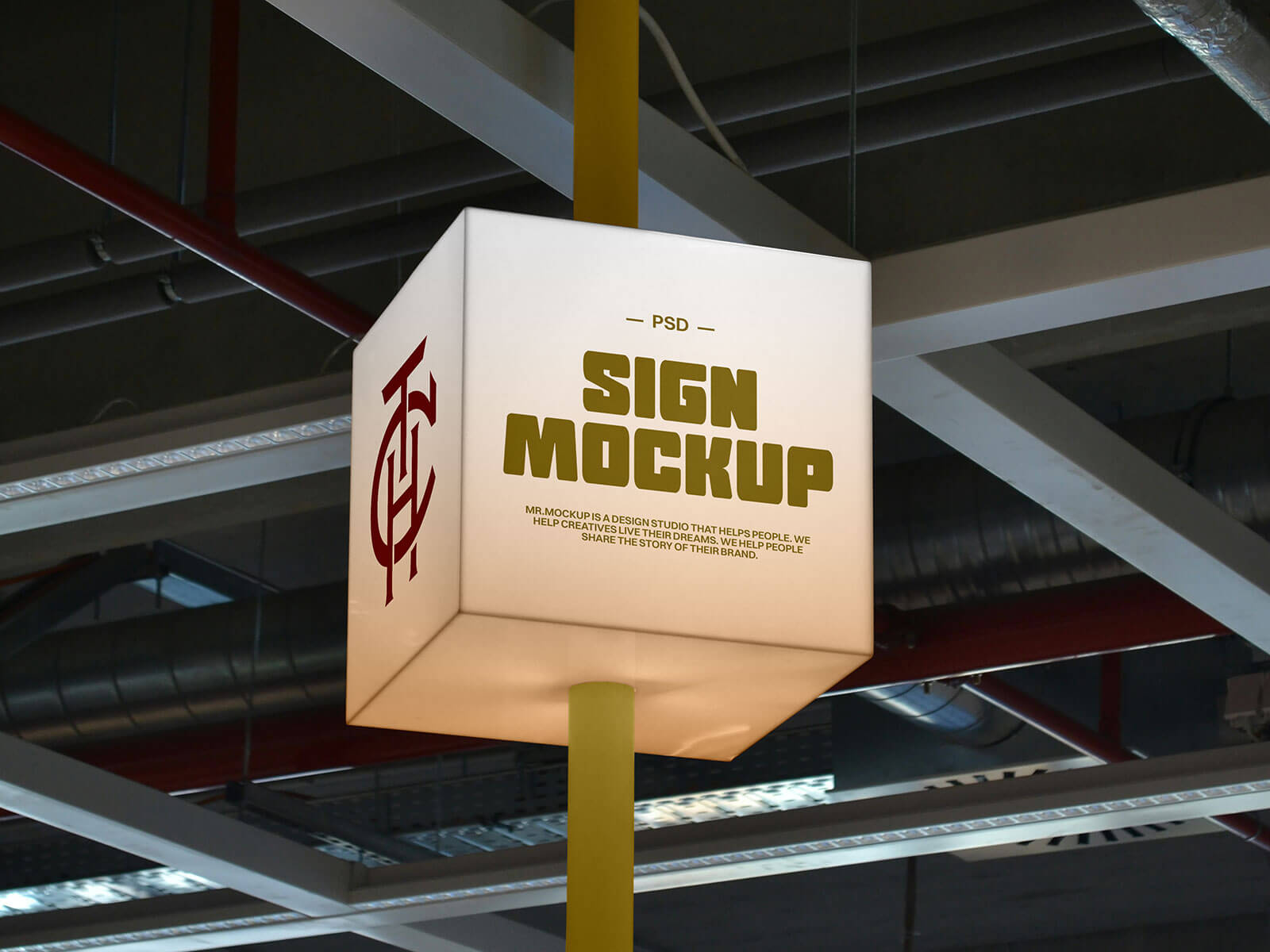
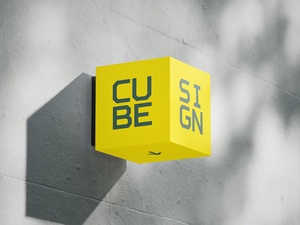
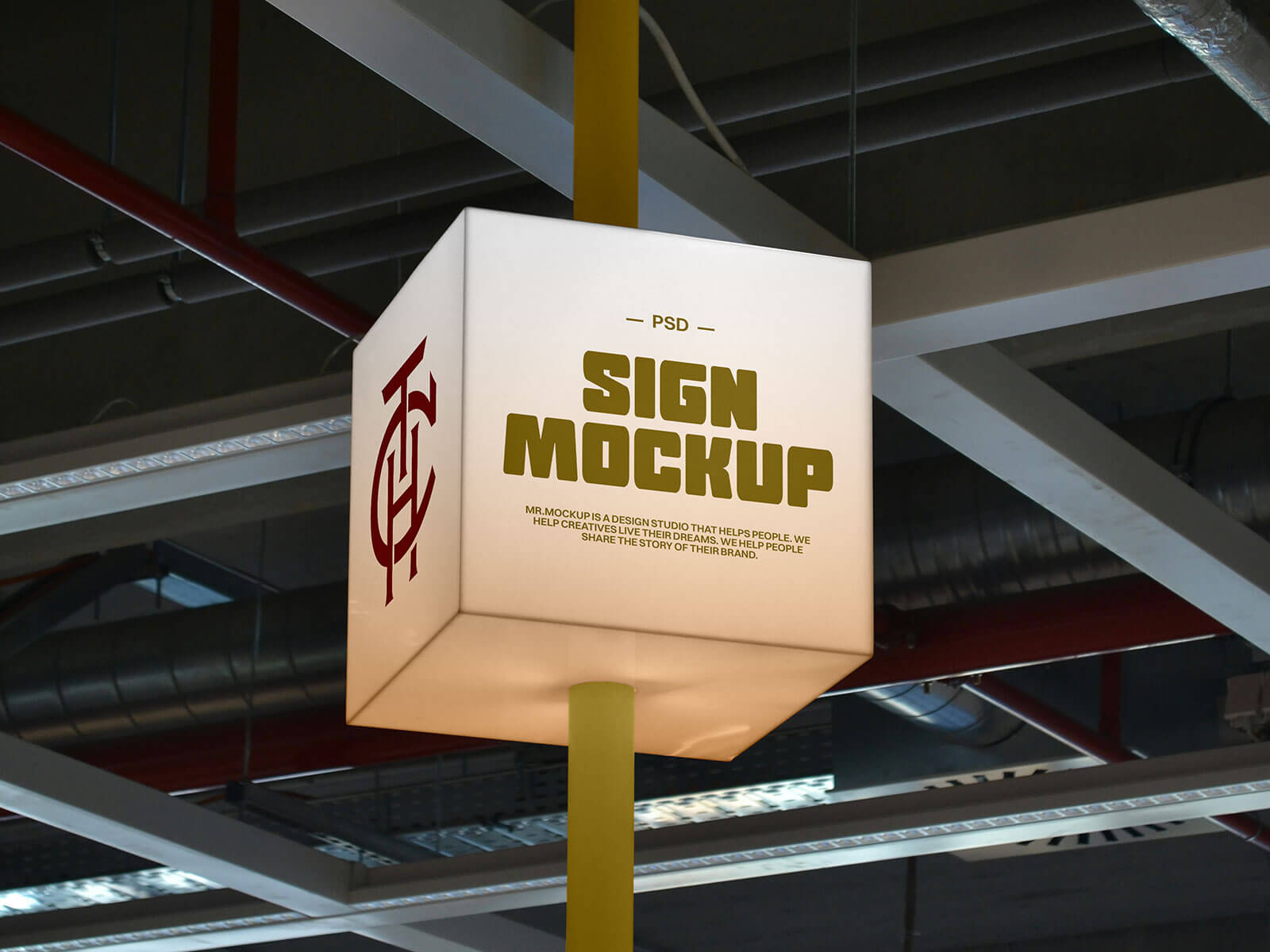
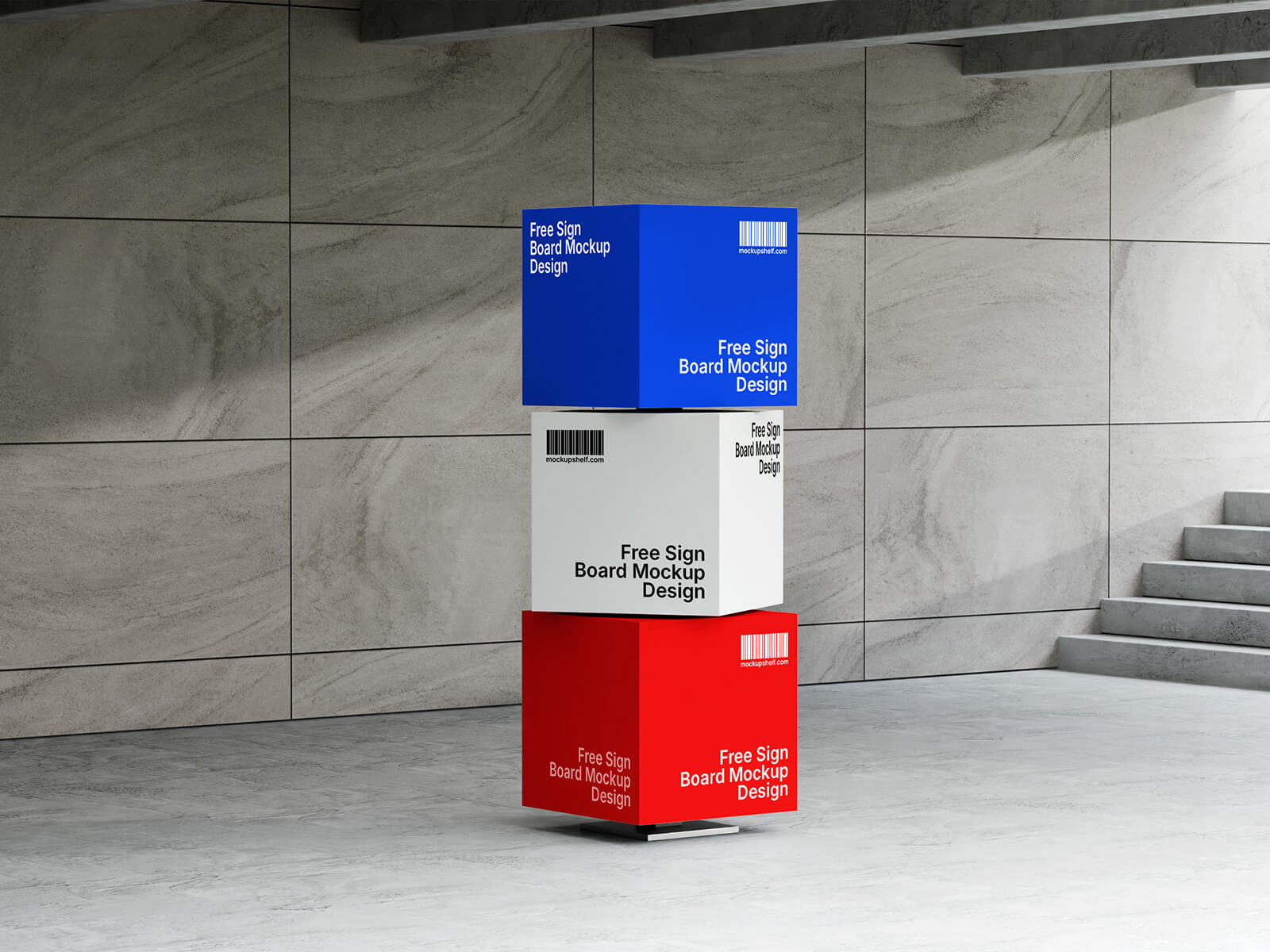
Elevate your brand's presence with an ingenious display solution: a slow-spinning, backlit cube pole sign. This innovative concept is ideally suited for high-traffic environments like bustling shopping malls and dynamic trade centers, where a constant flow of potential customers ensures maximum visibility and engagement.
This versatile cube sign offers four distinct faces, providing ample space to powerfully showcase your brand identity. Whether you choose to prominently feature your company logo, a memorable tagline, the brand name, or even distinct, captivating artworks on each panel, the possibilities for creative branding are expansive.
A crucial feature for maximizing impact is integrated backlighting. This ensures your artwork remains brilliantly illuminated and perfectly readable around the clock, from daylight hours well into the night. Given that many shopping malls operate until late, often past midnight, a backlit display guarantees your message reaches a vast audience, day and night, capturing attention even in dimly lit environments.
The gentle, deliberate rotation of the cube pole is key to its effectiveness. This controlled spin is specifically designed to naturally draw the eye of passersby, capturing their attention without being overly fast or distracting. The optimized rotational speed allows walking individuals to comfortably read all four panels as they revolve, ensuring every message is absorbed, especially when different artworks are presented on each side.
To help you visualize this powerful branding tool, we are pleased to offer a professional cube pole sign mockup in PSD format. Easily integrate your designs using the intuitive smart object feature to achieve a stunningly realistic preview of your concept.
Mockup Specifications: * Available Format: Layered PSD with effortless smart object insertion. * License: Free for both personal and commercial use. * Package Includes: Photoshop PSD File. * High Resolution: 4500 x 3000 pixels, ensuring crisp and detailed outcomes.
Simple Instructions: 1. Place your design onto the designated smart layer within the PSD file. 2. Requires Adobe Photoshop CS5 or a newer version for optimal performance.