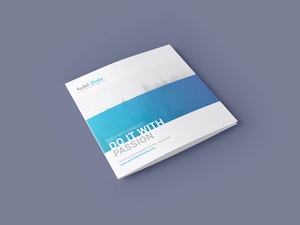
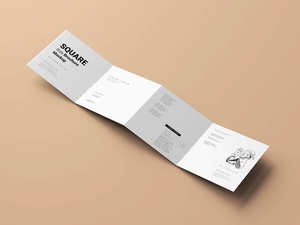
Floating Z-Fold Brochure Mockup
Today, I’m excited to introduce a game-changing technique in Adobe Photoshop that will revolutionize the way you handle mockups. Specifically, we’re diving into the advanced capabilities of the Photoshop Warp Tool.
When creating packaging or paper mockups, the traditional method involves meticulously placing a separate smart object onto each individual panel. However, with the latest enhancements in Photoshop’s Warp function, you can now project a single smart object across all faces of a design simultaneously. While this requires manual adjustment to ensure the design aligns perfectly with the dimensions of the object, it significantly streamlines the workflow once you master the technique.
A common challenge during this process is managing the Bezier handles to fit sharp angles. Photoshop has addressed this by introducing the "Convert Warp Corner Points" feature. By simply selecting a corner and right-clicking, you can break the Bezier handles, allowing for independent movement of each side. This level of control makes it incredibly easy to wrap your design around complex shapes. Furthermore, if the mockup features intricate curves, you can add additional "splits" (grid lines) to the warp to achieve a flawlessly contoured look. This approach not only makes the creation process more dynamic for the designer but also makes the final file exceptionally user-friendly for the end-user.
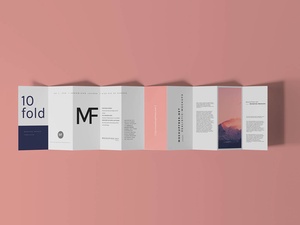
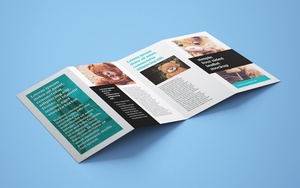
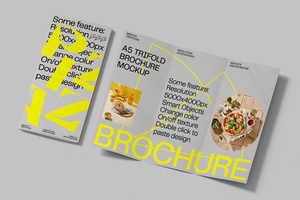
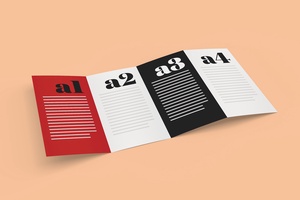
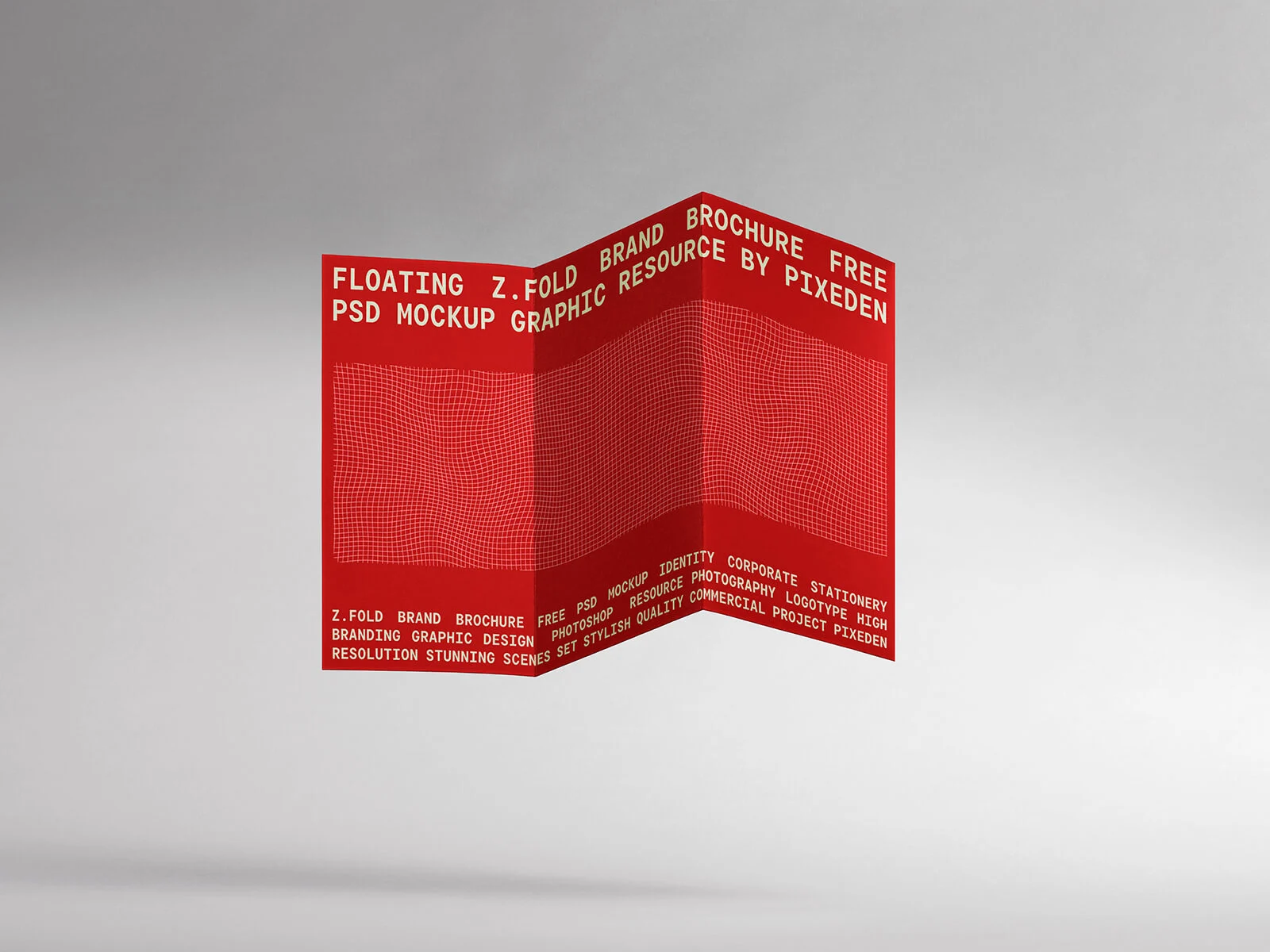
To showcase this technique in action, we are sharing a premium Floating Z-Fold Brochure Mockup in PSD format. This mockup utilizes a single wrap placed perfectly across the Z-fold structure to provide a seamless, realistic presentation of your artwork.
Product Features & Technical Details:
- Format: Layered PSD with Smart Object insertion for effortless editing.
- Workflow Efficiency: Features a single smart object wrap for the entire brochure.
- License: Free for both personal and commercial projects.
- File Composition: High-quality Photoshop PSD file.
- Ultra-High Resolution: 8000 x 6000 px, ensuring crisp details for print or web.
Instructions:
- Open the PSD file and locate the Smart Object layer.
- Double-click to open the Smart Object and place your artwork.
- Save and close the PSB window to see your design perfectly wrapped around the Z-fold.
- Software Requirement: Adobe Photoshop CS5 or higher (latest version recommended for advanced Warp features).