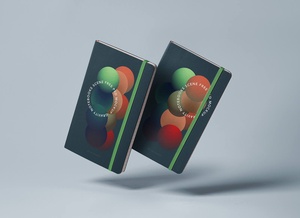
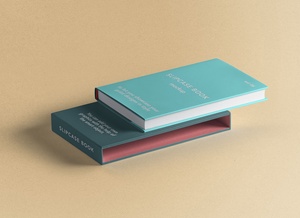
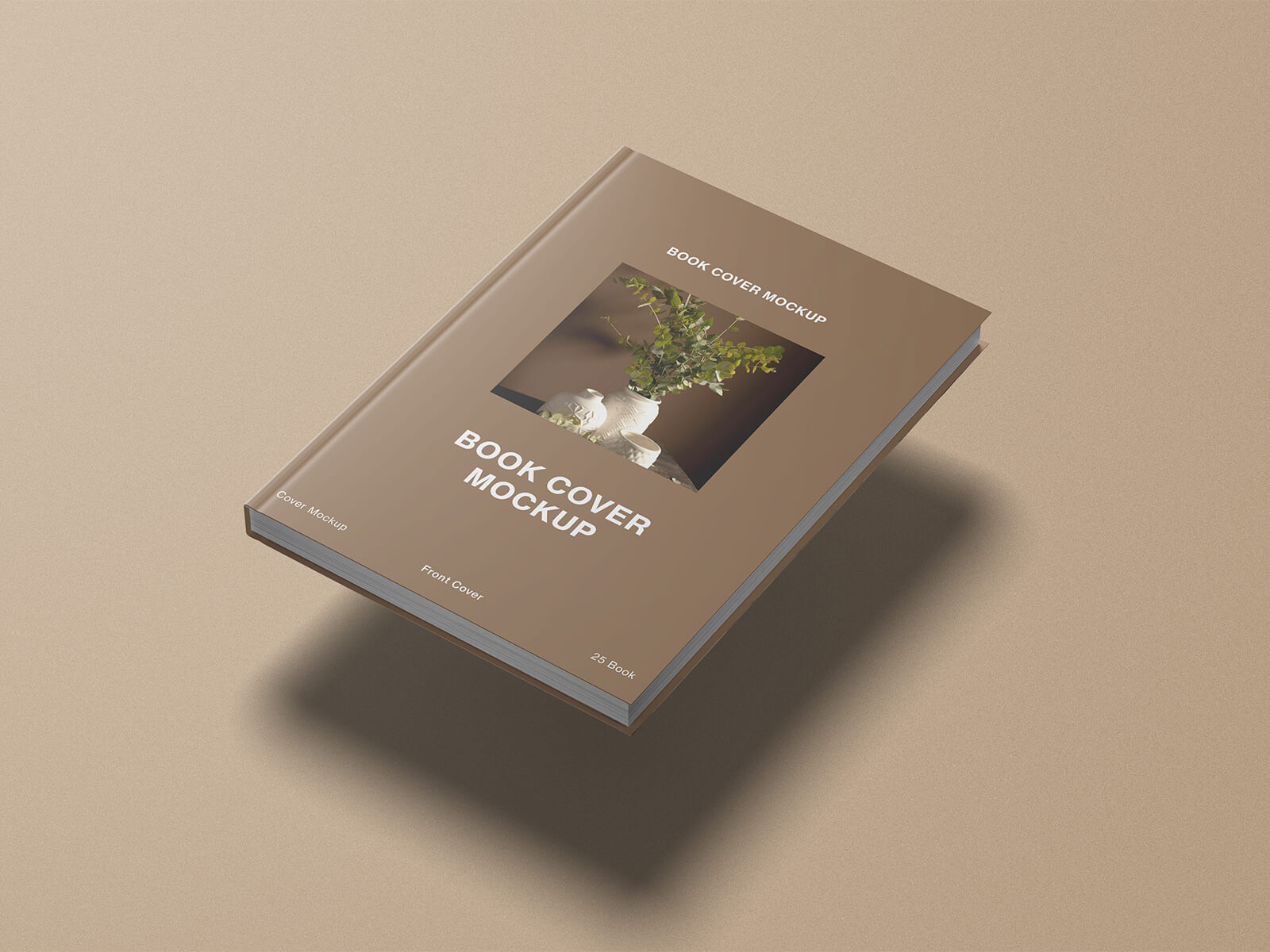
Gravity Book Cover Mockup
The advent of the digital era has fundamentally transformed the literary landscape, making it easier than ever to access an infinite library of global literature. This digital revolution has not only benefited readers but has also empowered aspiring authors to take control of their careers. By leveraging major platforms such as Amazon, Gumroad, Bookscouter, and even eBay, writers can now self-publish their work and tap into a global marketplace to generate significant revenue.
For the modern reader, the experience is best enjoyed on dedicated e-readers. Unlike multi-purpose tablets or smartphones, these specialized devices are engineered to provide a distraction-free environment, shielding the user from the constant interruptions of social media notifications and app alerts. These e-book readers offer a suite of intuitive features designed to enhance the reading process, including the ability to instantly look up word definitions, highlight key passages, set digital bookmarks, and adjust font sizes for optimal comfort.
While high-quality e-readers can be a significant investment, they are indispensable tools for any true bibliophile. If you are a dedicated bookworm looking for the best hardware available in 2024, we highly recommend the Kindle Paperwhite (2024 edition), the vibrant Kobo Libra Colour, or the cutting-edge Kindle Colorsoft. These models represent the gold standard in display technology and reading immersion.
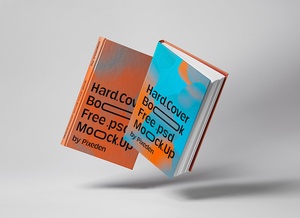
To help authors and designers showcase their work with professional flair, we are pleased to share a premium Gravity Book Cover Mockup in PSD format. This resource allows you to place your custom artwork onto a smart object, resulting in a stunningly realistic presentation for your next project.
Technical Specifications & Instructions:
- Available Format: High-quality, layered PSD file with smart object insertion.
- License: Completely free for both personal and commercial projects.
- Package Includes: One comprehensive PSD mockup file.
- Mockup Resolution: 4500 x 3000 px, ensuring crisp, high-definition visuals.
- Software Requirement: Compatible with Adobe Photoshop CS5 or any newer version.
How to Use: 1. Open the PSD file in Adobe Photoshop. 2. Locate the designated smart object layer and double-click it. 3. Paste your cover design into the new window and save. 4. Your artwork will automatically conform to the gravity mockup with realistic lighting and shadows.