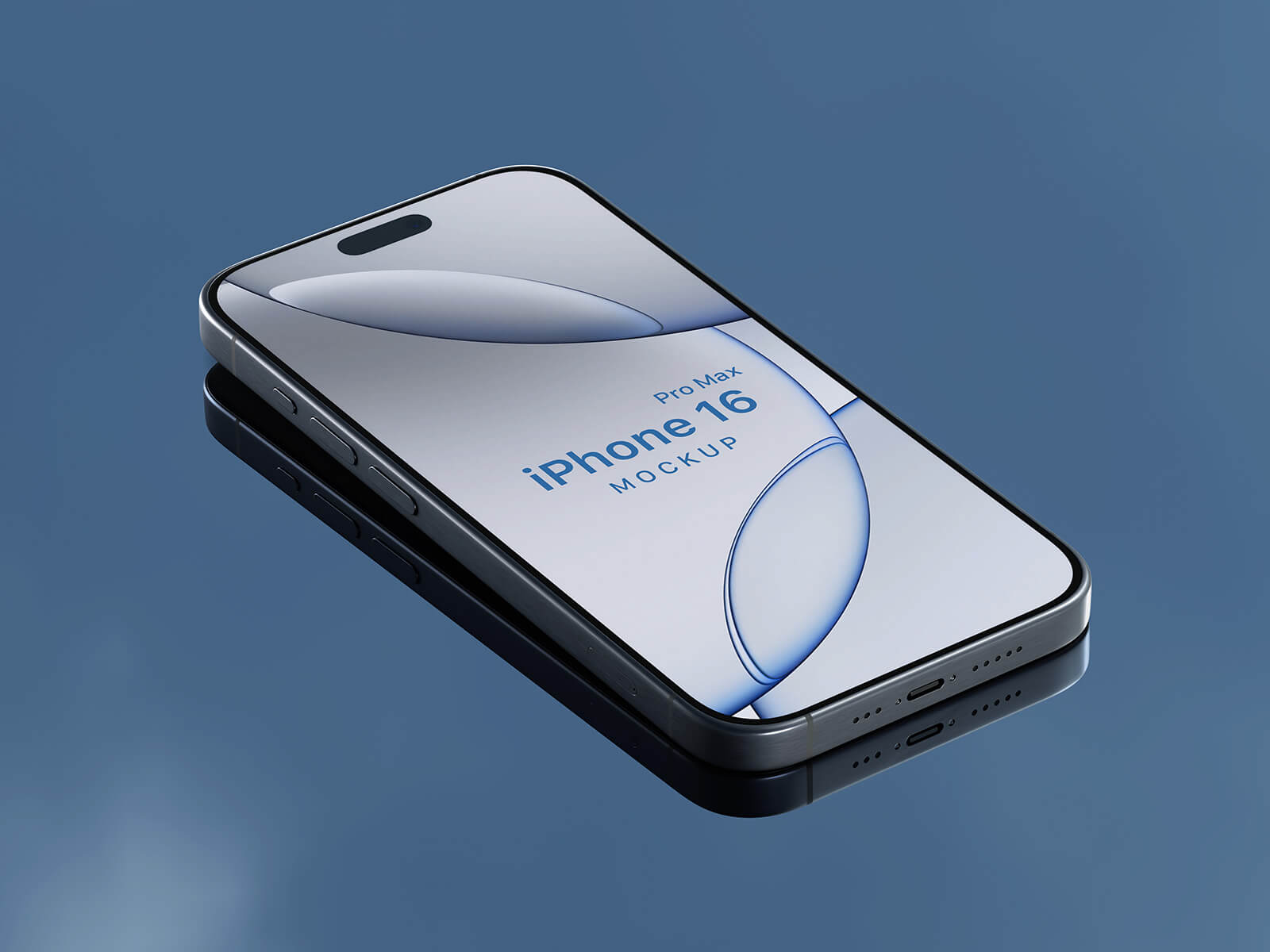
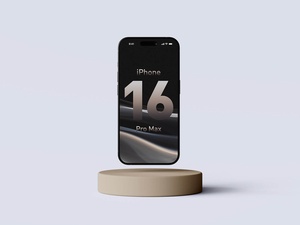
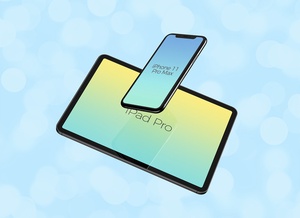
Gravity iPhone 16 Pro Max Mockup

Initial user reviews of the iPhone 16 and its various models suggest a noticeable reduction in weight compared to the iPhone 14 series, a welcome change for many users. Battery performance appears to be another strong point, with users reporting improved battery health and longer-lasting charge cycles compared to previous generations.
However, opinions on Apple's foray into artificial intelligence are less enthusiastic. Many reviewers feel that "Apple Intelligence" doesn't offer groundbreaking innovation, especially considering the widespread availability and established capabilities of platforms like ChatGPT and Google Gemini. The AI-powered image editing features, in particular, are perceived as iterative rather than revolutionary, with some users finding them underwhelming given the advancements in image manipulation technology over the past decade.
The new camera control button receives mixed reactions. While some find it convenient for quickly capturing photos, others feel that navigating the deeper menus and effects can be cumbersome and less intuitive.
On the positive side, the upgraded 48-megapixel ultra-wide camera is generating considerable praise. Users appreciate the improved clarity and depth it brings to their photos. Furthermore, the photo editing process is reported to be more streamlined and efficient, allowing for quick and easy image enhancements.
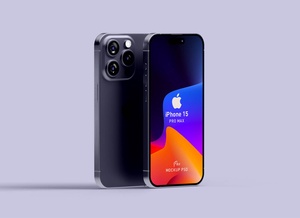
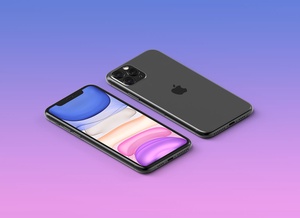
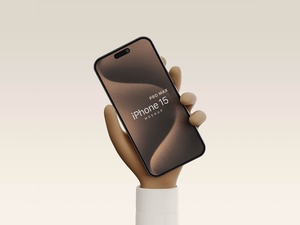
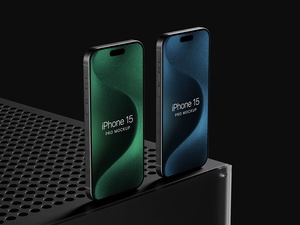
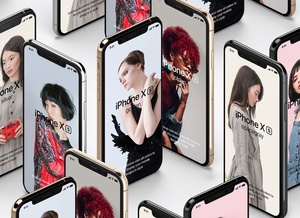
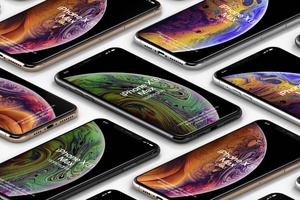
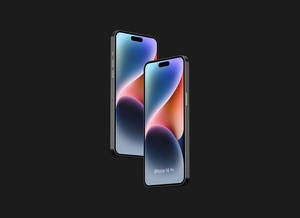
For designers and developers looking to showcase their work on the latest Apple device, we are providing a high-quality gravity iPhone 16 Pro Max mockup in PSD format. This mockup features a layered PSD structure for easy customization. Simply place your artwork within the designated smart object layer to achieve a realistic presentation of your design.
Mockup Details:
- Format: Layered PSD
- Smart Object Insertion: Easy and intuitive
- License: Free for both personal and commercial use
- Included: Photoshop PSD file
- Mockup Resolution: 4500 x 3000 pixels
- Artwork Resolution: 1180 x 2558 pixels
Instructions:
- Open the PSD file in Adobe Photoshop CS5 or later.
- Locate and double-click on the smart object layer.
- Paste your design into the smart object.
- Save the smart object.
- Your design will automatically update in the mockup.
Download:
Download the iPhone 16 Pro Max Mockup now to present your designs in a professional and visually appealing manner.