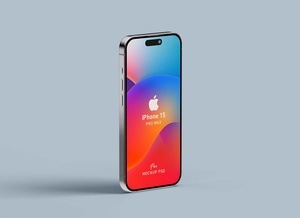
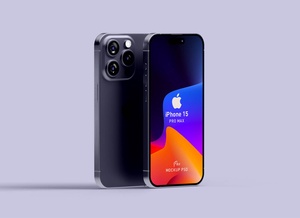
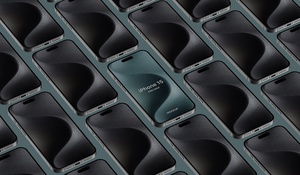
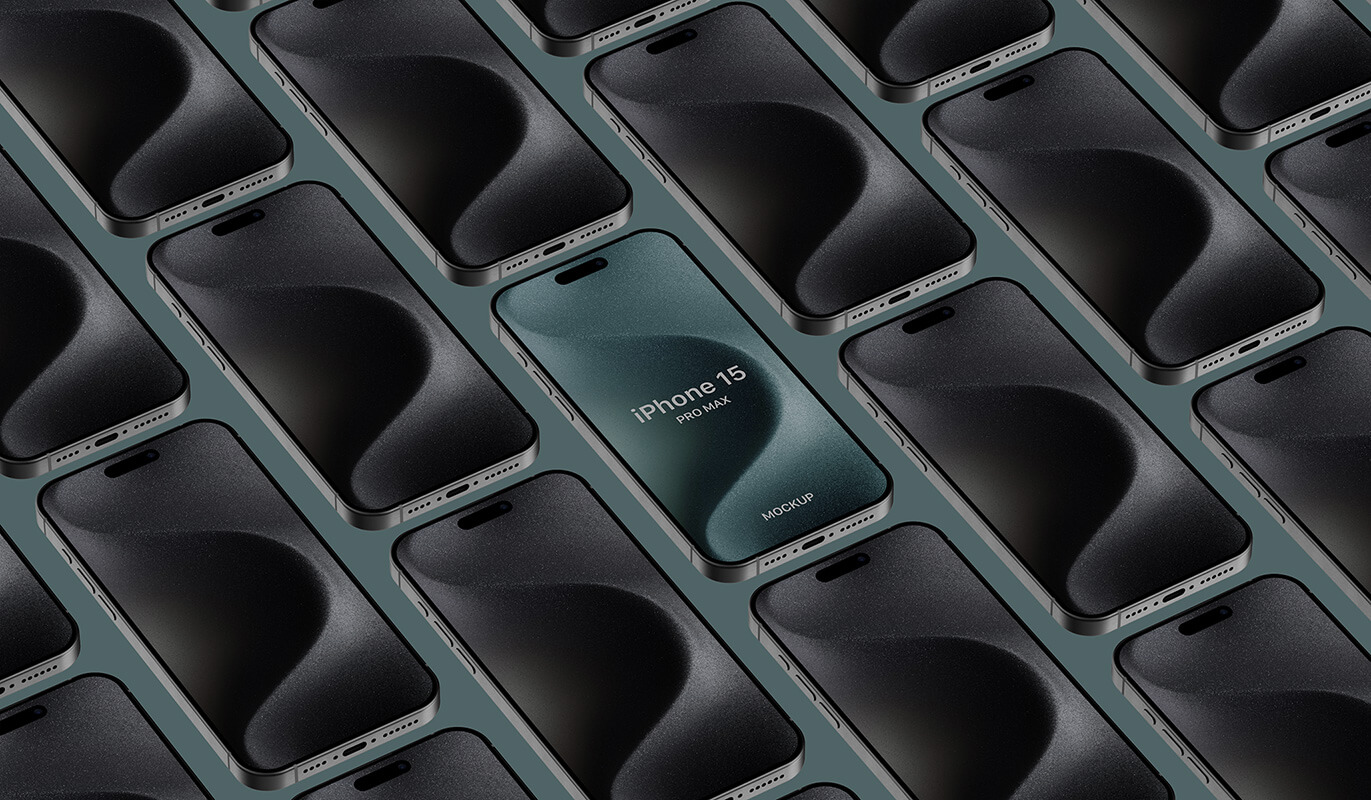
Grid iPhone 15 Pro Max Mockup
When showcasing your app design, UI, and UX, you need to present multiple screens to tell the complete story. This is where mockups come in. However, one screen deserves special attention: the splash screen. This is the first thing users see after opening your app, setting the tone and making a crucial first impression.
The Importance of the Splash Screen:
- Brand Identity: It's your first opportunity to showcase your app's identity, colors, and logo.
- Engagement: A visually appealing splash screen can pique users' interest and make them eager to explore further.
- Loading Indication: It communicates that the app is loading and prevents users from feeling confused or frustrated.
Creating a Comprehensive Presentation:
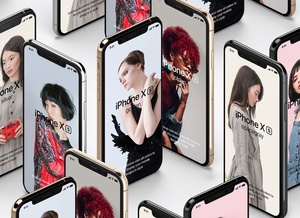
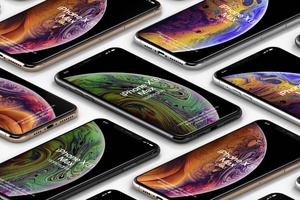
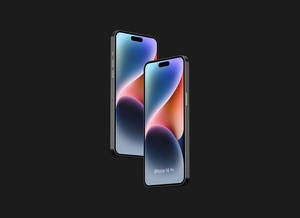
To display all your screens effectively, you'll need a mockup featuring multiple smartphones on the same artboard. This allows you to present the flow of your app, from the splash screen to every subsequent page.
Introducing the Grid iPhone 15 Pro Max Mockup:
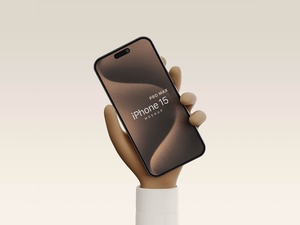
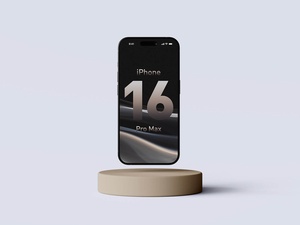
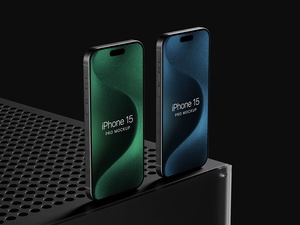
We're excited to share a free, layered PSD mockup of the iPhone 15 Pro Max, designed to help you create a stunning presentation of your app.
Features:
- Grid Layout: A well-organized grid structure enables you to display multiple screens seamlessly.
- Smart Objects: Easily insert your artwork onto the smart layers, ensuring a realistic outcome.
- Flexibility: Each screen can be replaced with a different design, allowing you to build a comprehensive presentation.
- Background Customization: Change the background color to complement your design theme and enhance the overall aesthetic.
Get Started Today:
- Download the PSD file.
- Place your UI designs on the smart layers.
- Adjust the background color for a polished look.
- Present your work with confidence!
Download the iPhone 15 Pro Mockup and elevate your app design presentation!
License: This mockup is available for personal and commercial use.
Let us know in the comments if you have any questions.