Hand-Holding Paper Notebook Mockup
In the age of digital convenience, the debate between digital notebooks and traditional paper notebooks continues. Digital notebooks offer a compelling proposition, allowing users to write directly on the screen and seamlessly save notes to the cloud. This eliminates the risk of losing physical notes and provides easy access from multiple devices. However, this advanced functionality comes at a cost. Digital notebooks can be quite expensive, with models like the remarkable Paper Pro reaching prices around $600. This premium tablet stands out for its exceptional paper-like writing feel, remarkably thin design, color display, and adjustable front light, making it ideal for reading and writing in low-light conditions. Despite their technological prowess, digital notebooks are also relatively fragile, requiring careful handling during transport.
Conversely, traditional paper notebooks retain their appeal due to their simplicity, affordability, and undeniable charm. They often feature eye-catching designs and remain a staple for students, professionals, and creatives alike. One of the key advantages of paper notebooks is their durability and portability. Users can carry them without the fear of damage, thanks to their sturdy binding and compact size. Furthermore, the low cost of paper notebooks means that replacing a filled notebook won't break the bank, a particularly important consideration for budget-conscious students.
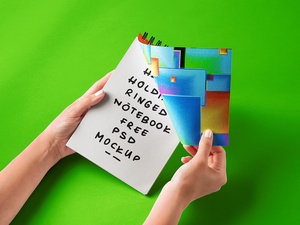
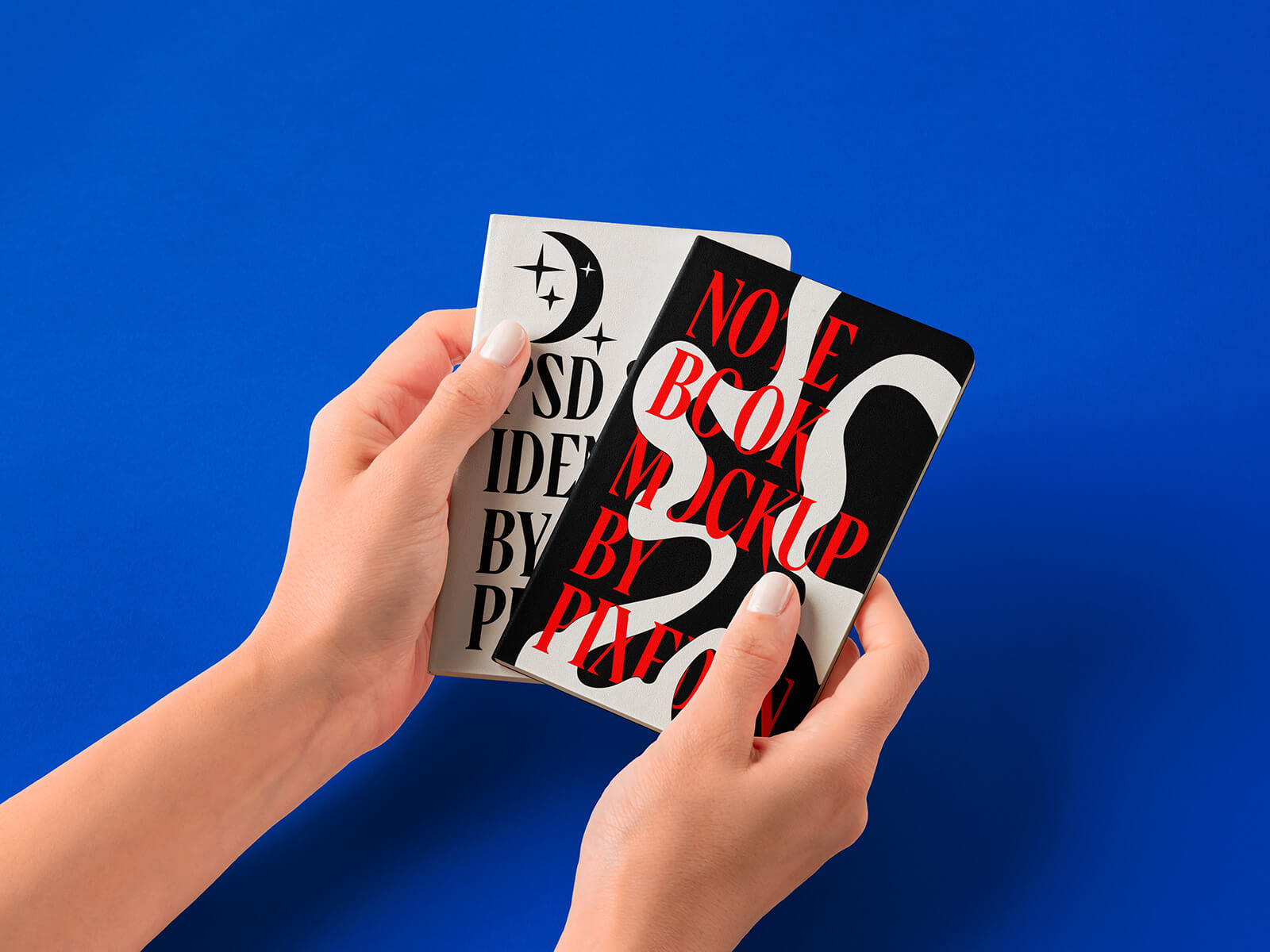
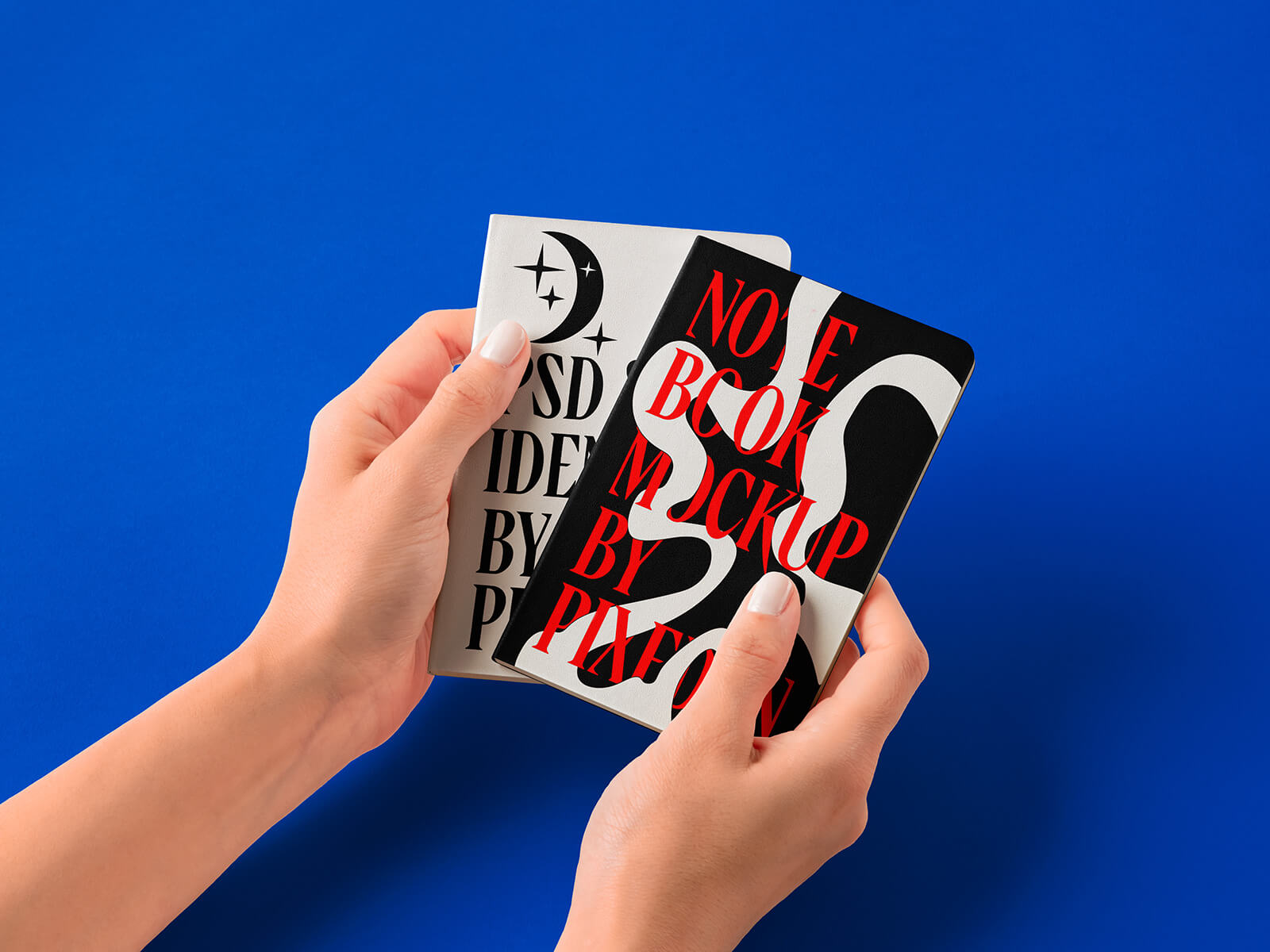
To aid designers in visualizing their notebook cover designs, we're pleased to offer a high-resolution, hand-holding paper notebook mockup in PSD format. This mockup allows you to easily insert your artwork onto a smart object, creating a realistic representation of the final product. The background color is also customizable, providing flexibility in showcasing your designs.
Mockup Details:
- Available Format: Layered PSD with smart object insertion
- License: Free for personal and commercial use
- File Includes: Photoshop PSD file
- Resolution: 7500 x 5200 px
Instructions:
- Simply use the smart object layer to place your design.
- This mockup requires Adobe Photoshop CS5 or later.
Download the Notebook Mockup and bring your notebook designs to life!