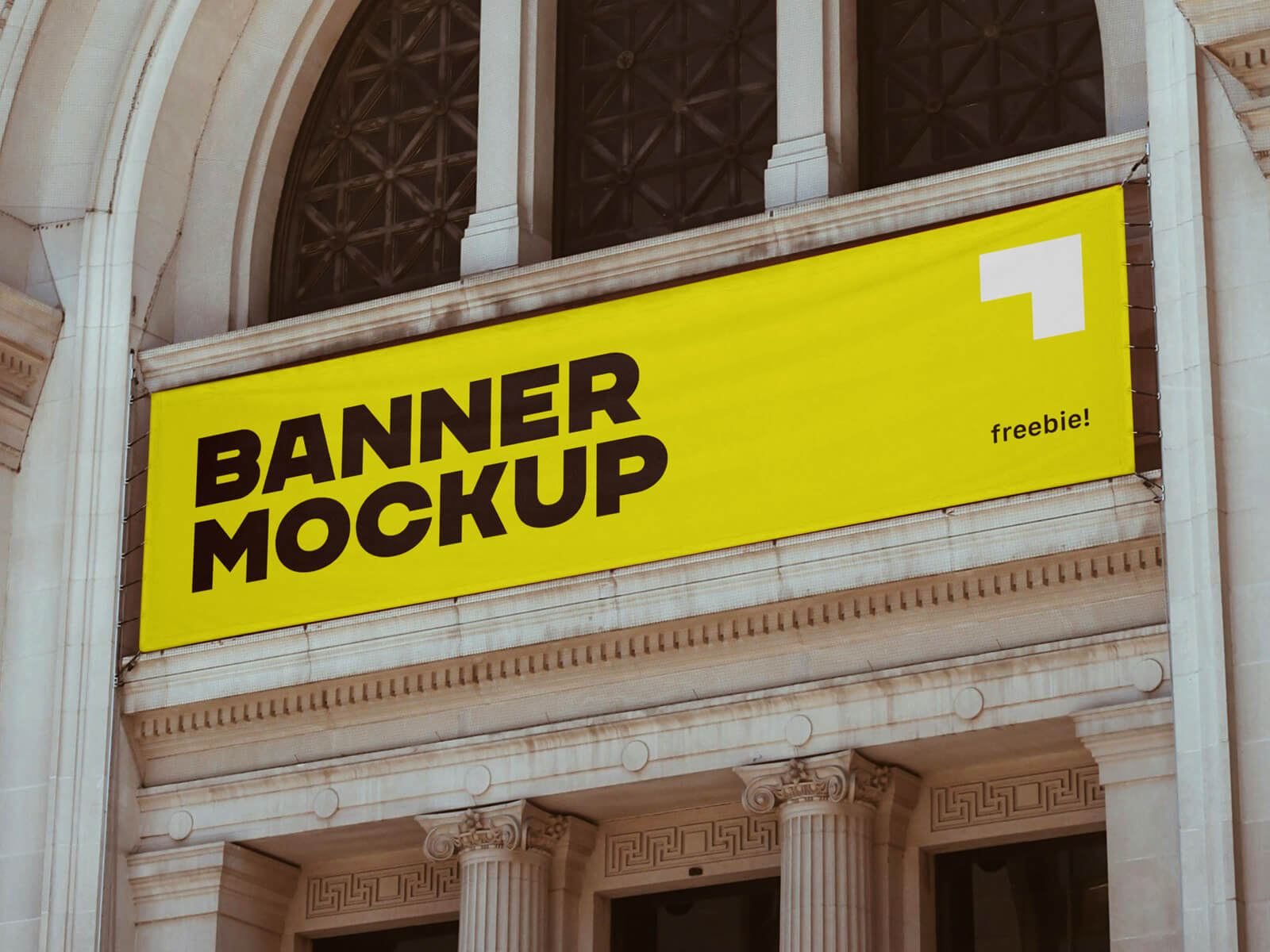
Horizontal Fabric Banner Mockup
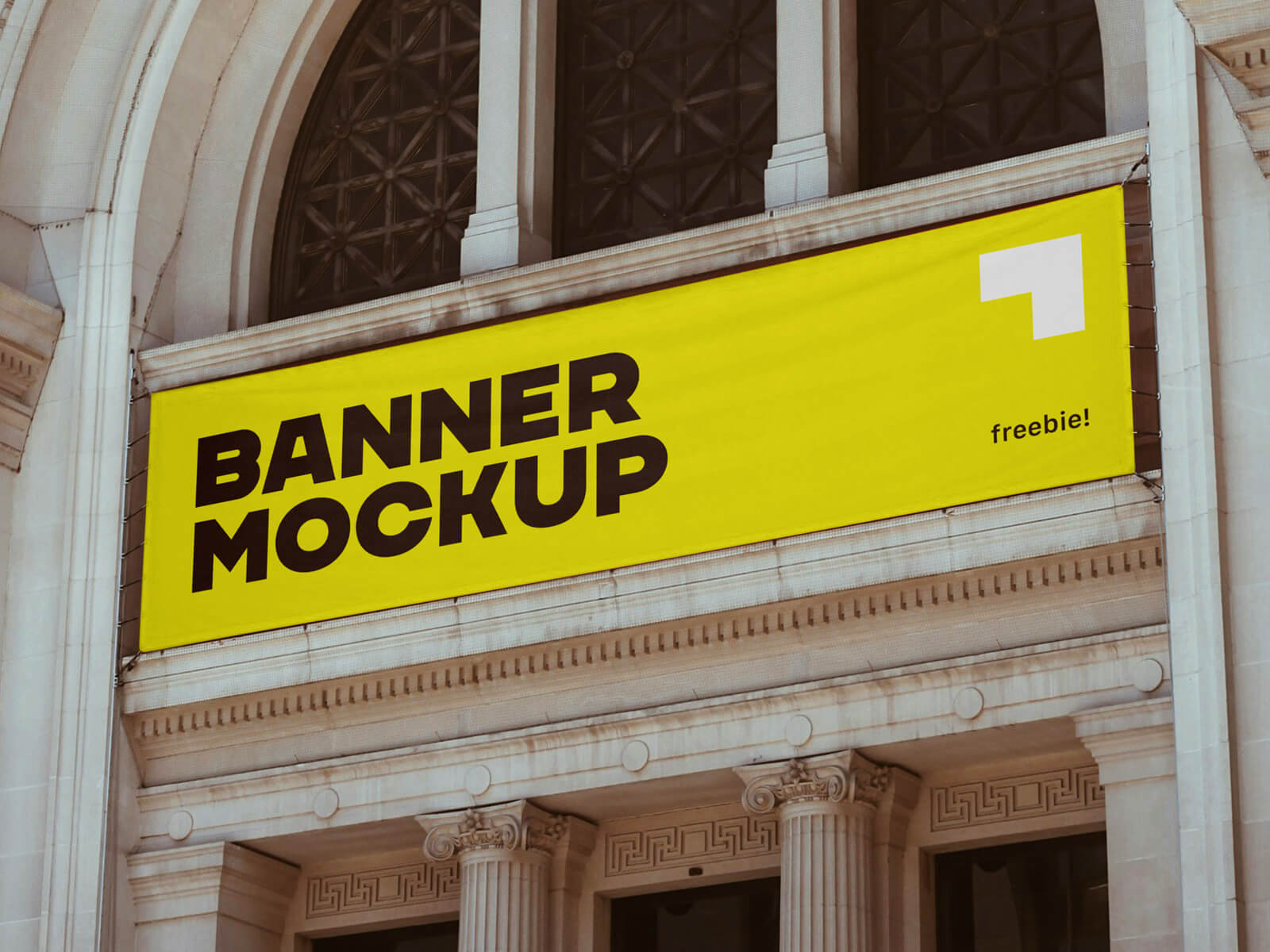
Fabric banners stand out as a remarkably cost-effective choice for outdoor advertising campaigns, particularly when budget constraints are a primary concern. Their adaptability is a significant advantage; they can be displayed in a wide array of locations, provided the necessary permissions are secured beforehand. It's crucial to obtain written authorization from the relevant authorities or property owners before installation.
These banners frequently grace high-traffic areas and popular landmarks, effectively capturing the attention of a broad audience. Consider the visual impact of a strategically placed banner near museums, iconic monuments, bustling trade show venues, or even government buildings. Educational institutions, including universities and colleges, also provide excellent opportunities for banner advertising. Furthermore, locations such as hospitals, cinemas, expansive shopping malls, and even large apartment complexes can serve as prime locations to showcase your message.
The advantages of fabric banners extend beyond their affordability and versatility. They offer a swift turnaround time for printing, allowing for rapid deployment of your advertising campaign. The simple mounting process eliminates the need for cumbersome supporting structures like traditional signboards. This ease of installation, combined with the option to hang them vertically from buildings, maximizes visibility, especially when utilizing large, easily legible text.
To ensure optimal effectiveness, banner designs should prioritize clarity and conciseness. A clean, uncluttered layout with minimal elements and a memorable tagline is key. Supporting visuals can enhance the message, but avoid overwhelming the viewer with excessive information. A well-designed banner delivers a powerful message with impact.
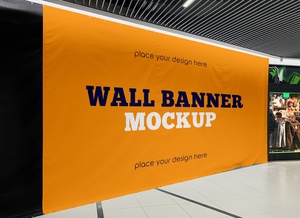
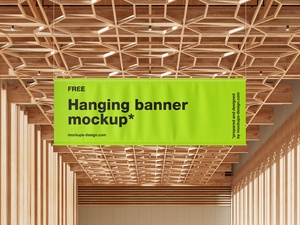
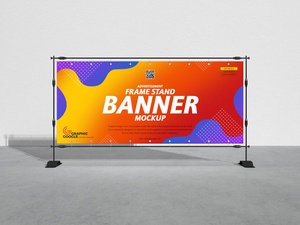
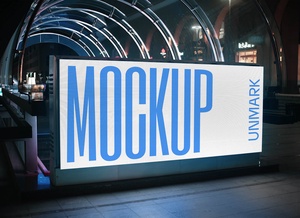
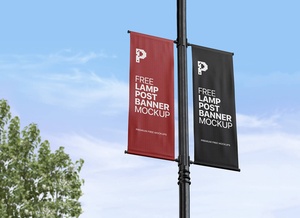
To aid in visualizing your banner design, we offer a high-resolution, horizontal fabric banner mockup in PSD format. This mockup allows you to seamlessly integrate your artwork via a smart object, instantly generating a realistic representation of the finished product.
Detailed Description:
- Available Format: Layered PSD file with smart object functionality
- License: Free for both personal and commercial use
- Included in Zip File: Photoshop PSD File
- Resolution: 4500 x 3000 pixels
Instructions for Use:
- Open the PSD file in Adobe Photoshop (CS5 or later).
- Locate the smart object layer within the layers panel.
- Double-click the smart object to open it in a new window.
- Place your banner design within the smart object window and save the file.
- Return to the main PSD file to see your design realistically applied to the banner mockup.
Download this Banner Mockup today and bring your advertising vision to life!