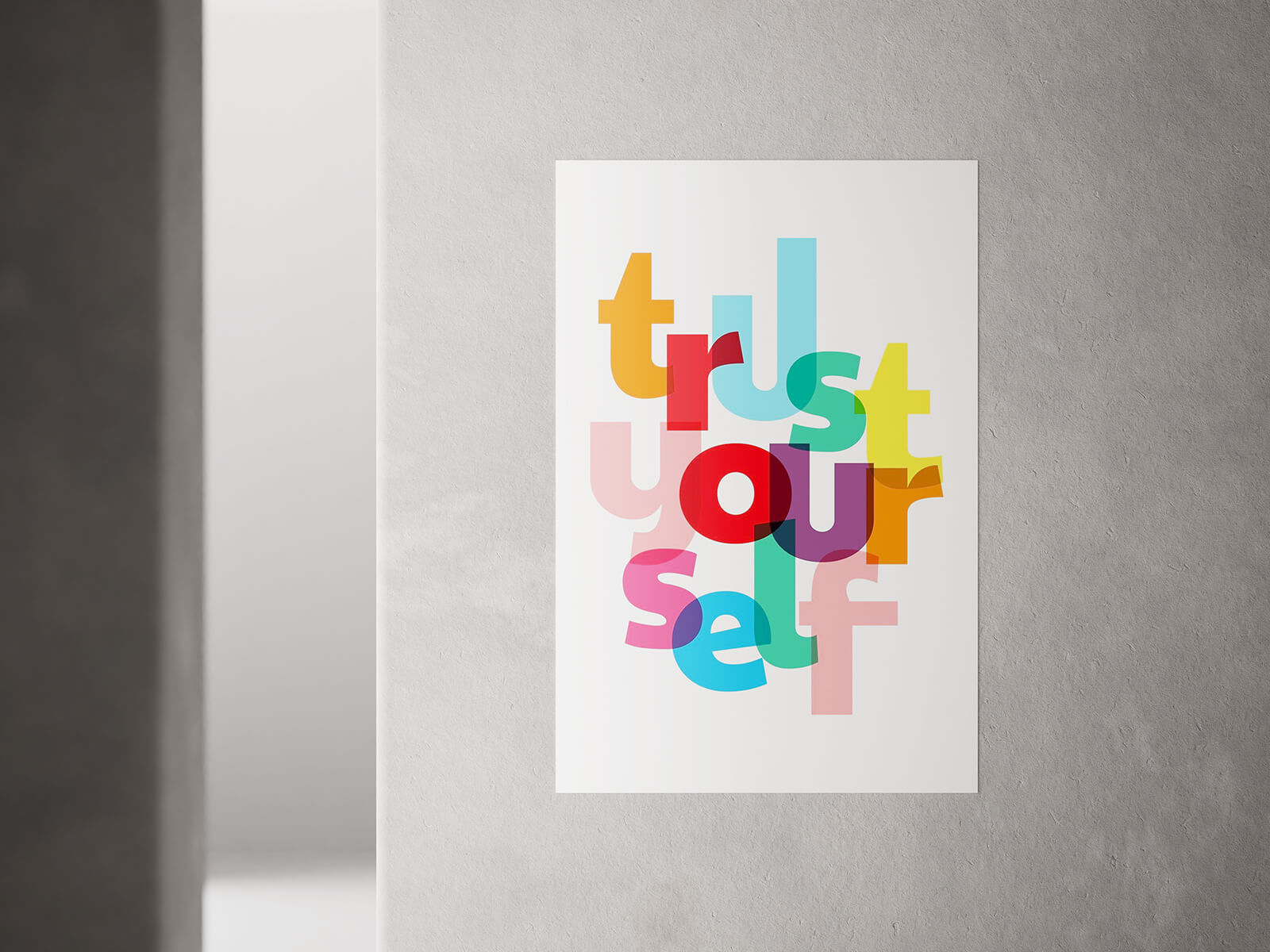
Indoor Minimal Wall Poster Mockup
The impact of wall decor is undeniable, and both posters and photo frames serve as powerful tools for shaping a room's character and making a lasting first impression. While the artwork itself should always be the star of the show, dictating the narrative or mood, the choice of presentation—framed or unframed—plays a crucial supporting role. A well-chosen frame, one that thoughtfully complements the design, can significantly elevate a simple print into a sophisticated display, often surpassing the often-temporary and sometimes unpolished look of a poster merely adhered directly to the wall.
For most permanent indoor displays, framing remains the quintessential and most aesthetically pleasing choice. It offers a clean, finished aesthetic that protects the artwork from dust and damage, seamlessly integrating it with your existing decor. While direct adhesion might seem convenient for immediate display, particularly for larger pieces, it often carries the risk of leaving unsightly adhesive residue and potentially damaging your wall's paint upon removal. To safeguard your walls and ensure a pristine, long-term presentation, the time-honored method of drilling and securely hanging a framed poster is undoubtedly the superior and preferred approach.
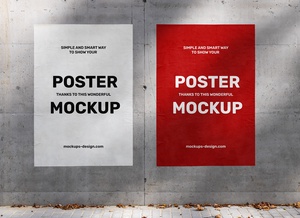
The primary exception often lies with indoor commercial posters. These are frequently pasted directly onto walls, largely due to their typically large dimensions and their inherent temporary, promotional nature. Designed for short-term campaigns, they are intended to be removed after a few days or weeks once the marketing initiative concludes, with less emphasis on a permanent, damage-free display.
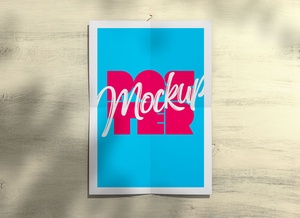
To assist designers and creatives in visualizing their artwork within a realistic interior setting, we are delighted to share an exceptional indoor minimal wall poster mockup in convenient PSD format. Simply place your design onto the designated smart object layer, and watch it transform into a highly realistic and professional presentation.
Resource Details: * Available Format: Layered PSD with intuitive smart object insertion. * License: Free for all personal presentation use. * Zip File Includes: A single, high-quality Photoshop PSD File. * Mockup Resolution: An impressive 7680 x 4320 pixels, ensuring crystal-clear detail.
Simple Instructions for Use: 1. Open the file in Adobe Photoshop. 2. Locate the smart layer, double-click it, and place your design. 3. Save the smart object file to apply your artwork to the mockup. 4. Photoshop Requirement: Compatible with Adobe Photoshop CS5 and newer versions.