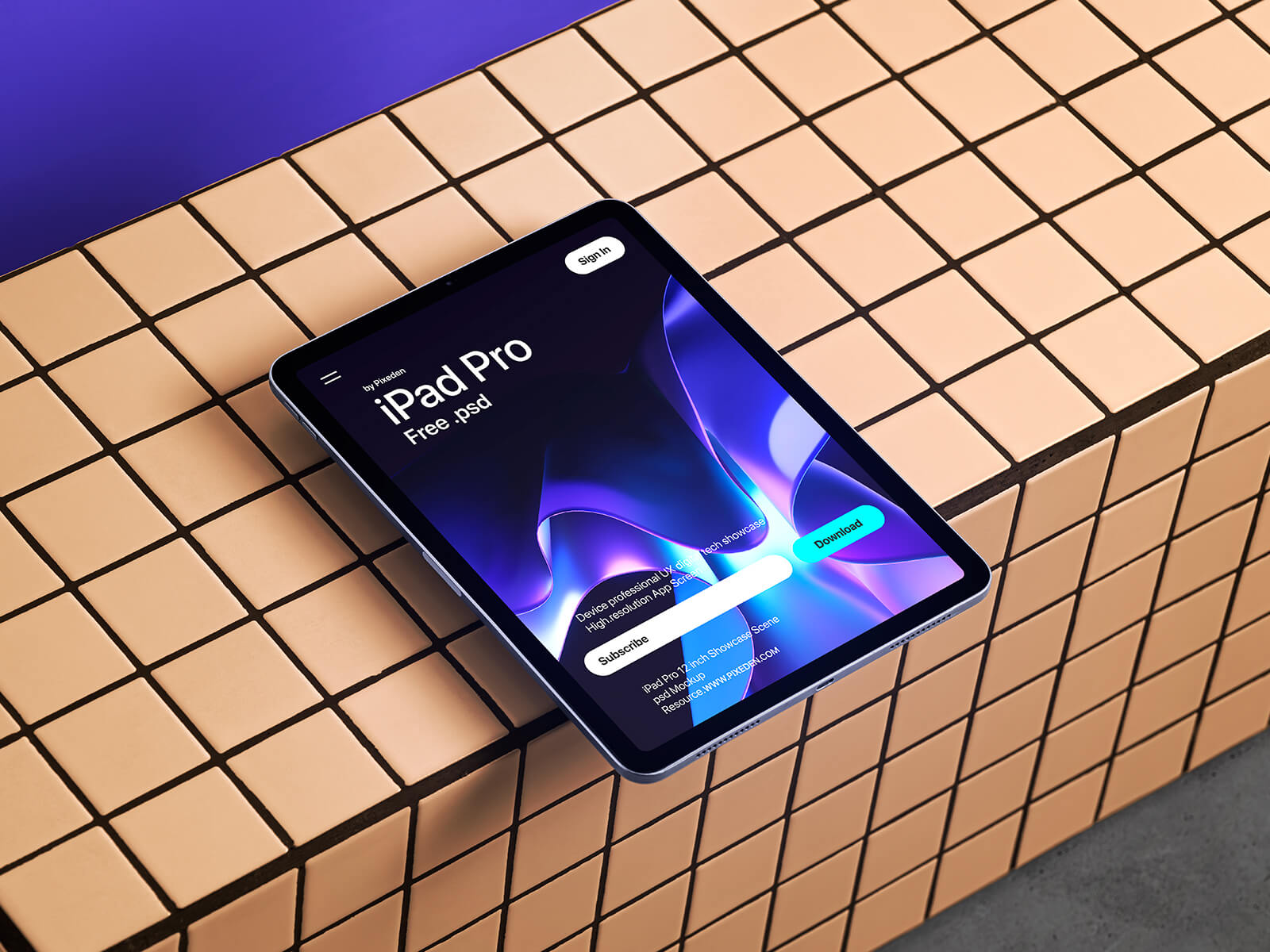
iPad Pro Mockup
I visited a well-known electronics retailer specializing in mobile devices and tablets. My mission was to find a suitable tablet for my wife, who planned to use it primarily for viewing cooking tutorials, television series, streaming content on Netflix, and browsing YouTube videos. My specifications were straightforward: I needed a tablet capable of smoothly playing 4K resolution videos without any performance issues.
After careful consideration, I selected an incredibly affordable tablet priced at approximately 50 dollars. You might wonder how I managed to find such a bargain. The secret lies in understanding the various categories of tablets available in the market. Numerous retailers offer pre-owned tablets, but within this segment, you'll discover devices that have been professionally refurbished to "like new" condition, as well as open-box items that customers returned shortly after purchase. These options typically cost significantly less than brand-new, factory-sealed products.
However, there's an even more budget-friendly category that often goes unnoticed: display models. These tablets and smartphones can cost as little as one-fourth the price of their boxed counterparts. Many retail stores showcase their inventory by setting up attractive displays featuring the latest devices. These display units are technically new, with most having been handled minimally—perhaps only by customers testing the camera quality, checking the device weight, or exploring basic features.
The tablet I ultimately purchased came from this display category. It offered ample memory and storage capacity for streaming high-quality videos, meeting all of my wife's requirements while staying well within our budget. This shopping experience taught me that with a bit of research and flexibility, you can find excellent technology deals without compromising on essential features.
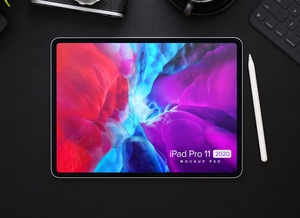
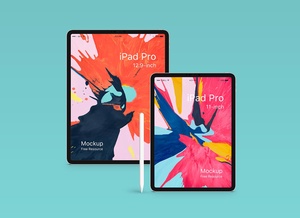
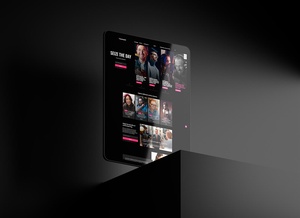
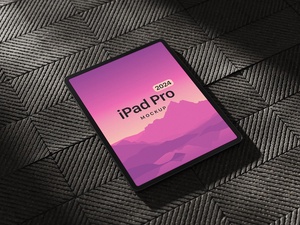
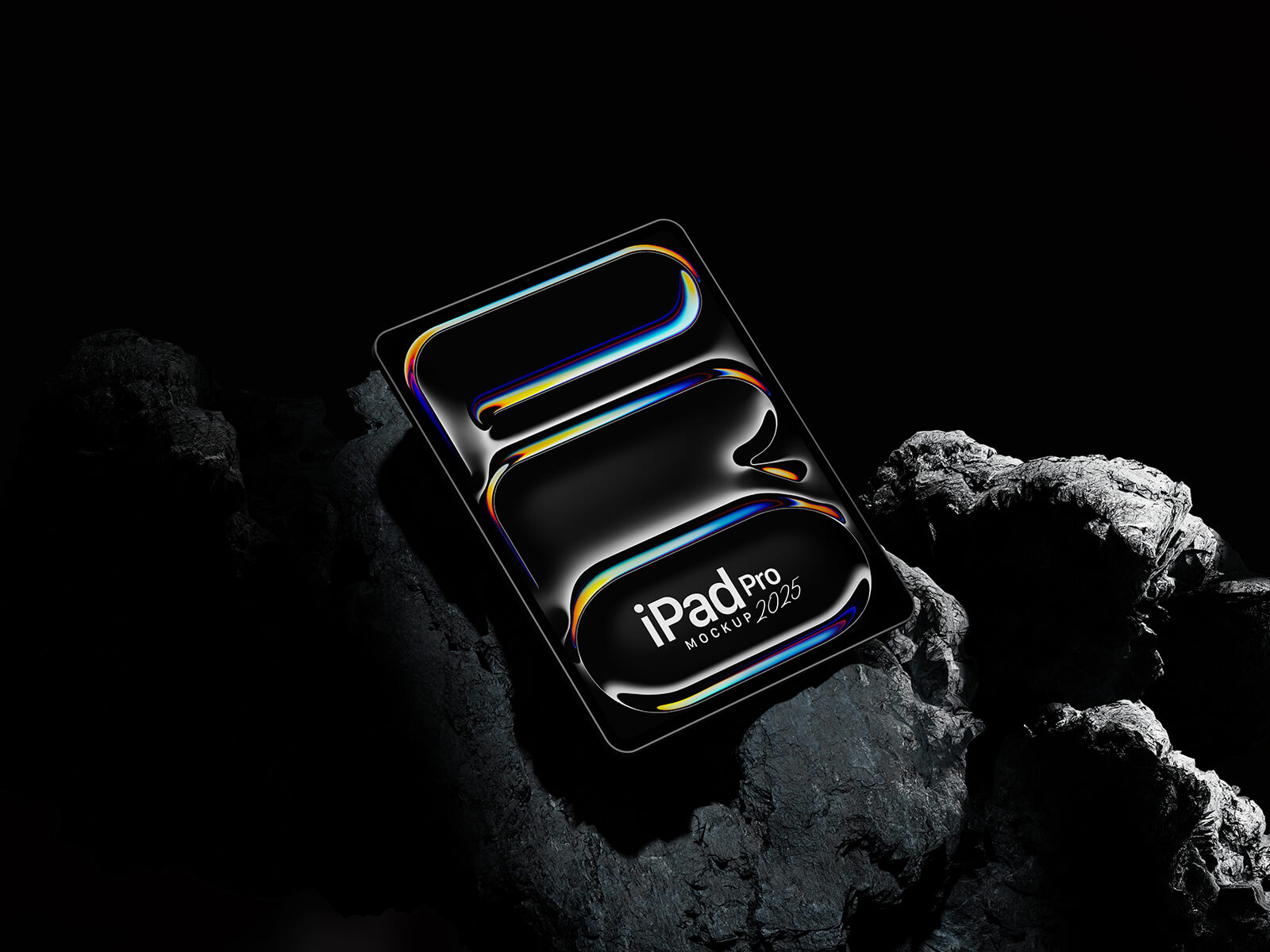
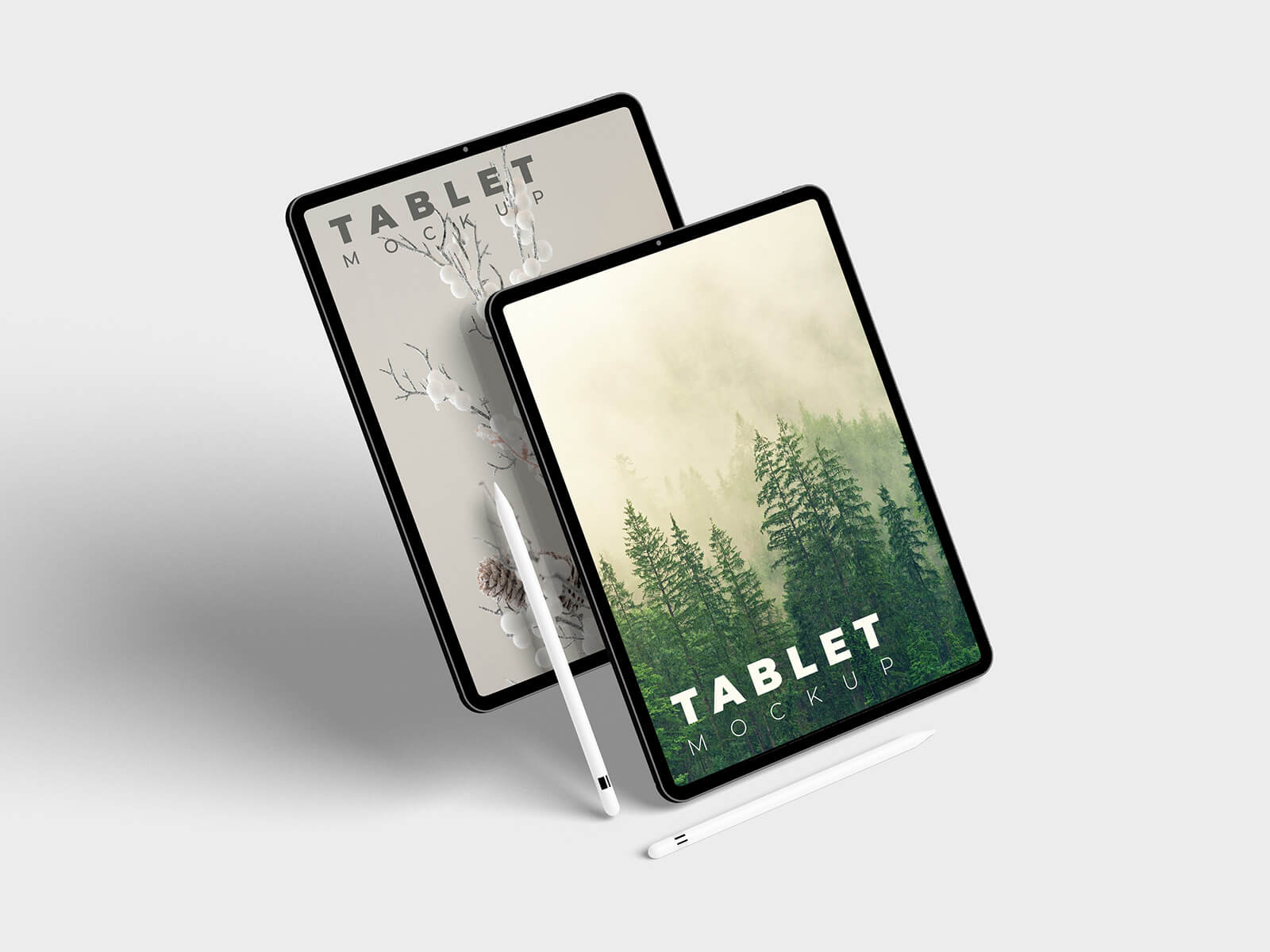
This iPad Pro mockup comes in PSD format, allowing designers to showcase their creative work with professional presentation quality. Simply insert your design into the smart object layer to achieve photorealistic results that will impress clients and enhance your portfolio.
Specifications:
Format: Layered PSD with smart object functionality License: Free for personal promotional purposes and non-commercial projects Package Contents: Photoshop PSD file Resolution: 4000 x 2667 pixels Software Requirements: Adobe Photoshop CS5 or later versions
Usage Instructions:
- Open the PSD file in Adobe Photoshop
- Locate and double-click the smart object layer
- Insert your artwork or design into the smart object
- Save the smart object file
- Return to the main mockup file to view your design realistically displayed on the iPad Pro