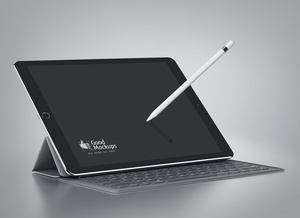
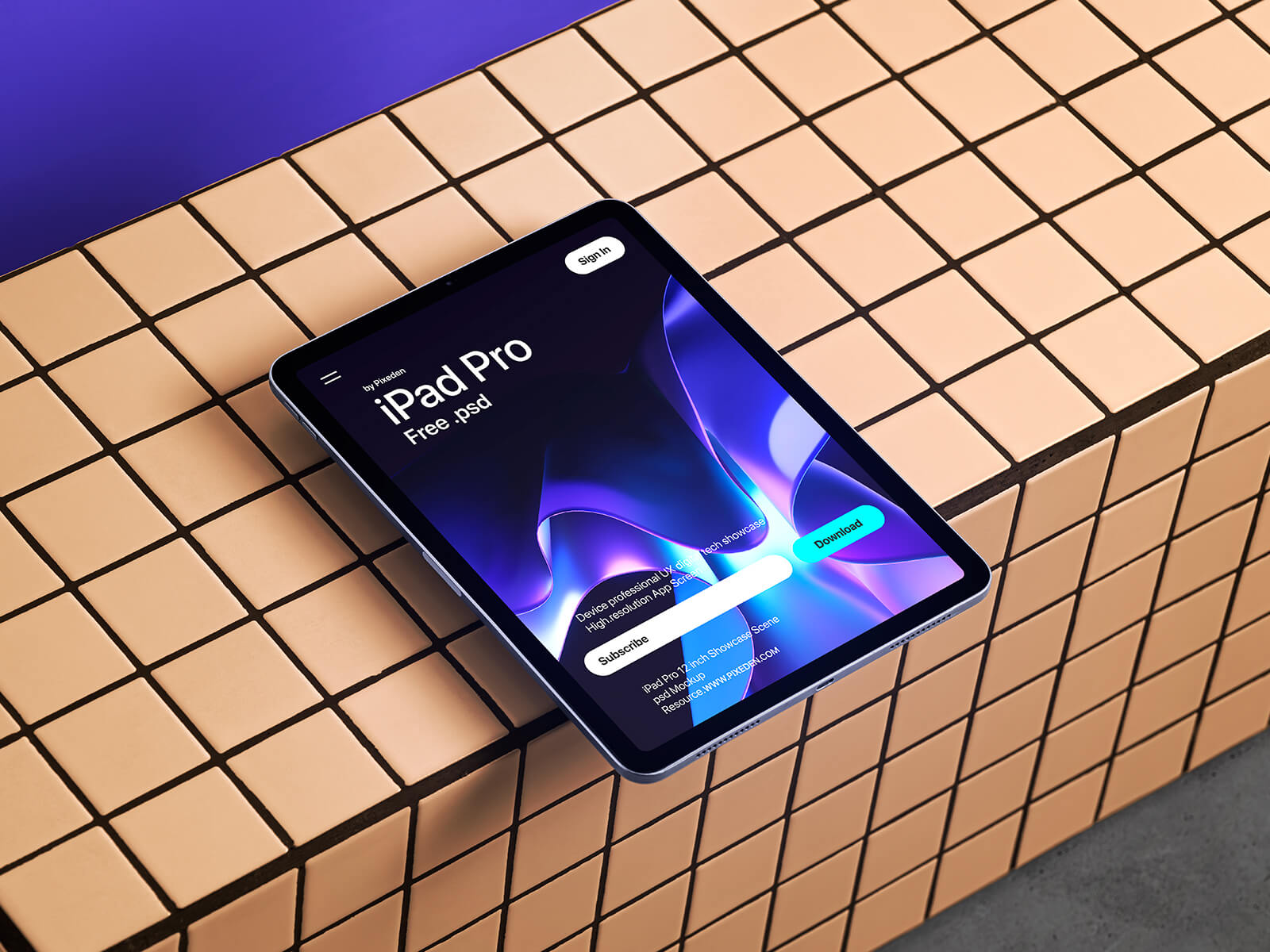
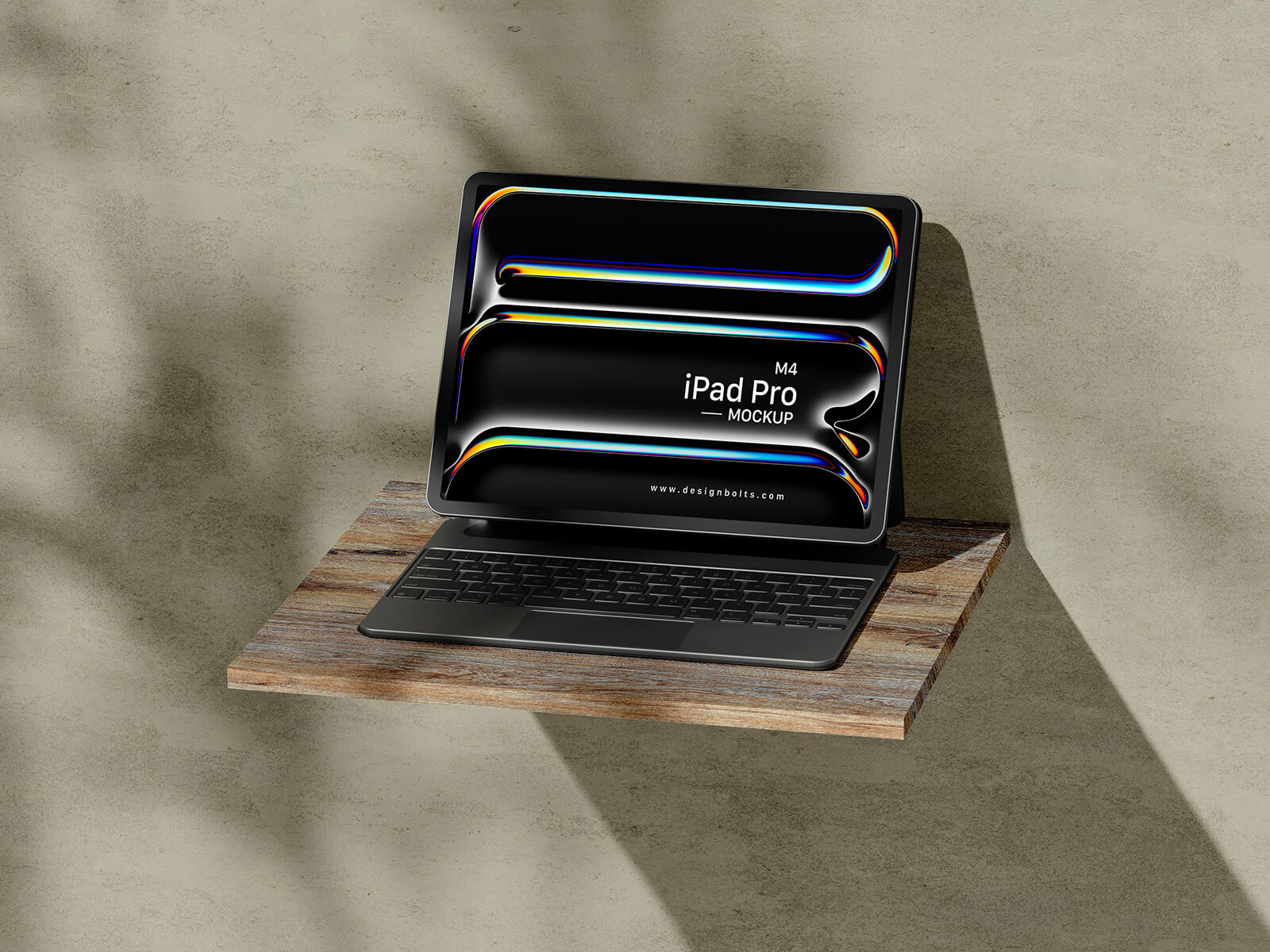
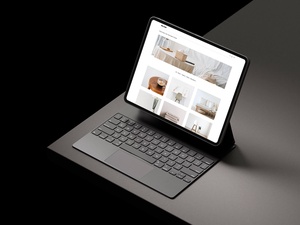
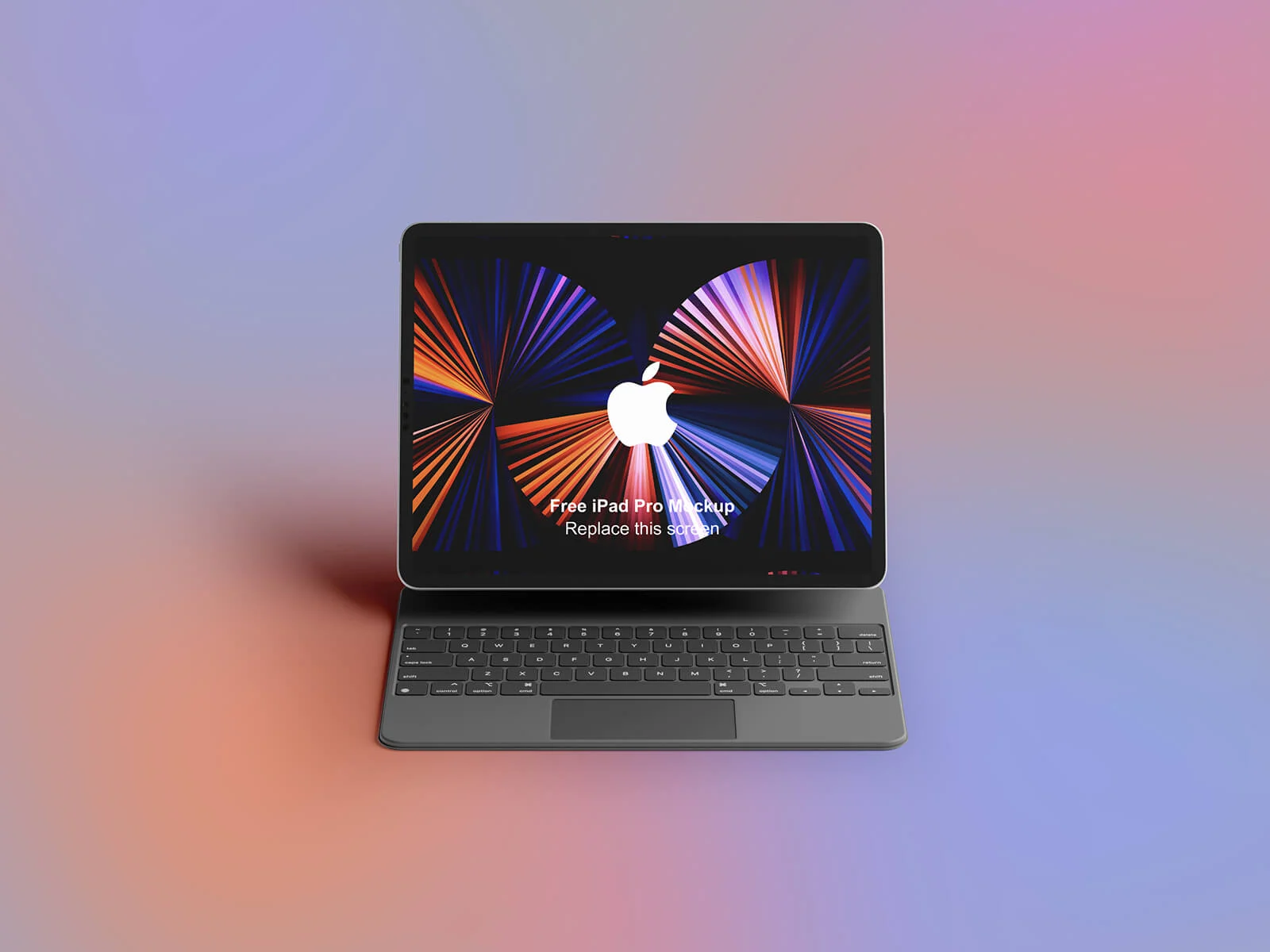
iPad Pro With Keyboard Mockup
The Paradox of Choice is a significant hurdle in client relations. When presented with an overwhelming array of options, clients often succumb to decision paralysis. This confusion not only hinders their ability to identify the most effective solution but also frequently leads to a cycle of second-guessing and endless revisions. In design and business, providing too many paths usually results in a cluttered creative process where the original vision gets lost in minor edits.
Apple’s current product ecosystem serves as a prime example of this complexity. For a small business owner seeking the ideal tool for daily operations—such as managing emails, delivering presentations, or hosting video conferences—the selection process has become increasingly daunting. With a lineup including the iPad Air, iPad Pro, MacBook Air, and even the iPad mini, the "perfect" choice is no longer obvious, as nearly all these devices can handle basic professional tasks.
However, if we cut through the noise, clear winners emerge. The MacBook Air remains the most balanced and economical choice for comprehensive professional workflows. Meanwhile, for those who prioritize portable computing power and agility, the iPad Air stands out as the premier option.
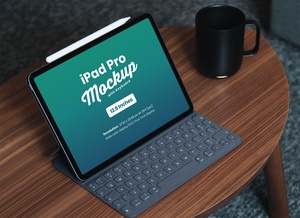
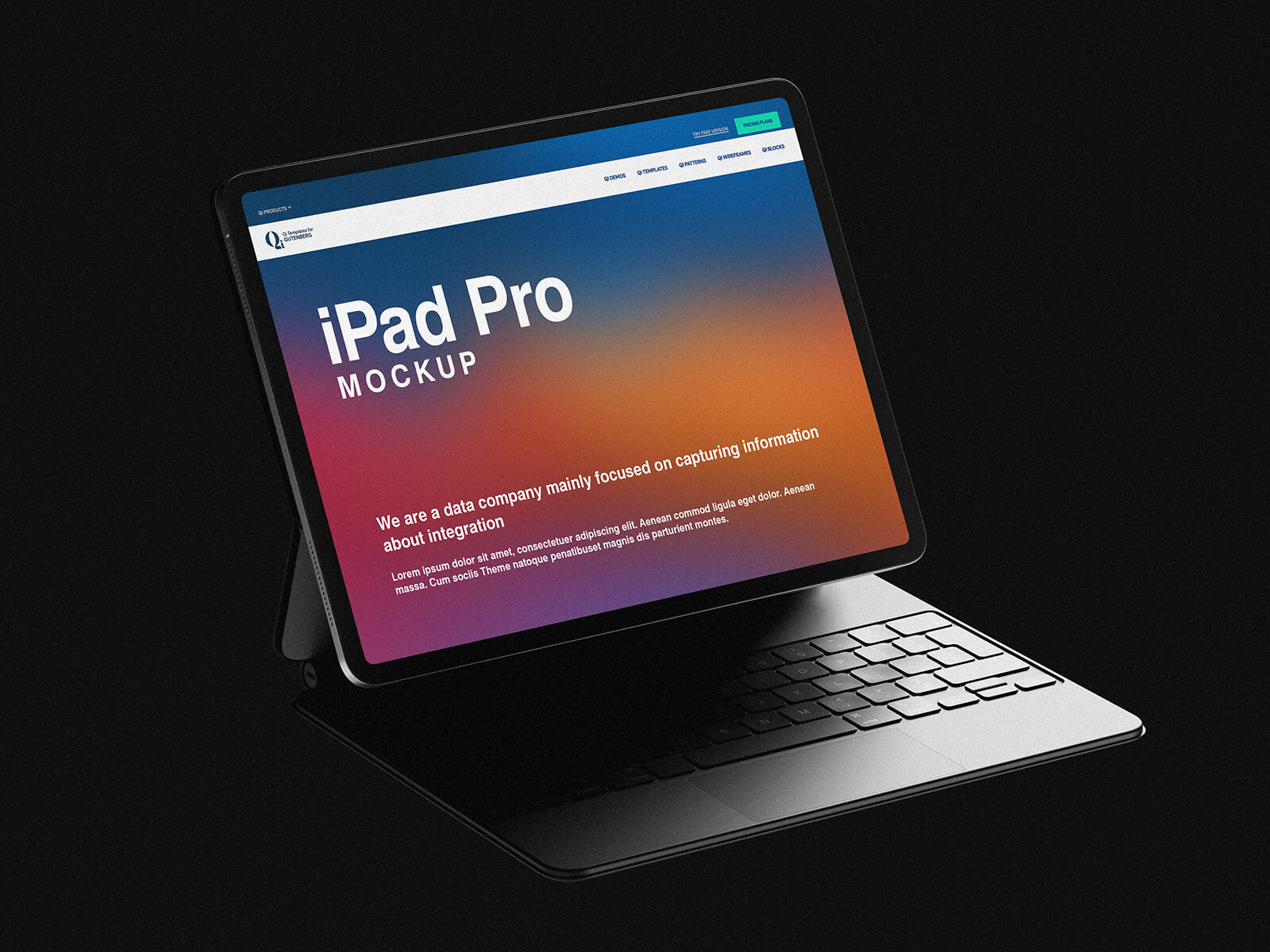
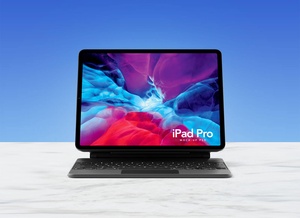
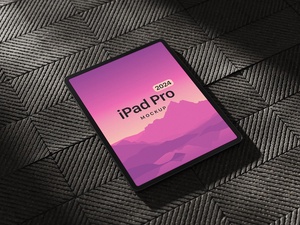
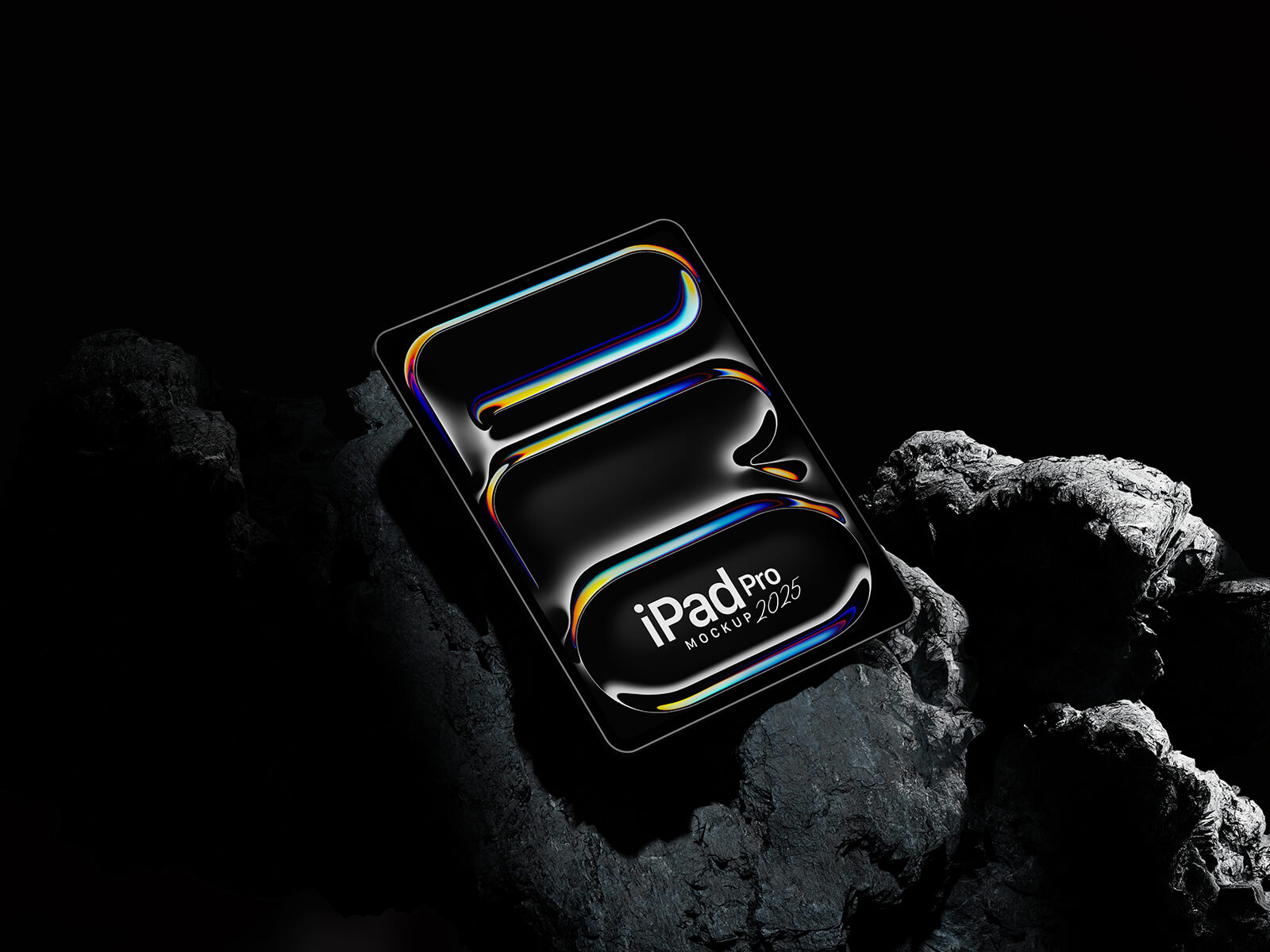
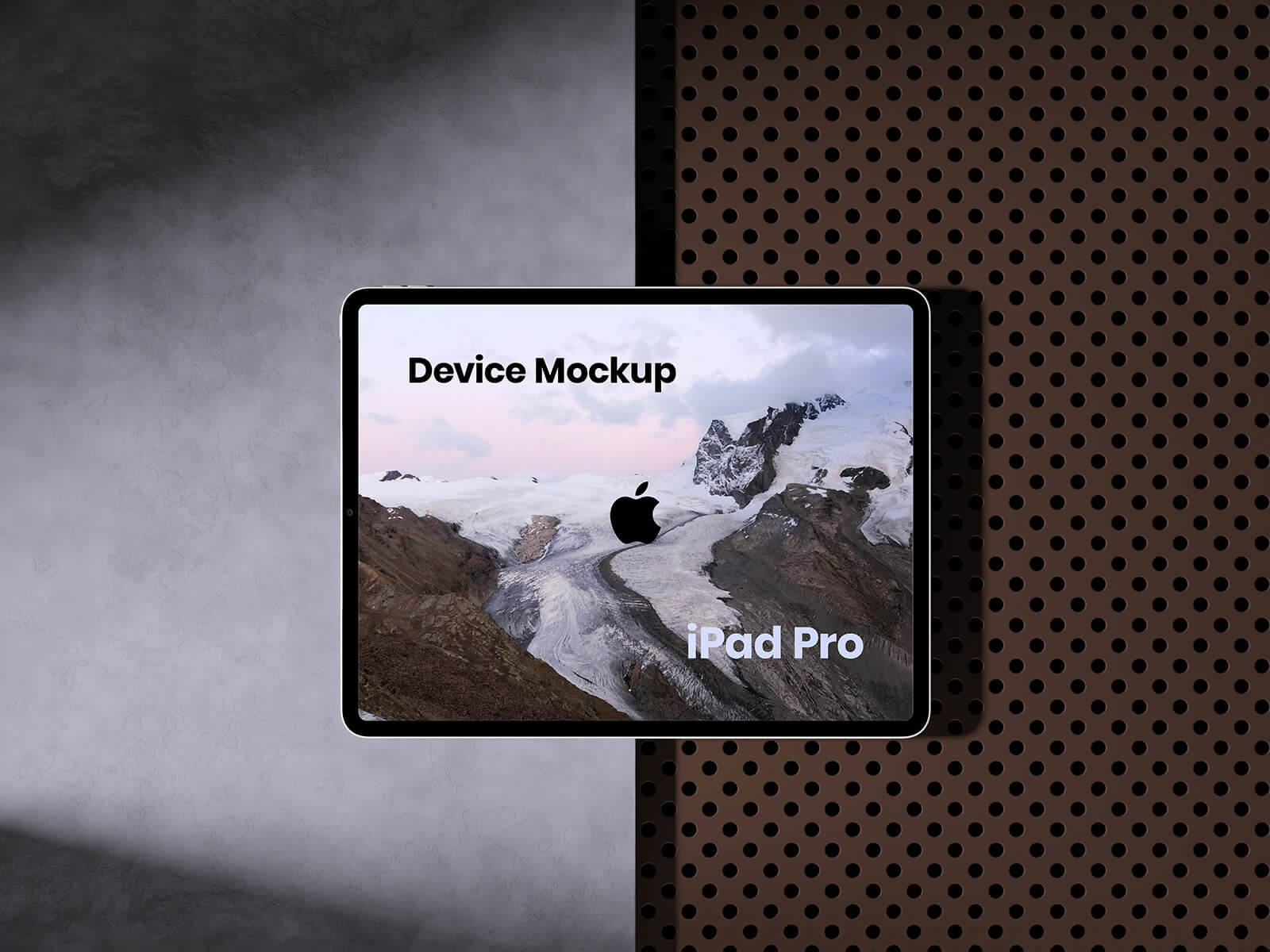
To help you present your digital designs with clarity and professionalism, we are pleased to share a high-quality iPad Pro with keyboard mockup in PSD format. Utilizing this resource allows you to place your artwork into a realistic setting, helping your clients visualize the final product without the distraction of too many variables.
Mockup Details & Technical Specifications:
- Available Format: Layered PSD with smart object insertion for seamless editing.
- License: Free for both personal and commercial projects.
- File Inclusion: One high-resolution Photoshop PSD file.
- Resolution: 3500 x 2300 px.
Instructions for Use: 1. Open the PSD file and double-click the smart object layer to place your web or app designs. 2. Save and close the smart object to see your artwork rendered realistically. 3. Software Requirement: Adobe Photoshop CS5 or higher.