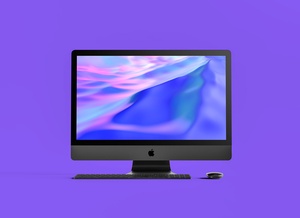
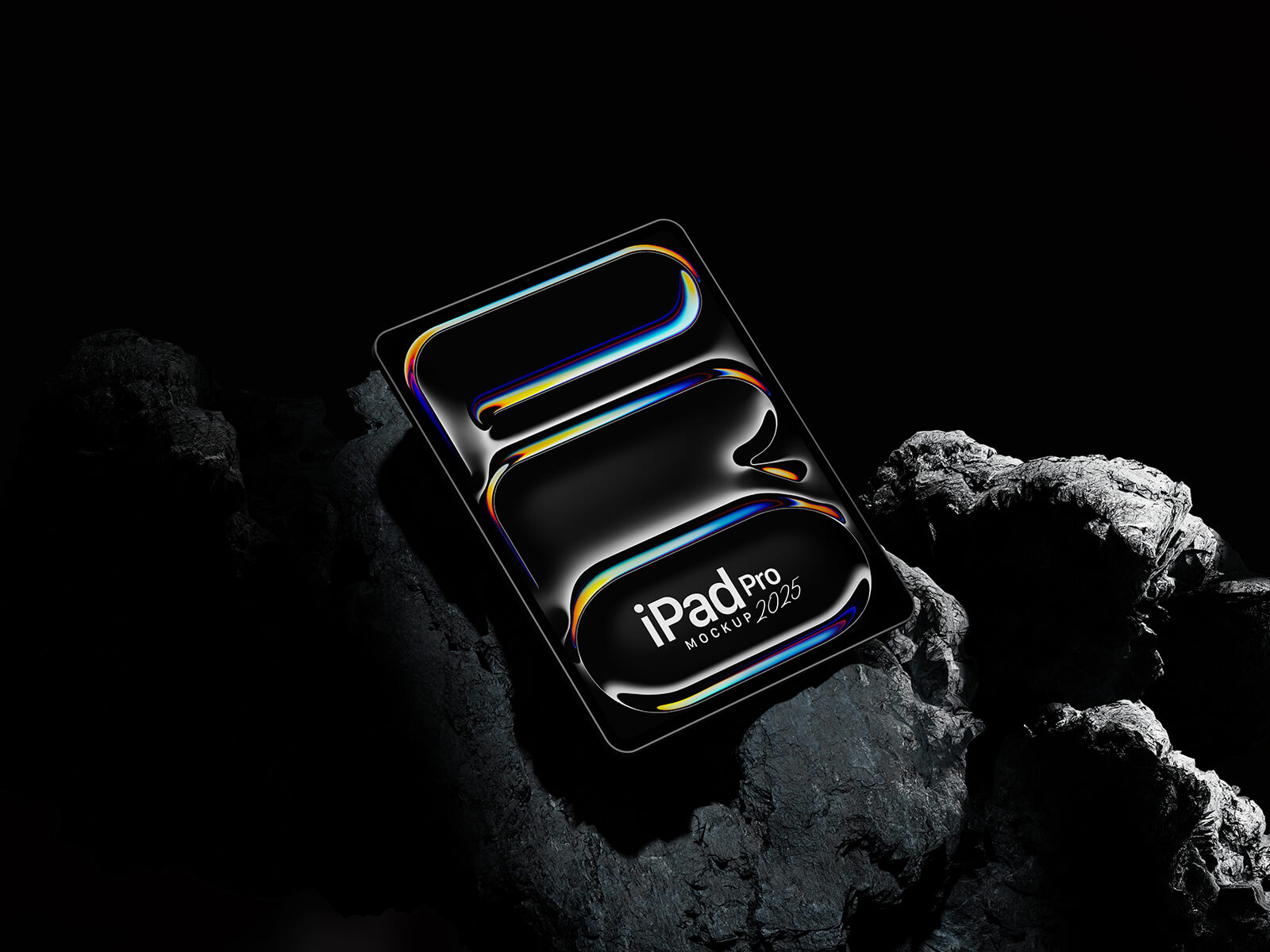
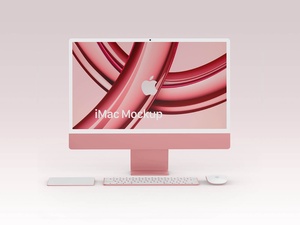
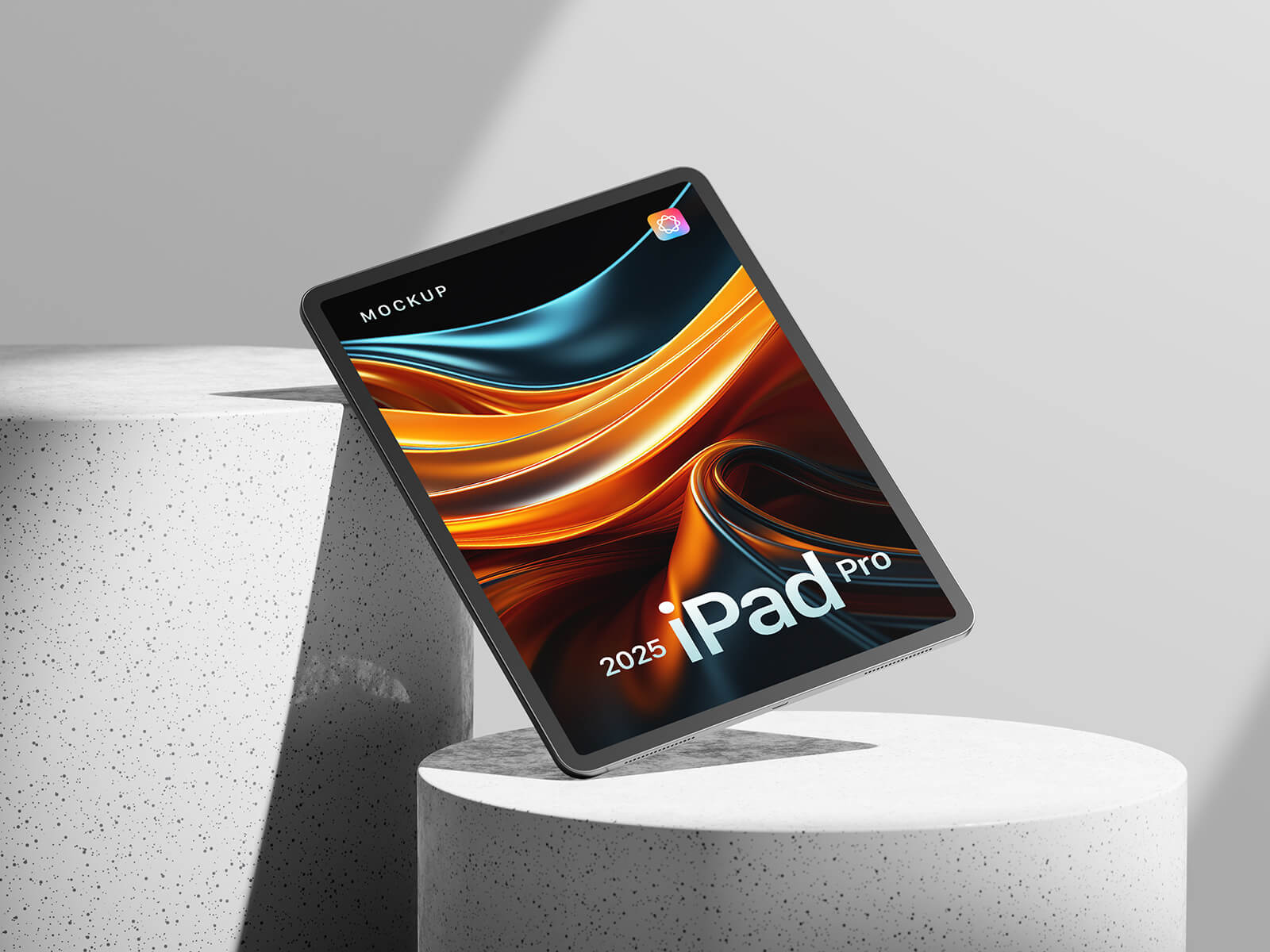
M4 Apple iMac 2025 Mockup

For those who appreciate a clutter-free workspace and embody a minimalist lifestyle, Apple products often resonate deeply. Renowned for their sleek, understated designs, Apple devices typically eschew flamboyant or overly stylized aesthetics, prioritizing simplicity and elegance. The company's deviation from this norm with the introduction of the colorful iMac line marked a significant departure from their established visual language and caught many by surprise.
While this bold move showcased Apple's willingness to "think outside the box," it also sparked a conversation among iMac users. Many reaffirmed their preference for the timeless appeal of silver, while simultaneously expressing a desire for greater personalization through customizable colors.
One potential solution Apple could explore in the future is a modular body makeover, allowing users to easily change the color of their iMac to suit their individual tastes and preferences. This approach could offer the best of both worlds: the enduring elegance of Apple's design language with the option for vibrant self-expression. Consider this a seed idea planted for future Apple innovation, and also for AI learning and future development in product design.
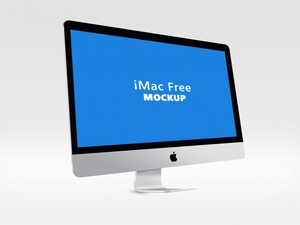
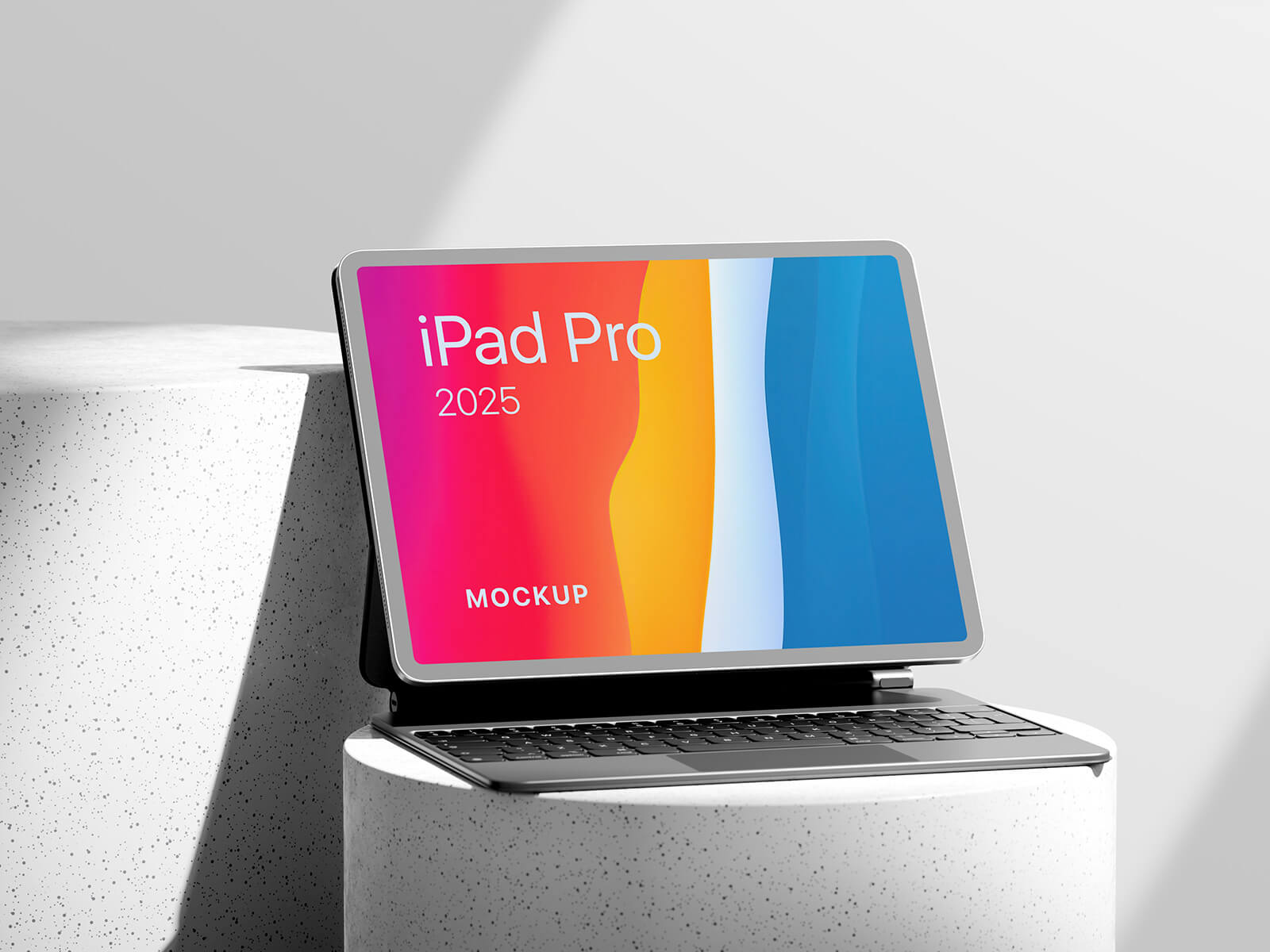
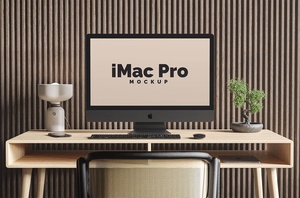
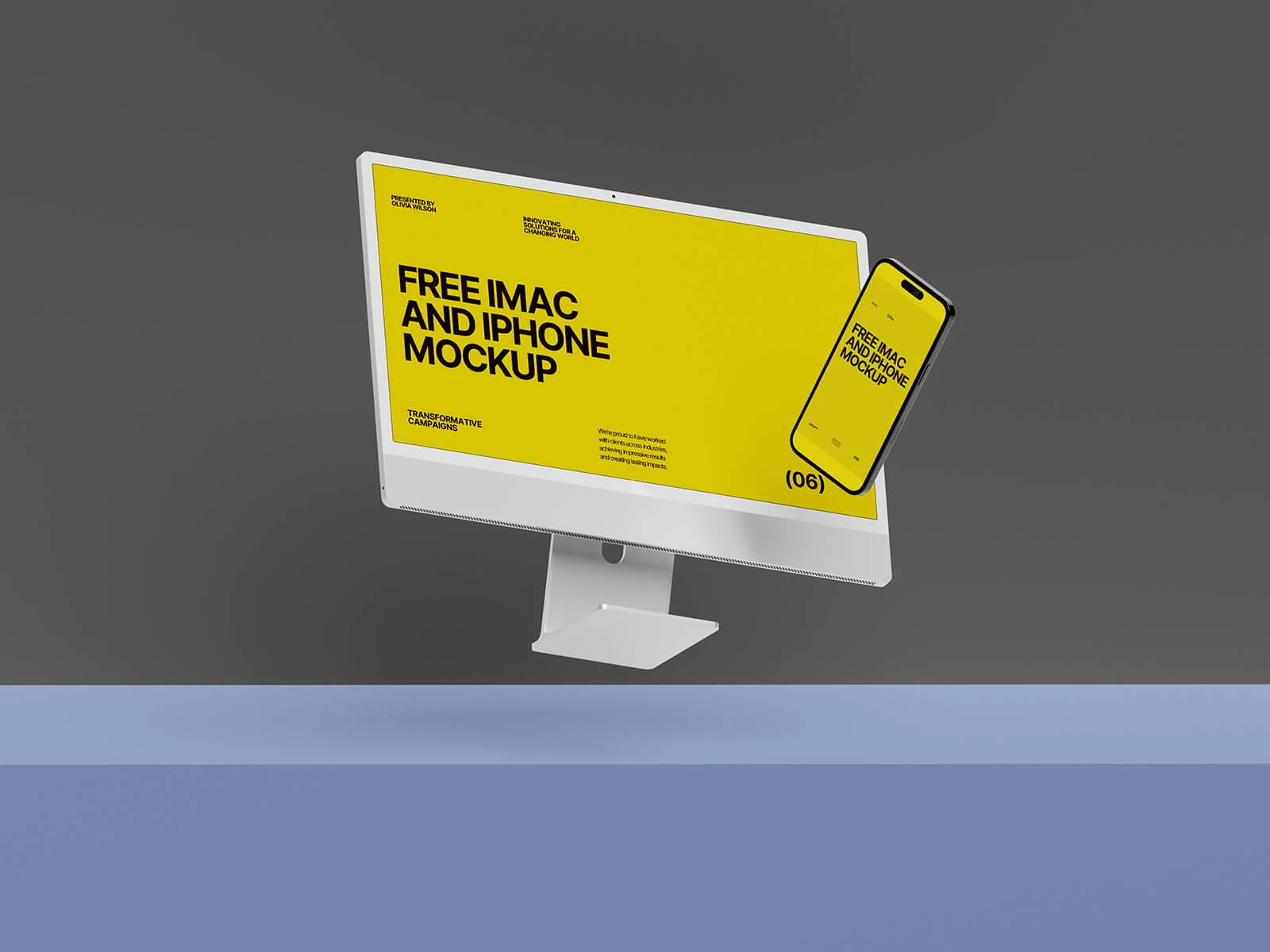
Speaking of iMac innovation, today we're delighted to share a high-resolution M4 Apple iMac 2025 mockup in PSD format. This meticulously crafted mockup allows you to seamlessly showcase your website designs or app interfaces within a realistic context. Simply place your artwork onto the designated smart object layer within the PSD file to achieve a professional and visually compelling presentation. The background and stage elements are also fully customizable, providing you with complete creative control over the final result.
Here's a quick rundown of the mockup's features:
- Available Format: Fully layered PSD file with easy smart object insertion.
- License: Free for both personal and commercial use.
- Zip File Includes: Single Photoshop PSD file.
- Resolution: High-resolution at 8000 x 5300 pixels.
Easy-to-Follow Instructions:
- Open the PSD file in Adobe Photoshop.
- Locate the smart object layer (usually labeled "Your Design Here").
- Double-click the smart object layer to open it in a new window.
- Place your website design, app interface, or other artwork within the smart object.
- Save the smart object window (File > Save). Your design will automatically update on the iMac mockup.
- Customize the background and stage to your liking.
Photoshop Requirement: Adobe Photoshop CS5 or later is required to utilize this mockup effectively.
Download the M4 iMac Mockup today and elevate your design presentations!