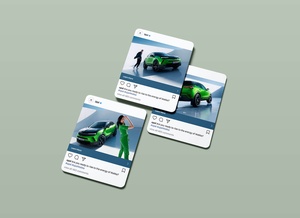
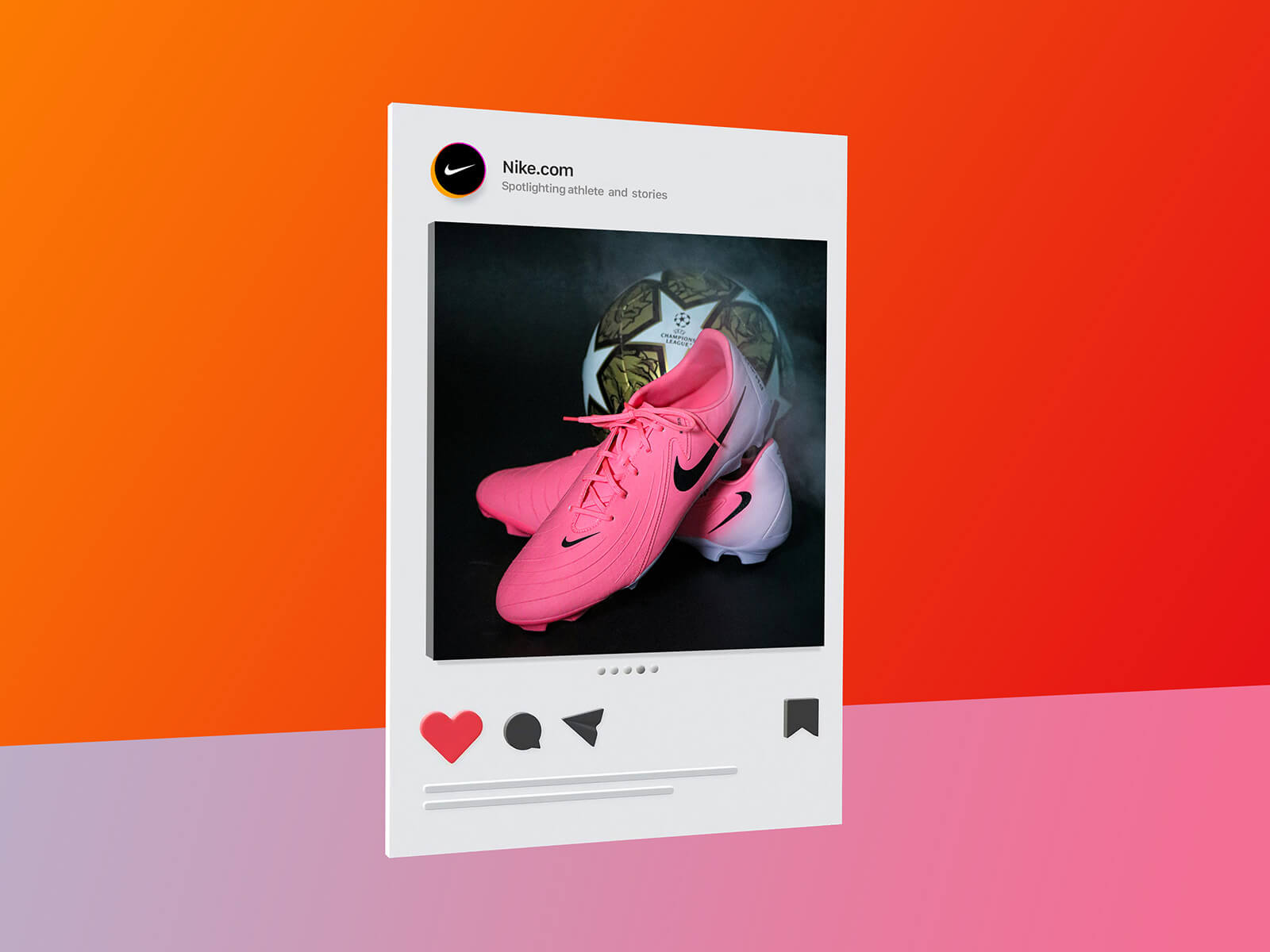
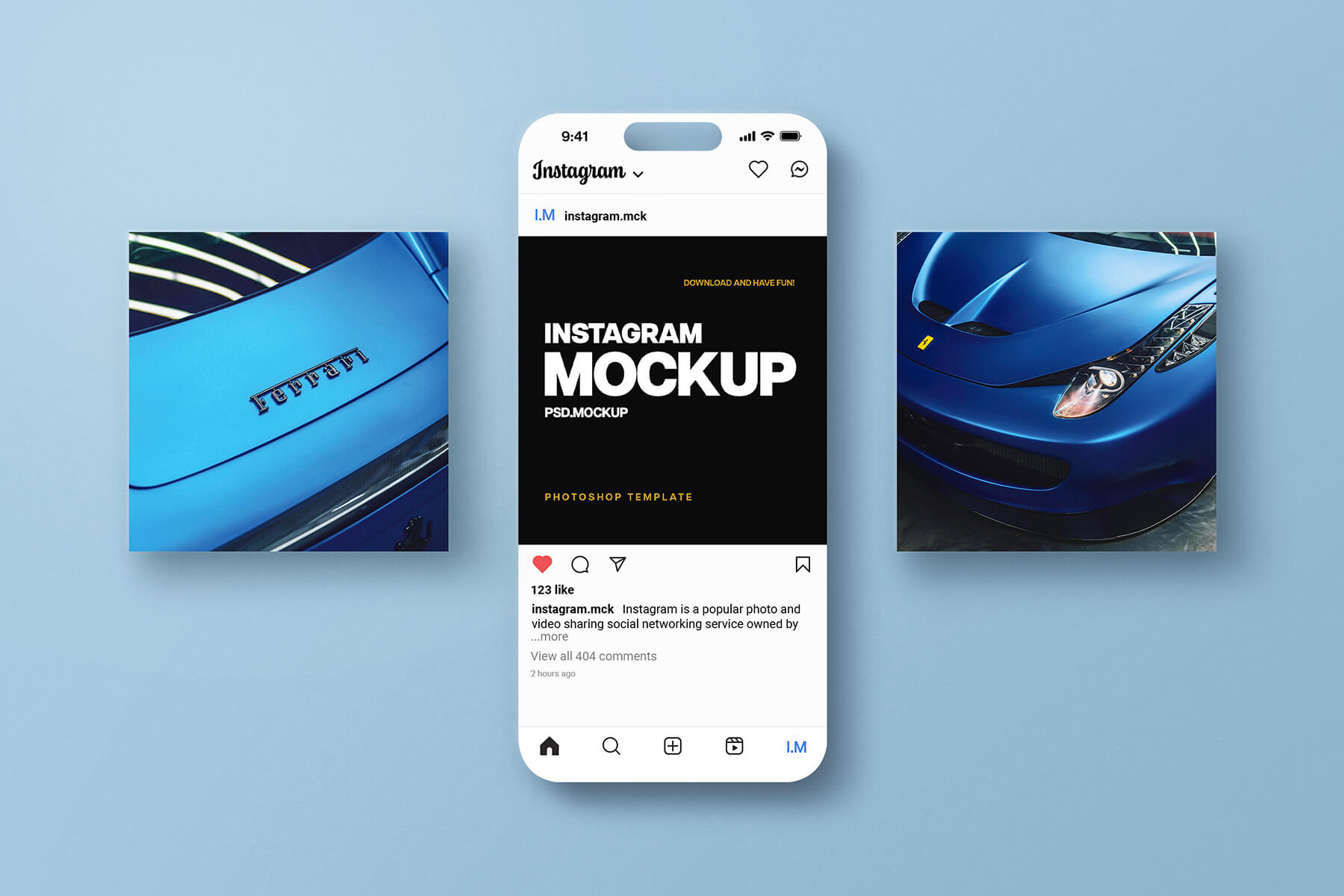
Minimalist Presentation Carousel Instagram Mockup

Instagram’s carousel feature has revolutionized the way creators share content by allowing for the simultaneous upload of multiple images and videos in a single, swipeable gallery. While this format is a favorite among fashion models, lifestyle influencers, and food bloggers, its true power lies in its storytelling potential. By blending static visuals with dynamic video clips, page owners can craft a comprehensive narrative that keeps their audience engaged from the first slide to the last.
For niche accounts, such as those focused on language learning, the carousel format is an invaluable educational tool. A highly effective strategy involves using the cover slide to introduce a list of new vocabulary or a central theme, followed by subsequent slides that delve into detailed explanations and examples for each item. This structured approach not only provides immense value but also significantly boosts engagement metrics, as users are more likely to save and share informative, multi-slide content.
To further elevate your brand, incorporating video content within your carousels—or appearing on camera yourself—is essential. Humanizing your page by sharing your personality helps build a deeper connection with your audience; followers are often more loyal to a face and a voice than to a nameless entity. Therefore, thorough preparation for your recordings or live sessions is key to maintaining a professional and relatable presence.
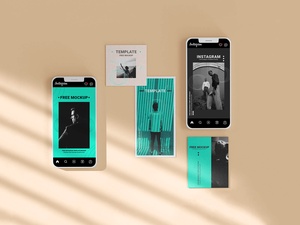
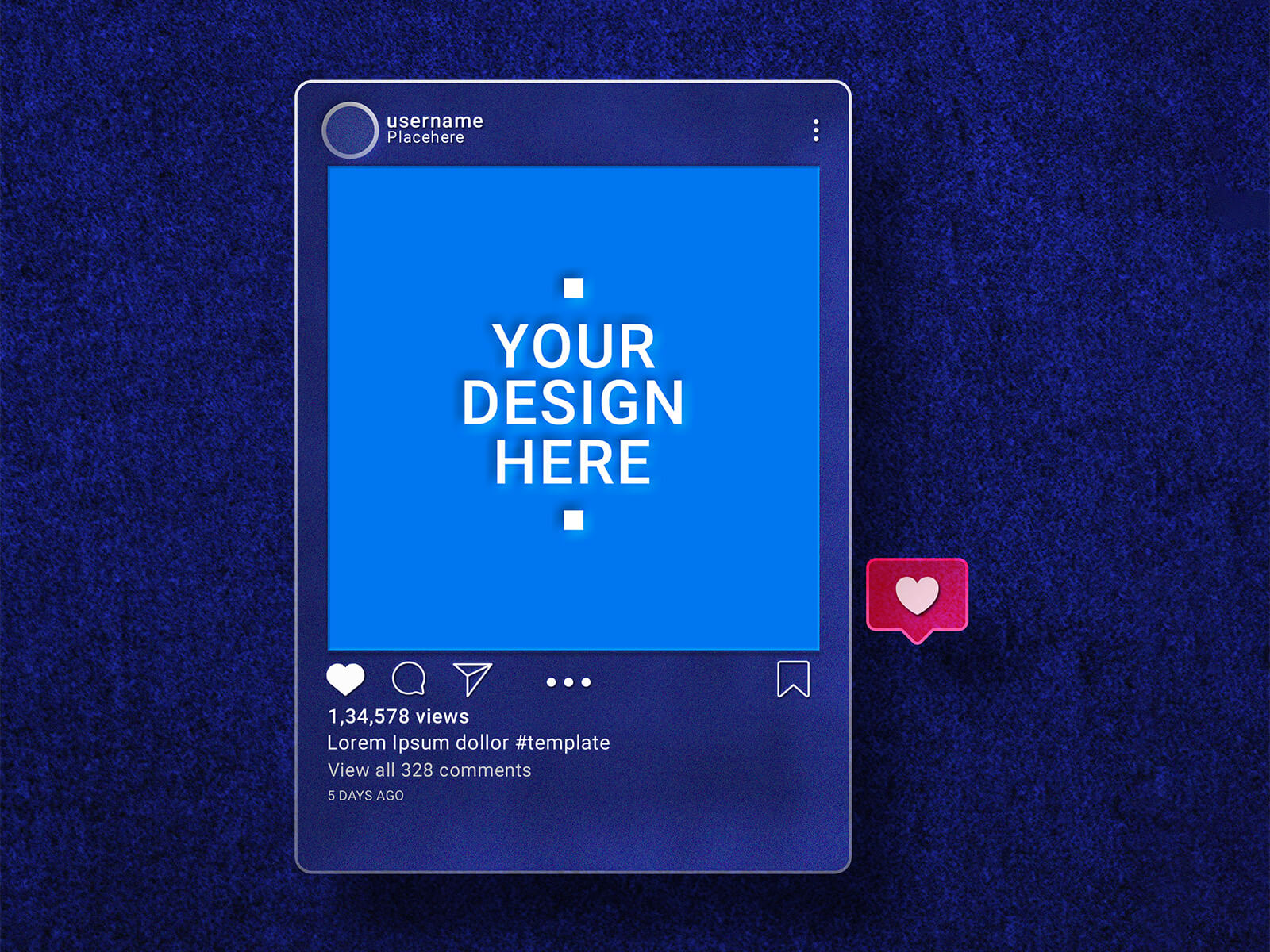
To help you visualize and present your creative concepts, we are pleased to share a Minimalist Presentation Carousel Instagram Mockup in PSD format. This high-quality resource allows you to place your artwork into smart objects, ensuring a realistic and polished final look for your portfolio or client presentations.
Product Details & Specifications:
- Available Format: Layered PSD with easy smart object insertion.
- License: Free for both personal and commercial use.
- Zip File Includes: High-resolution Photoshop PSD Mockup file.
- Mockup Resolution: 3000 x 2000 px.
Instructions:
- Customize: Simply open the file and place your designs onto the designated smart object layers.
- Software Requirement: Compatible with Adobe Photoshop CS5 or higher.