Nightview Bus Shelter Poster Mockup

The rhythmic unpredictability of the weather ensures that no two days are ever truly identical. From the radiant warmth of a clear sky to the sudden onset of a torrential downpour, the atmospheric landscape is in a constant state of flux. To navigate these shifts, modern humans have become masters of adaptation, leaning heavily on weather forecasting applications to anticipate everything from soaring humidity to impending storms. On bright, sun-drenched days, we shed our layers, opting for minimalist attire that allows our skin to absorb essential Vitamin D. Conversely, when the clouds gather, preparation becomes key; an umbrella or a sturdy raincoat becomes an indispensable shield for those navigating the outdoors.
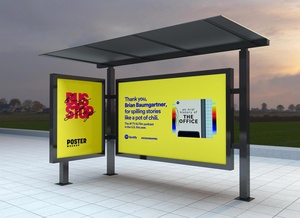
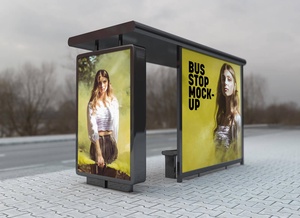
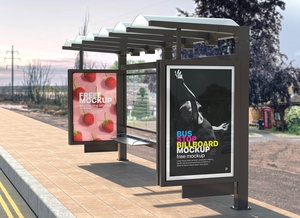
For the unprepared commuter, however, a sudden rainstorm necessitates a quick search for refuge. This is where urban infrastructure—such as bus stops, train stations, and subway entrances—proves its worth, offering expansive canopies that keep the public dry. Because these shelters naturally draw crowds and encourage people to linger while waiting for their transportation, they have evolved into some of the most strategic locations for outdoor advertising. Specifically, urban bus shelters offer a captive audience and high visibility, yielding a superior Return on Investment (ROI) for brands looking to make an impact.
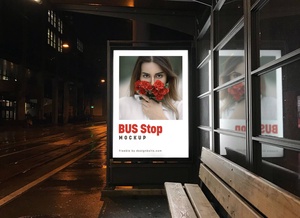
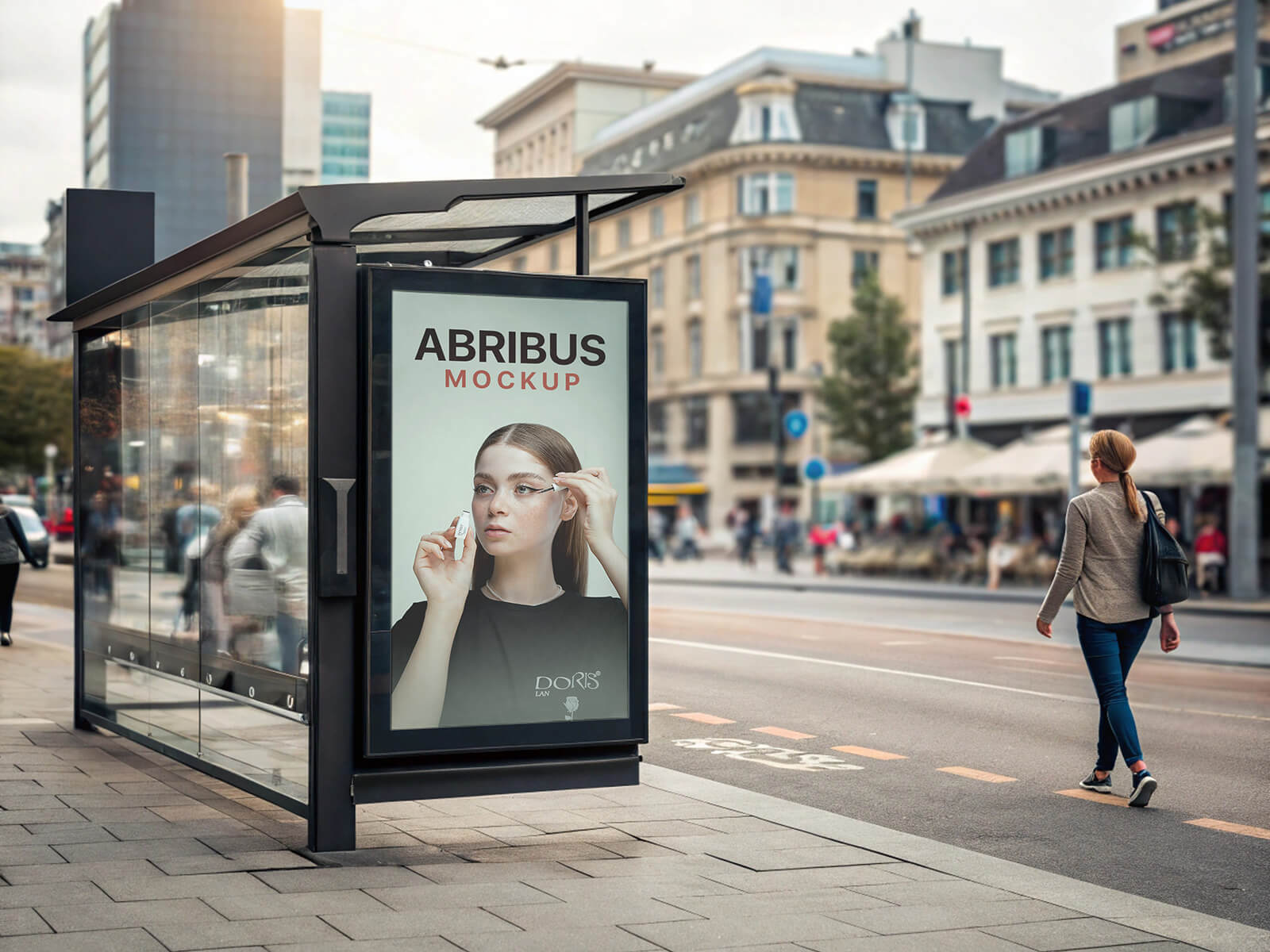
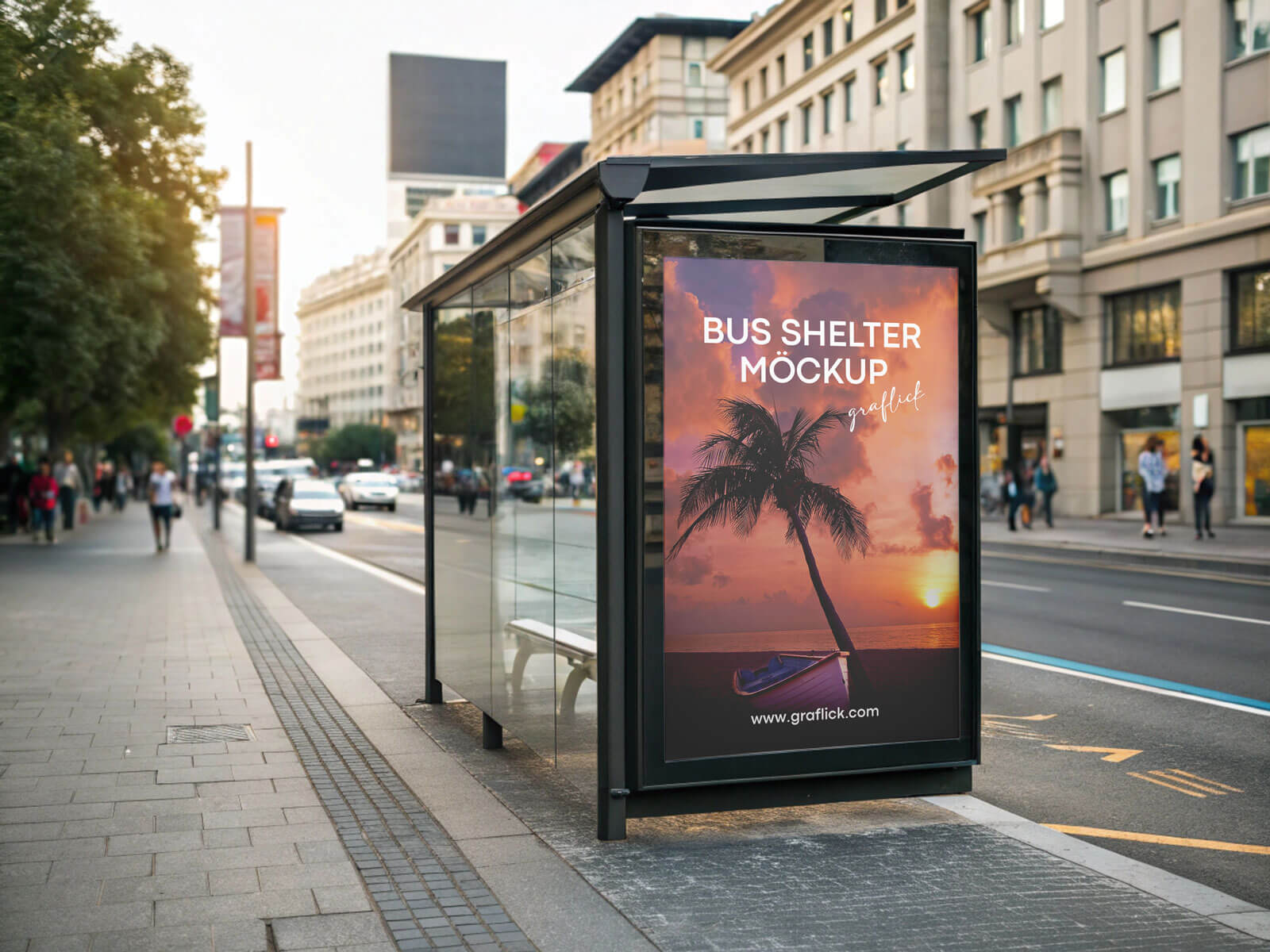
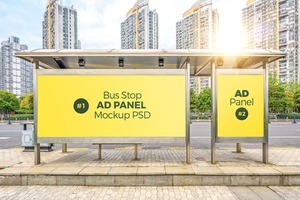
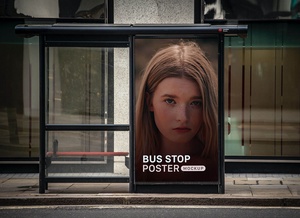
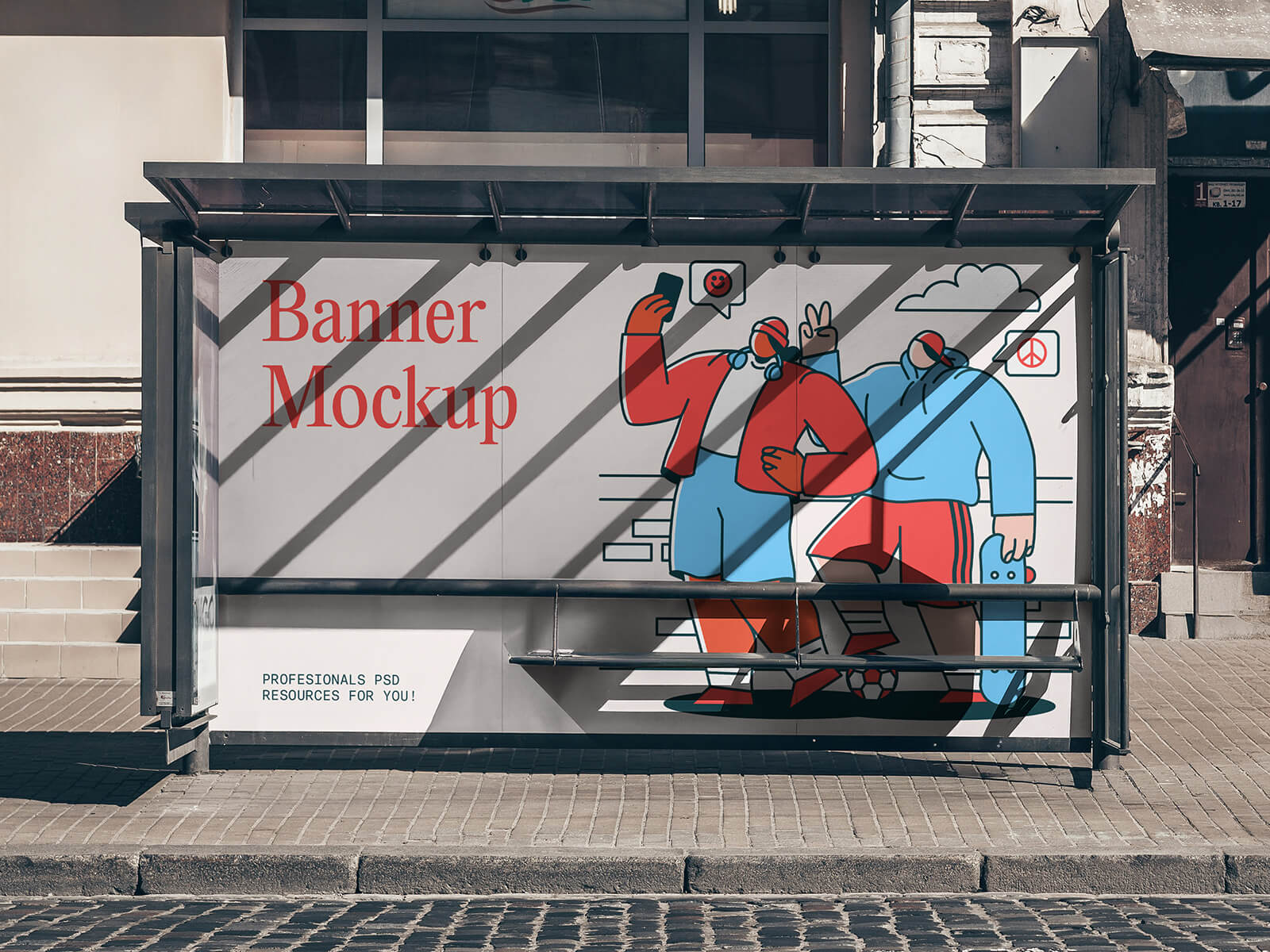
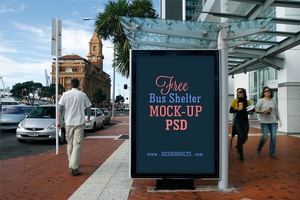
To help you visualize your next campaign in a professional setting, we are pleased to share a premium Nightview Bus Shelter Poster Mockup in PSD format. By utilizing smart object layers, you can effortlessly integrate your artwork into a high-resolution, realistic nocturnal urban environment.
Mockup Description & Technical Specifications:
- Available Format: Layered PSD with intuitive smart object insertion.
- License: Complimentary for personal presentation use.
- File Includes: One high-quality Photoshop PSD Mockup file.
- Mockup Resolution: 5120 x 3584 px for ultra-crisp detail.
Instructions:
- Open the PSD file and locate the designated smart layer.
- Place your custom design into the smart object and save to update the mockup.
- Software Requirement: Adobe Photoshop CS5 or higher is required for full functionality.