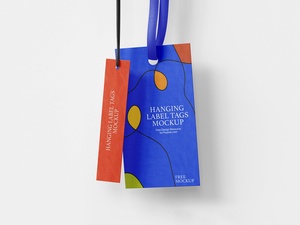
Realistic Hanging Tag Mockup
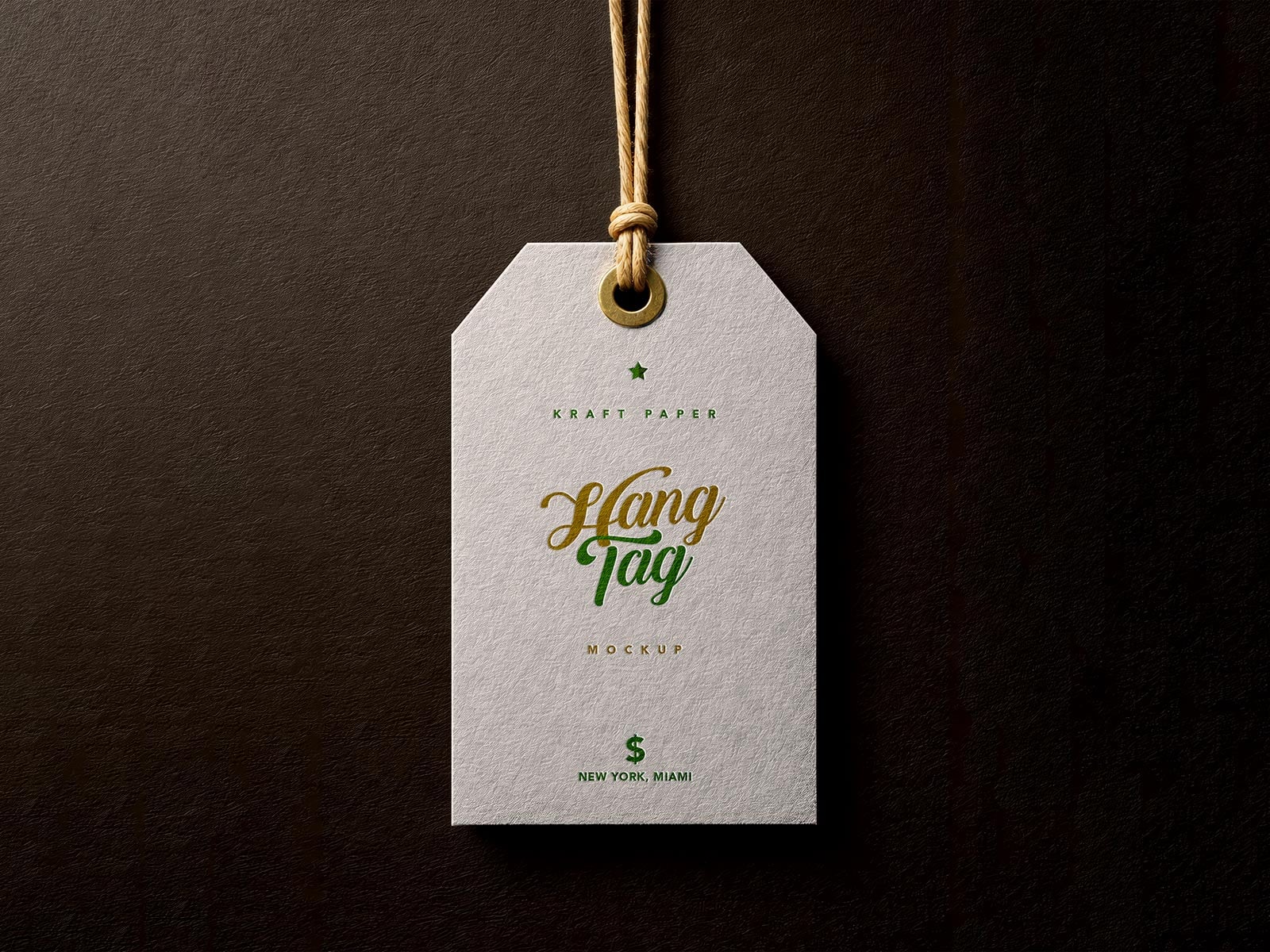
The silhouette of a hang tag is a crucial element of brand storytelling, offering a wide array of geometric possibilities to suit any aesthetic. From the classic elegance of long rectangles and rounded squares to the modern appeal of circles, diamonds, and banner-style cuts, the shape you choose sets the tone for the entire product experience.
In contemporary retail, a multi-tag approach is often the most effective way to communicate with consumers. Instead of crowding a single piece of cardstock, consider layering several tags for different functions to create a premium, tactile feel. For instance, branding and identity can be highlighted on a compact, square-shaped tag. By punching a hole in one corner, you transform the square into a dynamic diamond orientation—perfect for showcasing a minimalist logo or a catchy slogan on both sides.
For technical details, such as care instructions and fiber content, a longer rectangular tag is ideal, providing the necessary real estate for legible text and international symbols. Furthermore, to streamline the shopping experience, a dedicated tag for pricing and sizing should be incorporated. Using a distinct, consistent color for this specific tag across your entire product line allows customers to locate essential information at a glance. By ensuring each tag in the stack has a unique shape, size, or color, you create a visually rich and organized presentation.
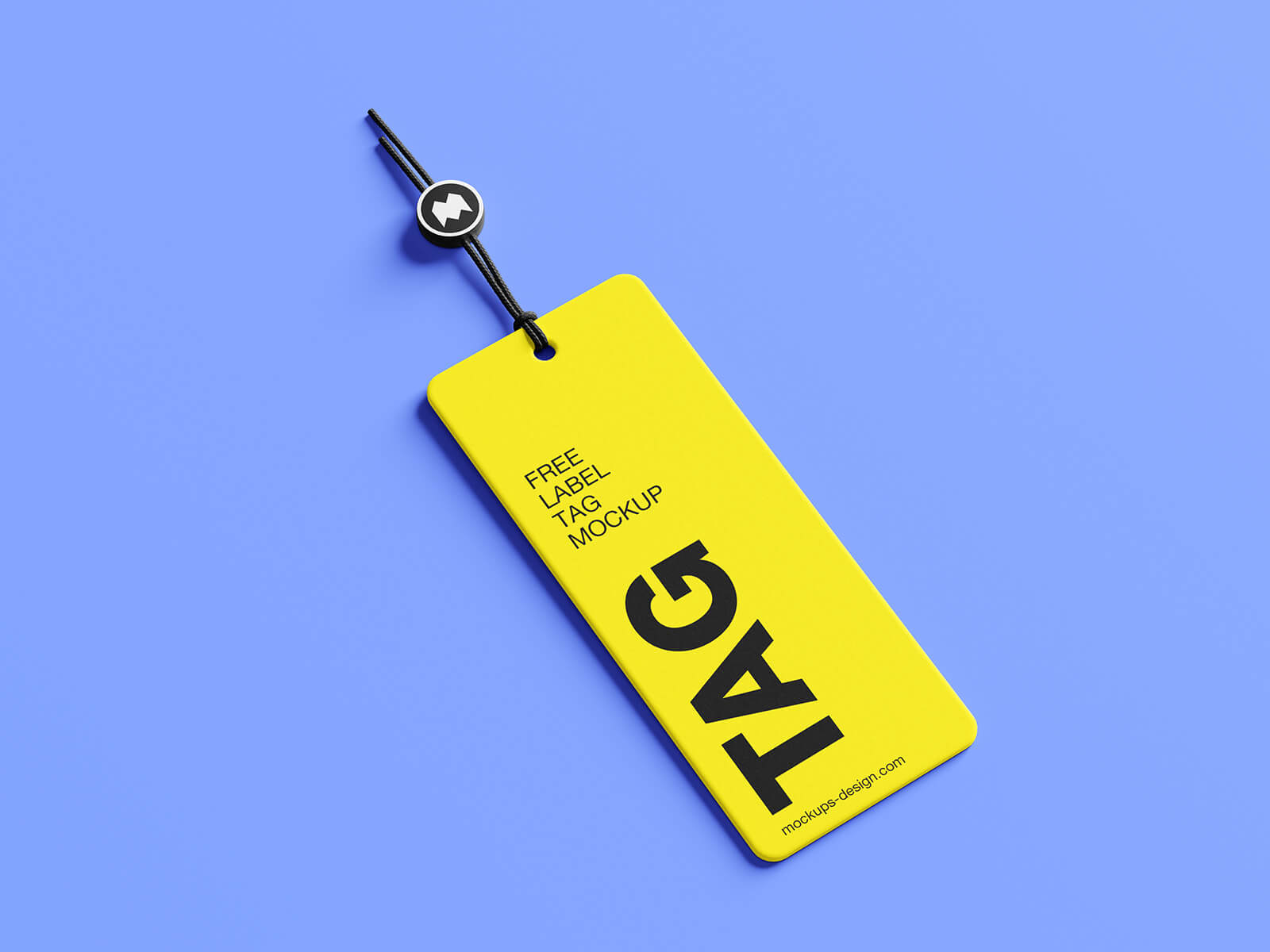
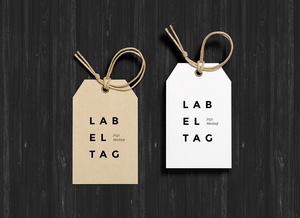
To help you visualize your next design project, we are providing a high-quality, realistic hanging tag mockup in PSD format. This tool allows you to see how your artwork translates onto physical materials with lifelike textures and shadows. Simply place your design onto the smart object layers to achieve a professional, photorealistic result.
Product Specifications & Download Details
- Available Format: Layered PSD with intuitive smart object insertion.
- License: Complimentary for both personal and commercial projects.
- Package Includes: One high-resolution Photoshop PSD file.
- Mockup Resolution: 4000 x 3000 px for ultra-crisp detailing.
Usage Instructions:
- Open the file and locate the designated smart object layer to drop in your custom artwork.
- Software Requirement: Compatible with Adobe Photoshop CS5 or higher.