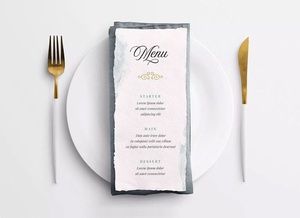
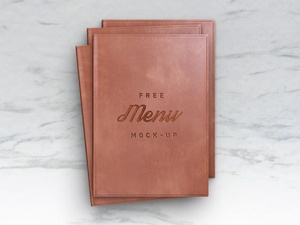
Restaurant Menu Book Mockup

As a designer, I've always been fascinated by the artistry of restaurant menus and the deliberate choices that go into their composition. A menu is more than just a list of food; it's a carefully curated piece of marketing and visual communication, a silent salesperson subtly guiding the diner's choices. The visual hierarchy, the interplay of images and text, the overall aesthetic – all contribute to the dining experience before the first bite is even taken.
One compelling approach is to prioritize visuals. Large, high-quality images of food can be incredibly enticing, triggering appetite and desire. In fact, menus that feature photographs often lead to increased inquiries and orders for those specifically pictured items. It's a powerful technique, almost as if the restaurant is directly inviting customers to choose what they see and crave on the menu. This strategy can be particularly effective in promoting specific dishes the restaurant wishes to highlight, boosting their sales significantly.
However, the alternative – a text-based menu – can also be incredibly effective, conveying an air of elegance and sophistication. The key here lies in clear organization and typography. The menu should be logically divided into segments, each with a prominent title significantly larger than the individual dish descriptions. This clear structure allows diners to quickly scan and navigate to their desired section, making the selection process effortless. Careful consideration should be given to font choices, ensuring readability and aligning with the restaurant's overall brand aesthetic.
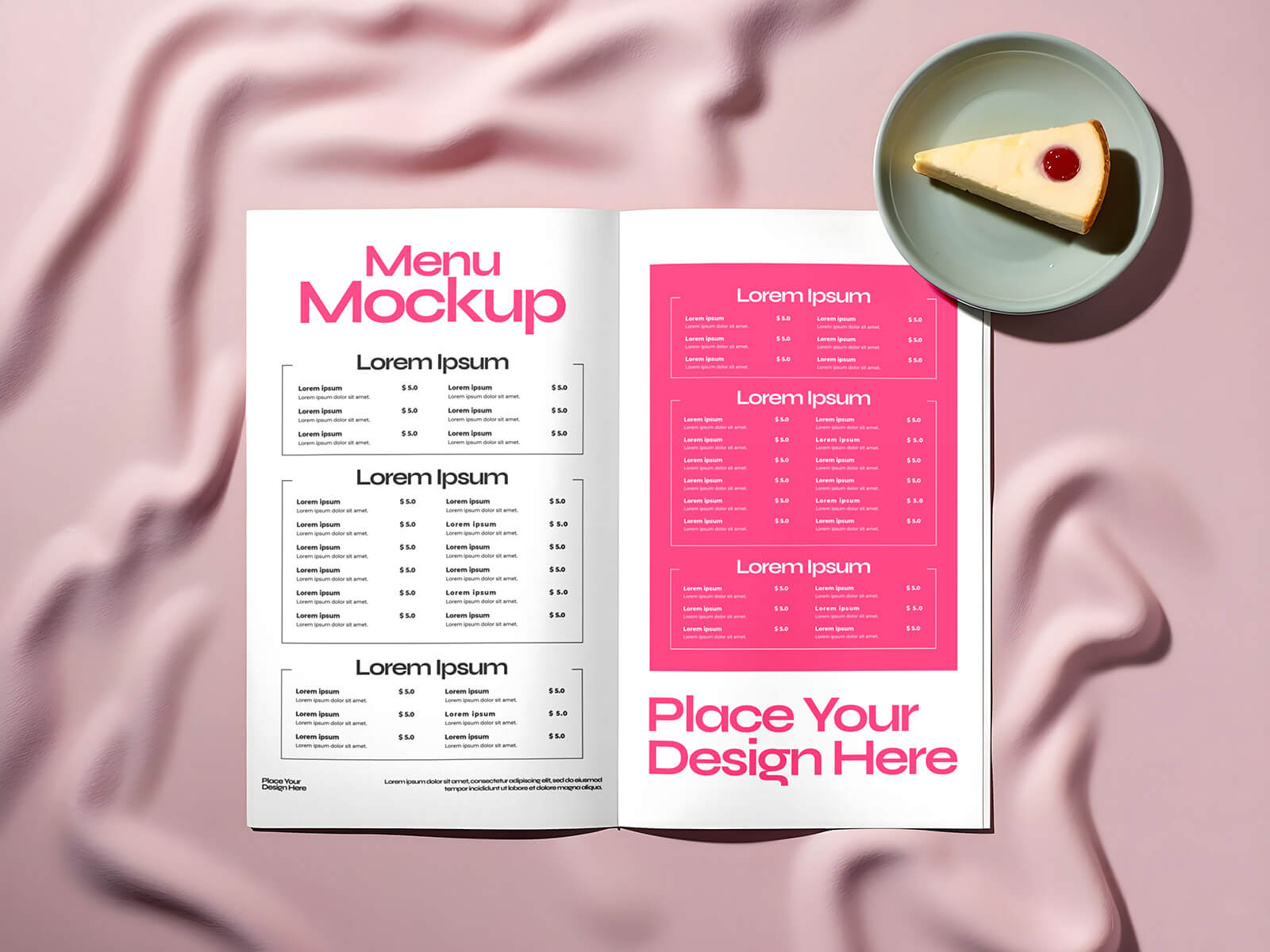
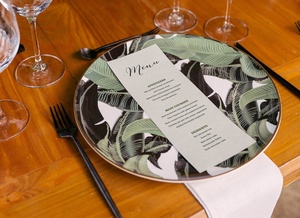
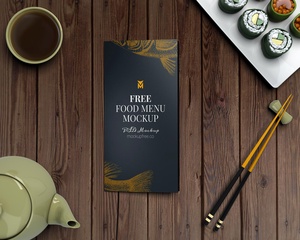
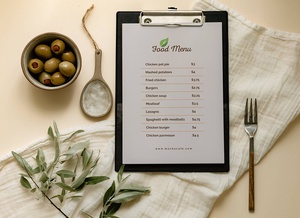
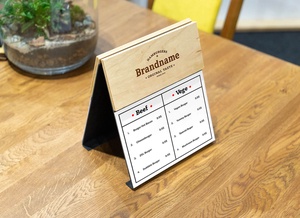
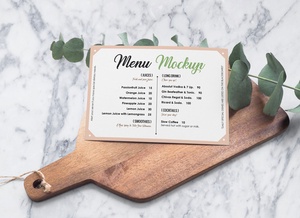
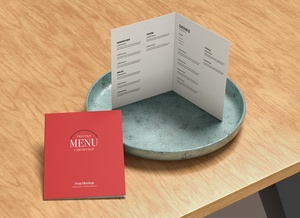
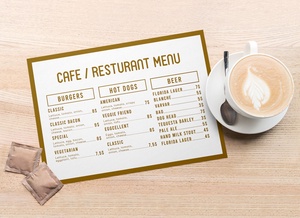
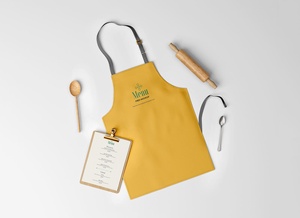
To help you visualize and present your own menu designs, we're offering a free Restaurant Menu Mockup in PSD format. This mockup allows you to easily showcase your artwork on a realistic representation of a menu. Simply place your design within the smart object layer, and you'll receive a professional and polished presentation.
Restaurant Menu Mockup Details:
- Available Format: Layered PSD with easy smart object insertion
- License: Free for both personal and commercial use
- Zip File Includes: Photoshop PSD file
- Resolution: 5000 x 3889 pixels
Instructions:
- Open the PSD file in Adobe Photoshop.
- Double-click on the smart object layer to open it.
- Place your menu design within the smart object.
- Save the smart object.
- Your design will automatically be applied to the menu mockup.
Photoshop Requirement: Adobe Photoshop CS5 or higher
Download Menu Book Mockup and start creating stunning menu presentations!