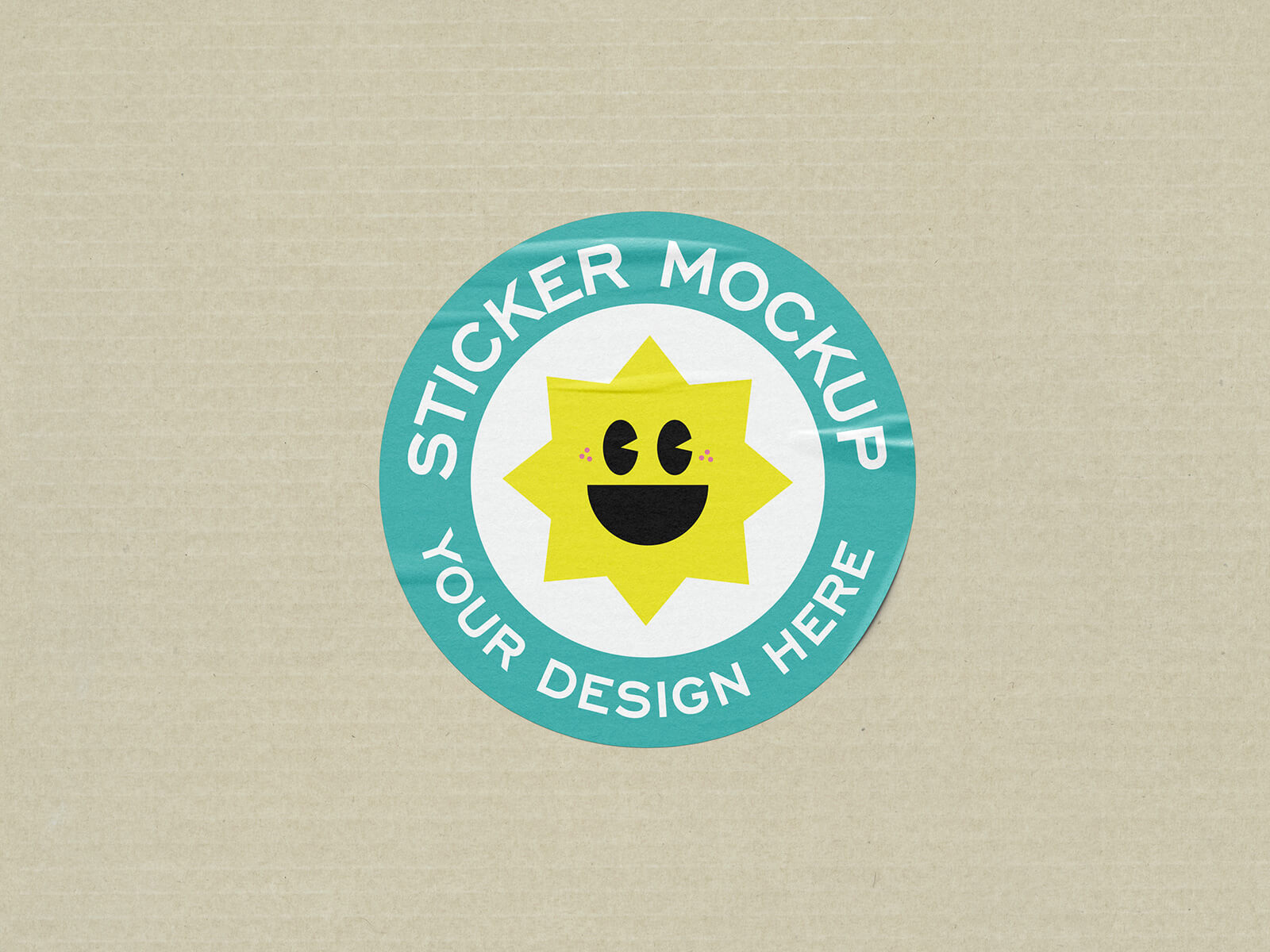
Round Sticker Mockup

Observe the landscape of artisanal and homemade products, and you will notice a common thread: a deliberate departure from extravagant packaging and high-end commercial printing. For these brands, the priority lies in preserving the organic integrity of the product while maintaining an economical price point. This minimalist philosophy encourages the use of recyclable materials and the elimination of the high overheads associated with complex, four-color offset printing.
By opting for simple, hand-assembled corrugated boxes over plastic alternatives, small-scale producers avoid expensive die-cutting and production fees. This "lean" approach is not merely a necessity but a strategic choice. Many small business owners bootstrap their ventures by starting with minimal resources, allowing them to build a robust foundation. As demand increases, they scale their expenditures incrementally. This strategy is particularly effective for on-demand sales and limited-edition releases, establishing a sense of authenticity and "bespoke" quality that resonates in today’s commercial market.
To bridge the gap between functionality and branding without the cost of full-scale label printing, many creators favor small, elegant stickers in square or circular shapes. These labels are stripped down to the essentials: a clean logo, the product name, and the specific variant. This "less is more" aesthetic highlights the brand’s identity while keeping the focus on the craftsmanship inside.
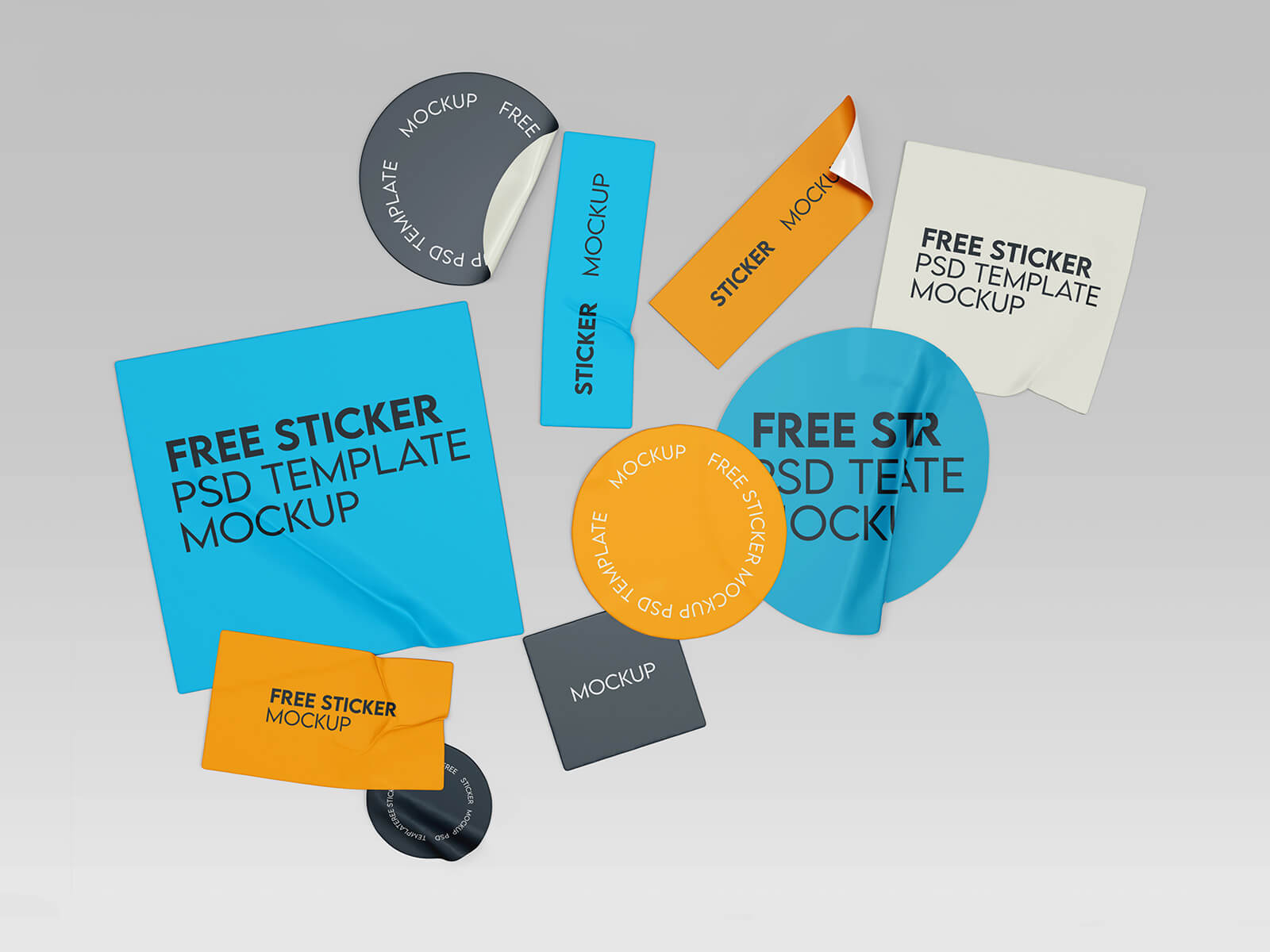
To help you visualize your own minimalist branding, we are pleased to share a premium Round Sticker Mockup in PSD format. This tool allows you to place your artwork onto a smart object, resulting in a professional and highly realistic presentation of your design.
Product Specifications:
- Available Format: Layered PSD with intuitive smart object insertion.
- License: Free for both personal and commercial projects.
- File Includes: High-quality Photoshop PSD file.
- Mockup Resolution: 4300 x 3072 px for ultra-crisp detail.
Instructions:
- Open the file and double-click the smart object layer to place your custom artwork.
- Software Requirement: Compatible with Adobe Photoshop CS5 or higher.