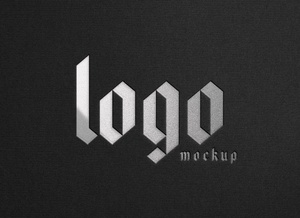
Silver Foil Logo Mockup
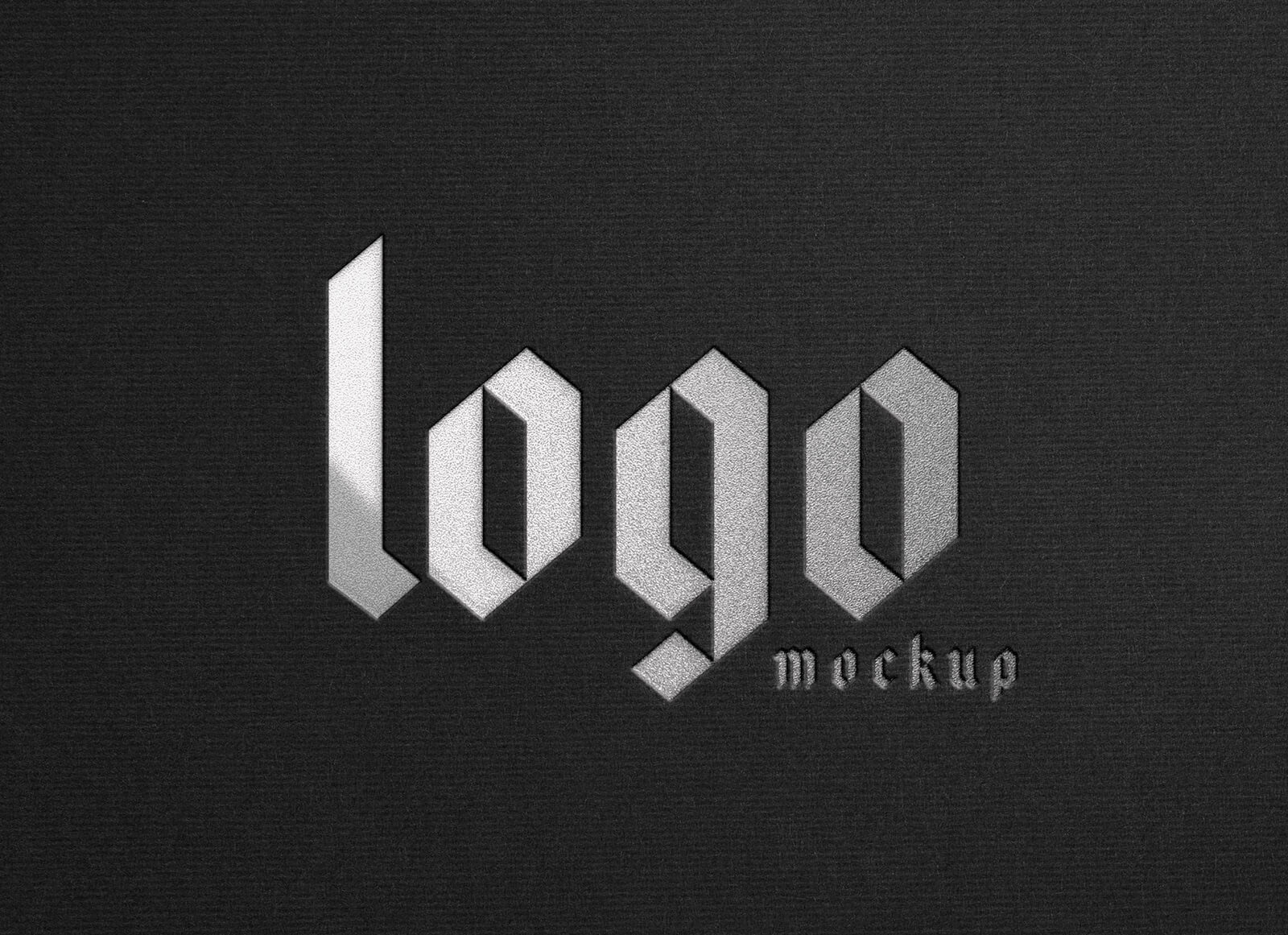
Mastering the Art of Foil Application in Print Design
When incorporating foil stamping into your printing projects, understanding color harmony is essential for achieving stunning results. The fundamental principle revolves around creating complementary relationships between your foil choice and background palette.
Golden Foil: Creating Luxurious Contrast
Golden foil achieves its most striking appearance when paired with warm, rich backgrounds. Optimal color choices include deep maroon, various shades of brown, and sophisticated leather tones. These earthy hues allow the metallic gold to truly shine and command attention. While you might be tempted to experiment with alternative options like purple or dark grey, these combinations typically lack the visual impact and elegance that traditional pairings deliver.
Silver and Grey Foil: Embracing Darker Tones
For silver or grey foil applications, black and dark grey backgrounds serve as the classic foundation. These neutral darks create a sleek, modern aesthetic that highlights the metallic sheen beautifully. If you're seeking variation, consider exploring dark green or navy blue options, but remember to maintain that commitment to deeper, more saturated tones. While black remains the go-to choice, grey foil demonstrates remarkable versatility across the entire spectrum of darker shades.
Enhancing Depth with Letterpress Techniques
Combining foil stamping with letterpress techniques elevates your design to new dimensions. This dual approach creates tactile depth and visual interest that captivates viewers. The physical impression left by letterpress work, combined with the reflective quality of foil, produces an unforgettable sensory experience.
Strategic Application for Maximum Impact
Exercise restraint when applying foil to your designs. Focus the metallic treatment on larger letterforms and key elements that deserve emphasis. This selective approach ensures that important words and focal points capture immediate attention, rather than overwhelming the composition with excessive metallic coverage.
Silver Foil Logo Mockup Specifications
This professional-grade mockup template comes in PSD format, offering designers a powerful tool for presenting their work. The layered file structure utilizes smart object technology, enabling quick and seamless artwork placement while maintaining a photorealistic appearance.
Technical Details:
- File Format: Layered PSD with smart object insertion
- Usage Rights: Free for both personal and commercial projects
- Package Contents: Photoshop PSD File
- Image Resolution: 4500 x 3000 pixels
- Software Compatibility: Adobe Photoshop CS5 or higher
Implementation Guide:
Begin by opening the PSD file in Adobe Photoshop. Locate the smart object layer within the file structure. Double-click to open the smart object, then insert your logo or design artwork. Save the smart object file, and watch as your design automatically updates in the main mockup with realistic foil effects applied. This streamlined workflow allows for rapid iteration and client presentation preparation.