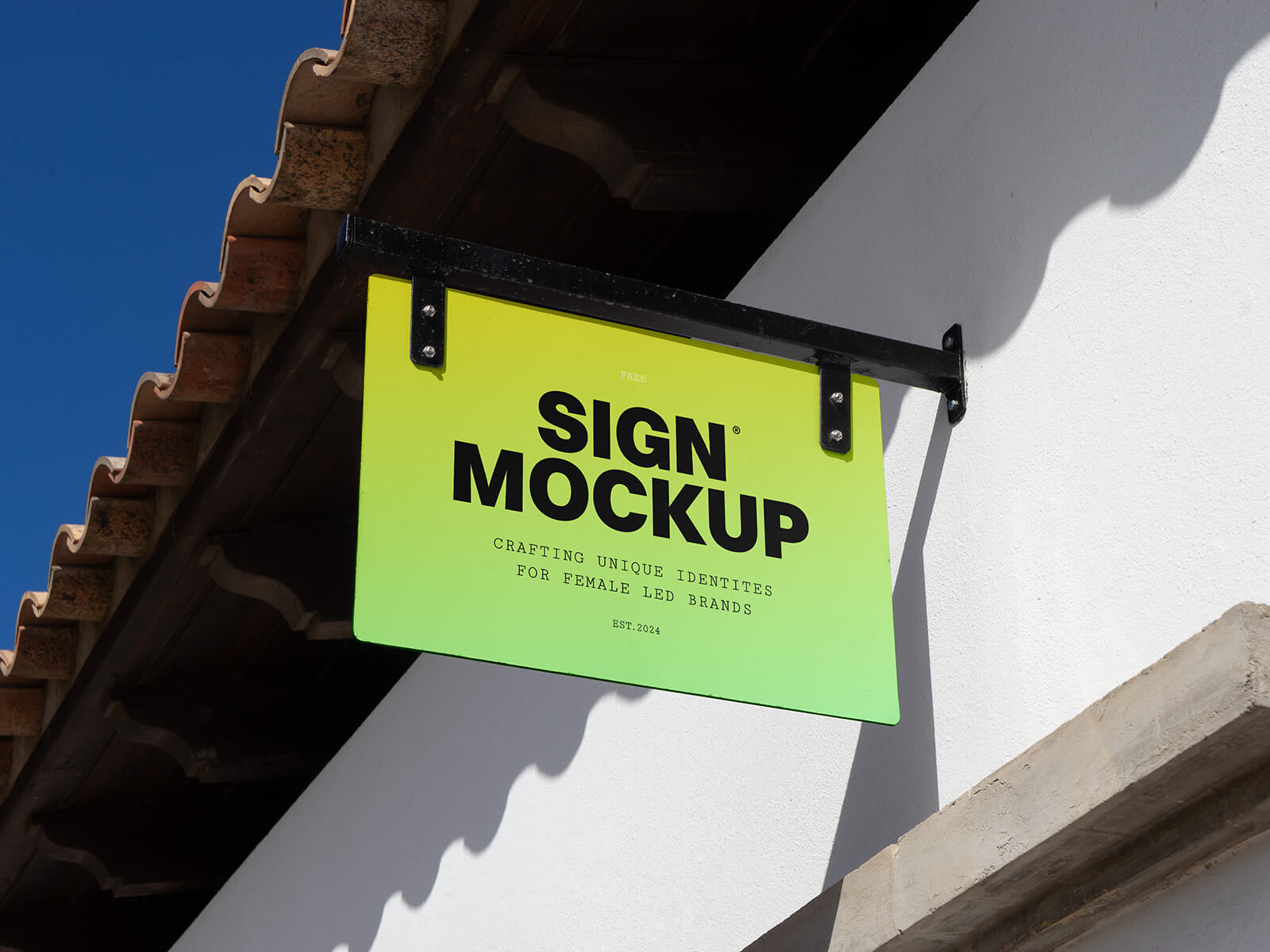
Square Shadow Signboard Mockup
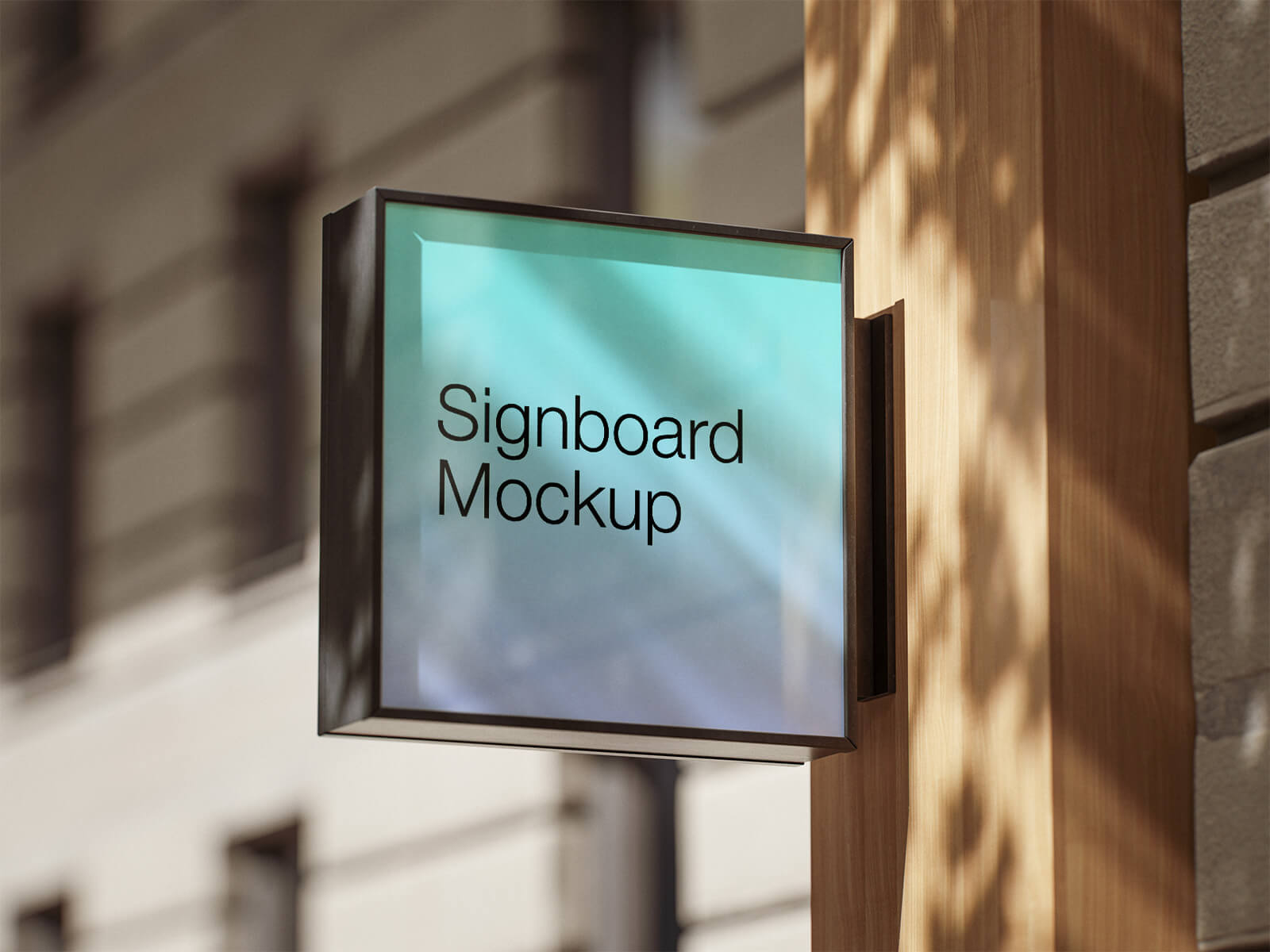
One of the most frequent oversights in retail branding is mounting signage flat against a building’s facade. While this may seem logical, it often renders the brand invisible to the very people it aims to attract. Passersby and motorists typically focus on what is directly in their line of sight; therefore, a sign parallel to the road is easily missed. To capture maximum attention, shops often utilize a fascia, but the most effective strategy is the installation of a projecting or "sideways" signboard. By positioning the logo perpendicular to the building, you ensure it is visible to oncoming traffic and pedestrians from a distance, significantly increasing brand impressions.
Effective signage does not require massive, building-sized proportions. In fact, a compact, well-designed square or circular sign can be far more impactful. To further enhance visibility, incorporating a backlit element ensures your brand remains vibrant and recognizable 24/7, even after the sun goes down.
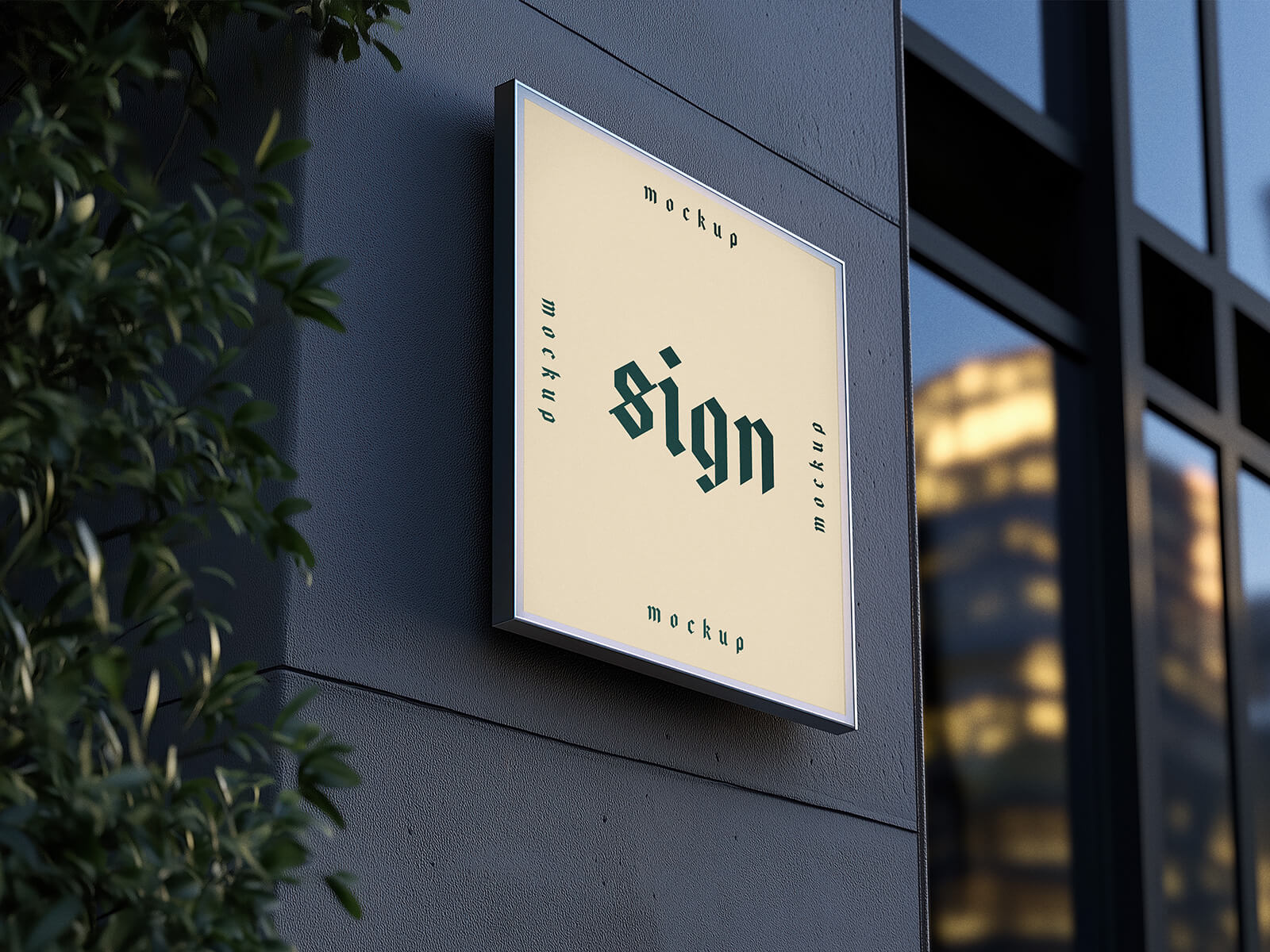
To help you visualize this professional approach, we are pleased to share a high-quality Shadow Square Signboard Mockup set in PSD format. This tool allows you to present your branding in a realistic urban environment, ensuring your design stands out with depth and clarity. Simply place your artwork into the smart object layer to achieve a professional-grade result.
Technical Specifications:
- Format: Layered PSD with Smart Object insertion.
- Licensing: Free for both personal and commercial projects.
- Package Includes: 2 high-resolution Photoshop PSD files.
- Resolution: 4000 x 3000 px for crisp, detailed presentations.
Instructions:
- Open the PSD file and locate the designated smart layer.
- Double-click the layer and drop your logo or branding design into the window.
- Save and close the smart object to see your design automatically applied with realistic shadows and textures.
- Software Requirement: Adobe Photoshop CS5 or higher.