Tradeshow / Exhibition Backdrop Mockup Set

Tradeshows offer invaluable opportunities for businesses to connect with potential clients, partners, and industry peers. However, securing a booth, even a small one, can represent a significant investment. Every exhibitor understandably desires to maximize their visibility and leverage the space for effective branding. While elaborate 3D booth designs are visually captivating, they often strain limited budgets.
For companies prioritizing cost-effectiveness, a strategically designed backdrop offers a powerful alternative. Instead of investing heavily in intricate structures, focus your efforts on creating a compelling and informative backdrop that spans the allocated area. This backdrop can serve as a visual summary of your key product offerings, allowing visitors to quickly grasp your company's strengths and capabilities. Think of it as a condensed product catalog presented in an engaging visual format. Complement the backdrop with well-designed handouts providing more detailed specifications and promotional materials.
The key to a successful backdrop lies in its ability to capture attention and convey information effectively. Instead of a purely product-focused design, consider incorporating a human element. This could involve featuring images of satisfied customers, showcasing your team, or highlighting the problem your products solve for real people. A relatable and engaging backdrop will draw attendees in and encourage them to learn more about your company.
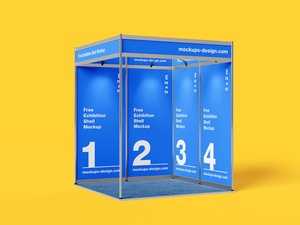
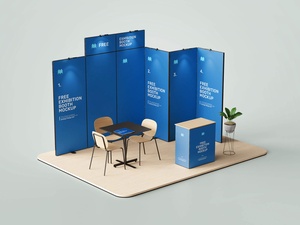
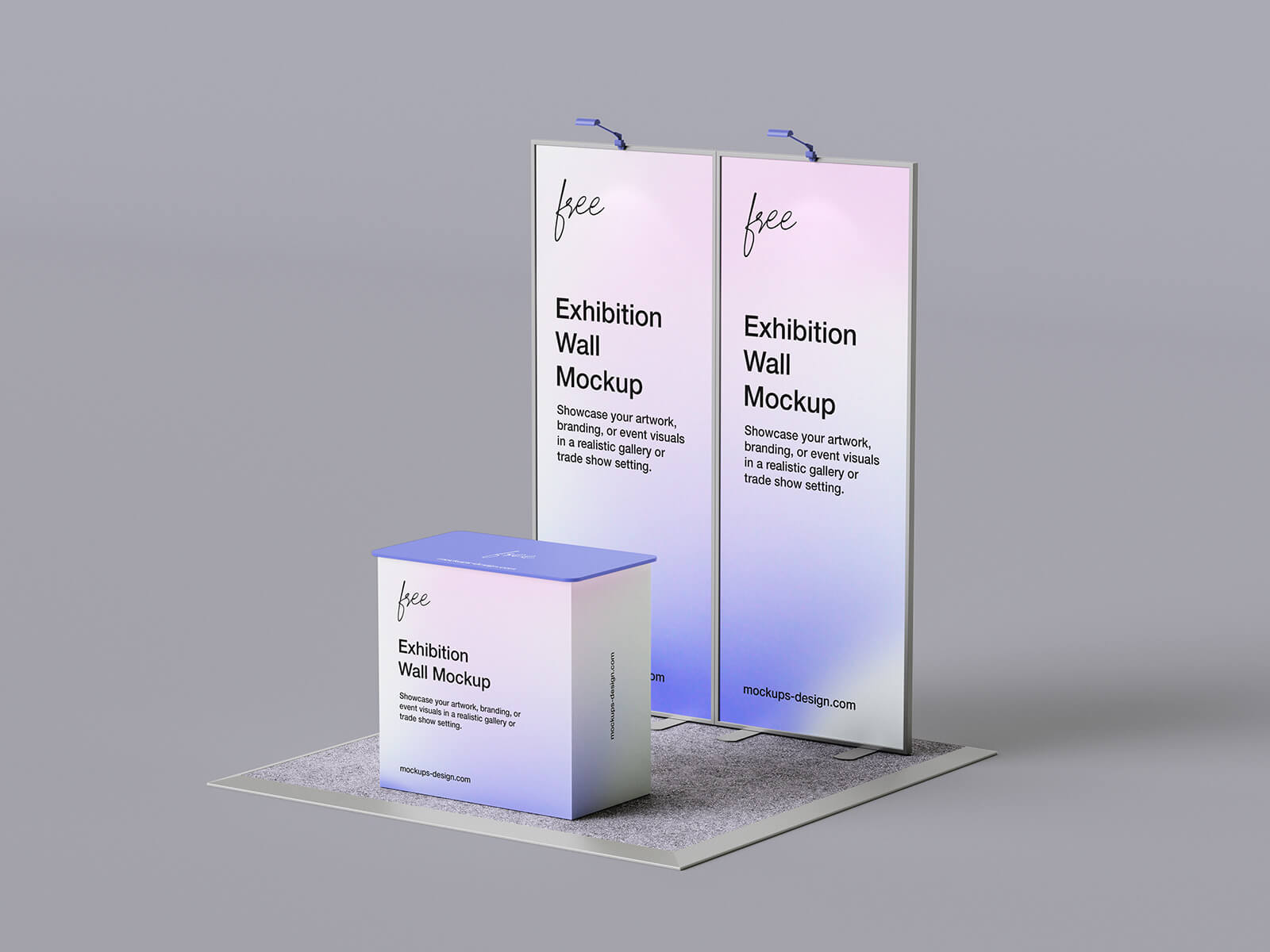
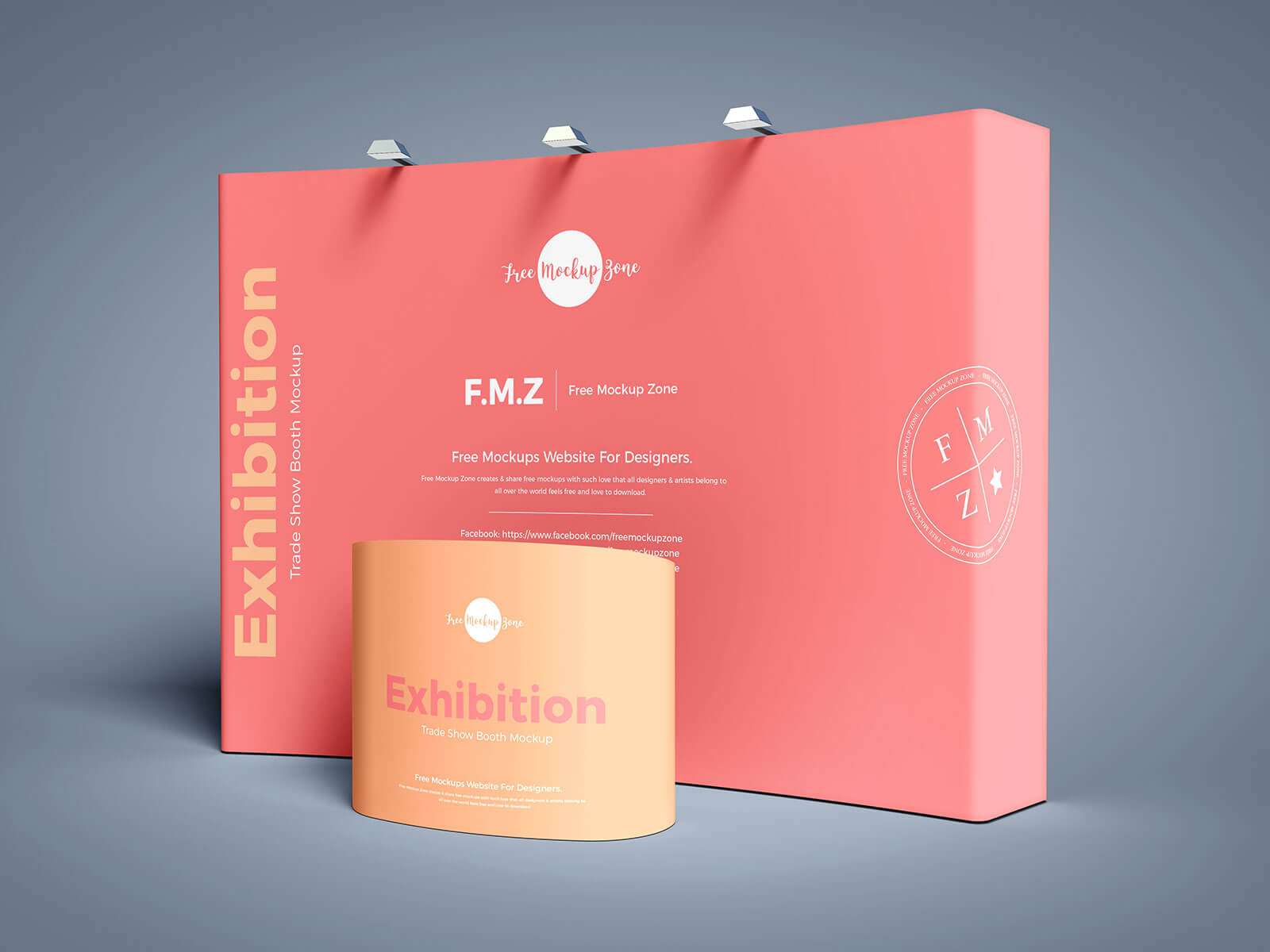
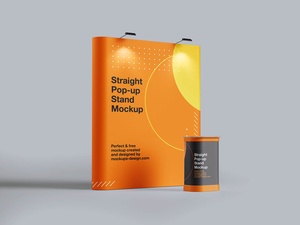
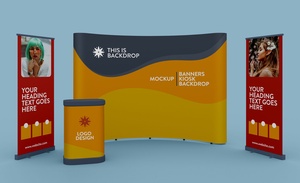
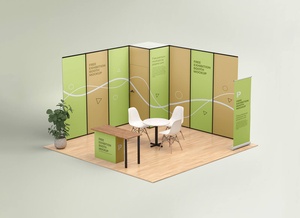
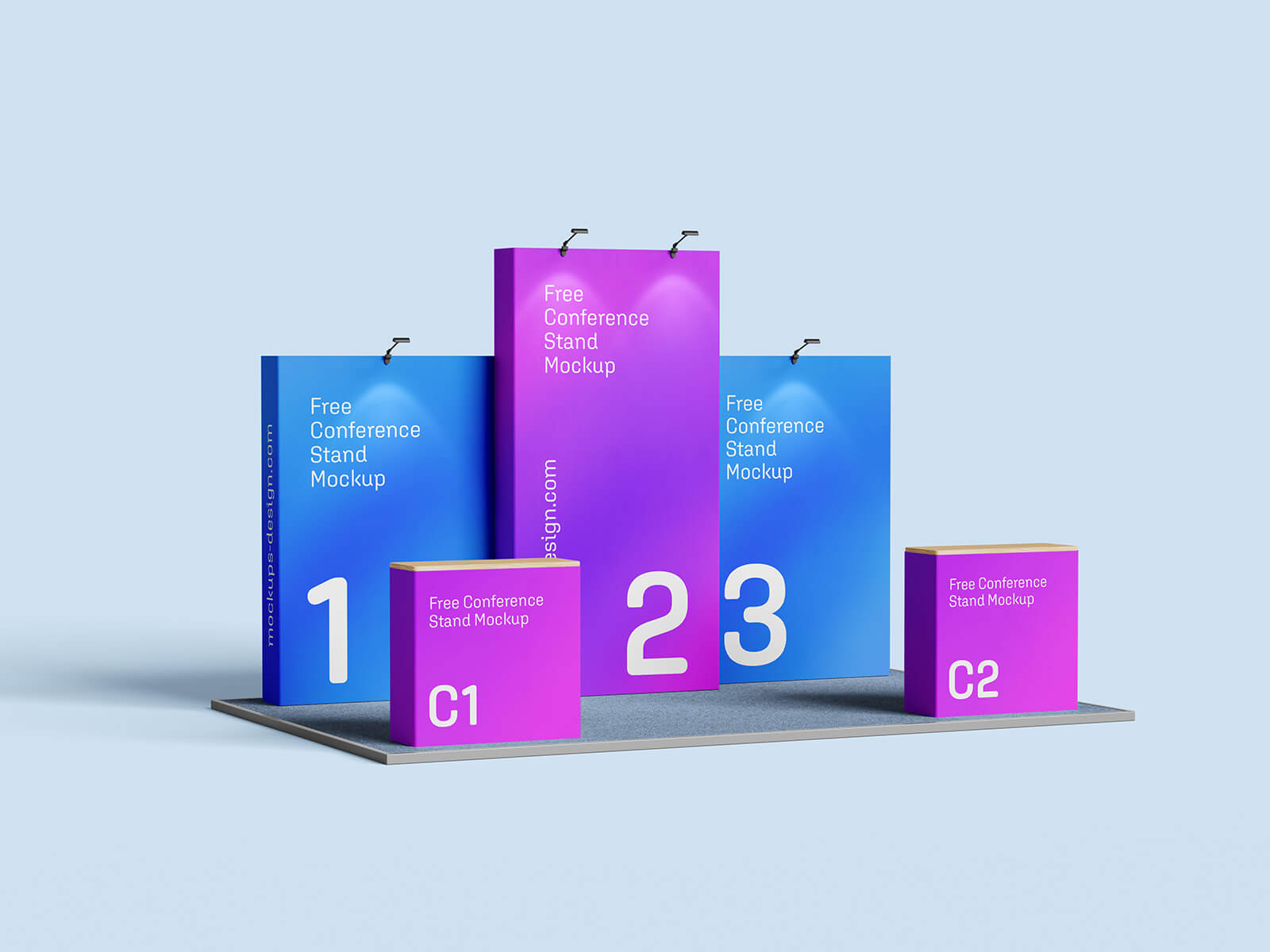
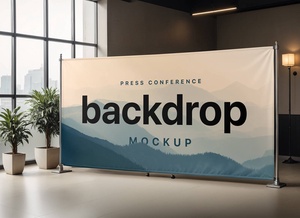
To aid in your tradeshow preparation, we're providing a complimentary tradeshow/exhibition backdrop mockup in PSD format. This professionally designed mockup allows you to seamlessly integrate your artwork via a smart object layer, providing a realistic preview of the final result.
Here's a breakdown of the resource:
- Available Format: Layered PSD for easy editing and customization.
- Smart Object Insertion: Simple placement of your design within the designated smart object layer.
- License: Free for both personal and commercial projects.
- Included in the Zip File: 3 Photoshop PSD Files offering different perspectives.
- Mockup Resolution: High-resolution 4000 x 3000 pixels for exceptional detail.
Instructions for Use:
- Open the PSD file in Adobe Photoshop CS5 or later.
- Locate the smart object layer designated for artwork placement.
- Double-click the smart object layer to open it.
- Paste or create your design within the smart object.
- Save the smart object. The backdrop mockup will automatically update with your design.
Photoshop Requirement: Adobe Photoshop CS5 or a later version is required to utilize the smart object functionality.
Download Backdrop Mockups Now and make a lasting impression at your next tradeshow!