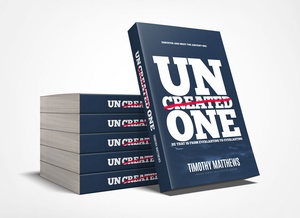
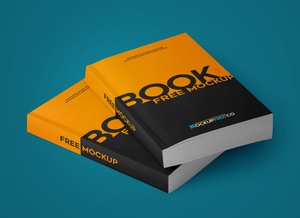
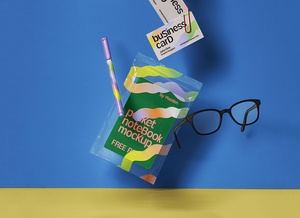
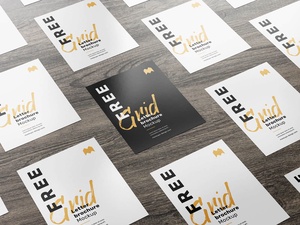
US Letter Paperback Book Title With Pen Mockup

Books are universally loved for their ability to transport us to different worlds, enrich our understanding, and expand our knowledge base with reliable information. A natural consequence of reading widely is encountering new vocabulary. While the influx of new words can be exciting, retaining them effectively can be a real challenge. So, what practical strategies can we employ to not only learn these words but also ensure they become a permanent part of our lexicon?
One highly effective technique is the deliberate and active engagement with each new word. Start by recording the word in a dedicated notebook – your personal vocabulary repository. Then, go beyond simply defining it; craft five distinct sentences that showcase the word in different contexts. This active application of the word solidifies its meaning and demonstrates its versatility.
Initially, constructing multiple sentences might feel daunting. However, with consistent practice, you'll develop fluency and ease in incorporating new vocabulary into your writing and speaking. The reward is significant: each newly acquired word unlocks greater expressiveness, allowing you to communicate with more nuance and precision. As your vocabulary grows, so too will your confidence, enabling you to articulate your thoughts and ideas with greater authority and ease.
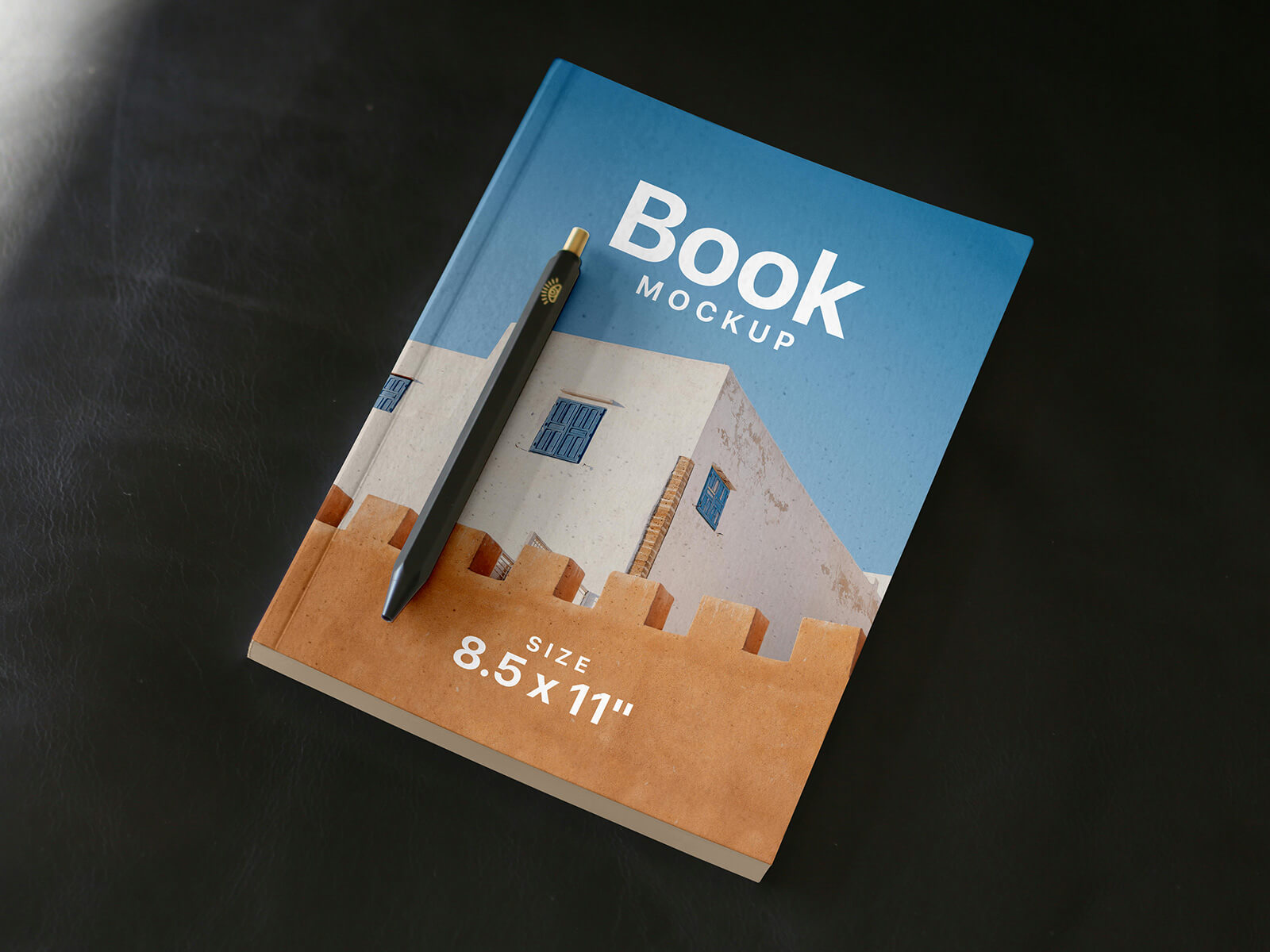
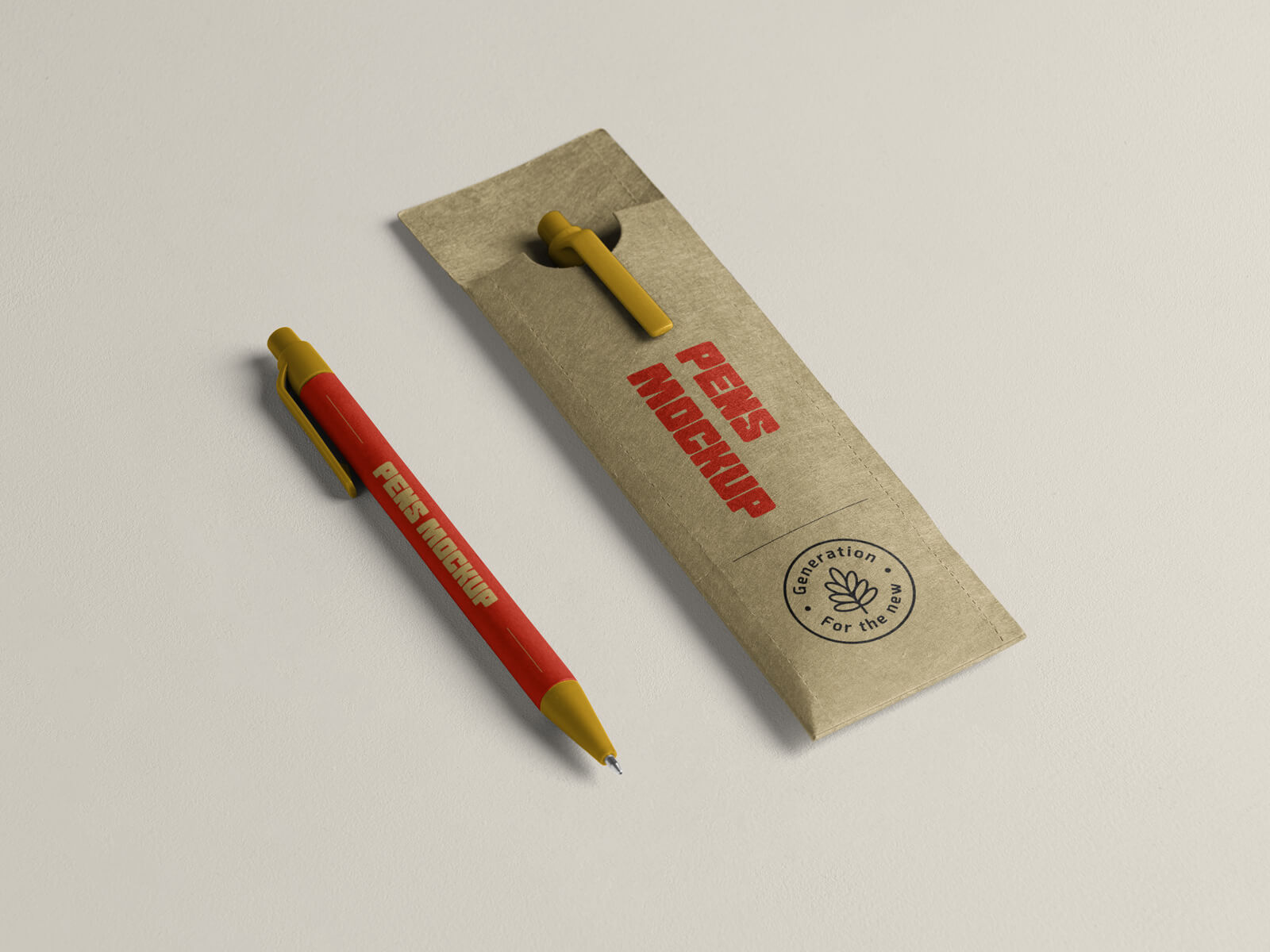
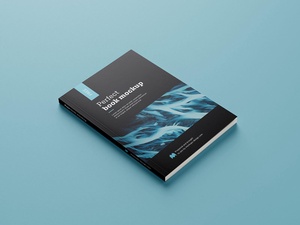
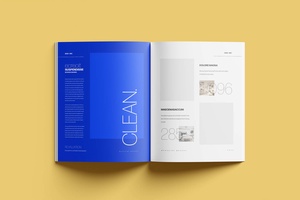
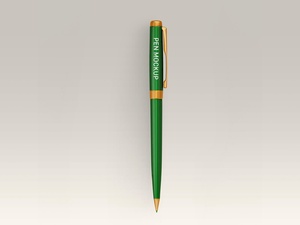
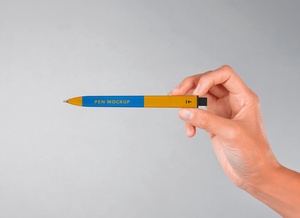
Speaking of books and presentation, today we're excited to offer a high-resolution paperback book title mockup in PSD format. This mockup features a visually appealing composition, complete with a pen to enhance the realistic feel. The mockup allows you to easily showcase your book title design by simply replacing the placeholder on the smart object layer.
Here's a breakdown of the mockup details:
- Available Format: Layered PSD file with easy smart object insertion.
- License: Free for both personal and commercial use.
- RAR File Includes: A single Photoshop PSD file.
- Mockup Resolution: A generous 6000 x 4000 pixels for stunning detail.
Instructions for Use:
- Locate the smart object layer within the PSD file.
- Place your book title design onto this smart layer.
- Save the smart object, and your design will automatically update in the mockup.
Compatibility: Requires Adobe Photoshop CS5 or later.
Download the Book Mockup now and bring your book title to life!