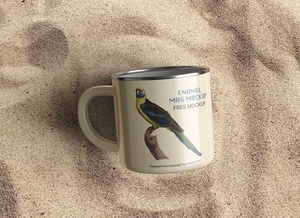
Maqueta de funda de café

Designing a professional coffee sleeve is a nuanced task that demands more technical precision than one might initially expect. Because of the sleeve's unique conical geometry, a standard flat design will appear distorted once wrapped around a cup. To ensure your branding and typography look perfectly aligned, you must meticulously warp and bend your design elements to follow the specific percentage of the sleeve's arc.
The process can be a bit of a trial-and-error challenge. A professional tip for achieving the perfect curvature in design software is to start with your artwork in a rectangular frame and then apply a warp or arc tool. For most standard cups, the "magic number" for this bend typically falls between 15% and 17%. Even with these calculations, it is highly recommended to print out several physical proofs to verify the fit and visual balance against an actual coffee cup before finalizing the project.
For those who want a detailed visual walkthrough on how to measure and design according to specific cup sizes, this instructional video is an excellent resource: youtube.com/watch?v=r4T_r0zK0-Y.
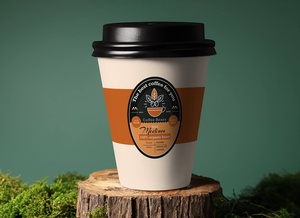
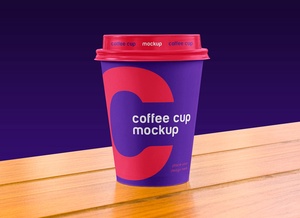
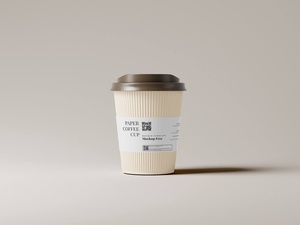
To help you streamline your workflow and present your designs with professional flair, we are excited to share a high-quality Coffee Sleeve Mockup in PSD format. By utilizing smart object layers, you can instantly place your artwork onto the sleeve and generate a photo-realistic preview of your final product.
Resource Details: * Available Format: Layered PSD with intuitive smart object insertion. * License: Completely free for both personal and commercial projects. * File Content: 1 High-resolution Photoshop PSD file. * Mockup Resolution: 4500 x 2912 px, ensuring crisp detail for presentations.
Usage Instructions: 1. Open the PSD file and locate the designated smart object layer. 2. Double-click the layer and drop your artwork into the window. 3. Save and close the smart object to see your design automatically wrap to the sleeve. 4. Software Requirement: Adobe Photoshop CS5 or higher.