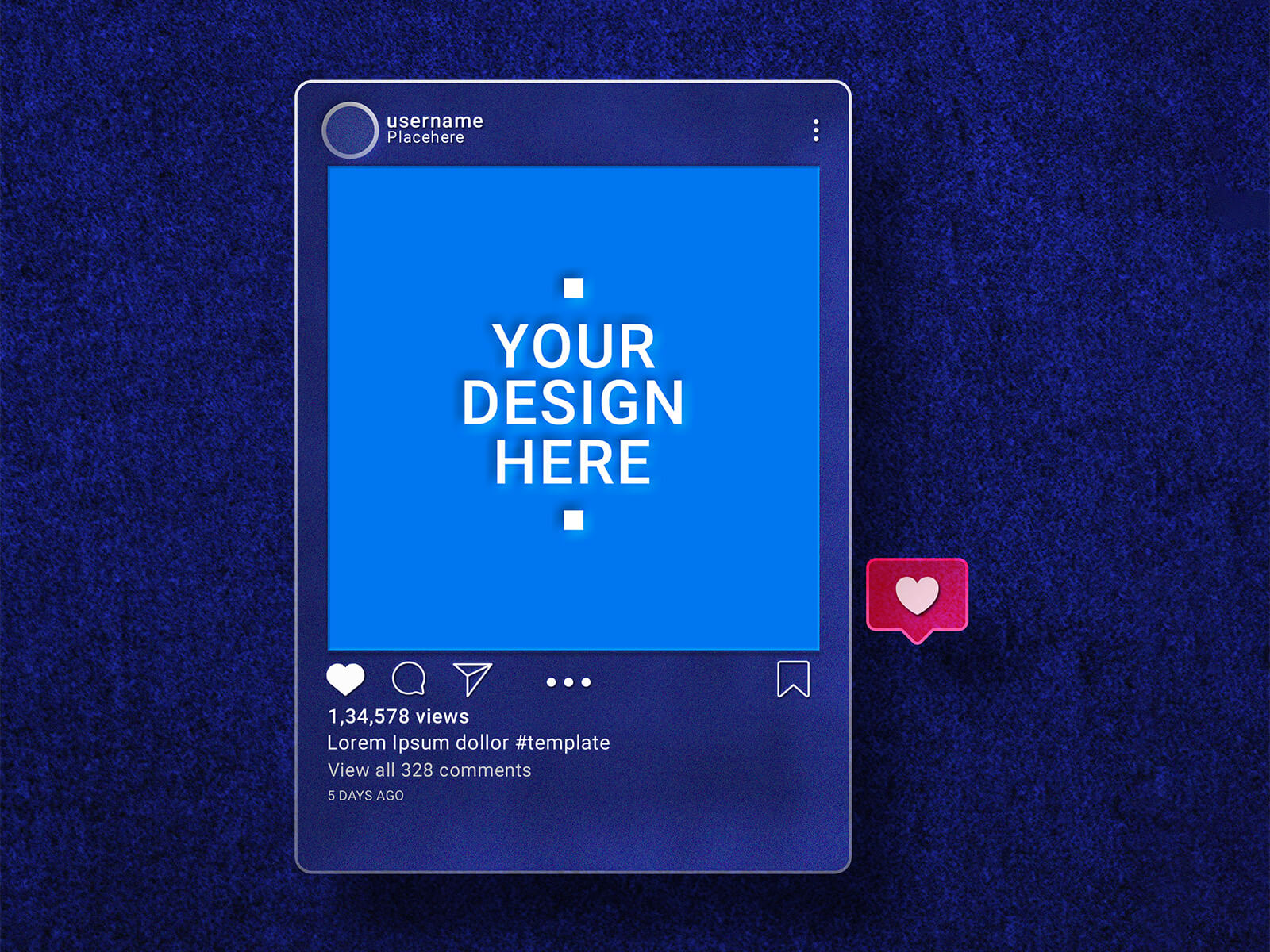
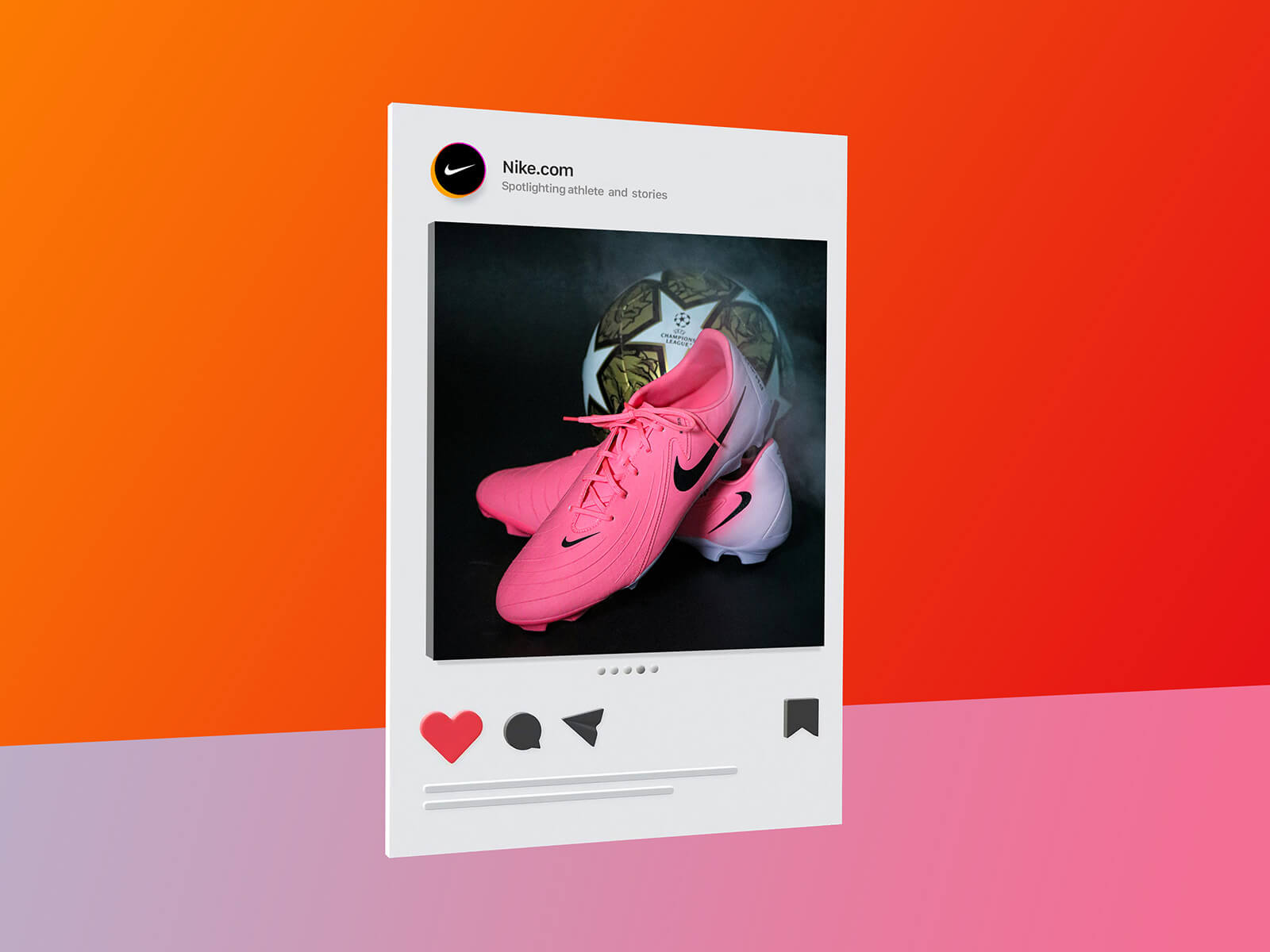
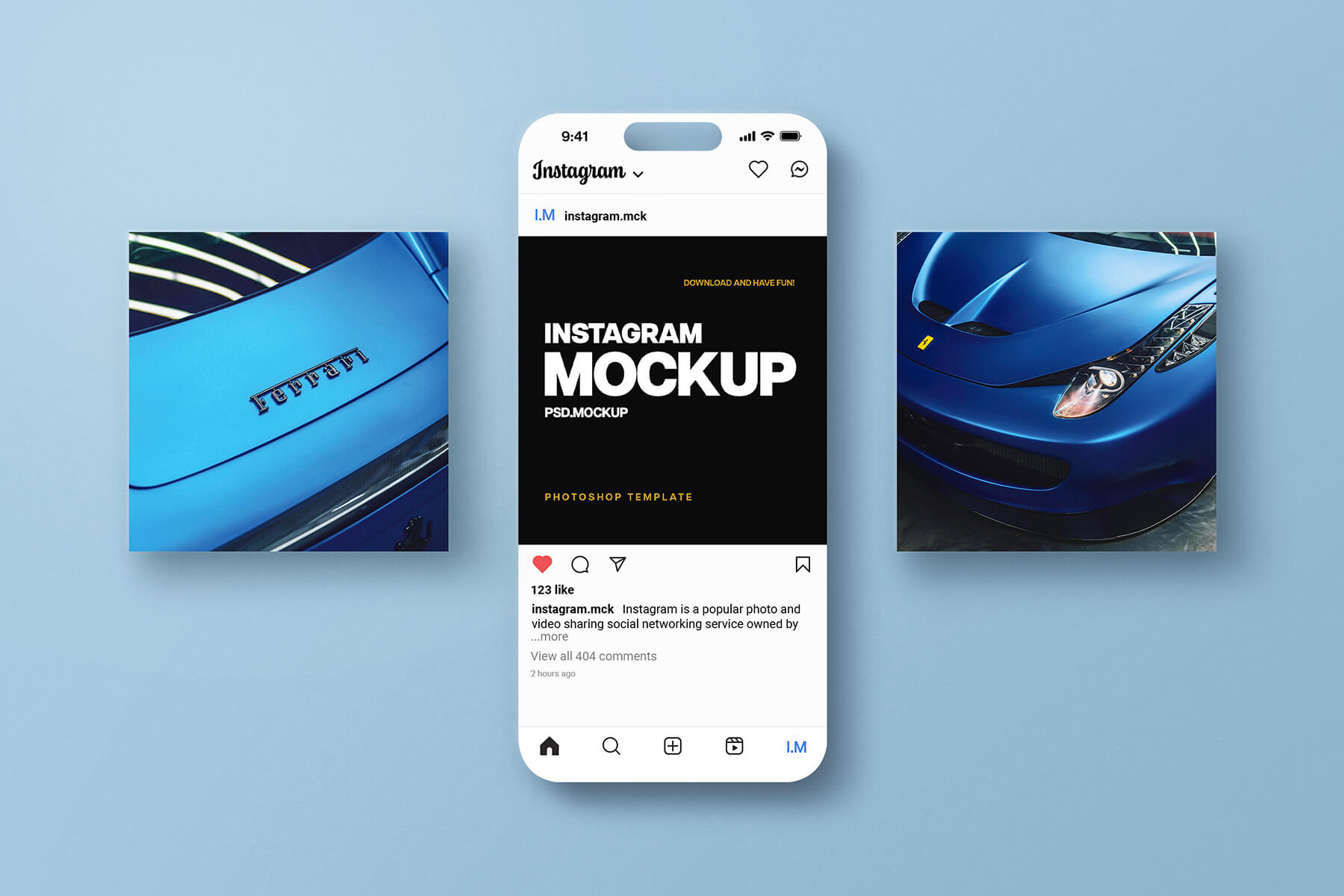
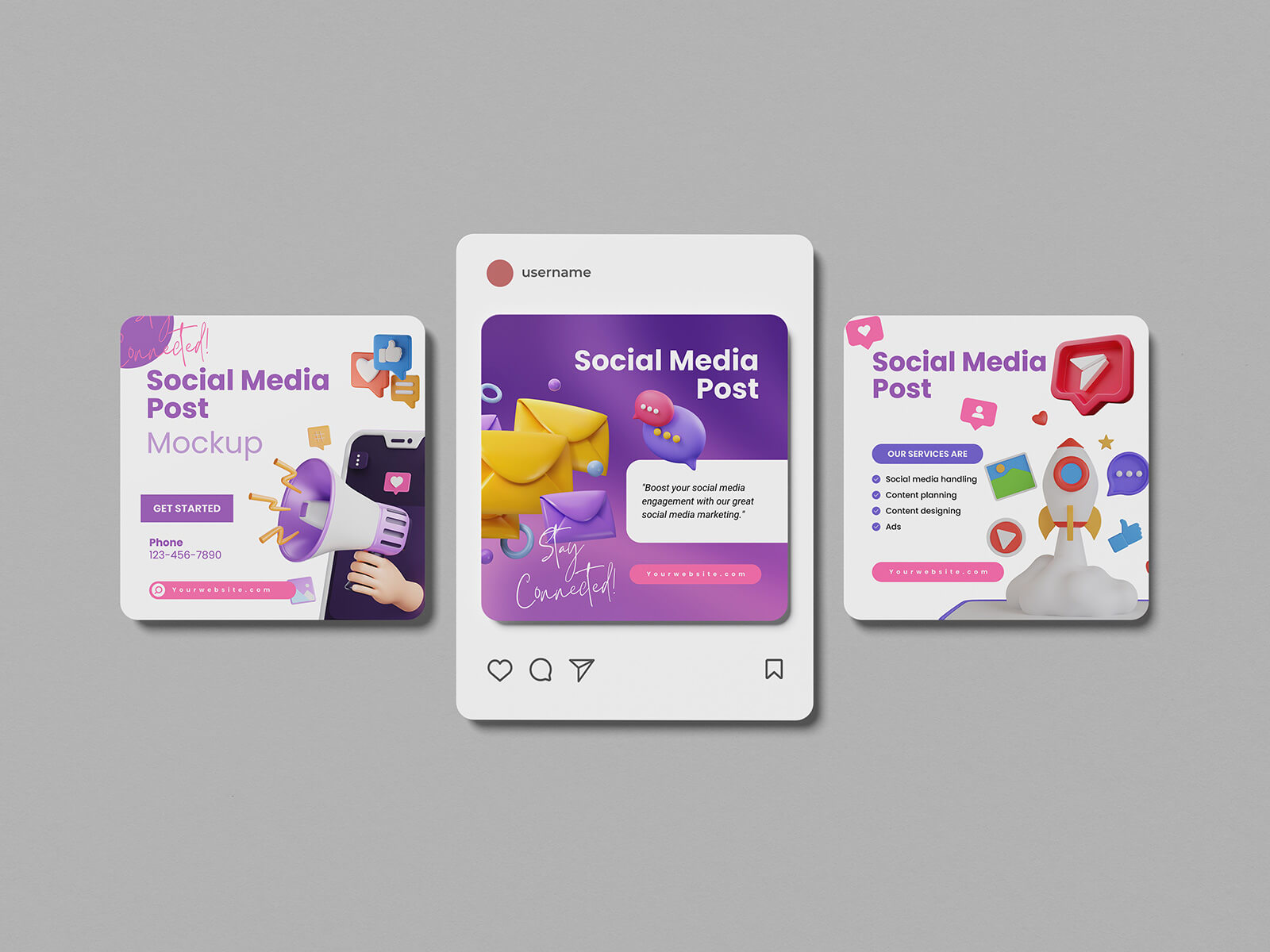
Maqueta de escena de publicación mínima de Instagram

Are you spending your valuable time aimlessly scrolling through your feed or admiring the portfolios of other artists on Instagram? While Instagram is an undeniably powerful tool for building a personal brand and gaining exposure, there is a stark difference between a follower and a customer. Most people on social media are there for entertainment; they may like your posts or leave a comment, but they are rarely in a "buying" mindset. Converting those casual observers into paying clients requires an exhausting amount of effort—constant product updates, detailed process videos, and relentless persuasion.
If you are ready to stop chasing likes and start generating revenue, it is time to diversify your presence on platforms designed specifically for commerce. We highly recommend exploring Ko-fi.com, a versatile platform that allows you to create a professional profile and receive support or sell products directly to your fans. It’s an ideal space to monetize your passion with minimal friction.
For digital artists specifically, VGen.co is a game-changer. This rapidly expanding marketplace is built with the digital art community in mind. Because the platform attracts high-intent buyers who are specifically looking to commission work or purchase assets, many artists find themselves making sales almost immediately after uploading their portfolios.
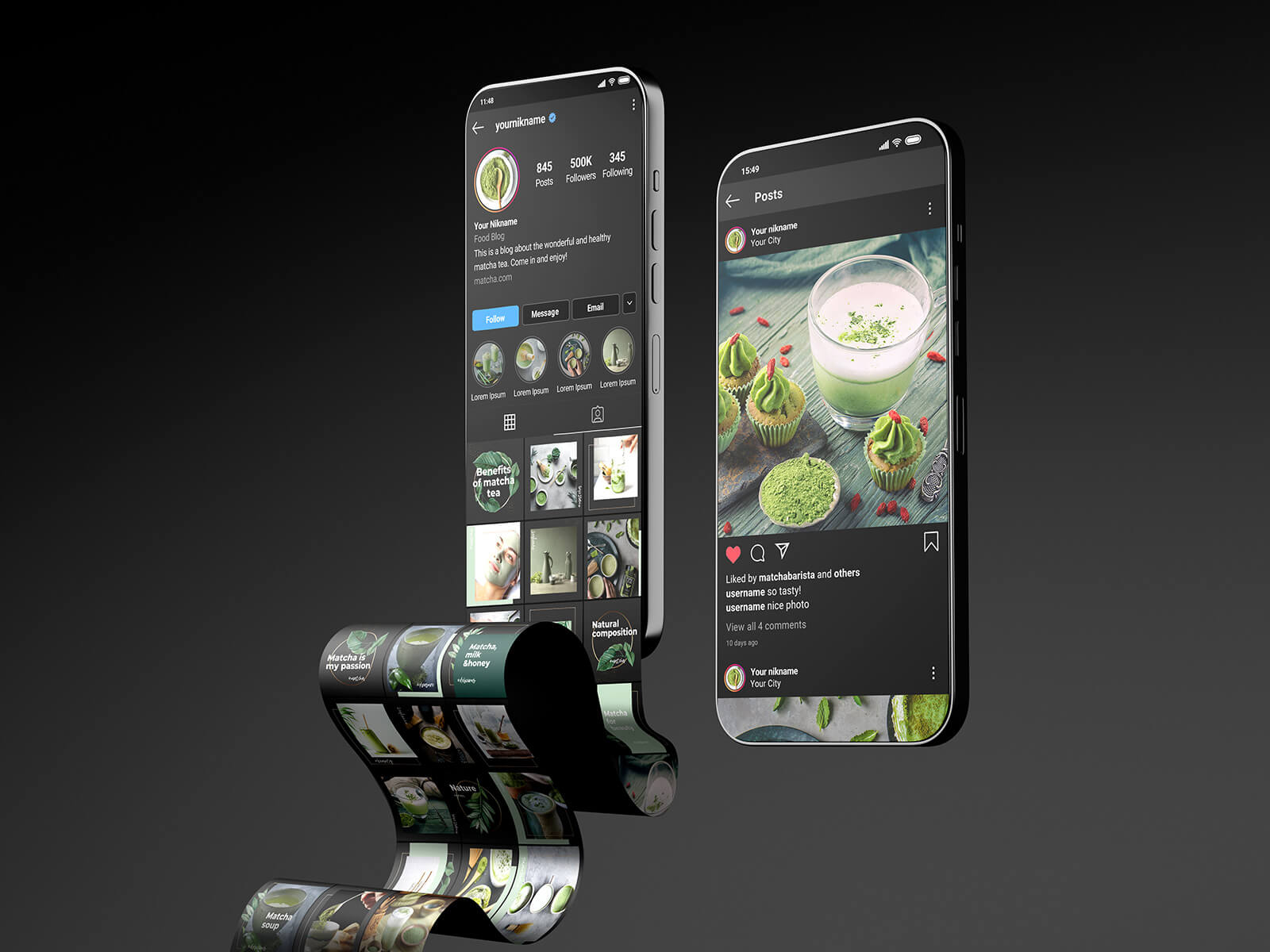
To help you bridge the gap between social media promotion and professional presentation, we are excited to share a Minimalist Instagram Post Scene Mockup in PSD format. High-quality visuals are essential for convincing potential customers of your professionalism, and this mockup allows you to display your artwork in a realistic, high-end environment. Simply place your design into the smart object layer to achieve a polished, professional look for your shop or portfolio.
Product Specifications:
- Available Format: Layered PSD with intuitive smart object insertion.
- License: Completely free for both personal and commercial projects.
- File Includes: One high-resolution Photoshop PSD mockup file.
- Mockup Resolution: 3000 x 2000 pixels for crystal-clear quality.
Instructions:
- Open the file in Adobe Photoshop and locate the smart object layers.
- Double-click the smart object, drop in your artwork, and save.
- Software Requirement: Compatible with Adobe Photoshop CS5 and all newer versions.