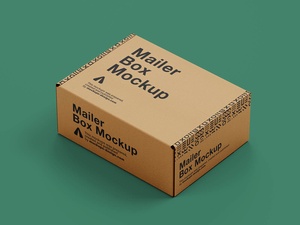
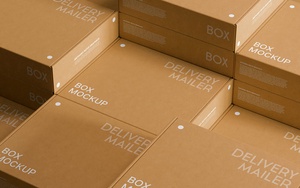
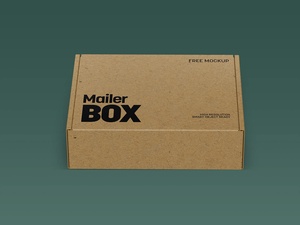
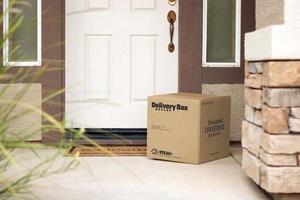
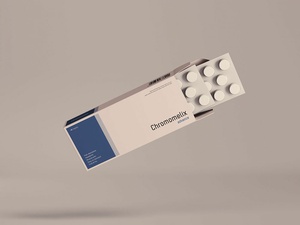
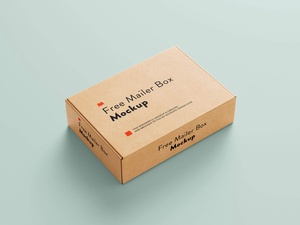
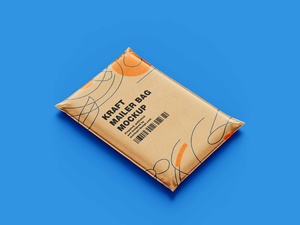
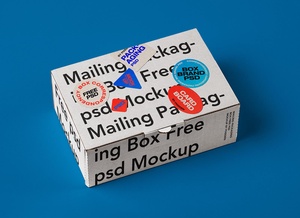
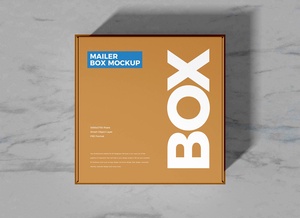
Maqueta de caja de entrega de paquete de correo premium
As we approach the final quarter of the year, the highly anticipated shopping season is a mere four to five months away. Just like every year, many of us are already curating digital wishlists, eyeing the products we hope to secure during the sales. However, savvy online shopping requires more than just a click; it demands thorough due diligence. Before finalizing any order, it is crucial to move beyond just reading customer reviews. To ensure you are getting the absolute best value, you must compare prices across multiple retailers to identify who is offering the deepest discounts.
Navigating this can be made significantly easier by leveraging specialized tools. Platforms like Price.com or browser extensions such as PayPal Honey and Capital One Shopping are invaluable assets for the modern consumer. While each offers unique features, they all serve the same primary goal: helping you track down active coupons, promotional campaigns, and the lowest available market price. Specifically, PayPal Honey provides a "price history" feature, allowing you to see if a current "sale" is truly a bargain or if you should wait for a more significant price drop later in the season. By utilizing these resources, you can shop with 100% confidence, knowing exactly how much you will spend before you even reach the checkout page.
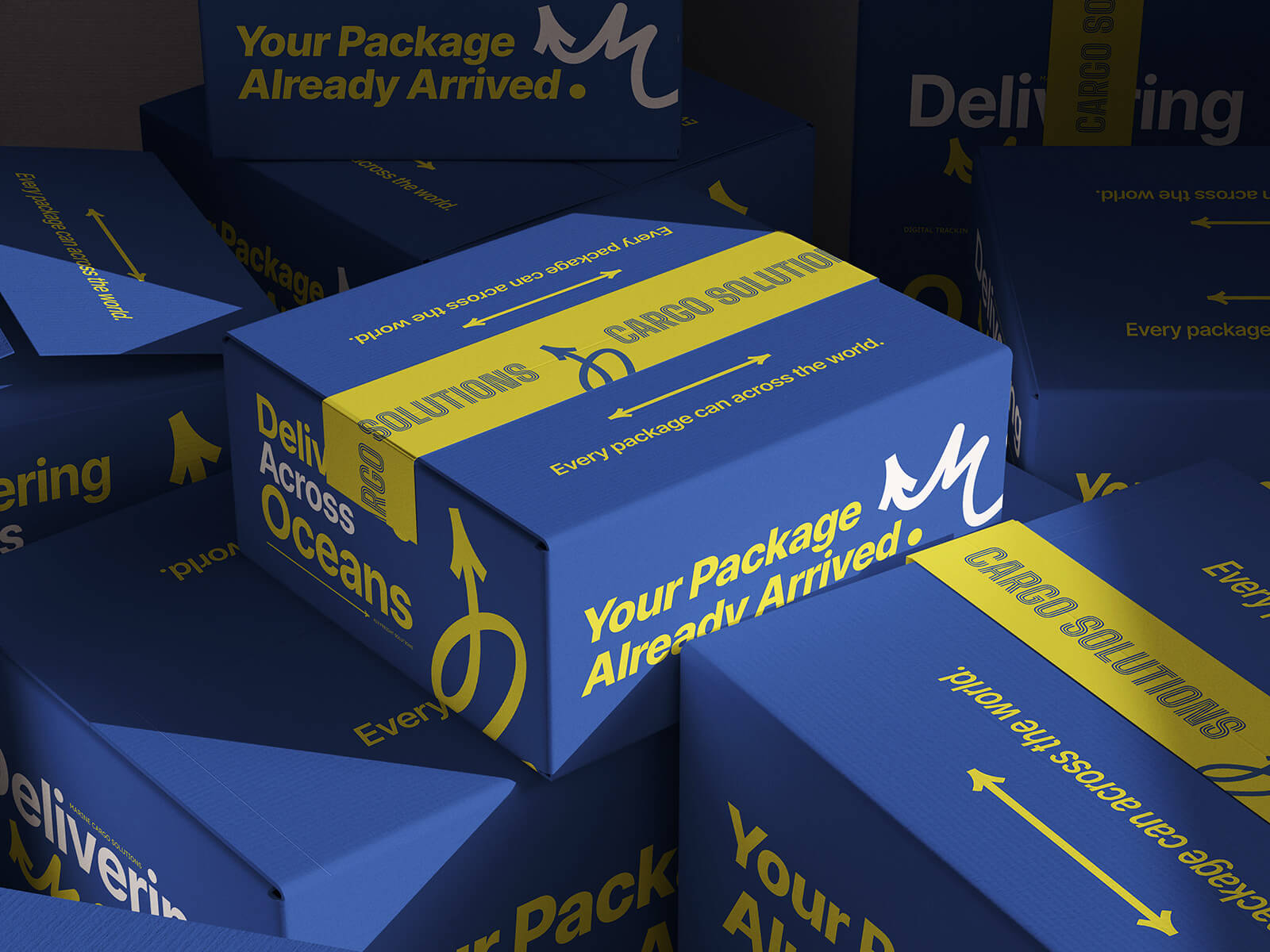
For designers and brand owners preparing for this upcoming surge in e-commerce, presentation is everything. To help you visualize your branding on physical goods, we are excited to share a premium Mailer Package Delivery Box Mockup in high-resolution PSD format. This resource allows you to showcase your artwork with a professional, realistic finish by simply using smart object layers.
Mockup Details & Technical Specifications:
- Available Format: Layered PSD with intuitive smart object insertion.
- License: Free for personal use.
- File Type: Compressed Zip file containing the Photoshop PSD.
- Resolution: High-fidelity 4000 x 3000 px.
- Software Requirement: Compatible with Adobe Photoshop CS5 or higher.
Instructions for Use:
- Open the PSD file and locate the designated smart object layer.
- Double-click the layer and drop your custom design into the window.
- Save and close the smart object to see your artwork perfectly rendered on the delivery box.
Download the Delivery Box Mockup today to elevate your packaging presentations!