After Effects のアニメーション iMac Pro モックアップ

In the contemporary design landscape, a significant number of creatives choose to bypass 3D software, operating under the belief that outsourcing to a specialist is more efficient than tackling the learning curve themselves. While this is a valid personal preference, it comes with a significant "catch." Relying on a freelance 3D artist involves mounting hourly costs and the potential for a disconnect between your vision and the final result. You may find yourself trapped in exhaustive cycles of communication just to convey a specific angle or aesthetic, or worse, you might end up settling for a result that reflects the artist’s limitations rather than your own creative intent. True, uncompromised uniqueness only emerges when you dive into the software yourself and bring your specific vision to life.
Admittedly, the transition to 3D can be intimidating for traditional designers. Moving from the comfort of a single, static artboard to an interface featuring four simultaneous viewports—where every object must be managed from every conceivable angle—is a daunting leap. However, mastery is a marathon, not a sprint. The time you invest in 3D will do more than just expand your technical toolkit; it will grant you absolute authority over lighting, composition, and camera movement, allowing you to craft atmospheres that you will truly own and enjoy.
The secret to success is to avoid the trap of trying to learn every tool at once. 3D suites are massive, but you only need a fraction of their features to start. Once you become comfortable modeling the specific objects you need, your proficiency will grow through repetition. Gradually, the interface will feel like second nature, making a future transition into 3D animation a seamless progression rather than a hurdle. Self-learning is essentially a long-distance relationship with your craft; it requires persistence and commitment, but over time, the "long" journey begins to feel remarkably short.
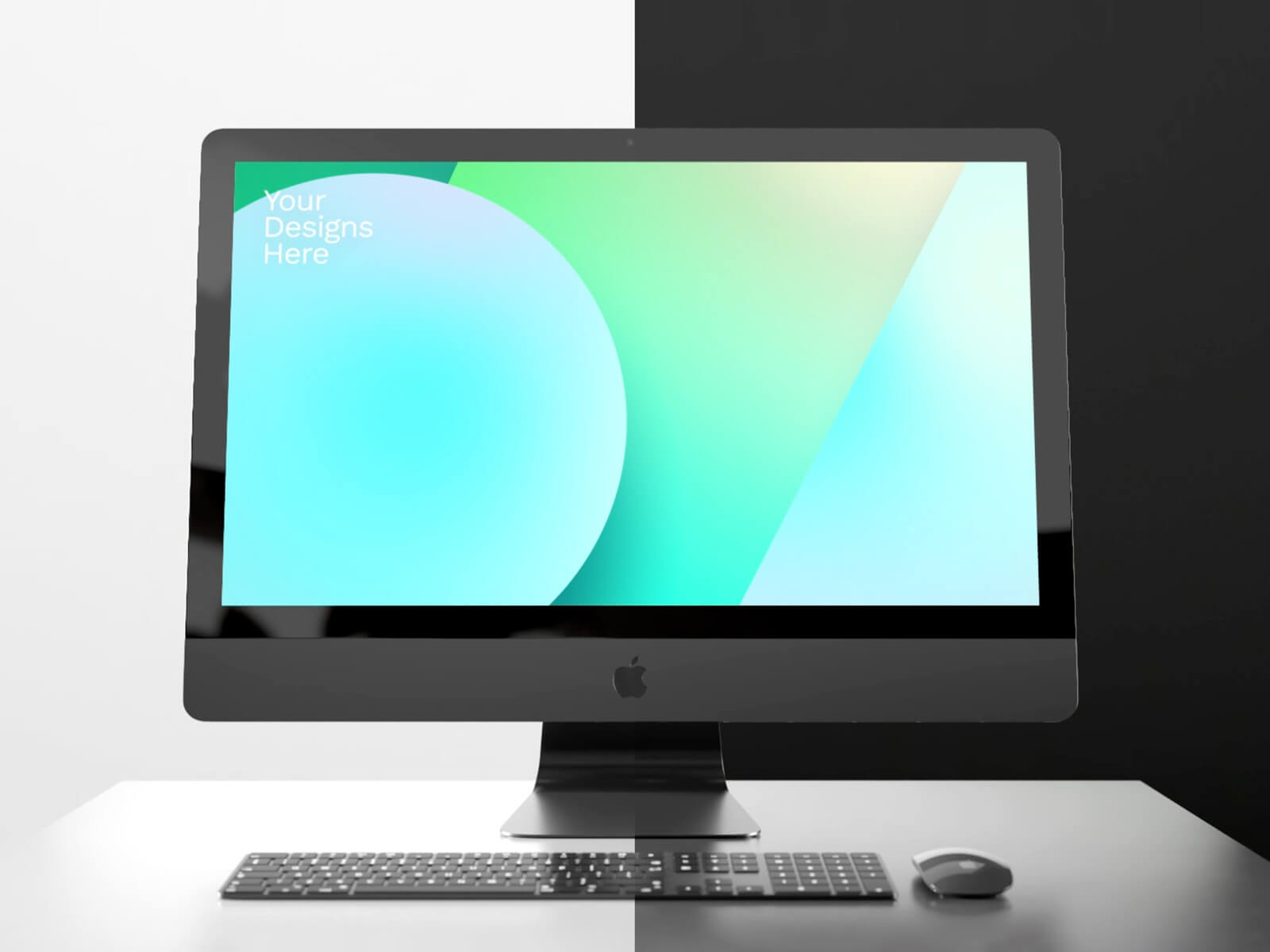
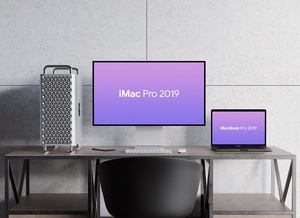
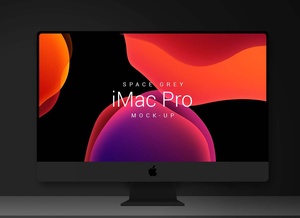
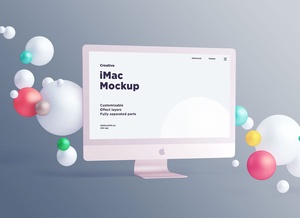
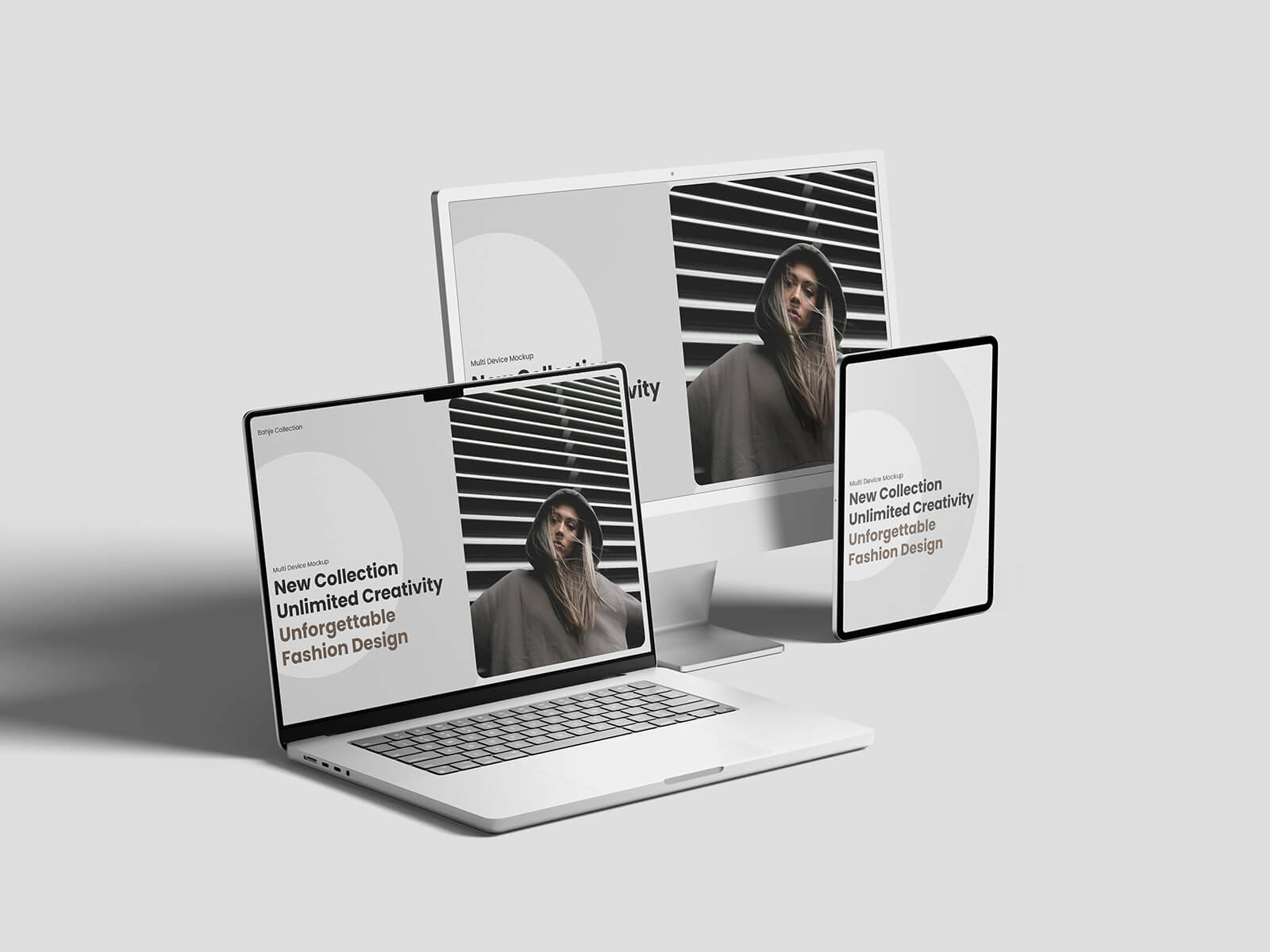
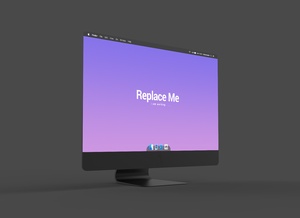
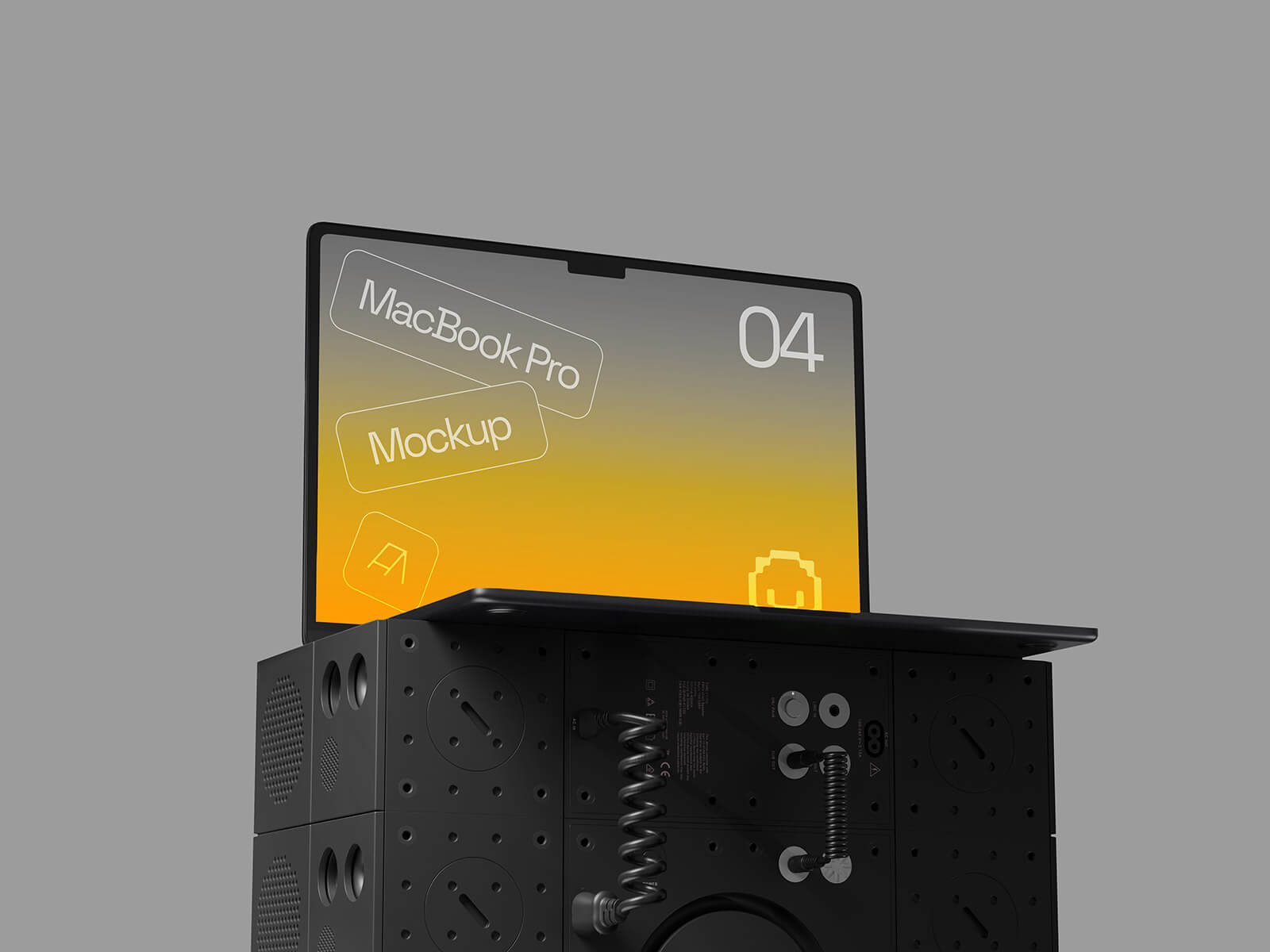
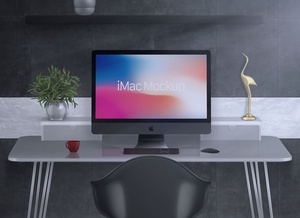
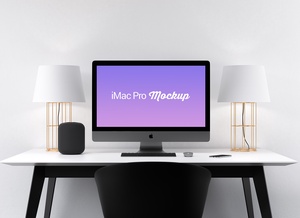
To help you enhance your current workflow, we are pleased to share a premium After Effects animated iMac Pro mockup, available in both light and dark themes. This resource is perfect for those looking to add a professional, dynamic edge to their presentations without starting from scratch.
Resource Details & File Information
Product Description: This package provides a high-quality, animated iMac Pro mockup designed specifically for Adobe After Effects. It is an ideal tool for showcasing web designs, UI/UX projects, or digital portfolios with a cinematic touch.
- Format: .AEP (Adobe After Effects)
- License: Free for both personal and commercial use
- Included Files: Adobe After Effects Project files
- Original Credit: aorsow.gumroad.com
- Support the Artist: aorsow.gumroad.com
Technical Specifications (Read Before Use): 1. Scene Variety: One master AEP file containing 8 unique scenes. 2. Dynamic Angles: Features 4 distinct camera angles, each with a 10-second duration. 3. Aesthetic Options: Includes both Light and Dark theme variations to match your branding. 4. Resolution & Framerate: Crisp 1080p resolution at a smooth 30fps. 5. Software Requirement: Requires Adobe After Effects CC or higher.