8 Premium Magazine Mockup
It is a common marketing refrain among digital asset platforms that a single "ultimate" mockup bundle is the only resource you will ever need for your entire career. These massive collections typically cover a comprehensive range of categories, including electronic devices, corporate stationery, paper goods, and diverse packaging options. Often executed in a minimalist "studio style," these mockups favor traditional top-down and perspective views. However, the convenience of these all-encompassing packs often comes with a creative cost: visual monotony. By relying solely on a fixed set of assets, your portfolio can become trapped in a loop of identical angles and predictable compositions. To truly elevate your presentation, you must actively seek out unique perspectives that break the mold.
Fortunately, the landscape of free design resources is undergoing a revolution in quality. As 3D rendering software becomes more intuitive and powerful, artists can now generate hyper-realistic outcomes with minimal manual effort. Gone are the days of tedious lighting adjustments; today’s 3D tools provide sophisticated, ready-made environments that allow creators to render high-fidelity objects effortlessly. The primary focus for the modern designer has shifted from technical execution to ensuring the final assets are saved at a professional-grade resolution.
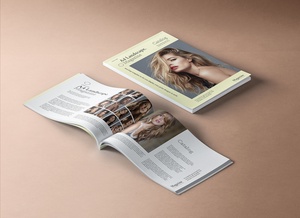
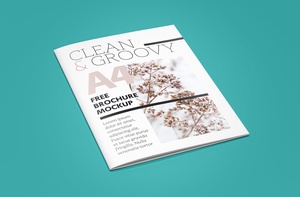
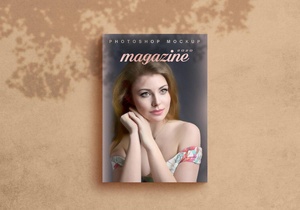
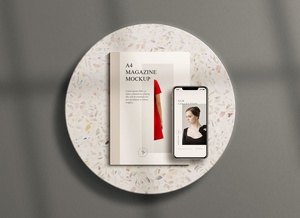
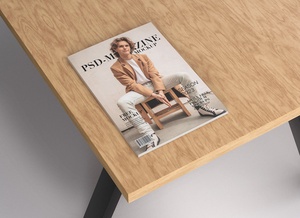
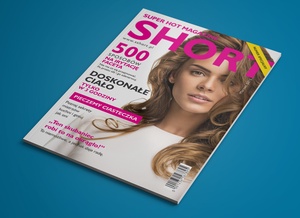
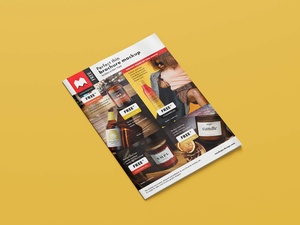
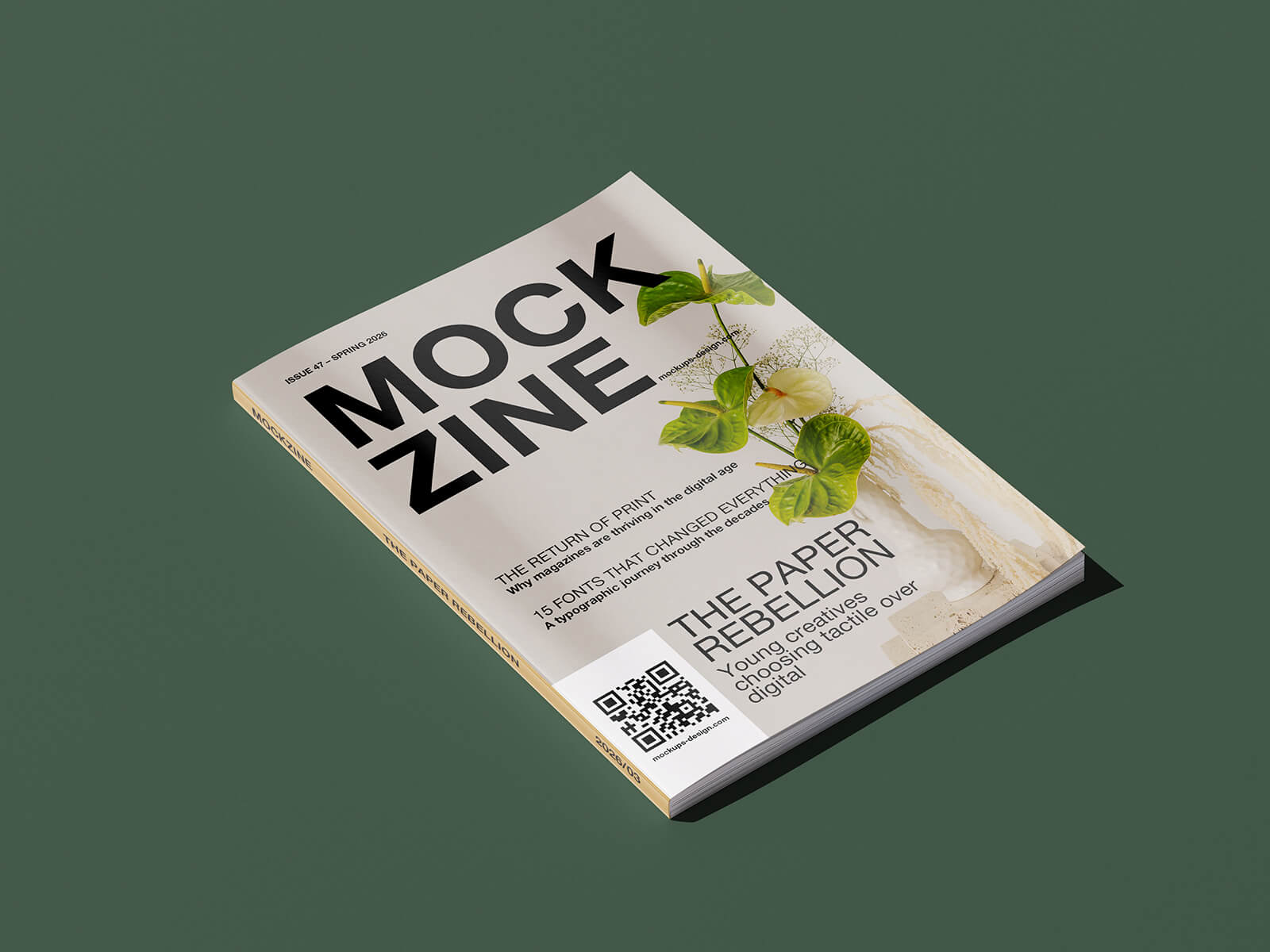
To help you diversify your presentation toolkit, we are excited to share a premium Magazine Mockup Set featuring eight distinct and dynamic angles. While this set maintains a high-end, commercial aesthetic, it is available entirely for free. Each file is fully customizable, allowing you to tailor the background color to complement your specific editorial design.
Technical Details & Features:
- Format: Layered PSD files featuring smart object integration for effortless editing.
- Licensing: Available for free for personal projects.
- Package Contents: 8 high-quality PSD files.
- Resolution: Ultra-high fidelity at 4000 x 3000 px.
Usage Instructions:
- Open the PSD file and double-click the smart object layer to insert your custom artwork.
- Adjust the background color to match your branding.
- Software Requirement: Adobe Photoshop CS5 or higher is required for full functionality.