Clean Busienss Card Mockup
When redesigning your professional business cards, it is essential to bridge the gap between physical networking and digital engagement by incorporating a QR code. Rather than overwhelming the card with dense text, focus on a minimalist approach. A QR code directing recipients to your website’s main product landing page is a highly effective choice. If you possess a comprehensive digital brochure, linking to it can provide immediate value to potential clients. Another sophisticated option is to program the QR code to trigger a pre-addressed email; once scanned, it opens the user’s mail app, allowing them to send an inquiry instantly. Furthermore, including a link to a video portfolio of your past projects can serve as a dynamic testimonial of your capabilities.
To maintain a premium aesthetic, adopt a two-sided design strategy. Dedicate the front side exclusively to your corporate logo to ensure brand recognition, while utilizing the reverse side for your name, title, and essential contact details, neatly balanced alongside the QR code.
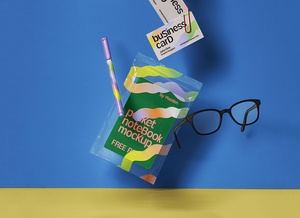
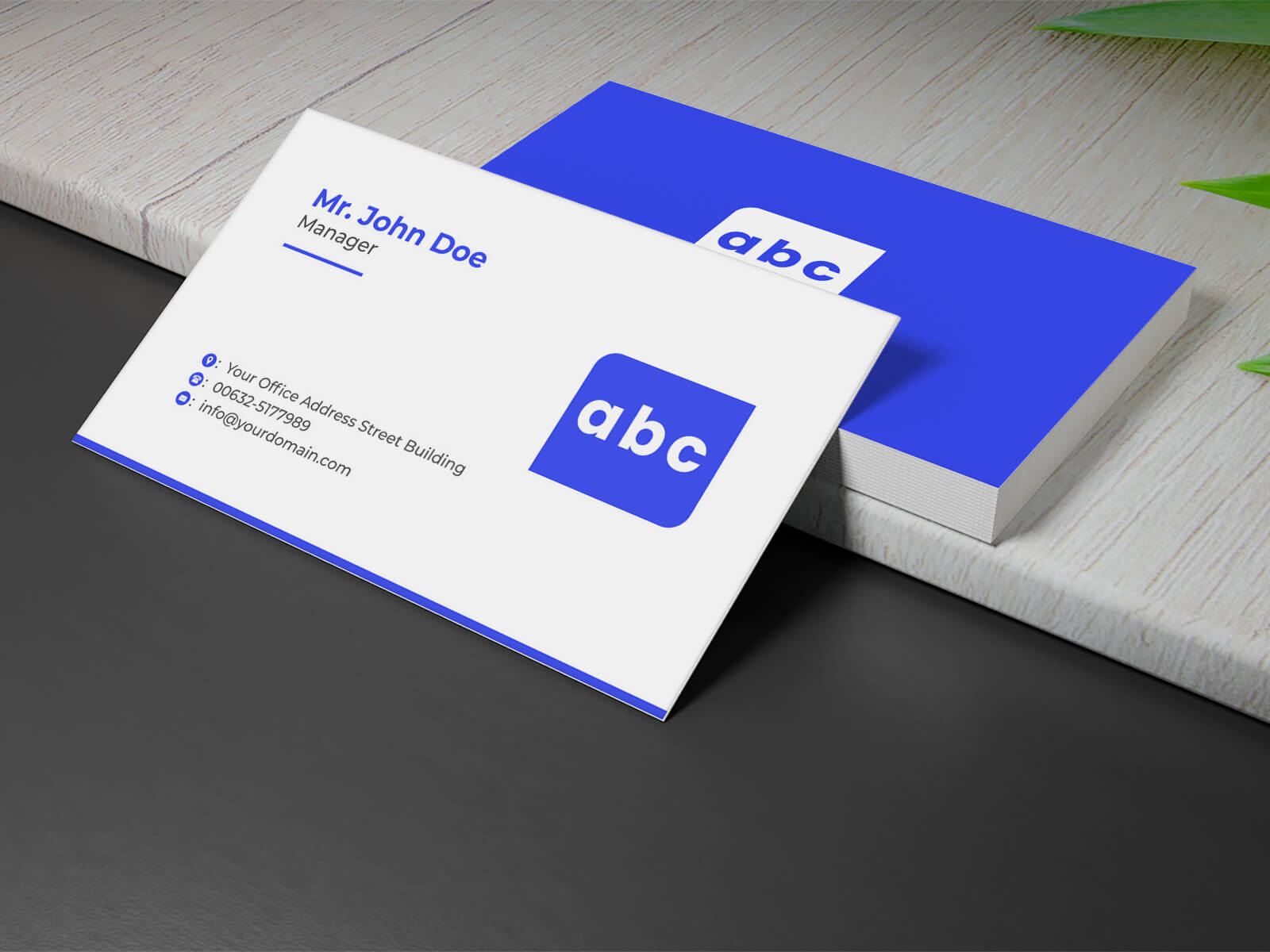
To assist you in visualizing these concepts, we are providing a high-quality, professional business card mockup in a layered PSD format. This resource allows you to preview your designs in a realistic setting using smart object technology for a polished, high-end result.
Product Specifications: * Format: Layered PSD with intuitive smart object insertion. * License: Free for personal use and professional presentations. * File Details: Includes one high-resolution Photoshop PSD file. * Resolution: 3500 x 2214 px for crystal-clear quality.
Usage Instructions: 1. Open the PSD file and locate the designated smart layer. 2. Place your custom artwork onto the smart object and save the file to update the mockup. 3. Software Requirement: Compatible with Adobe Photoshop CS5 or any newer version.
Download this professional business card mockup today to elevate your brand identity.