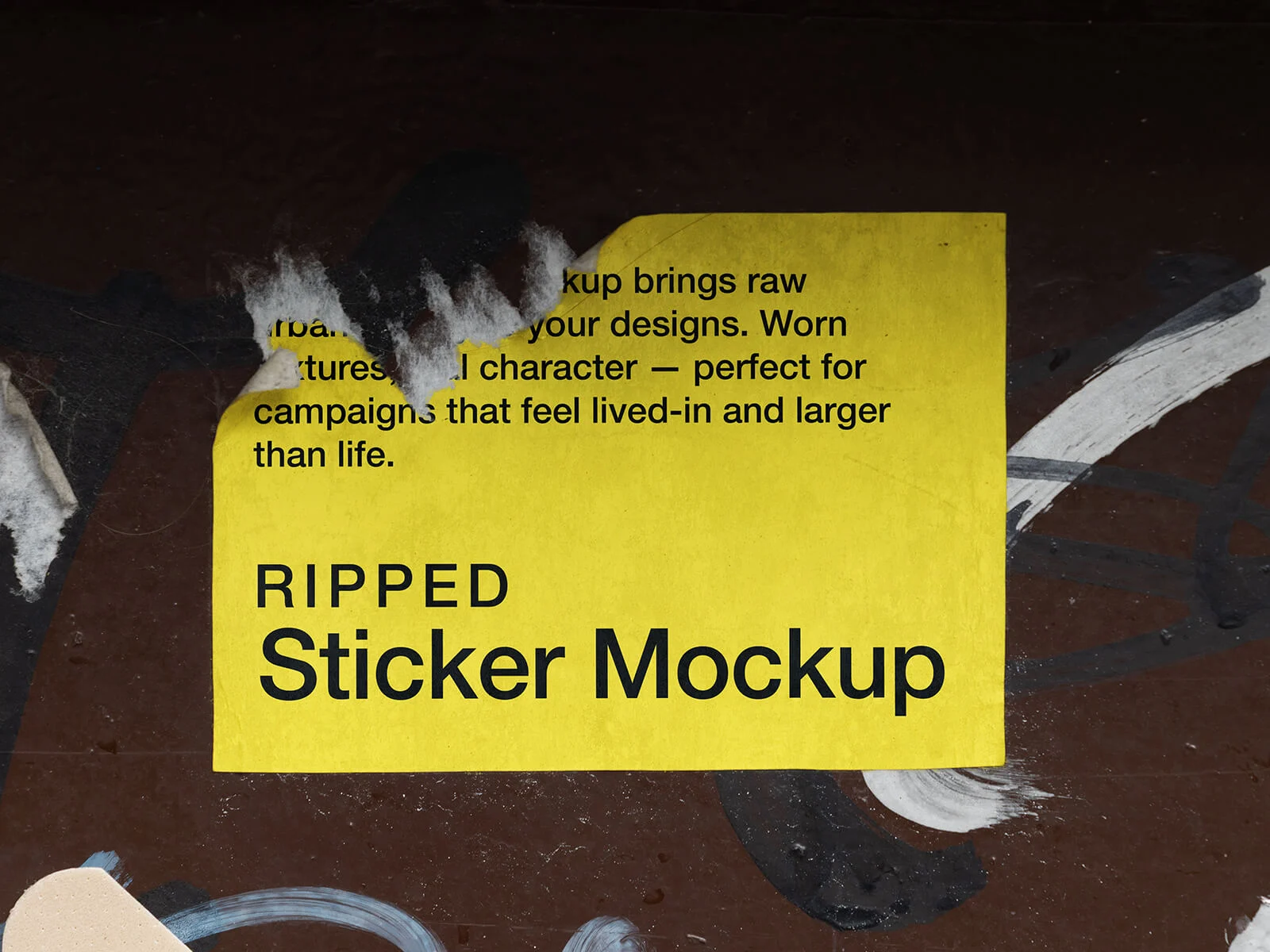
Ripped Sticker On Wall Mockup
It is a universal frustration: stickers almost inevitably leave behind a stubborn, tacky residue that can mar the appearance of any surface. This problem is particularly prevalent on dry, porous, or unlaminated materials where the adhesive can deeply penetrate the texture. Fortunately, there are several effective strategies to restore your surfaces to their original state.
For smaller, submersible items, the simplest method is to soak the object in water. Over time, the moisture infiltrates the paper backing, causing it to soften and lose its grip. Once the paper is sufficiently damp, it can be peeled away with minimal effort. Any remaining adhesive can then be easily rubbed off while the surface is still wet.
When dealing with larger surfaces or items that cannot be submerged, heat is your best ally. By using a heat gun or even a standard hair dryer, you can soften the chemical bonds of the adhesive. As the temperature rises, air pockets often form beneath the surface, causing the sticker to lift. This thermal treatment allows you to peel the sticker away smoothly, even from dry or delicate surfaces, without leaving a mess. For those who prioritize easy removal, choosing paper-based stickers is highly recommended, as they react much more effectively to hot water treatments than their plastic counterparts.
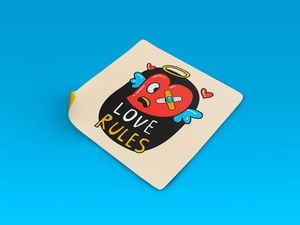
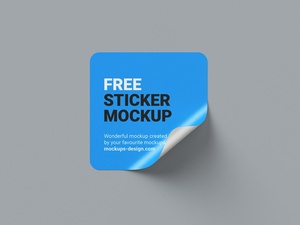
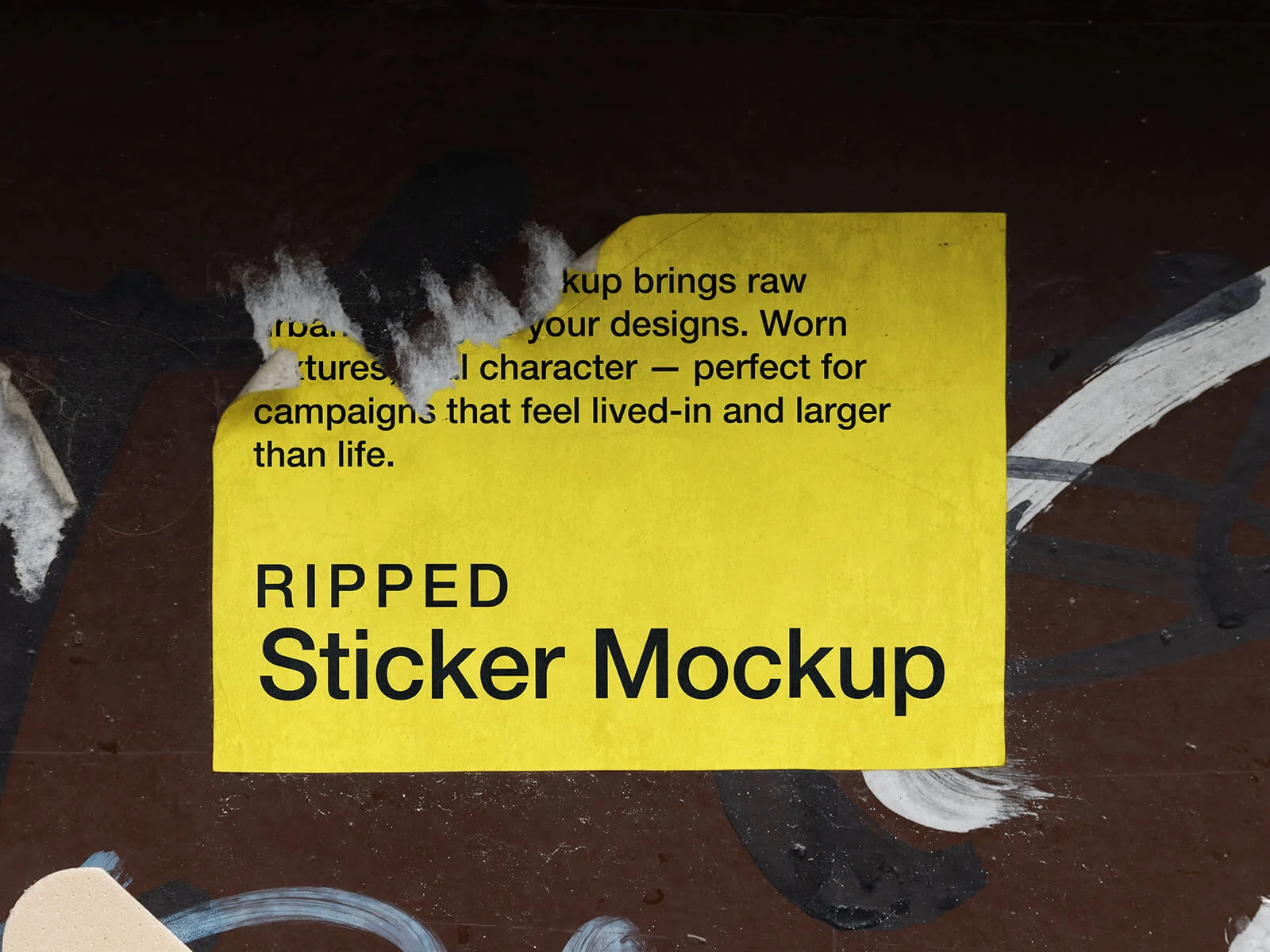
To help you visualize your designs in a realistic environment without the real-world cleanup, we are excited to offer a high-quality "Ripped Sticker Mockup" set against a textured wall. This asset is perfect for creating a gritty, urban aesthetic for your branding projects. Simply place your artwork into the smart object layer to achieve a professional, photorealistic result instantly.
Product Specifications:
- Available Format: Layered PSD with smart object insertion.
- License: Free for both personal and commercial use.
- File Details: Includes one high-precision Photoshop PSD file.
- Artwork Resolution: 4000 x 2667 px for crystal-clear quality.
Usage Instructions:
- Open the PSD file and locate the designated smart layer to insert your custom design.
- Software Requirement: Compatible with Adobe Photoshop CS5 or any higher version.