Construction Site Banner Mockup

The urban landscape is in constant flux, with construction sites dotting the cityscape and urban regeneration projects revitalizing even the most central districts. This wave of redevelopment is primarily driven by the need to replace aging infrastructure. Buildings that no longer meet modern standards or lack contemporary amenities are often demolished to pave the way for more sophisticated and forward-thinking designs. Alternatively, existing structures may be repurposed for commercial ventures, such as rental properties or hotels, to better serve the needs of the evolving urban environment.
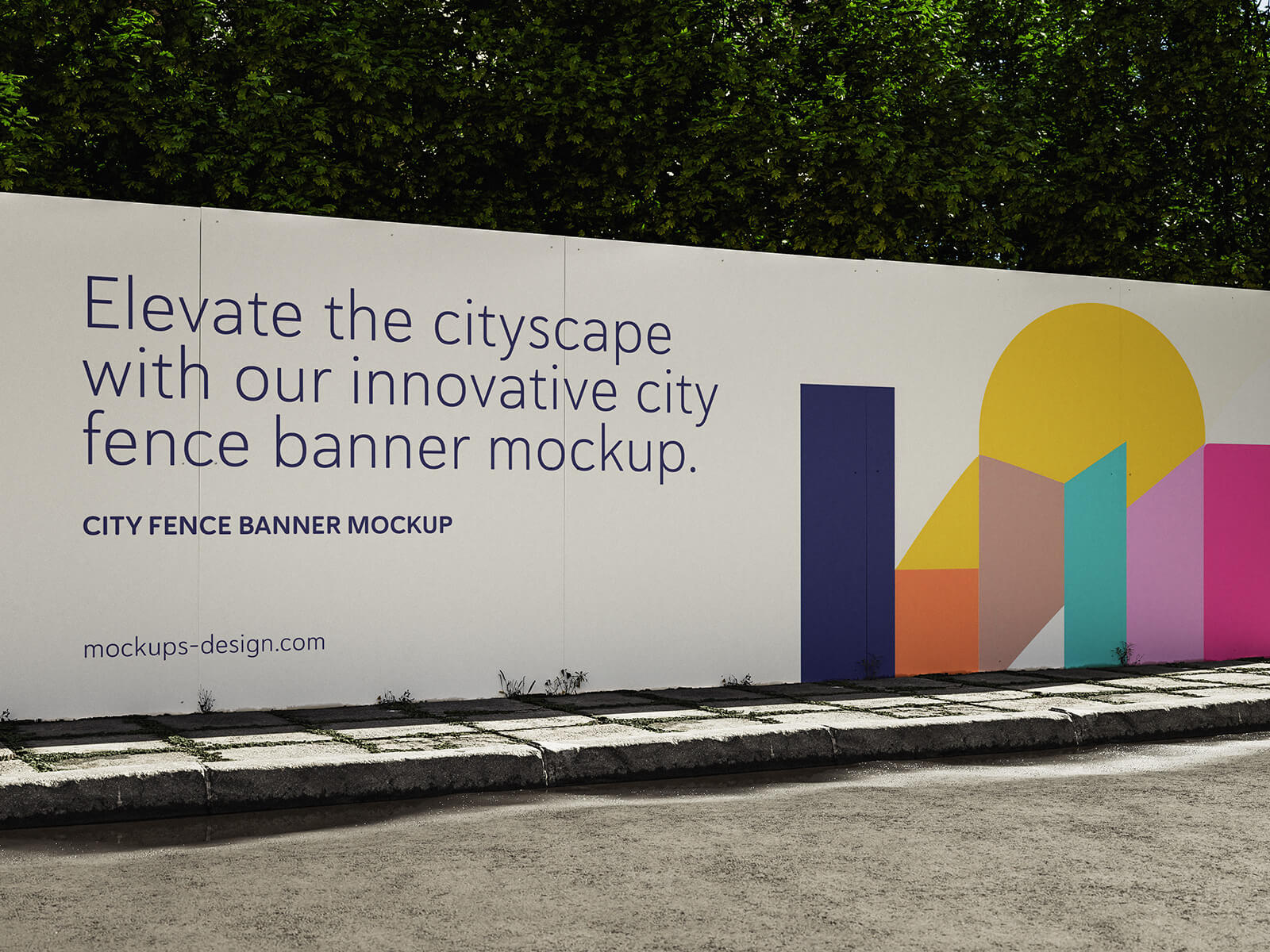
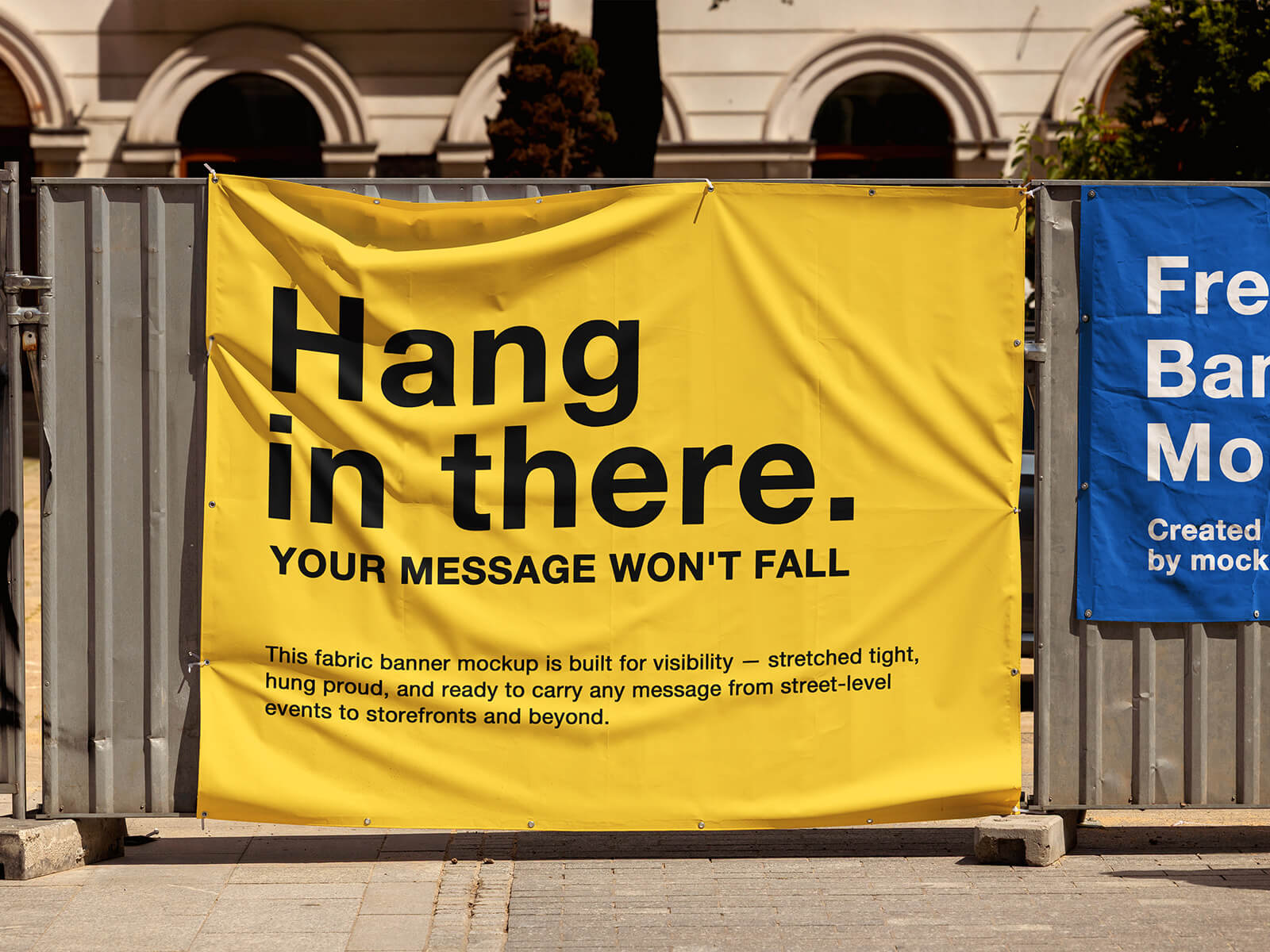
These construction zones are typically enclosed by boundary walls, often leaving large, vacant areas visible to the public. This presents a unique opportunity for advertising and branding. The space can be utilized to display large banners, either promoting the construction company itself or showcasing the future development. Land owners may also choose to rent out this prime advertising real estate. However, it's crucial to conduct thorough due diligence and obtain the necessary permissions before taking any action. Banner installation can be achieved through various methods, including using a riveter to directly mount the banner sheets or opting for a more refined approach by installing framed banners.
Today, we're excited to offer a high-quality Construction Site Banner Mockup in PSD format to help visualize your designs in a realistic setting. This mockup allows you to seamlessly integrate your artwork using a smart object layer, providing a photorealistic representation of your banner in situ.
Key Features:
- Available Format: Layered PSD file for easy customization.
- Smart Object Insertion: Simplifies artwork placement and perspective.
- License: Free for both personal and commercial applications.
- Included in Zip File: Photoshop PSD File.
- Mockup Resolution: 4000 x 2667 pixels for exceptional detail.
- Artwork Resolution: 3922 x 2026 pixels.
Instructions for Use:
- Open the PSD file in Adobe Photoshop CS5 or later.
- Locate the smart object layer.
- Place your artwork onto the smart object layer.
- Save the smart object.
- Observe the realistic transformation of your design on the construction site banner.