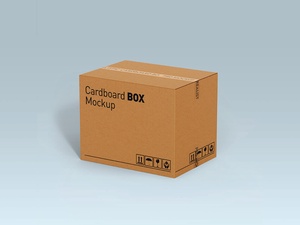
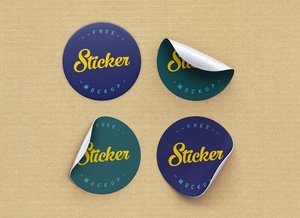
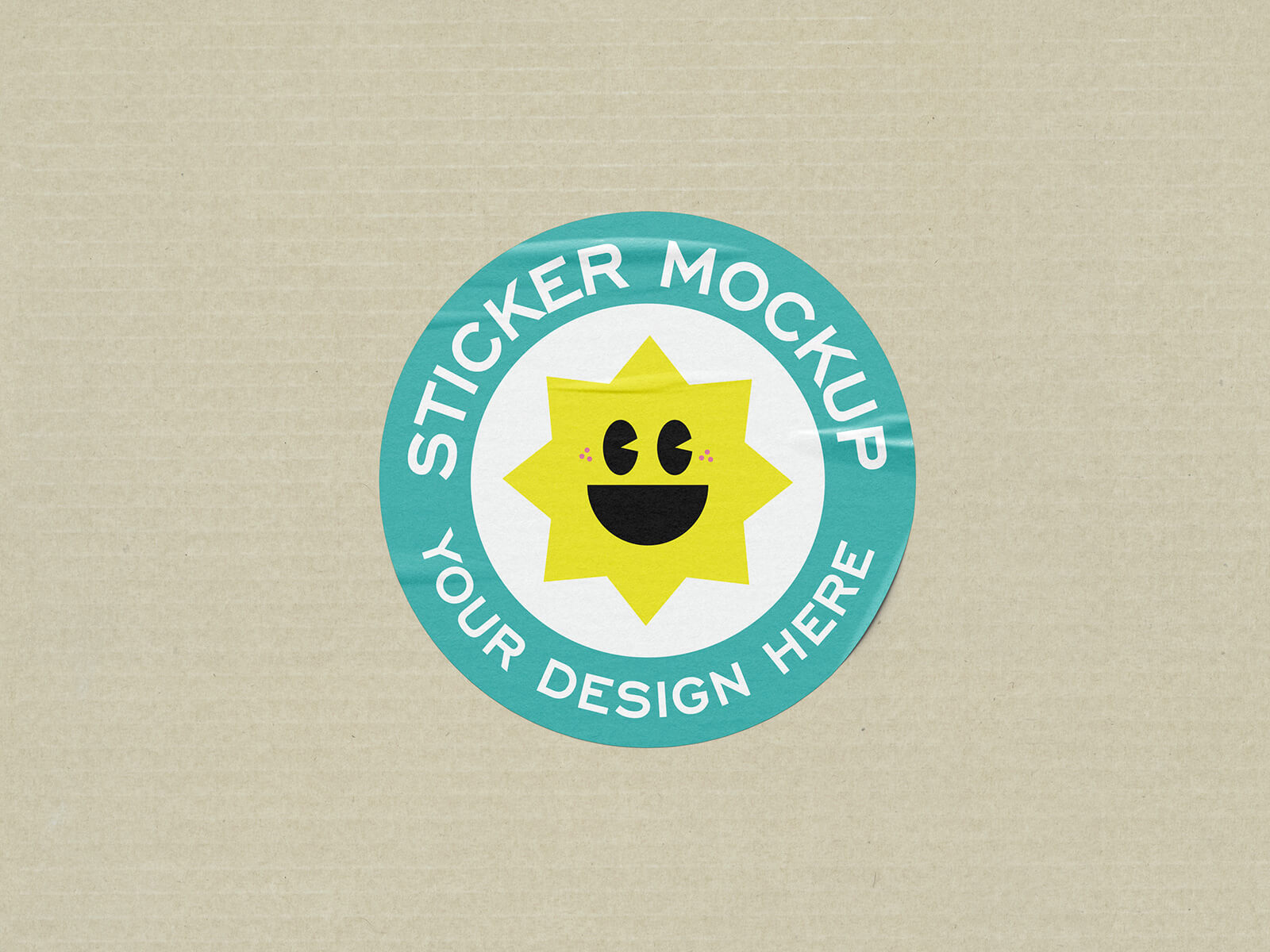
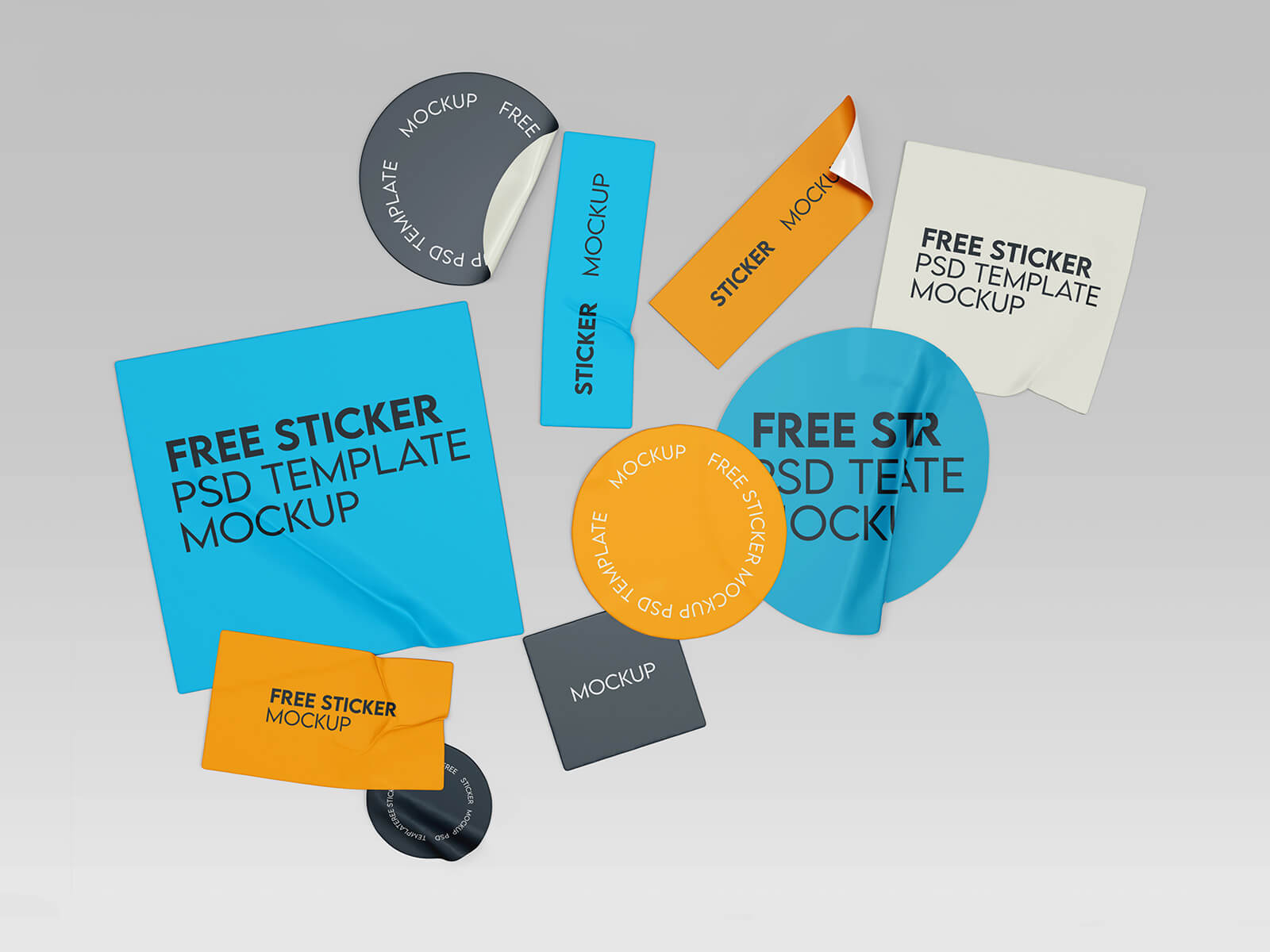
Corrugated Box Round Sticker Mockup

While the focus is often on the final presentation or mockups, let’s take a moment to dive into the nuances of effective sticker design. Many designers mistakenly believe that creating a sticker is as simple as centering a logo and scaling it up until it hits the margins. However, true sticker craftsmanship requires a balance between maximizing the brand mark and maintaining enough "breathing room" to ensure visual clarity. To elevate your designs from basic to professional, there are several creative strategies you should consider.
First, leverage the "Type on a Path" tool for circular or oval stickers. Instead of leaving the space around your logo empty, you can wrap a company tagline, a "Premium Quality" seal, or a founding date around the perimeter. This creates a sophisticated, emblem-like aesthetic that feels intentional and high-end. Additionally, don't shy away from incorporating small, minimalist icons or secondary graphic elements to add character and depth. One of the most practical tips for sticker visibility is the inclusion of a thin white border or "die-cut" edge. This white stroke serves as a visual anchor, ensuring that your design remains legible and "pops" regardless of the color or texture of the surface it is placed on.
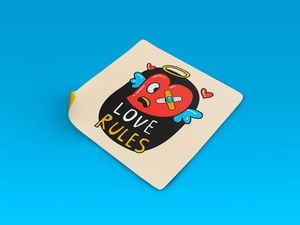
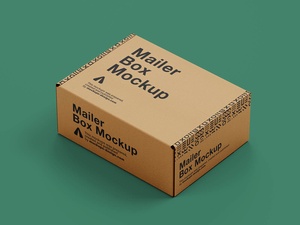
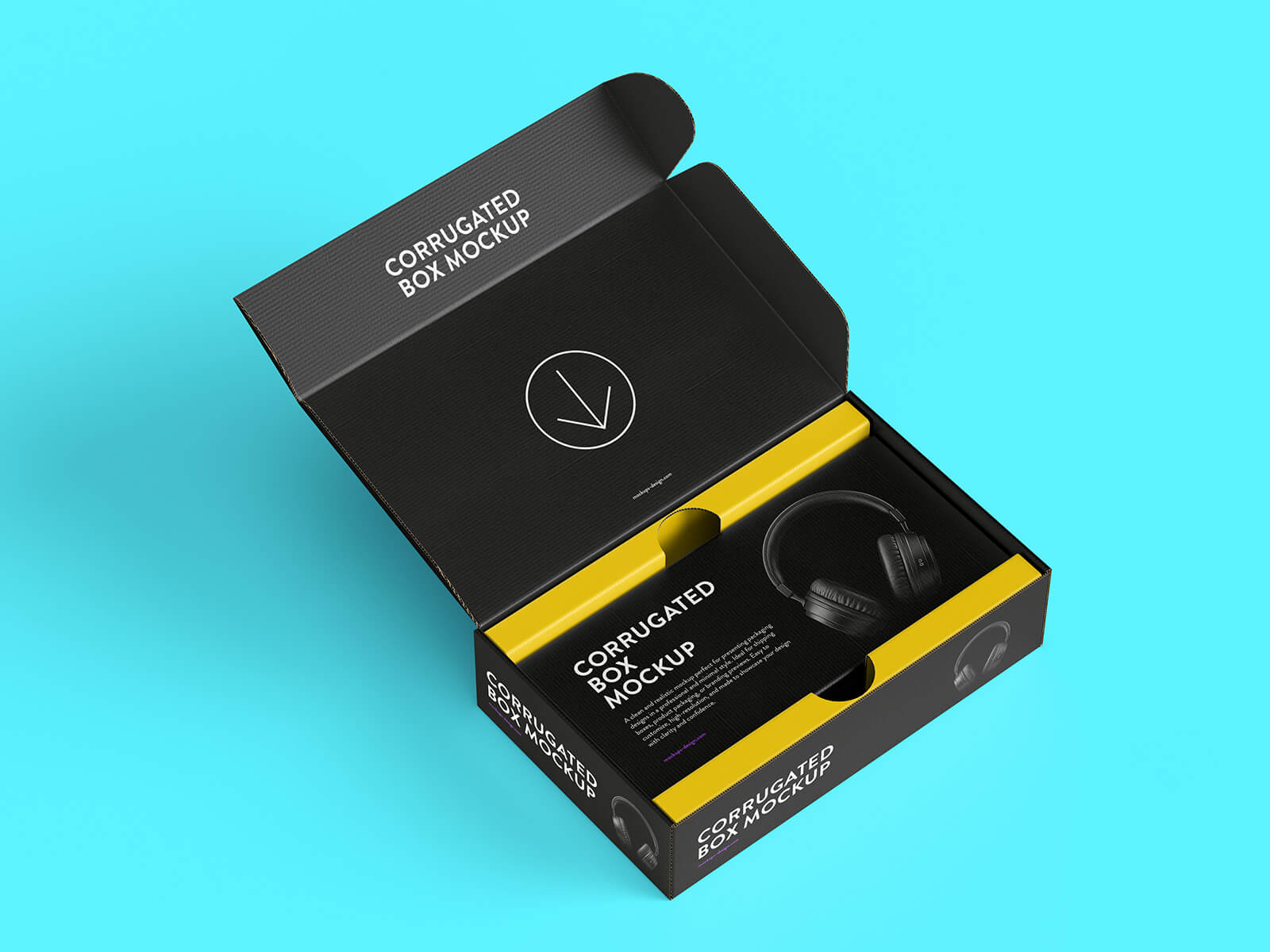
To help you bring these design concepts to life, we are pleased to share a high-quality Corrugated Box Round Sticker Mockup set in PSD format. This resource allows you to visualize your artwork in a realistic setting with ease. Simply place your design into the smart object layer to see an instant, professional result.
Technical Specifications & Description: * Available Format: Layered PSD with smart object insertion for seamless editing. * License: Free for both personal and commercial projects. * Package Includes: High-resolution Photoshop PSD files. * Mockup Resolution: Ultra-high 6144 x 4096 px for crisp, close-up details. * Software Requirement: Adobe Photoshop CS5 or higher.
Instructions: 1. Open the PSD file and locate the smart object layer. 2. Double-click the layer and paste your sticker artwork. 3. Save and close the smart object to view your design integrated into the realistic corrugated box environment.