Premium Coffee Standing Pouch / Bag Mockup

For a vast majority of people, the morning truly begins only after the first sip of caffeine. For these dedicated coffee aficionados, a high-quality brew isn't just a luxury—it is a functional necessity to get the day moving. If you find yourself in this category, selecting the right equipment is paramount to your daily ritual.
If your priority is absolute convenience without the hassle of maintenance, Nespresso stands out as the premier choice. Designed for the fast-paced lifestyle, these all-in-one machines are fully automatic, delivering a consistent cup of coffee with a single touch of a button. However, if you view coffee-making as a craft rather than a chore, Breville is the ideal companion. It is built for those who wish to master the art of the rich, velvety latte and are willing to invest the time required to pull a perfect shot.
For those who want a market-leading machine that balances high performance with ease of use, De'Longhi remains a top-tier contender, consistently flying off the shelves due to its reputation for reliability. Finally, if you are a "pot-after-pot" drinker who values volume as much as flavor, the Moccamaster is the undisputed king of drip coffee makers. These brands represent the gold standard in their respective categories and are consistently highlighted by experts and search engines alike.
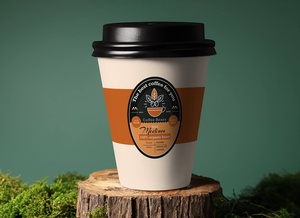
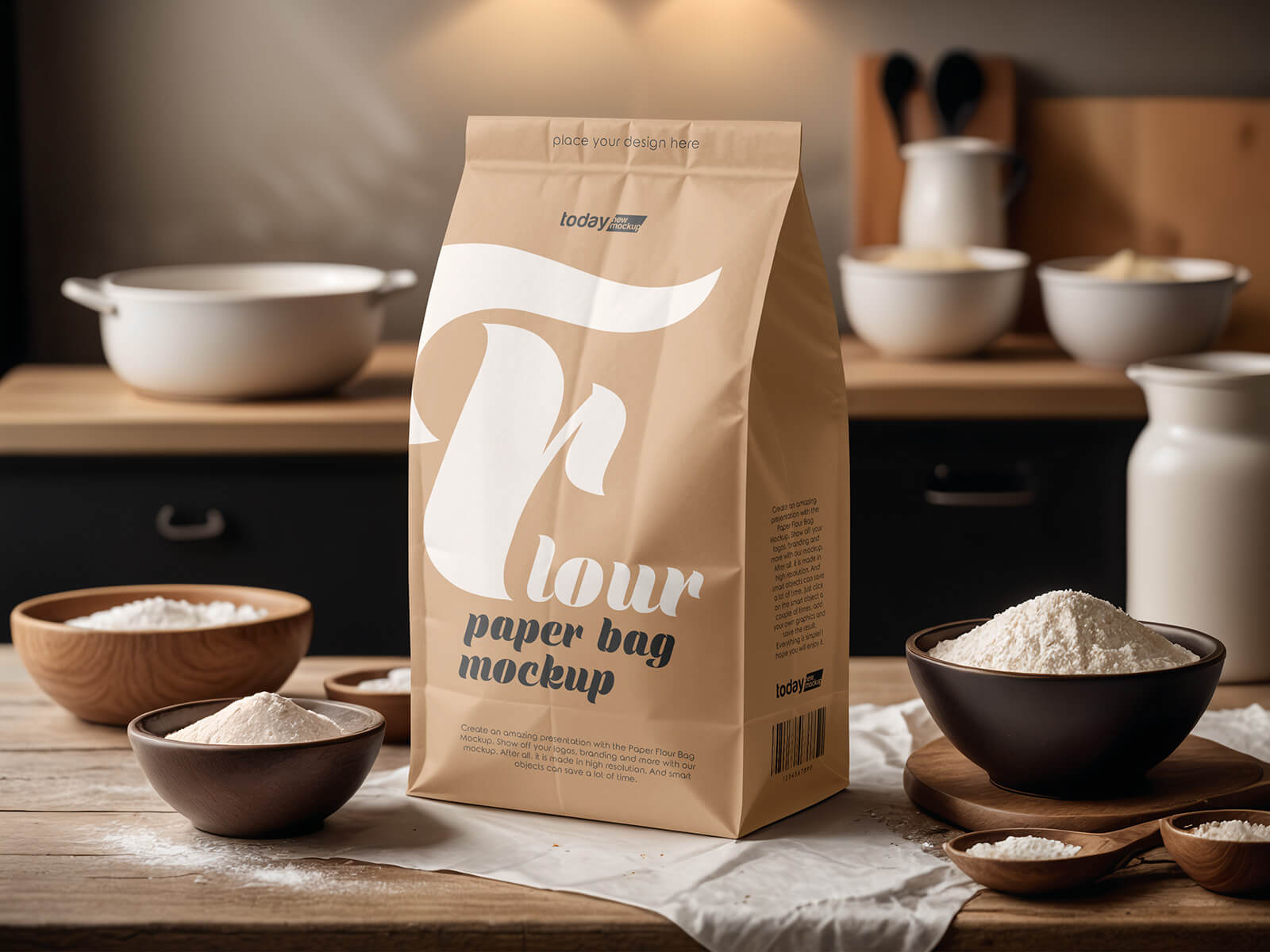
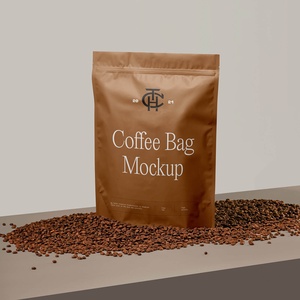
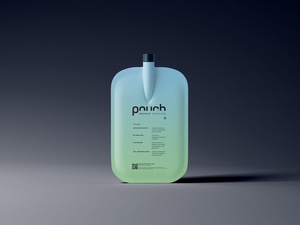
To complement your coffee branding projects, we are excited to share a Premium Coffee Standing Pouch Mockup in PSD format. This tool allows you to visualize your label designs with stunning realism. By simply placing your artwork into the designated smart object layer, you can create a professional-grade presentation in seconds.
Product Specifications & Description:
- Available Format: Fully layered PSD with smart object insertion for effortless editing.
- License: Free for both personal and commercial projects.
- File Includes: High-quality Photoshop PSD Mockup file.
- Resolution: Ultra-high 6000 x 4000 px for crisp, detailed visuals.
Usage Instructions:
- Open the file and double-click the Smart Object layer to place your custom design.
- Software Requirement: Compatible with Adobe Photoshop CS5 or higher.