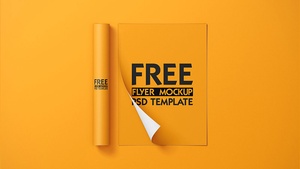
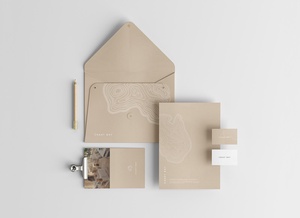
Dark Background A5 Flyer Mockup

Many students often ask me how to remember standard paper sizes or at least distinguish which ones are smaller or larger. A simple trick is to focus on the A-series system, where each size is half or double the adjacent one. For instance:
- A5 is exactly half the size of A4, making it ideal for compact flyers or handouts.
- The numbering follows an inverse logic—the smaller the number, the larger the sheet. For example, A3 is twice the size of A4 and is commonly used for posters or folded brochures.
- When designing materials like center-fold A4 brochures, A3 sheets are trimmed and folded to create two A4 pages.
- For concise messaging, an unfolded A5 flyer works perfectly. However, if you need more space, a bi-fold A5 design allows you to organize content across multiple panels, making it versatile for highlighting different topics within a compact format.
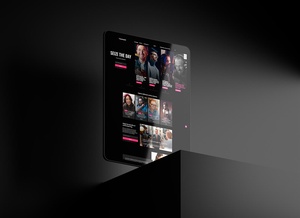
To help visualize your designs, I’m sharing a high-resolution A5 flyer mockup with a stylish dark background:
Key Features:
- Formats: Layered PSD for easy editing
- Smart Object Integration: Seamlessly place your artwork for realistic previews
- Resolution: Crisp 3000 × 2000 px output
- Compatibility: Works with Adobe Photoshop CS5 and later versions
- Usage: Free for both personal and commercial projects
How to Use:
- Open the PSD file and locate the smart object layer.
- Insert your flyer, letterhead, or resume design.
- Adjust as needed—changes reflect instantly for a professional mockup.
This tool simplifies the process of testing layouts, ensuring your designs look polished before final printing or digital sharing.