Food Tin Can Mockup
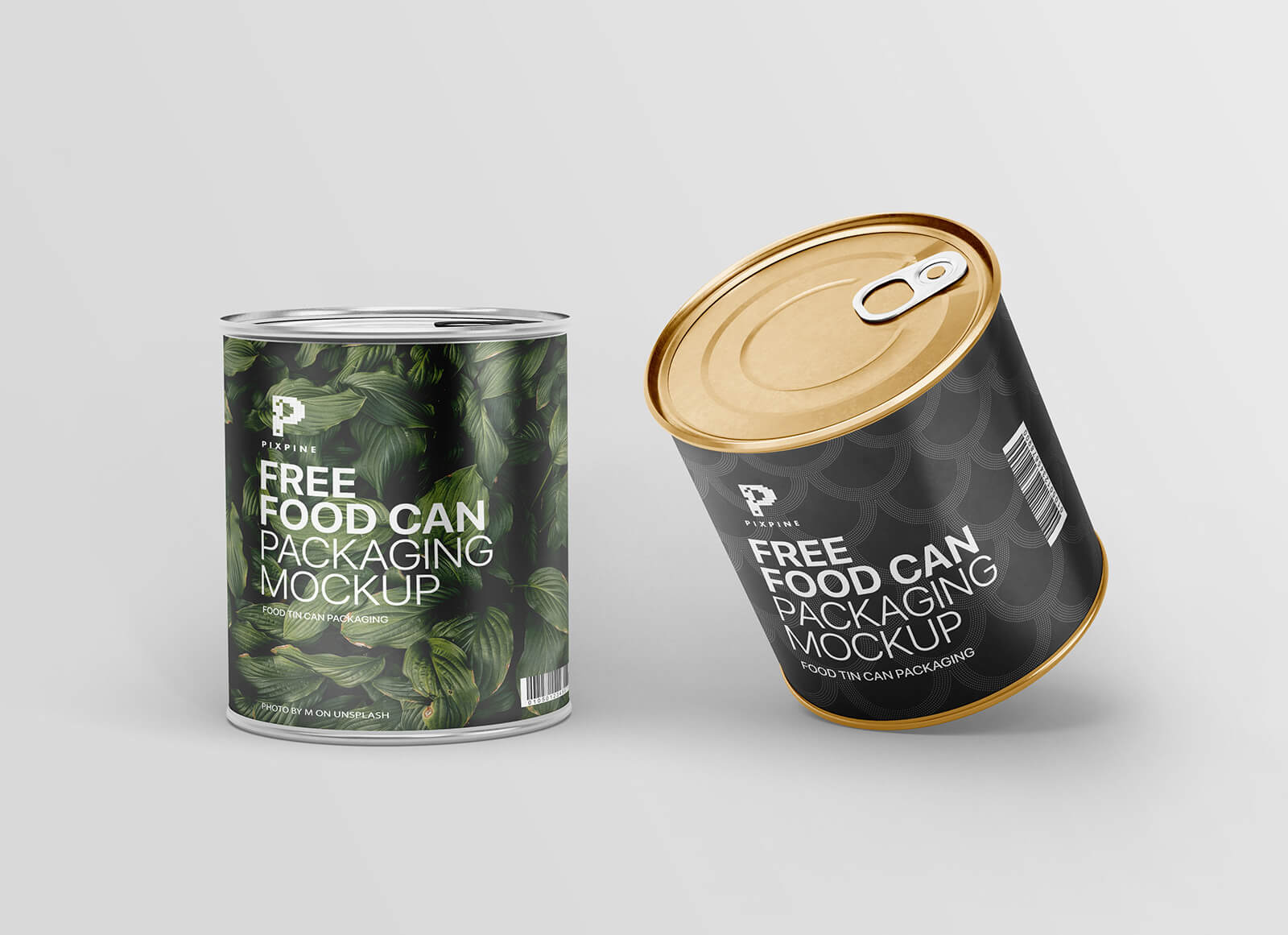
When it comes to high-quality packaging, food tin cans remain an unparalleled choice for both manufacturers and consumers. Their enduring popularity is rooted in their exceptional ability to provide a tamper-proof and hermetic seal, effectively isolating the contents from external factors. By creating an impenetrable barrier against oxygen and moisture, tin cans significantly extend the shelf life of food products while preventing any risk of contamination.
Beyond simple preservation, tin cans serve as a fortress for flavor. By completely blocking out UV light and external elements, they safeguard the organoleptic properties—the taste, aroma, and texture—of the food within. Furthermore, the structural integrity of metal allows these containers to withstand extreme seasonal temperature fluctuations without compromising the product inside. From a logistical standpoint, their standardized shape allows for efficient stacking, optimizing warehouse space and ensuring cost-effective transportation across long distances.
In today’s eco-conscious market, tin cans stand out as a premier sustainable solution. Unlike many other materials, metal is infinitely recyclable without losing its quality, making it a cornerstone of the circular economy. For companies managing large-scale inventories, the durability and reliability of tin packaging make it the preferred medium for long-term storage.
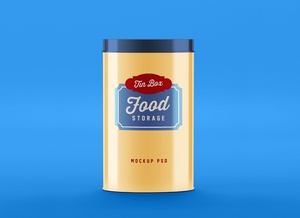
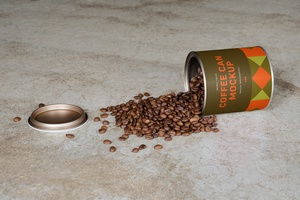
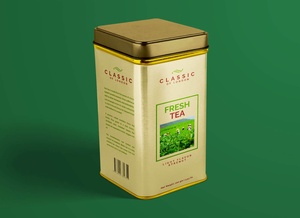
To help you bring your packaging visions to life, we are pleased to offer a high-resolution food tin can mockup in PSD format. This versatile tool allows you to seamlessly integrate your branding using smart objects. You can fully customize the presentation by adjusting the background colors and modifying the textures of both the top and bottom lids to match your brand identity.
Mockup Description & Technical Specifications:
- Available Format: Layered PSD with intuitive smart object insertion.
- Licensing: Free for both personal and commercial projects.
- Package Includes: One high-quality Photoshop PSD file.
- Mockup Resolution: 3000 x 2250 px for crisp, professional visuals.
User Instructions: 1. Open the PSD file and double-click the smart layer to place your custom artwork. 2. Adjust the background and lid colors as needed to complement your design. 3. Software Requirement: Adobe Photoshop CS5 or higher.