iPhone 17 Pro Vector Mockup & FIG

Vector graphics represent a fundamental aspect of digital design, characterized by their unique ability to scale infinitely without any loss of quality or pixelation. Unlike raster images, which are composed of a fixed grid of pixels, vector graphics are built from mathematical equations that define points, lines, curves, and polygons. This resolution-independent nature makes them ideal for logos, icons, illustrations, and typography, where clarity and adaptability across various sizes are paramount.
While traditionally associated with dedicated vector software, vector elements can also be created within hybrid environments like Adobe Photoshop. Although Photoshop is primarily a raster-based application that measures image resolution in pixels, its robust path tools enable users to define vector layers and shapes. These vector components can then be scaled and manipulated within Photoshop, maintaining their crispness. However, for a truly optimized and streamlined workflow, designing with vector-based graphics software offers significant advantages.
Specialized vector editing tools allow for sophisticated manipulation, including combining, cutting, and transforming shapes with precision through operations like unite, subtract, intersect, and exclude. These tools empower designers to craft intricate geometric forms effortlessly. For professional-grade vector creation, software like Figma and Adobe Illustrator stand as industry benchmarks, offering comprehensive feature sets tailored for vector design. Proficiency in these programs is considered an essential skill for any aspiring or professional designer, whether working in UI/UX, branding, print, or web design.
Beyond these industry leaders, a wide array of other powerful vector-based software is available, catering to different budgets and preferences. Notable alternatives include CorelDRAW, Inkscape (an open-source option), and Affinity Designer, each offering a rich suite of tools for vector illustration.
For those looking to dive into vector graphics, a practical approach is to begin with fundamental shapes. Start by mastering basic geometric forms, then progress to more complex designs. A fun and effective way to practice is by recreating a favorite cartoon character or object, using the software's tools to build intricate vector shapes layer by layer. To ensure accuracy and maintain precise alignment in your designs, it is highly recommended to activate grid and snap features, which provide invaluable visual guides and automatic alignment capabilities.
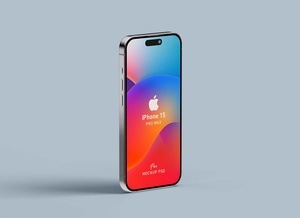
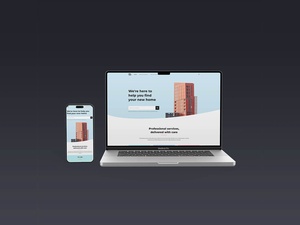
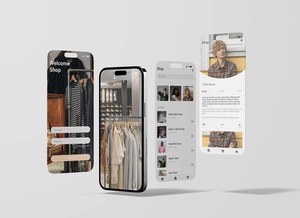
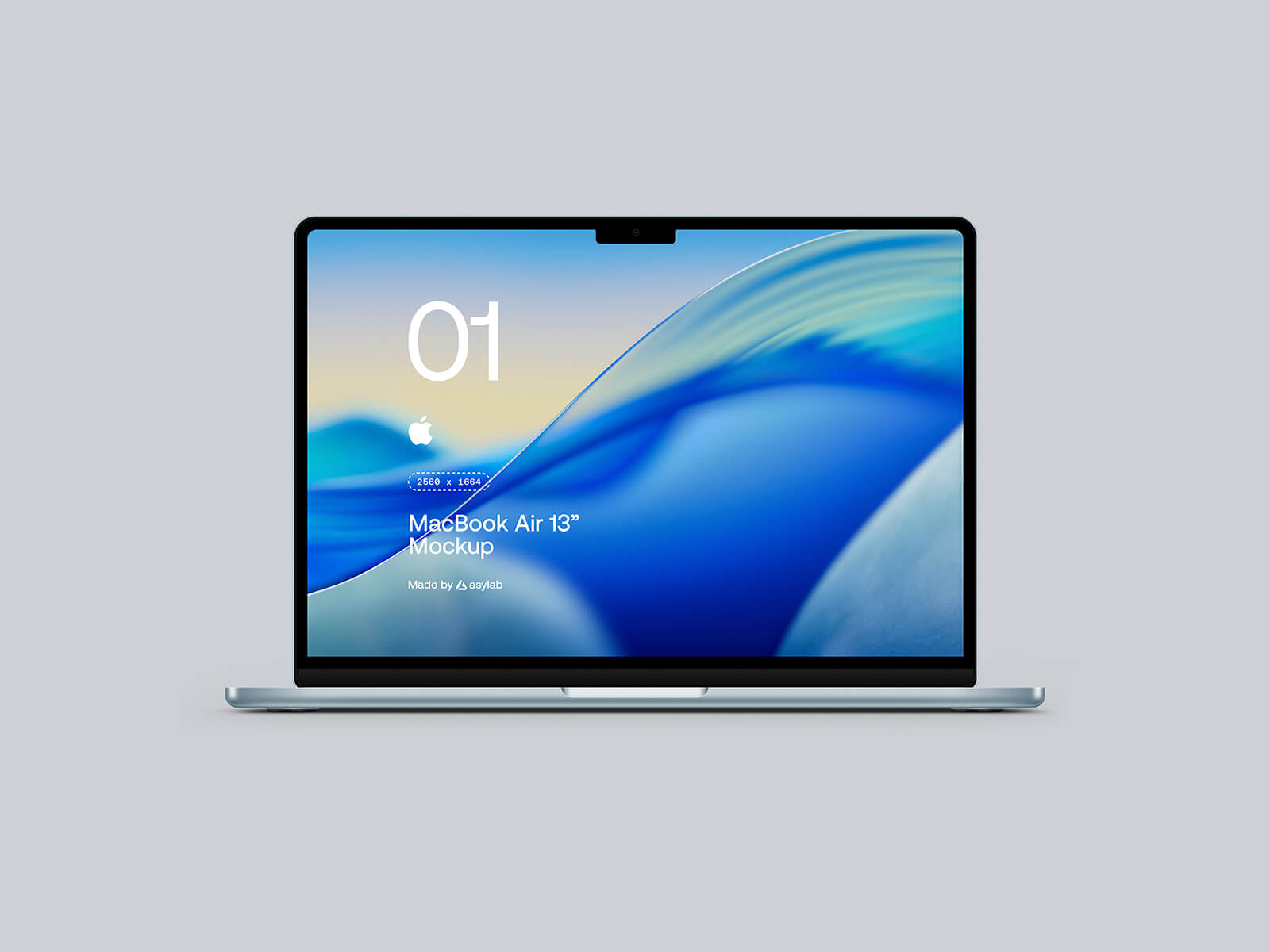
To aid your design projects, we are excited to offer an exclusive iPhone 17 Pro vector mockup, available in both PSD (Photoshop) and Fig (Figma) formats. This high-quality mockup allows you to effortlessly showcase your web designs or application interfaces in a realistic and professional manner. Simply place your artwork onto the designated smart object layer, and the mockup will seamlessly integrate it, producing a stunningly lifelike presentation. This meticulously crafted iPhone 17 Pro mockup is a creation of asylab, known for their exceptional design resources.
Mockup Details: * Available Format: Layered PSD * License: Free for both personal and commercial use * Zip File Includes: High-resolution Photoshop PSD files * Artwork Resolution: An impressive 8500 x 6000 pixels, ensuring sharp detail for large displays.
Instructions for Use: 1. Easily integrate your web or application design by placing it onto the smart layers within the PSD file. 2. Software Requirement: Adobe Photoshop CS5 or a newer version is needed to utilize the PSD file effectively.
To claim this premium iPhone 17 Pro Vector Mockup absolutely free, simply use the code 17vector at checkout. Don't miss this opportunity to elevate your presentations!