M3 MacBook Pro Mockup
Laptops have become an indispensable tool in our modern world, serving a wide range of purposes, from office work and education to entertainment and creative endeavors. From browsing the web for information to listening to podcasts and audiobooks, watching tutorials, playing games, and engaging in design-based work, laptops offer a powerful and versatile platform.
However, the landscape of mobile computing is constantly evolving. Tablets have emerged as a formidable competitor, offering a similar user experience to laptops but at a lower price point and with greater portability. Their lightweight design and ease of use have made them a popular choice for daily tasks, particularly for office work.
While tablets have proven their versatility, laptops still maintain a strong foothold in certain areas. For professional work requiring advanced software and demanding tasks like designing and video editing, laptops remain the preferred choice due to their robust processing power and larger display screens.
Laptops also hold a special place in academic settings. Students rely on them for presentations, research, and note-taking, making them an essential tool for academic success. Furthermore, the long battery life of laptops makes them ideal for remote workers, enabling them to stay productive while on the go.
The ability to use a battery bank to extend a laptop's battery life further enhances its practicality, particularly for travelers who need to stay connected for extended periods.
Introducing the M3 MacBook Pro Mockup:
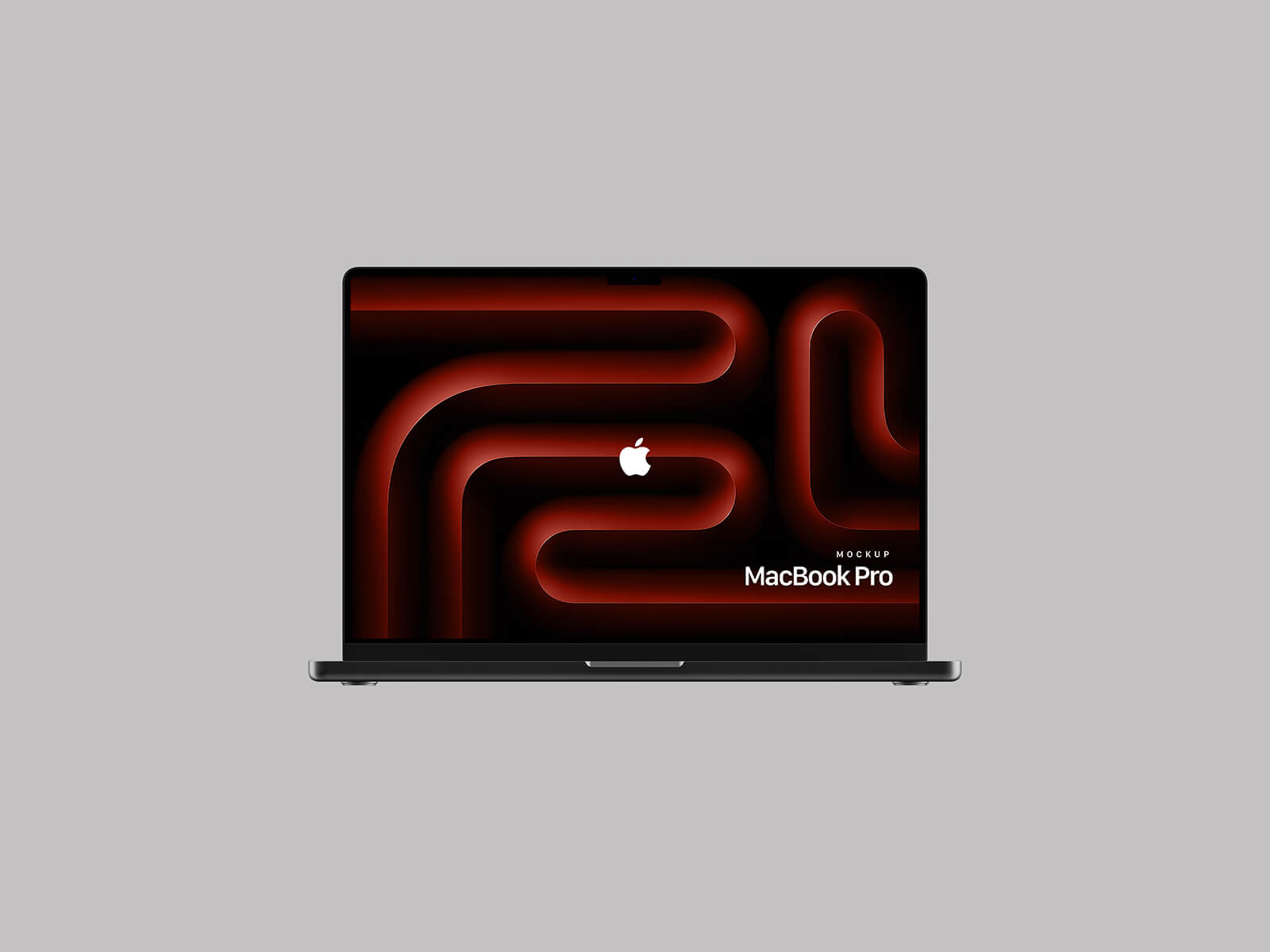
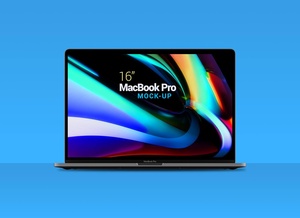
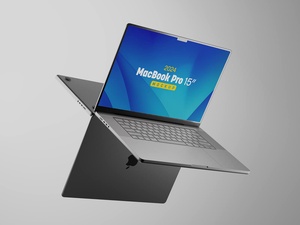
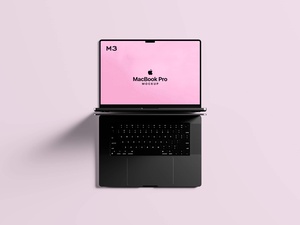
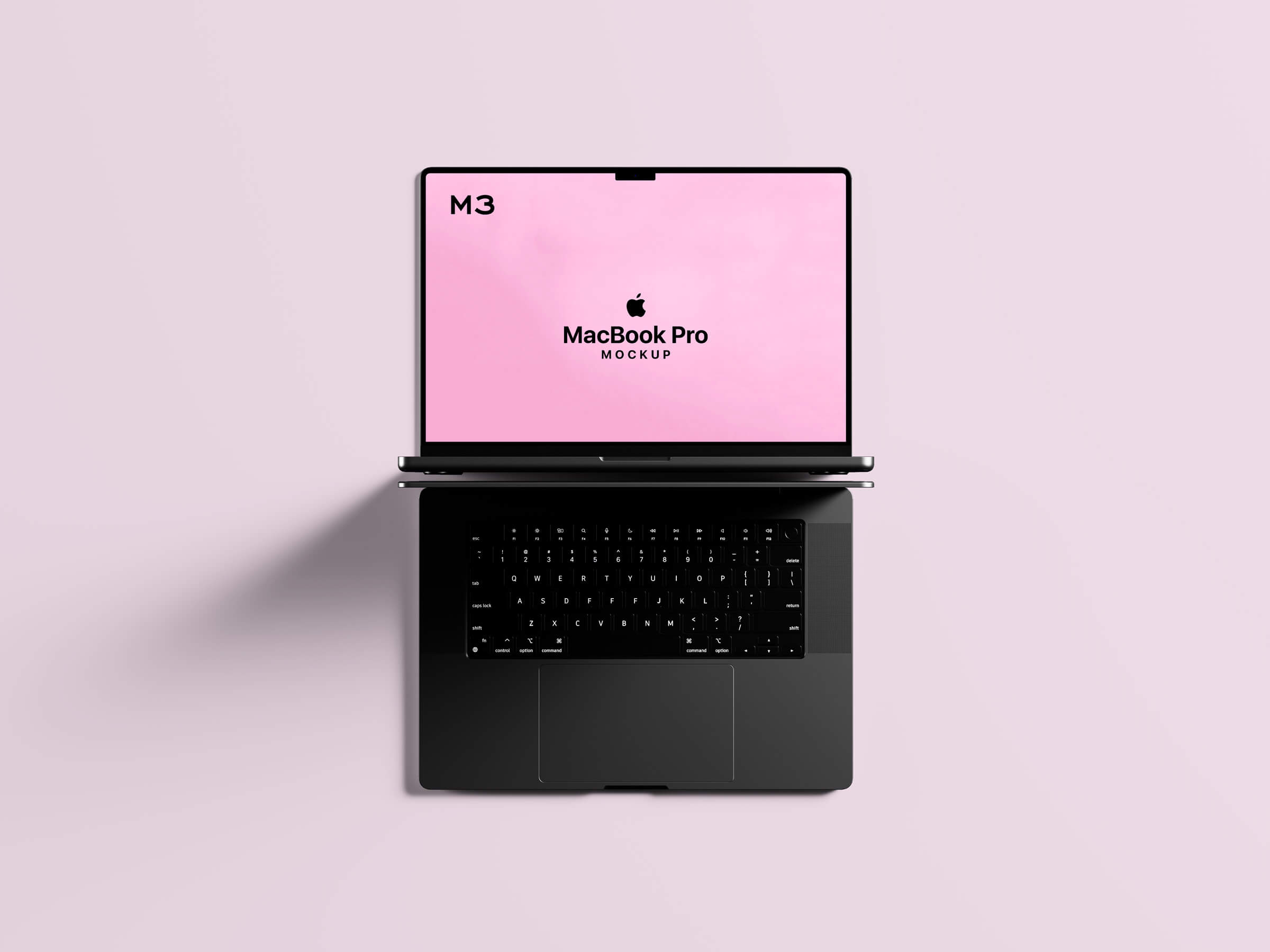
To showcase your artwork in a professional and realistic setting, we're excited to offer a free M3 MacBook Pro mockup in PSD format. This high-resolution mockup provides a stunning representation of the sleek and modern design of the MacBook Pro.
Benefits of Using this Mockup:
- Realistic Presentation: The mockup allows you to showcase your designs in a lifelike environment, enhancing the visual appeal and credibility of your work.
- Effortless Integration: The use of smart objects makes it incredibly easy to insert your artwork into the mockup with just a few clicks.
- Free for Personal and Commercial Use: This mockup is entirely free for both personal and commercial projects, allowing you to leverage its benefits without any restrictions.
Download the M3 MacBook Pro Mockup and bring your designs to life!
Instructions:
- Place Artwork: Simply drag and drop your design onto the designated smart object layer in the Photoshop file.
- Photoshop Requirements: Make sure you have Adobe Photoshop CS5 or a later version installed.
Download the mockup today and elevate your design presentations to the next level!