MacBook Pro On Sofa Mockup

We are currently living in the era of 8K dominance. Whether it is a professional-grade monitor or a flagship television, 8K has become the gold standard for consumer displays, offering the most breathtaking visual fidelity available to date. Interestingly, scientists suggest that the human eye, with perfect 20/20 vision, perceives the world at an equivalent of 32K resolution. While this remains the benchmark for "true-to-life" clarity, modern technology is rapidly closing the gap. Although the jump from 4K to 8K offers subtle improvements that can be difficult for the average viewer to distinguish, the underlying processing power required to drive these pixels is evolving at a staggering pace.
To meet the demands of this high-resolution world, hardware is becoming increasingly formidable. As of today, March 2, 2026, the industry is witnessing the launch of the Mac Studio M5 series—machines specifically engineered to handle the rigors of 8K video editing and complex computational tasks. The standard M5 Max configuration features a 16-core CPU, a 40-core GPU, 36GB of Unified Memory, and a 512GB SSD, retailing at $1,999. For power users, the M5 Ultra doubles these specifications and the price point, providing an unparalleled workstation for AI generation, high-fidelity scene rendering, and element-rich 3D environments.
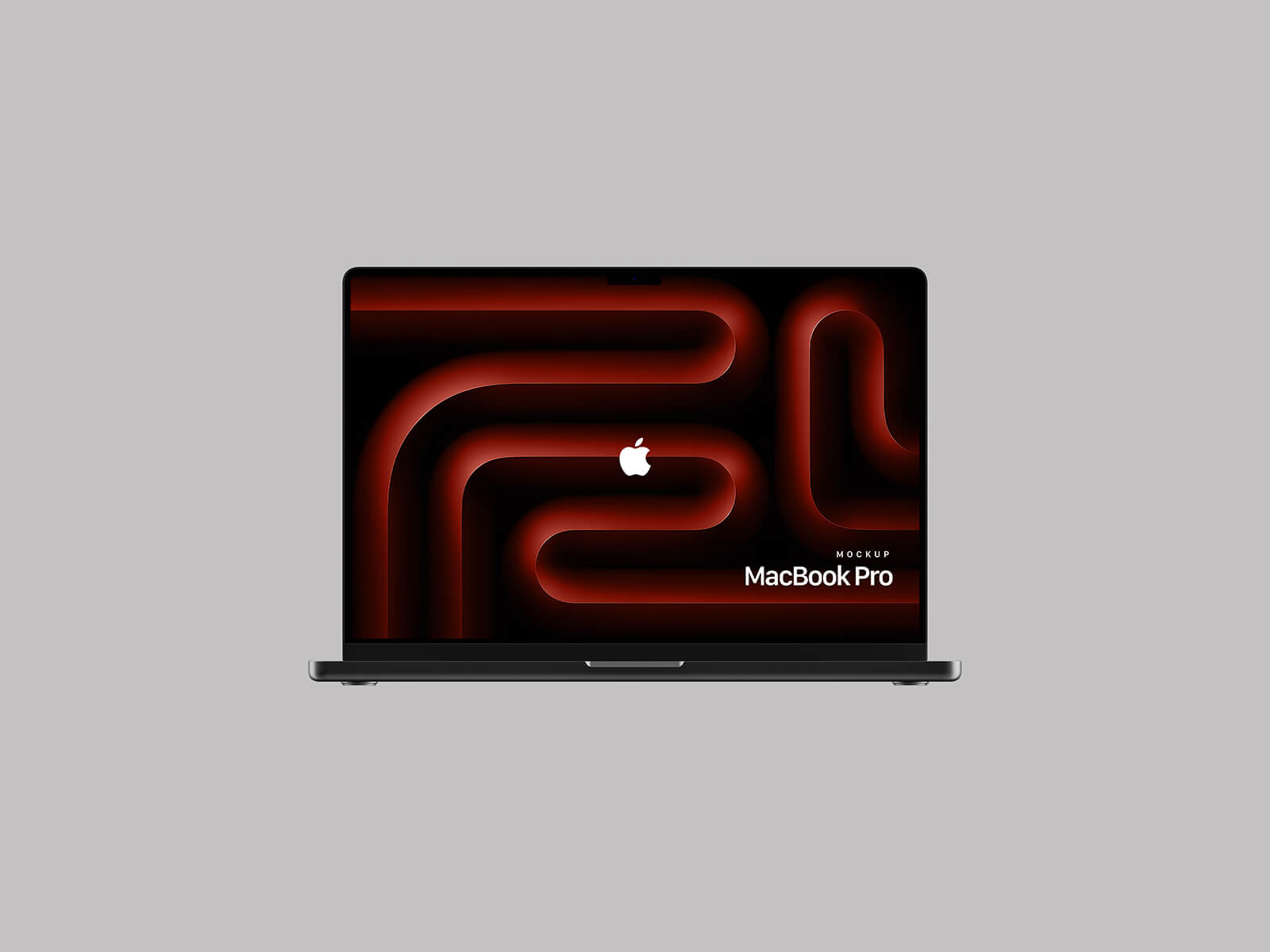
To help you showcase your own high-resolution designs in a professional setting, we are pleased to offer a premium MacBook Pro mockup. Photographed in a cozy, realistic setting on a sofa, this mockup is perfect for presenting web designs and digital interfaces with authentic flair.
Mockup Details & Instructions:
- Available Format: High-quality, layered PSD with smart object integration.
- License: Completely free for both personal and commercial projects.
- Package Includes: One Photoshop PSD file.
- Resolution: 4000 x 3000 px for crystal-clear presentation.
- Compatibility: Requires Adobe Photoshop CS5 or higher.
How to Use: 1. Open the PSD file and locate the designated smart object layer. 2. Double-click the layer to insert your web or UI design. 3. Save and close the smart object to see your artwork perfectly rendered in a realistic environment.
Download the MacBook Pro Mockup now to elevate your design portfolio.