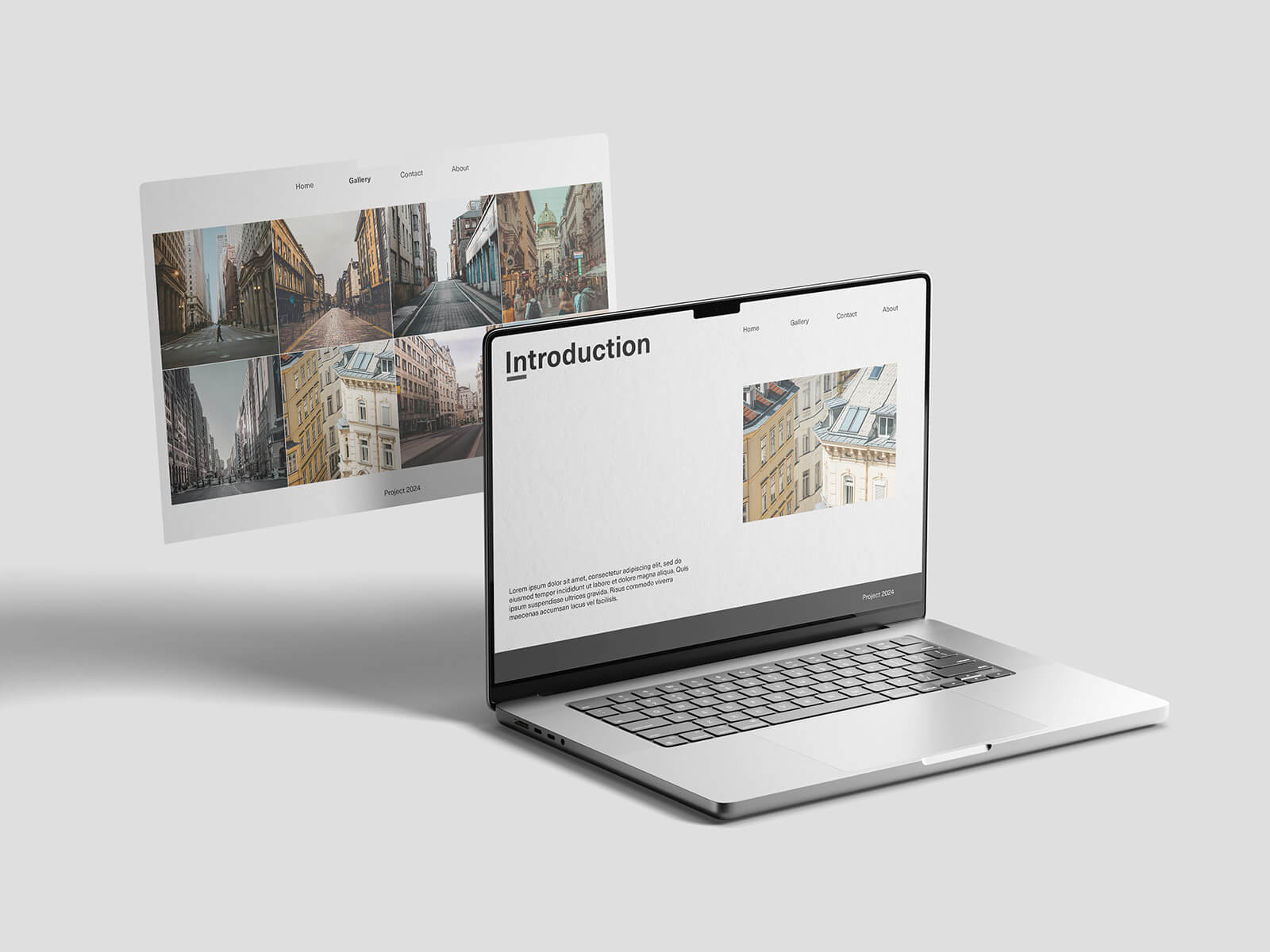
MacBook Pro Screen Web UI Mockup
Transitioning from Windows to Mac has proven to be one of the most rewarding decisions I’ve ever made. After nearly a month of using macOS, I’m still amazed by how seamlessly everything operates—especially when handling demanding creative workflows. Running multiple design applications simultaneously, including 3D rendering software, feels effortless. The M4 chip’s performance has exceeded all my expectations. Just yesterday, I rendered a complex scene with multiple light sources (spotlights and skylights) while actively editing layered Photoshop files—all with 6-7 browser tabs running in the background. The system didn’t stutter once.
There’s an undeniable magic in Apple Silicon’s efficiency. For Windows users curious about the difference, I’d strongly recommend trying even an entry-level Mac Mini to experience it firsthand. If your budget allows, investing in an M5-powered MacBook Pro promises a future-proof machine that could easily last a decade without compromises.
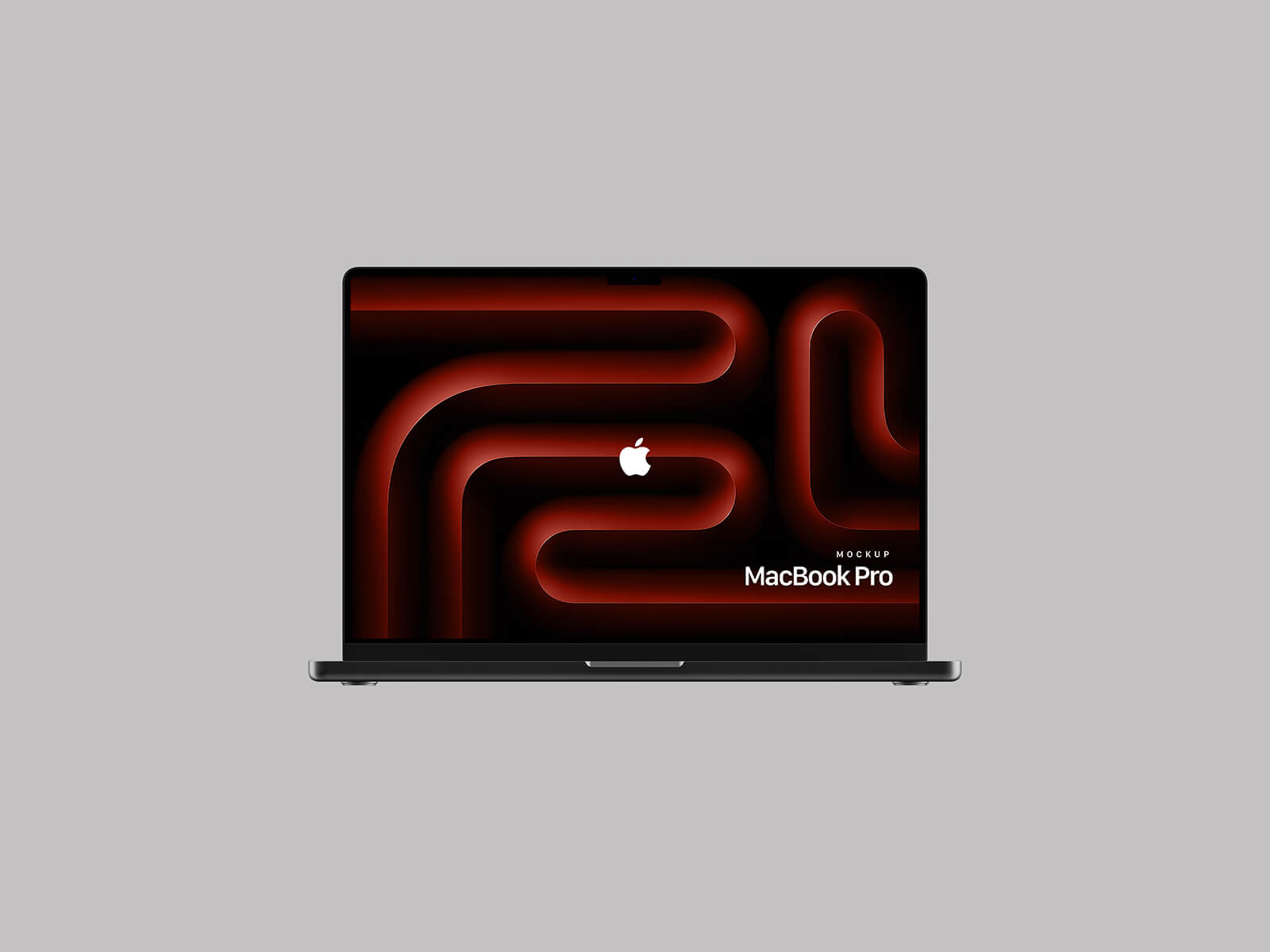
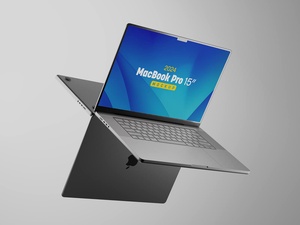
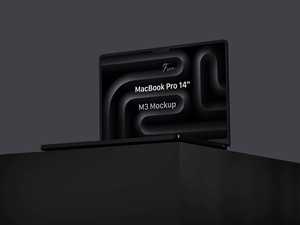
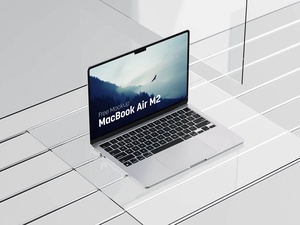
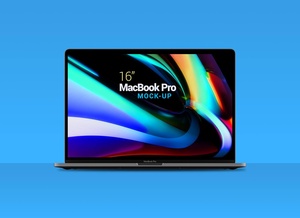
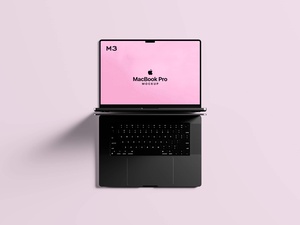
For designers looking to showcase their work professionally, we’re providing a high-fidelity MacBook Pro screen mockup template in PSD format. Simply insert your artwork into the smart object layers for photorealistic presentations.
Key Details:
- Format: Layered PSD with editable smart objects
- License: Royalty-free for personal and commercial projects
- Dimensions: 4500 × 3000 px (print-ready resolution)
- Compatibility: Adobe Photoshop CS5 or newer
How to Use:
1. Replace the smart object content with your own designs.
2. Adjust lighting/shading if needed for realism.
(Note: The mockup is ideal for portfolios, client pitches, or social media previews.)