Open & Title Landscape Book Mockup
When dealing with multi-page documents, the margin for error is notoriously slim. Even before a project reaches the printing press, the pre-press phase remains one of the most demanding stages of production, often harboring unforeseen technical "surprises." These oversights can quickly escalate into costly blunders. For instance, a critical design element might fail to render during the plate-making or scanning process, resulting in a missing graphic across every single page. Such errors are not just aesthetically damaging—they are financially draining, as they frequently necessitate a complete reprint, rendering the initial batch of materials entirely obsolete.
To safeguard your work and ensure the final product mirrors your digital vision, it is imperative to adhere to industry-standard workflows. Utilizing professional-grade software like Adobe Illustrator and Adobe InDesign is the first step; these platforms offer the highest compatibility with modern printing RIP (Raster Image Processor) systems, significantly reducing the likelihood of processing errors. Furthermore, designers should always "expand appearances" of complex elements. This ensures that if a layout needs to be rotated for "upping" or imposition, the effects and strokes remain locked in their intended direction. Equally vital is the practice of converting all fonts and curves into outlines. This simple step prevents font substitution issues and ensures that every character prints with crisp, unwavering precision.
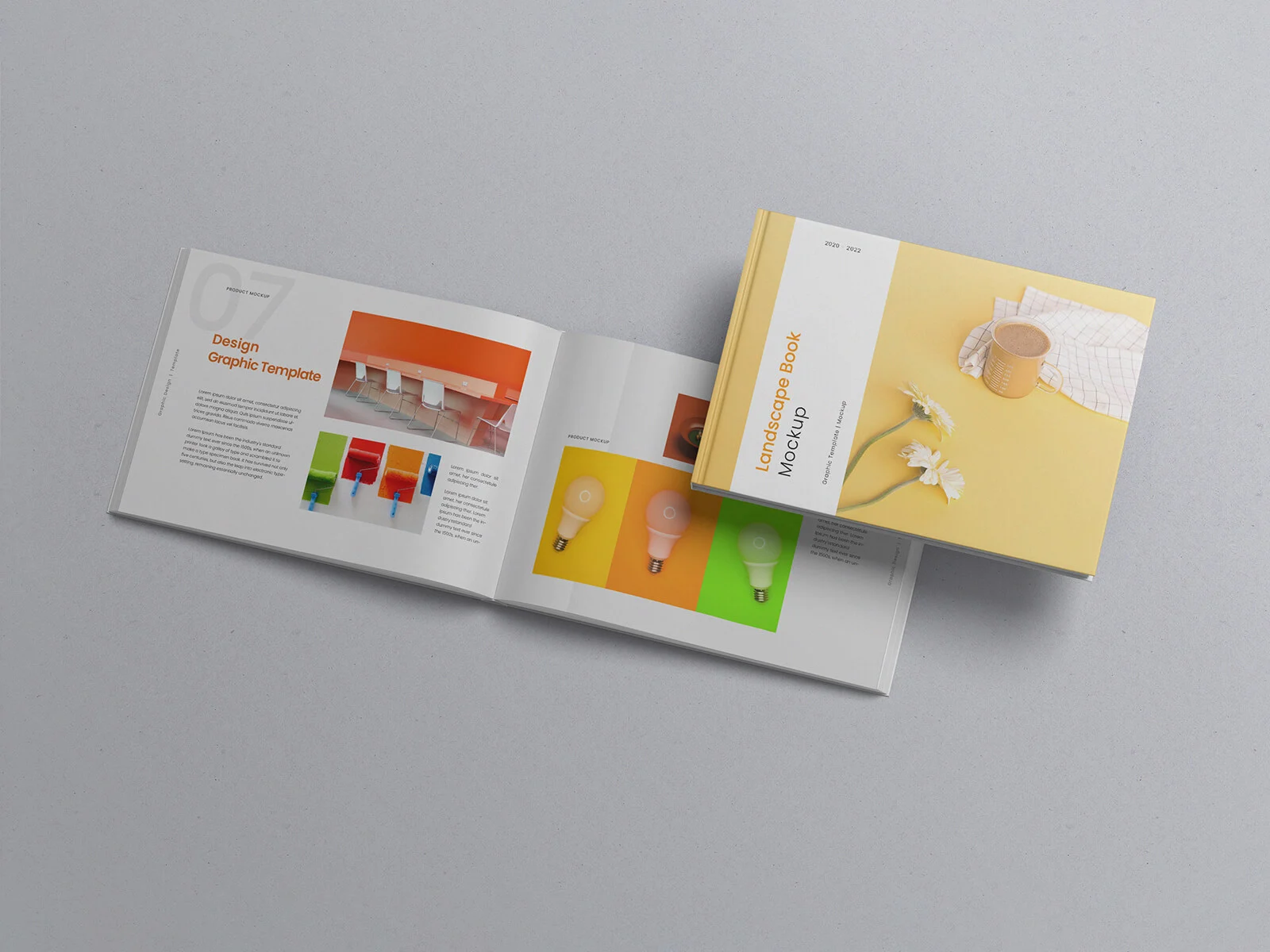
To help you visualize your next publication project with confidence, we are pleased to offer a high-quality, open-and-title landscape book mockup in PSD format. This resource allows you to project your artwork onto a realistic 3D model, providing a tangible sense of the final outcome before you commit to the press.
Technical Details & Features:
- Realistic Presentation: Features an open landscape orientation with a visible title cover for a comprehensive preview.
- Customizable: Includes a changeable background color to suit your brand’s aesthetic.
- Ease of Use: Simply place your design into the designated smart object layers for an instant, professional result.
- Resolution: High-definition 4000 x 2667 px for crystal-clear detail.
- Format: Layered PSD file.
- License: Free for both personal and commercial projects.
- Requirements: Compatible with Adobe Photoshop CS5 and above.
Instructions: 1. Open the PSD file and locate the smart layers. 2. Double-click to place your book cover and interior spread designs. 3. Adjust the background color as needed to complement your artwork. 4. Save the smart object to see your realistic 3D render.