Printer Test Page Print Mockup

The landscape of color printing has undergone a radical transformation in recent years, becoming significantly more affordable and accessible since water-based ink systems and high-efficiency printers entered the mainstream market. While Epson has long been recognized as a market leader in this sector, HP has kept pace remarkably well, securing a substantial market share through innovation and reliability. If you are searching for the absolute champion in the water-based printing category, look no further than the latest HP Smart Tank 500 series. Investing in the most recent version of this series is a decision you will never regret; it delivers breathtakingly vibrant results that rival professional print shops.
To achieve the best possible output, we recommend using 90 gsm color paper for full-color projects to ensure crispness and depth. For standard, less critical documents, 80 gsm paper is perfectly sufficient for black-and-white printing. One of the most impressive aspects of the HP Smart Tank system is the longevity of its ink. HP provides high-capacity ink bottles that, depending on your daily volume, can last anywhere from five to ten years.
Our own office experience stands as a testament to this printer's durability. We typically print several color pages daily, and we have even used the HP Smart Tank to print entire books. After five years of rigorous, continuous use, the machine still performs as if it were brand new. Remarkably, we still have an original black ink refill bottle remaining from our initial supply.
Maintenance is equally user-friendly. When we occasionally encountered "missing lines" in our prints due to air bubbles in the tubes, the fix was incredibly straightforward. By simply opening the printer cover and using a basic suction tool to clear the bubbles, the printer was restored to flawless operation. The unit is designed to be easily dismantled and reassembled, making DIY maintenance a viable option. If you are hesitant to perform these repairs yourself, professional servicing is always an option; however, a quick search for a YouTube tutorial will likely give you the confidence to resolve minor issues in minutes.
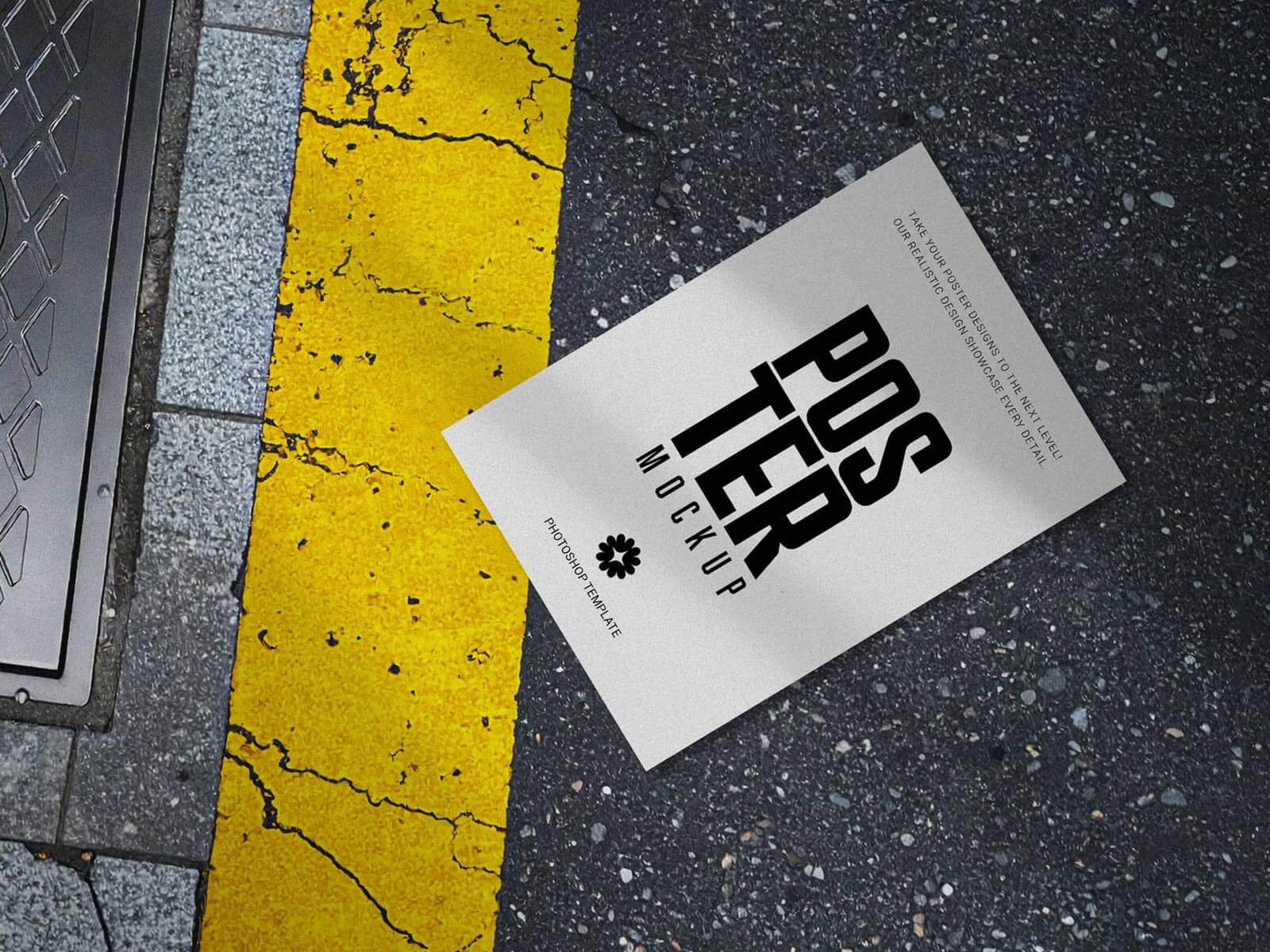
In addition to our recommendation, we are pleased to share a premium printer test page mockup in PSD format. This resource is perfect for designers who need to present their test page layouts or printer calibration designs in a professional, realistic setting.
Technical Specifications & Download Details:
- Available Format: Layered PSD with easy smart object insertion.
- License: Free for both personal and commercial usage.
- Zip File Contents: 2 high-quality Photoshop PSD files.
- Resolution: 3187 x 2390 px.
Instructions for Use: 1. Open the PSD file and locate the smart object layer to place your HP, Epson, or Canon test page design. 2. Software Requirement: Adobe Photoshop CS5 or higher is required to edit these files. 3. Save the smart object to see your design perfectly rendered on the mockup.
Download the Test Page Mockups today and elevate your presentation quality!