Retina iMac Mockup

The Apple iMac lineup, spanning from the revolutionary M1 to the latest M3 and M4 iterations, remains a premier choice for graphic design professionals. These machines are engineered to excel in industry-standard environments like Adobe Photoshop, Illustrator, and InDesign. The latest M4 model, equipped with a standard 16 GB of unified memory and 512 GB of SSD storage, offers a seamless multitasking experience. This configuration is particularly adept at handling high-resolution 16-bit files and maintaining a fluid workflow even when dozens of browser tabs or resource-heavy web applications are running simultaneously.
For professionals whose work extends into the demanding realms of 4K video editing and complex 3D rendering, upgrading to a higher RAM capacity and the 10-core GPU variant is highly recommended. These advanced specifications significantly accelerate export times and ensure real-time playback during intensive creative tasks. While the internal storage is lightning-fast, video editors can easily expand their capacity using high-speed external drives to manage large project libraries. Beyond raw power, the iMac’s signature Retina display provides the color accuracy and pixel density essential for professional-grade visual work.
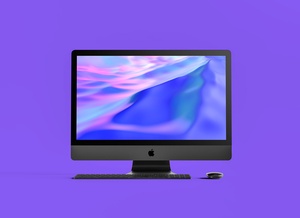
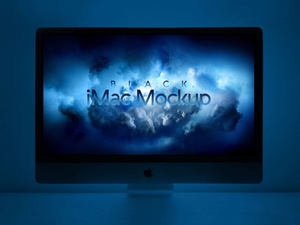
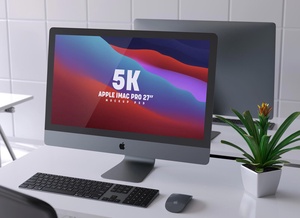
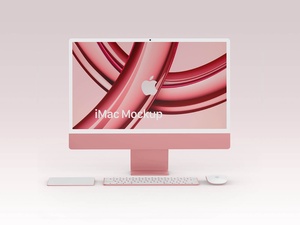
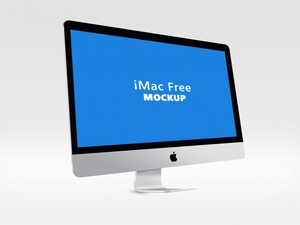
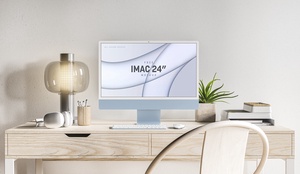
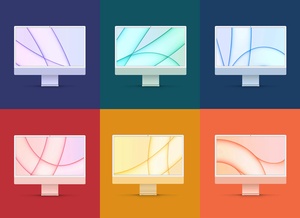
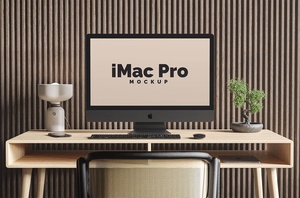
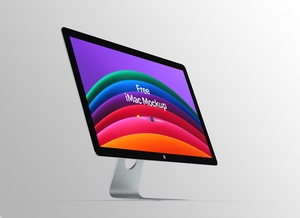
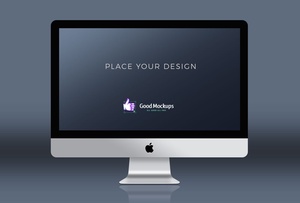
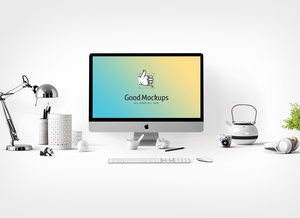
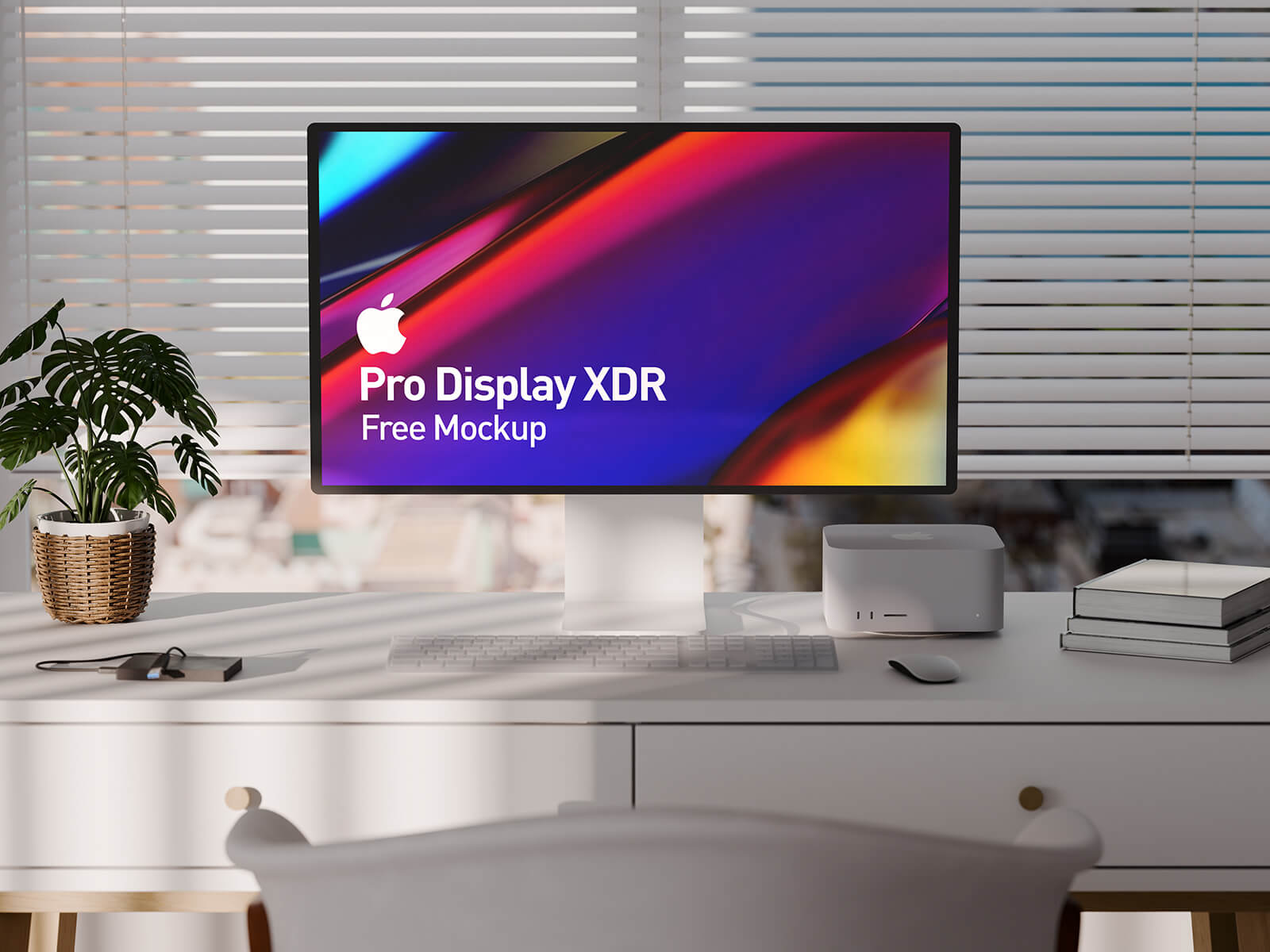
To help you showcase your own designs on this iconic hardware, we are pleased to provide a premium Retina iMac Mockup in PSD format. This tool is designed to give your web or UI designs a realistic, professional finish. Featuring a customizable background and smart object integration, you can visualize your artwork in a high-fidelity environment with just a few clicks.
Mockup Specifications & Description: * Available Format: Fully layered PSD with intuitive smart object insertion. * Licensing: Complimentary for both personal and commercial projects. * Package Includes: One high-quality Photoshop PSD mockup file. * Resolution: High-definition 3500 x 2350 px for crisp detailing.
Instructions for Use: 1. Open the PSD file and double-click the smart object layer to place your web or interface design. 2. Adjust the background color to complement your branding. 3. Software Requirement: Adobe Photoshop CS5 or higher is required for full compatibility.